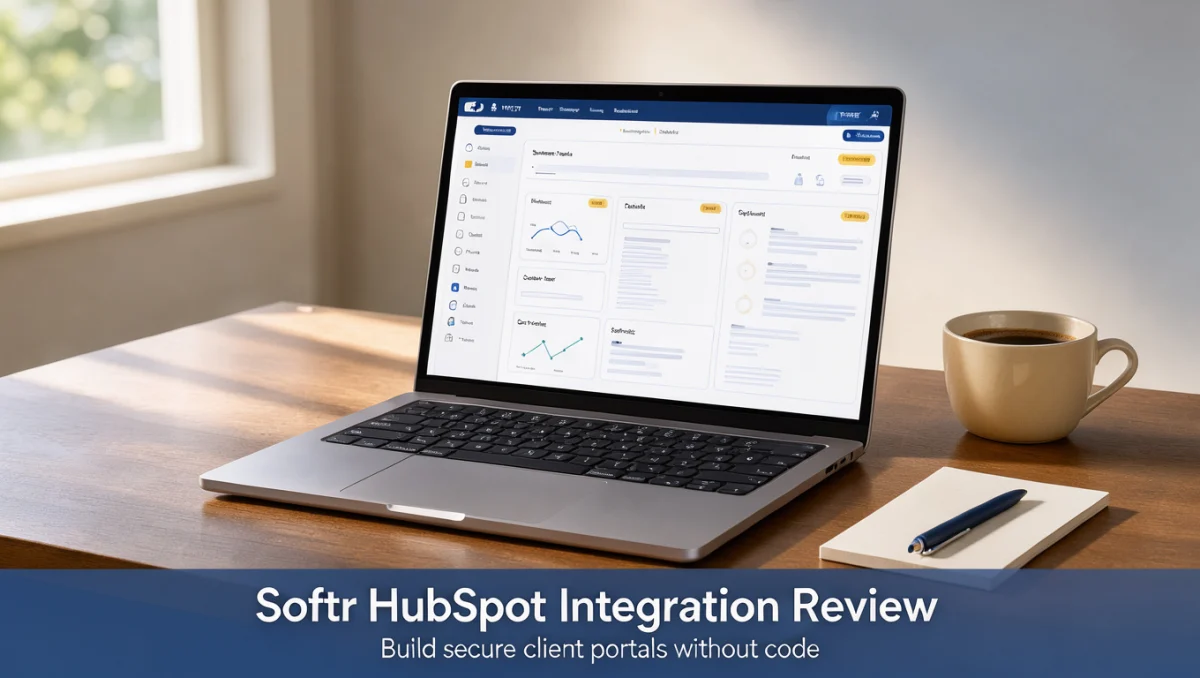
Many teams hold their contacts, deals and account records in HubSpot but still share updates with clients through scattered emails and spreadsheets. Pairing Softr with HubSpot offers a way to convert those existing records into browser-based portals and internal tools without writing custom software. Before committing, it helps to understand how the setup works, where it fits, and where it falls short.
Giving outside clients direct access to a CRM exposes sensitive pipelines and admin settings. A separate portal layer solves this by showing only selected records and fields to approved visitors, while the core CRM stays locked down. Our team at topappreviewsites reviewed how this combination supports collaborative customer experiences across a typical Collaboration & Productivity stack.
Quick verdict: Softr earns a topappreviewsites score of 7.9 / 10. The Softr HubSpot integration suits client-facing service providers and sales operations that need structured partner portals. It is less suited to enterprises that depend on complex offline scripting or strict on-premise governance.
| Metric | Summary |
|---|---|
| topappreviewsites score | 7.9 / 10 |
| Best for | Teams that want to publish client portals, resource hubs and member directories straight from CRM records without hiring web developers. |
| Not ideal for | Organizations with custom on-premise databases, complex offline sync needs, or strict compliance rules requiring self-hosted front-end code. |
| Key strengths | Visual block assembly, simple connection to contact records, and permission boundaries based on contact properties. |
| What to check before buying | Compare the official plan pages for both platforms to confirm sync limits, seat policies and custom domain availability. |
1. How topappreviewsites Reviewed Softr
This review covers what Softr is designed to do, who it serves, and how it stacks up against similar tools. We assessed it on seven topappreviewsites criteria: features, ease of use, pricing and value, integrations, audience fit, support and competitive position. Plans, prices and limits change frequently, so confirm current details on the official website before buying. This article was researched and drafted with AI assistance, then reviewed and edited by the topappreviewsites Editorial Team.
2. What Is Softr and Who Is It For
Softr is a no-code web application builder that turns structured data into client portals, partner directories, internal trackers and membership sites. Instead of maintaining a separate front-end codebase, users connect existing data sources and assemble interfaces from modular drag-and-drop blocks. Its typical users include small business operators, marketing agencies, consultants, startup founders and operations leads who want web interfaces tied directly to their main customer data.
CRM platforms hold essential information about leads, clients, vendors and deals. Giving external clients or contractors direct access to that system, however, creates security risks and confusion. Connecting Softr to CRM records lets teams expose specific records, fields and forms to authorized visitors while leaving core CRM settings untouched.
Organizations usually adopt this pairing when manual email updates, shared spreadsheets and static PDF reports consume too much administrative time. A dedicated portal lets businesses share live ticket statuses, project updates and account profiles in one organized browser environment.
3. Core Features of Building Applications With CRM Data
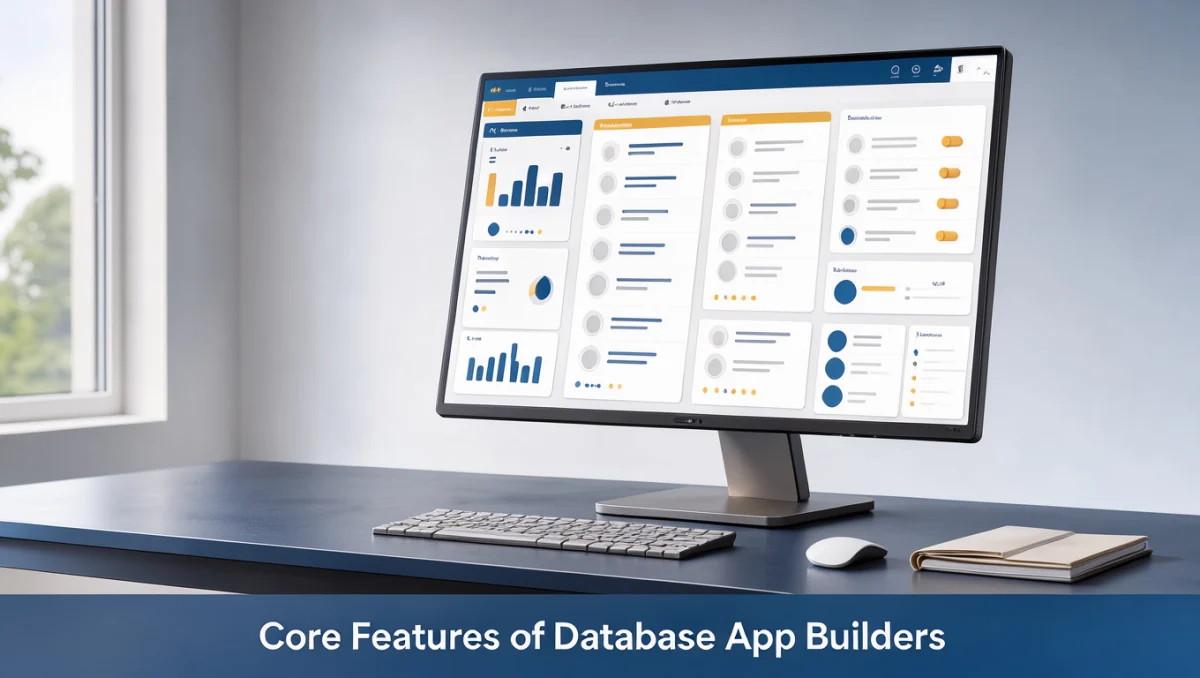
Application builders designed around structured databases typically provide three core capabilities: layout design, user authentication and two-way record management. Understanding these areas helps your team map operational requirements before committing resources.
3.1. Client Portals and External Dashboards
External client portals give customers a dedicated login to review account status, download shared resources and track milestone progress. In a standard consulting or agency workflow, client contacts sign in with their registered email address and see only the records linked to their company profile.
Layout blocks display CRM properties through visual cards, dynamic lists, kanban views and summary tables. Users can filter entries by status, date or assignee without changing the underlying CRM structure. This setup often reduces incoming support requests about project updates and invoice status.
3.2. Granular Data Permissions and Field Mapping
Granular access rules control which logged-in visitors can view, edit or create records in each portal view. Access levels can match attributes stored on the contact record itself, such as customer tier, department or account owner.
Field mapping ensures that data submitted through public forms or private member profiles populates the correct CRM property. Administrators can hide fields, mark labels as read-only and set required inputs, which helps preserve data integrity across customer interactions.
3.3. Web Forms and Two-Way Record Updates
Two-way data exchange lets portal users submit new service requests or update their contact details from the browser. When a customer changes an address or uploads a project brief, the change appears in the connected CRM record right away.
Web forms embedded in client dashboards cut down on duplicate data entry. Instead of staff copying details from email threads into customer profiles, structured inputs flow directly into automated workflows.
4. Ease of Use and Learning Curve
Building interfaces without code reduces development friction for general business users. Softr groups layout elements into pre-configured blocks such as navigation bars, profile headers, item grids and structured forms. Non-technical administrators can assemble working pages in hours rather than weeks.
The main learning curve involves data structure and record relationships. If CRM fields are disorganized, use inconsistent naming or lack clear associations between company profiles and individual contacts, setting up dynamic portal filters will require cleanup first. Teams comfortable with basic spreadsheet logic and CRM properties should find setup straightforward.
5. Pros and Cons of This Integration Setup
Any software connection involves trading workflow benefits against practical limits. Buyers should weigh both during discovery.
5.1. Advantages
- Removes the need for custom web development when building client-facing portals.
- Keeps external users out of the core CRM backend, protecting admin settings and confidential pipelines.
- Maintains consistent customer information by reading and writing directly to central contact and company records.
- Offers accessible visual controls for layout, typography and navigation without scripting.
5.2. Practical Constraints
- Complex queries across multiple linked objects can be harder to configure than custom code.
- Portal speed and page rendering depend on data availability and sync cycles.
- Customization is limited to the available layout blocks, which may restrict highly unique designs.
- Subscription costs add up across platforms, so budgets must balance builder tiers against CRM seat costs.
6. Softr vs Similar Portal Builders
Buyers comparing no-code web builders often look at Softr alongside other database-driven options. Understanding how each platform is positioned helps match the tool to your architecture.
| Platform | Core Positioning | Best For | Key Consideration |
|---|---|---|---|
| Softr | No-code portal and internal tool builder built around structured cloud data sources. | Client portals, partner directories and membership communities that need fast setup. | Best for teams that prioritize speed and pre-built blocks over custom code. |
| Airtable Interfaces | Built-in dashboard and interface layer inside the native relational database. | Internal project tracking and workflows kept entirely within base records. | Designed mainly for internal collaborators rather than standalone client-facing portals. |
| Glide | Mobile-first application generator driven by spreadsheet collections. | Field operations, mobile inventory checks and internal employee directories. | Styling follows strict component guidelines suited to mobile devices. |
| Bubble | Visual full-stack web development platform supporting custom logic. | Complex web applications and marketplaces needing custom database structures. | Steeper learning curve that requires understanding of database relations and logic. |
7. Who Should Use Softr HubSpot Integration
Whether this setup fits depends on your team's technical capacity, client communication style and daily workflow. Different business profiles see different results.
7.1. Freelancers and Solo Consultants
Solo operators often lose billable time to emailing deliverables, resending invoice links and answering scheduling questions. A streamlined client dashboard lets them deliver a polished experience while keeping administrative hours low. Solo users should check individual plan limits on the official vendor site to confirm the entry tier covers their client volume.
7.2. Small Business Owners
Growing businesses managing multiple service contracts benefit from centralized onboarding portals. Rather than onboarding clients through scattered message threads, companies can route new accounts through automated welcome checklists tied to CRM pipelines. This keeps customer touchpoints consistent as teams grow.
7.3. Marketing and Sales Teams
Marketing and sales staff often manage partner networks, affiliate directories or co-marketing libraries. A dynamic portal lets channel partners access shared assets and submit deal registrations directly into the right CRM stages, speeding up collaboration.
7.4. Teams That Should Look Elsewhere
Organizations bound by rules that prohibit third-party cloud data processing may need on-premise custom development. Businesses requiring offline data storage or high-volume transactional processing should evaluate dedicated engineering frameworks instead of visual no-code builders.
8. How to Choose the Right Plan
Subscription tiers on cloud platforms change over time. Before entering payment details, confirm the specific usage thresholds on each vendor's official website.
| What to Check on the Official Pages | Why It Matters for Your Budget |
|---|---|
| Portal user authentication limits | Some tiers distinguish between public visitors and authenticated portal members, affecting monthly costs as client volume grows. |
| Record read and write capacities | Query and record limits vary by plan, so audit current CRM record counts before deploying large directories. |
| Custom domain and branding options | Client-facing portals usually need white-label URLs and custom styling to keep brand continuity. |
| Synchronization frequencies | Real-time updates versus scheduled background syncs determine how quickly portal edits appear in customer profiles. |
| Role-based permission settings | Advanced visibility rules based on specific CRM contact properties may require a higher tier. |
9. Frequently Asked Questions
How does a portal builder protect confidential records in a customer database?
Portal builders keep the core database out of public view by applying strict display rules. When an authenticated client logs in, filters query only the entries matching that user's identifier. Internal notes, unassigned deal pipelines and admin settings stay hidden from front-end visitors, so proprietary information remains secure.
What data preparation is needed before connecting a CRM to a portal builder?
Before connecting, audit your property fields for consistency, remove duplicate entries and confirm that contacts link correctly to their parent company profiles. Clear status tags, clean email fields and standardized relationships ensure that visual blocks filter and display the right client information without errors.
How should small teams budget for building portals across multiple tools?
Budgeting for a connected stack means reviewing costs for both the interface builder and the underlying database. Check whether portal users need paid CRM seats or act purely as external viewers. Review both official pricing pages to build accurate projections as user counts grow.
What technical skills are needed to maintain a no-code client portal?
Maintaining a no-code portal requires general digital literacy, familiarity with relational data fields and an understanding of user permissions. Administrators do not need web development languages or server experience. Routine upkeep involves updating layout blocks, adding new CRM properties and reviewing periodic sync logs.
10. Final Verdict
Pairing visual interface building with centralized relationship records offers an accessible route to automated client communication. Instead of maintaining custom web applications or sending manual emails, service businesses can present dynamic information in a structured, professional setting. Research by Top App Review Sites stresses aligning interface requirements with clean data architecture before launching customer-facing apps.
| Criterion | Score / 10 | Reason |
|---|---|---|
| Features | 8.2 / 10 | Dependable visual page assembly, relational field display, client authentication and dynamic forms. |
| Ease of Use | 8.8 / 10 | Modular block organization makes layout assembly simple for office staff without programming experience. |
| Pricing and Value | 7.2 / 10 | Buyers must balance builder subscriptions against CRM license costs, so self-audits are essential. |
| Integrations | 7.8 / 10 | Direct connections to major cloud databases streamline record visualization, though offline sync remains limited. |
| Audience Fit | 8.5 / 10 | Serves agencies, consultants and marketing teams wanting polished partner dashboards with minimal setup. |
| Support | 7.0 / 10 | Documentation and community resources guide initial setup, though specialized data architecture advice requires careful planning. |
| Competitive Position | 7.6 / 10 | Holds a competitive niche for fast client portal creation compared with traditional full-stack engineering. |
Overall score: 7.9 / 10
For independent consultants and growing service agencies, building client hubs with Softr linked to customer records provides an organized, scalable communication channel. If your organization manages complex enterprise databases or needs custom-coded server logic, consider custom software alternatives. For questions about software evaluation or specific implementation setups, contact topappreviewsites via the contact page or follow topappreviewsites on LinkedIn at https://www.linkedin.com/company/topappreviewsites/.