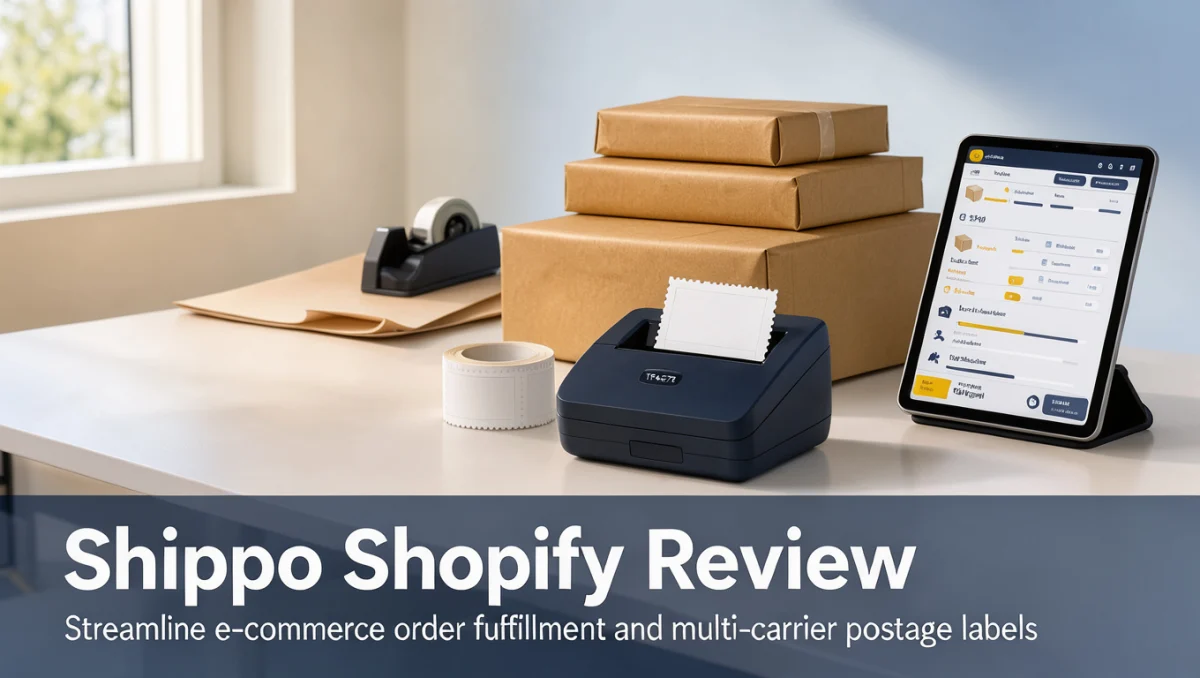
Selling physical goods online means someone has to turn every new purchase into a packed, labeled, tracked parcel. Pairing shippo shopify is one way merchants reduce that daily grind, and this guide walks through what the setup actually looks like in practice.
Shipping software sits between your storefront and the couriers you rely on. Its job is to pull in paid orders, quote postage across carriers, print labels and push tracking details back to the customer. Before comparing options, it helps to know which tasks your team repeats most often, since that determines which features matter.
Here is the short version of our assessment: the platform scores 8.0 out of 10 on the topappreviewsites scale. It fits independent sellers and growing retail teams who want clean order syncing and multi-carrier choice. It is less suited to large distribution centers running conveyor systems or specialized freight networks.
| Metric | Summary |
|---|---|
| topappreviewsites score | 8.0/10 |
| Best for | Independent sellers and retail teams wanting one place to fulfill multi-carrier orders |
| Not ideal for | Enterprise distribution centers with custom sortation hardware or bespoke freight logistics |
| Key strengths | Automatic order sync, side-by-side carrier rates, and batch label printing |
| Confirm before buying | Carrier availability, volume thresholds, and insurance terms on the official website |
1. How we evaluated Shippo
We assessed the product against seven criteria used across our reviews: features, ease of use, pricing and value, integrations, audience fit, support, and competitive position. Plans and limits shift frequently, so treat any figure in this article as a starting point and verify it on the vendor's site. This piece was drafted with AI assistance and then checked and edited by the topappreviewsites Editorial Team.
2. What the platform does and who it suits
Shippo is a shipping and fulfillment application that centralizes parcel work for online merchants. It connects your storefront to carrier networks so you can import unfulfilled orders, compare postage, print labels and follow shipments from one screen.
Its typical users are direct-to-consumer brands, boutique shops and digital merchants shipping physical products. Teams that already coordinate work across several tools will recognize the same logic found in collaboration software: one shared view of what needs to ship next.
2.1. Why shipping tools matter for store operations
Copying addresses by hand into carrier portals is slow and invites mistakes. Shipping software removes that re-entry by moving customer data straight into the packing queue, which cuts delivery errors and frees staff for other work.
Seeing several carrier options on one screen also lets you pick the right speed for each parcel rather than defaulting to a single courier account.
3. Main functions
Most shipping platforms cover the same stages of fulfillment. Checking how each stage works against your weekly routine is the most reliable way to judge fit.
3.1. Order sync and dispatch queue
Paid orders flow from the store into a central queue, along with delivery address, chosen shipping method and item weight. Once a label is created, the tracking number is written back to the order and the record is marked fulfilled, so the store stays accurate without manual updates.
3.2. Multi-carrier rate comparison
The rate view lists transit times and estimated postage from participating carriers for a given package size. Dispatchers can weigh ground, expedited and express options against customer expectations and shipping budget. Because carrier agreements change, confirm which services are available in your region on the official site.
3.3. Batch labels and paperwork
Instead of creating labels one at a time, staff can select a group of orders and produce labels together, ready for thermal or standard printers. International shipments also need customs forms and commercial invoices, which these tools can generate, reducing bottlenecks during busy sales periods.
3.4. Tracking visibility
Tracking data from different couriers appears in one dashboard, making it easier to spot delayed or exception parcels. Automated status emails let customers follow their delivery without contacting support, which cuts down on routine inquiries.
4. Usability and learning curve
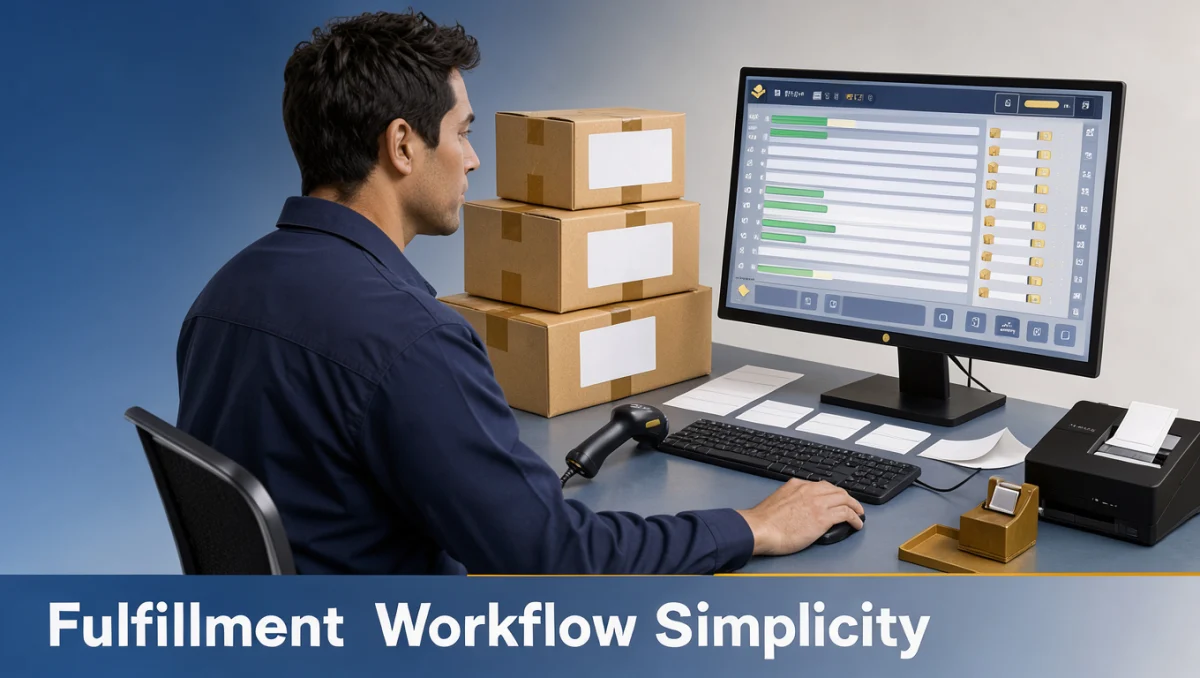
The interface centers on order queues, label purchase steps and tracking summaries. New users usually understand the basic cycle of importing an order, confirming weight and buying postage within a short session.
Simple domestic shipping is quick to learn. Custom package presets, automation rules and cross-border customs setup take more deliberate configuration, so plan some time for that during onboarding.
4.1. Everyday efficiency
Clear status indicators for pending, packed and shipped orders help packers find what they need. If several people handle shipping, review user permissions first and run a test batch during setup so the team can work at pace from the start.
5. Strengths and trade-offs
Every tool has advantages and limits. Weighing both against how you ship will show whether the fit is right.
5.1. Strengths
- A single dashboard for importing orders, choosing carriers and monitoring tracking.
- A setup flow that connects directly to common online store catalogs.
- Time saved through batch printing and automatic fulfillment updates.
- Access to several domestic and international carriers without maintaining separate accounts.
- Tracking overviews that help support teams chase delayed parcels.
5.2. Limits and how to work around them
- Operations with conveyor-based warehouses may outgrow a cloud label workflow and need enterprise warehouse software instead.
- Customization of customer notifications is bounded by the system's templates; check what branding options are offered before counting on them.
- Cross-border shipments depend on accurate tariff codes supplied by the merchant, so keep a reference list of product classifications.
6. How it compares with similar tools
The shipping software market includes platforms aimed at different sizes of operation. The table below sketches where each sits.
| Platform | Market Positioning | Core Operational Focus | Consideration Context |
|---|---|---|---|
| Shippo | Approachable multi-carrier label platform | Quick order fulfillment and clear carrier rate review | Suits independent merchants and growing online stores |
| ShipStation | High-volume multi-channel fulfillment engine | Advanced warehouse routing and complex automation rules | Suits multi-location sellers with intricate dispatch logic |
| EasyPost | Developer-oriented logistics infrastructure | Direct API connection and custom shipping architecture | Best for engineering teams building their own fulfillment software |
6.1. Where the differences show
Shippo aims at direct-to-consumer brands that want a clean interface and reliable order syncing without technical overhead. ShipStation is built for operations that need automation recipes, multi-warehouse splitting and hardware integration. EasyPost suits companies that prefer to build their own dispatch tools through code rather than use a ready-made dashboard.
7. Who should use it

Staff size, order volume and geographic reach all change what a good fit looks like.
7.1. Solo sellers and small makers
Independent shop owners benefit from skipping trips to the post office. Labels print from a standard office printer, addresses are checked, and orders go out without a dedicated shipping employee.
7.2. Growing retail teams
Brands shipping dozens or hundreds of parcels a week need repeatable batch routines. Shared order queues keep packing organized and keep fulfillment status accurate on the storefront.
7.3. Businesses that should look elsewhere
Multi-site distribution hubs with automated sorting usually need dedicated warehouse management systems. Heavy industrial freight or temperature-controlled logistics call for freight brokerage platforms rather than parcel software.
8. Choosing a plan
Shipping subscriptions often combine a recurring platform fee with per-label charges. Match your expected monthly volume to the vendor's tiers to see which structure costs less.
| Evaluation Factor | Why It Matters |
|---|---|
| Monthly order volume | Determines whether pay-as-you-go or a subscription gives more predictable costs. |
| Carrier account access | If you hold negotiated courier rates, confirm that you can connect your own carrier accounts. |
| Number of user seats | Growing packing teams need individual logins to track who handled each order. |
| Customer notification branding | Custom packing slips and tracking pages reinforce brand identity as you grow. |
| Cross-border paperwork | International sellers need automated customs invoices to avoid border delays. |
8.1. Costs beyond the software fee
Shipping spend includes label paper, packing materials, carrier fuel surcharges and optional insurance, not only the monthly subscription. Before choosing a tier, review the official Shippo pricing page for current transaction fees, account limits and terms for your region.
9. Frequently asked questions
9.1. What should I prepare before connecting shipping software to my store?
Check that every product has an accurate weight, package dimensions and a correct warehouse origin address. Clean product data means imported orders produce correct rate quotes without manual fixes at the packing bench.
9.2. How are postage rates calculated?
The software uses origin and destination postcodes, package dimensions and weight to query connected carriers. It then displays delivery timeframes and prices so you can choose between economy ground service and faster options.
9.3. What should I review as order volume grows?
Look at batch printing limits, label processing speed and the number of user permissions available. Make sure several staff members can print a large set of packing documents at once so promotions do not create a backlog.
9.4. How does address checking work?
Address verification compares recipient details against postal databases before a label is bought. Catching a missing apartment number or invalid postcode early cuts down on failed deliveries, return fees and unhappy customers.
9.5. When should I add shipping insurance?
High-value, fragile or irreplaceable items justify insurance. Many platforms offer optional declared-value coverage, but read the claims process on the vendor's website before shipping valuable orders.
10. Final verdict
Shippo offers a dependable link between online stores and major parcel carriers. Its strengths are structured order syncing, transparent multi-carrier rates and straightforward batch labeling.
For independent merchants and mid-sized retail brands who want reliable daily dispatch without heavy logistics infrastructure, it delivers solid value and clarity. Our reviews at Top App Review Sites focus on practical fit, so you can choose tools that match how your team actually ships.
| Criterion | Score /10 | Reason |
|---|---|---|
| Features | 8.2/10 | Covers order sync, batch printing and multi-carrier rate comparison for parcel delivery. |
| Ease of Use | 8.7/10 | A clear order queue and simple label flow keep staff training short. |
| Pricing and Value | 7.8/10 | Good operational fit, though volume thresholds should be confirmed on the official pricing page. |
| Integrations | 8.0/10 | Dependable store sync; check specific third-party connections on official channels. |
| Audience Fit | 8.5/10 | Well matched to independent merchants, expanding retail teams and boutique brands. |
| Support | 7.2/10 | Adequate self-service resources; confirm available contact channels directly with the vendor. |
| Competitive Position | 7.9/10 | A user-friendly alternative to complex enterprise suites for standard parcel work. |
Overall score: 8.0/10
Sellers running single or multi-channel stores will find the platform effective for everyday parcel logistics. Teams with specialized freight, custom warehouse hardware or bespoke development needs should look at dedicated industrial platforms.
Questions about choosing a shipping setup for your store? Reach our editorial team through the Top App Review Sites contact page.
See More Collaboration & Productivity