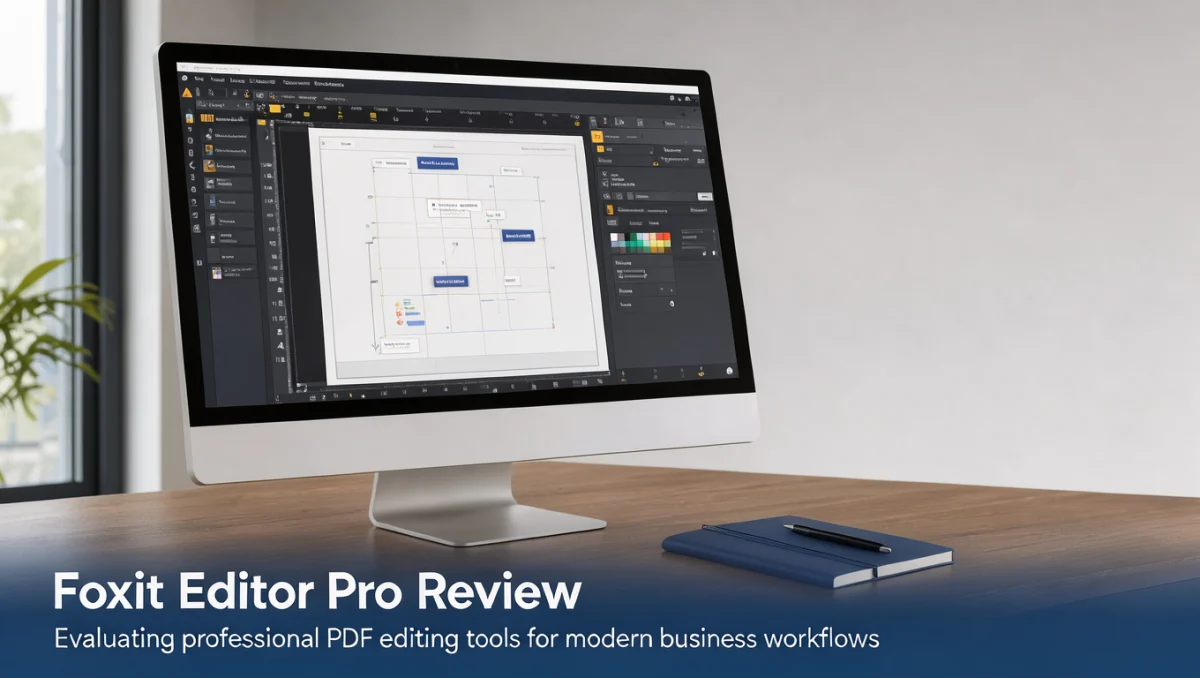
Choosing the right PDF software is less about chasing features and more about matching a tool to how your people actually work. foxit editor pro is built for teams that edit, assemble and protect PDFs every day, and this guide walks through where it makes sense and where a simpler product will do.
Before we get into the details, a quick disclosure: Top App Review Sites may earn a commission when you buy through links on this page, at no extra cost to you. Our ratings are independent and are not affected by that relationship.
| Metric | Summary |
|---|---|
| Top App Review Sites score | 7.7/10 |
| Best for | Teams that regularly handle contracts, build structured forms and review administrative documents |
| Not ideal for | Individuals who only open read-only files now and then |
| Key strengths | Text reflow, form field creation, redaction controls and document assembly |
| Check before buying | Seat minimums and admin rules, confirmed on the vendor's official site |
1. How We Evaluated Foxit Editor Pro
We assessed the product against seven criteria: features, ease of use, pricing and value, integrations, audience fit, support and competitive position. Plans and prices change frequently, so treat our notes as a starting point and verify current terms on the official website. This article was drafted with AI assistance and then reviewed and edited by the Top App Review Sites editorial team.
2. What the Software Does
Foxit Editor Pro is a professional PDF editing and document creation application from Foxit Software. It lets teams change page content, combine separate files into one publication, build interactive fillable forms and add digital signatures. In most offices, tools like this sit at the center of publishing, legal filing and record keeping.
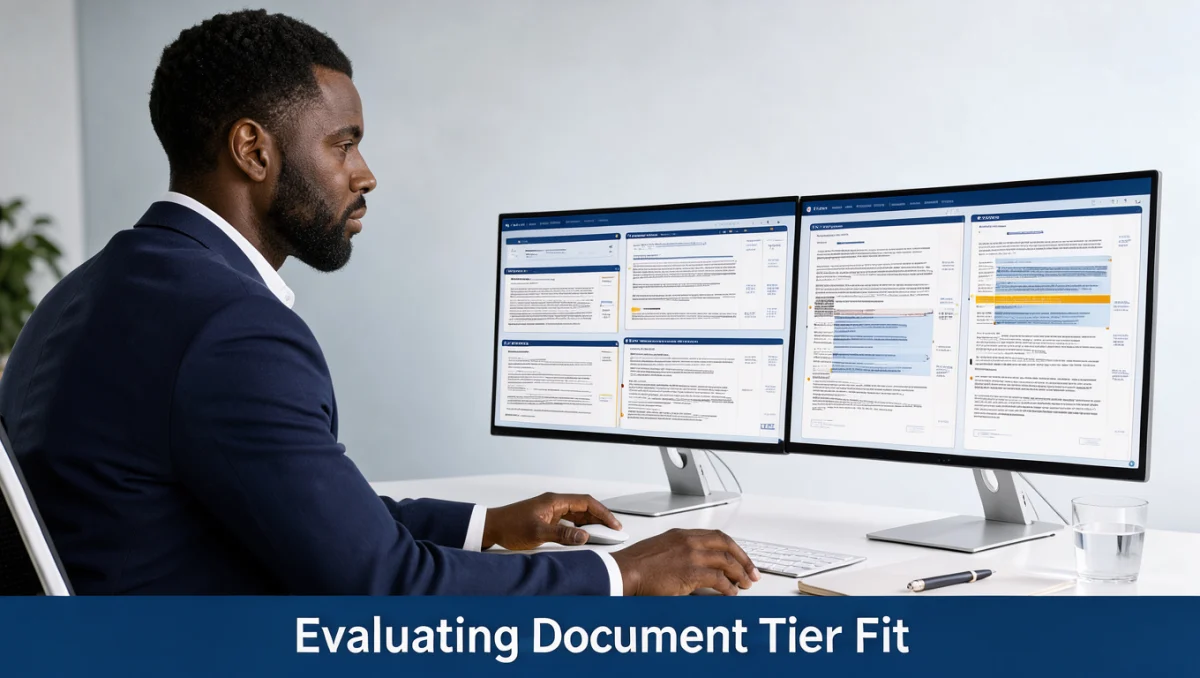
3. Does a Professional Tier Fit Your Business?
Editing suites are organized into tiers, and the right one depends on how often your files need real changes. Basic viewers are fine for reading manuals or reports, but workflows stall quickly when staff cannot edit text or adjust page layouts.
Teams that send client agreements often need to strip confidential details before sharing. Redaction is a key dividing line here. If your staff handles personnel records, medical intake forms or legal disclosures, permanent data removal is a requirement rather than a nice extra.
Form creation is another signal. Departments that publish employee reviews, onboarding checklists or vendor agreements need fillable fields, calculation logic and well-placed signature blocks. Professional tiers handle these jobs, while basic tiers only support passive reading.
Collaboration also drives the decision. When several reviewers need to merge comments, add approval stamps and compare revision histories across drafts, an enterprise-grade platform helps prevent version confusion.
4. Questions to Answer Before You Commit
A structured checklist keeps budget decisions grounded. Before buying, managers should compare internal needs against the vendor's licensing structure.
| Question | Why it matters | Where to confirm |
|---|---|---|
| How many people need advanced editing rather than read-only access? | Giving premium seats to readers inflates annual software spending. | Compare user roles against your current software roster. |
| Which form fields and calculation scripts do your forms require? | Some complex scripts need specific engine support in the form builder. | Check script support in the official Foxit documentation. |
| What admin controls does IT need for seat management? | Central provisioning makes license transfers easier when staff change. | Review deployment options on the official Foxit Editor Pro admin page. |
| Do your procedures require permanent redaction? | True redaction removes underlying text, images and metadata, not just covers it with a box. | Verify compliance guidance on the official Foxit technical documentation. |
| How often do people compare draft revisions? | Automated comparison flags changed clauses in long contracts without manual reading. | Check the comparison feature on the official Foxit Editor Pro features page. |
5. Signs You Need a More Advanced Setup
Simple tools tend to fall short once regulatory and contractual obligations grow. If your organization handles formal contracts, regulatory filings or intellectual property transfers, a basic viewer will not provide the verification and editing controls you need.
5.1. Building Forms and Collecting Data
Operations teams often gather structured input from customers or staff. Relying on printed forms creates manual data-entry bottlenecks. When staff need interactive text boxes, signature blocks and validated drop-down menus inside a PDF, an upgraded editor becomes necessary.
5.2. Permanently Removing Sensitive Information
Drawing black boxes over sensitive text does not protect the file, because the underlying data can still be extracted. Organizations under confidentiality or privacy rules need redaction tools that scrub text, images and embedded metadata completely.
5.3. Assembling Multiple Documents
Publishing teams frequently build catalogs, annual audits and administrative packets from dozens of separate files. Reordering pages by hand eats hours, and batch assembly tools get the department moving again.
6. When a Simpler Tool Is Enough
Many offices overestimate what they need. Buying premium tools for every desk can waste budget that would be better spent elsewhere.
6.1. Viewing and Light Annotation
If daily work is mostly reading vendor invoices, checking reference manuals or adding a few highlights, an entry-level reader covers it well. Standard readers offer dependable search and printing without the licensing overhead.
6.2. Occasional Conversions
When employees only occasionally save word-processing documents as PDFs, the built-in export function in most office software is enough. A dedicated editing suite is unnecessary if no one ever modifies existing layouts.
6.3. Solo Operators
Independent professionals who exchange plain invoices or simple proposals rarely need central admin consoles or document comparison engines. Matching the tool to actual document volume keeps monthly costs down.
7. Comparing Foxit Editor Pro With Alternatives
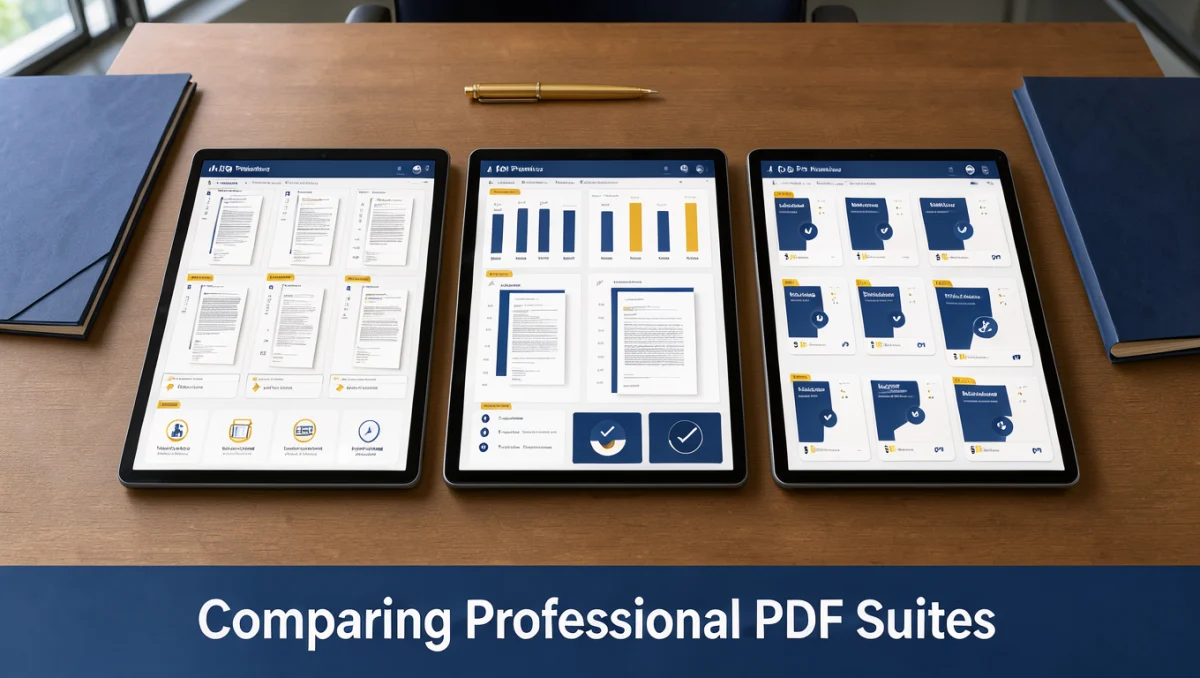
Buyers should compare professional PDF suites with well-known options such as Adobe Acrobat and Nitro PDF. Comparing at the level of positioning and architecture helps show which product fits your technical standards.
Step 1: Measure your editing volume. Estimate how many hours each week staff spend reflowing text, changing layouts or building forms. High editing volume justifies a professional desktop investment.
Step 2: Check enterprise requirements. Review the vendor's plan comparison pages to see how user assignment, single sign-on and network installs work across your fleet.
Step 3: Compare total cost of ownership. Weigh perpetual licenses against annual subscriptions on the official pricing pages to see which fits your cash flow.
Step 4: Run a pilot. Give a few real regulatory files and complex contracts to designated editors to confirm that table recognition, OCR and signature routing work cleanly.
8. Frequently Asked Questions
8.1. How should a business allocate seats?
Map seats to real tasks. Staff who design public forms, execute contracts or perform redactions need editing seats. People who only consult reference material can use standard viewing tools.
8.2. What hidden costs should buyers look for?
Check for charges related to admin portal access, electronic signature transaction limits and premium font packages. Reading the official vendor terms helps you anticipate add-on fees.
8.3. When does a perpetual license make sense?
Perpetual licensing suits organizations with fixed budgets that want to avoid recurring annual commitments. Teams with stable device fleets and predictable feature needs often prefer a one-time purchase, as long as the vendor's maintenance policy fits.
8.4. How does document comparison help contract work?
Comparison tools process two drafts side by side and highlight text changes, font adjustments and deleted clauses. This removes tedious line-by-line proofreading and lets legal teams spot changes quickly.
9. Final Verdict on Foxit Editor Pro
Our review across the main operational criteria produces the following assessment for software buyers in 2026.
| Criterion | Score /10 | Reason |
|---|---|---|
| Features | 8.5 | Covers page layout editing, interactive form building and redaction. |
| Ease of Use | 7.5 | A familiar ribbon toolbar keeps training short, though advanced settings take some time to learn. |
| Pricing and Value | 7.8 | Confirm current terms on the official pricing page to match features with your budget. |
| Integrations | 7.2 | Standard cloud storage connections cover basic workflows, while custom API setups need IT review. |
| Audience Fit | 8.0 | A strong match for administrative teams, legal professionals and document-heavy enterprises. |
| Support | 7.0 | Self-guided documentation covers most procedures, and assisted support depends on your agreement. |
| Competitive Position | 8.1 | A recognized professional alternative to Adobe Acrobat and Nitro PDF for institutional document work. |
Overall score: 7.7/10
Administrative departments, compliance offices and publishing teams that handle multi-page contracts will get solid value from this tier. Casual users and occasional readers should stick with an entry-level reader to avoid paying for features they will not use.
Have questions about choosing PDF software? Contact our team through Top App Review Sites or follow our industry updates on LinkedIn.
See More Collaboration & Productivity