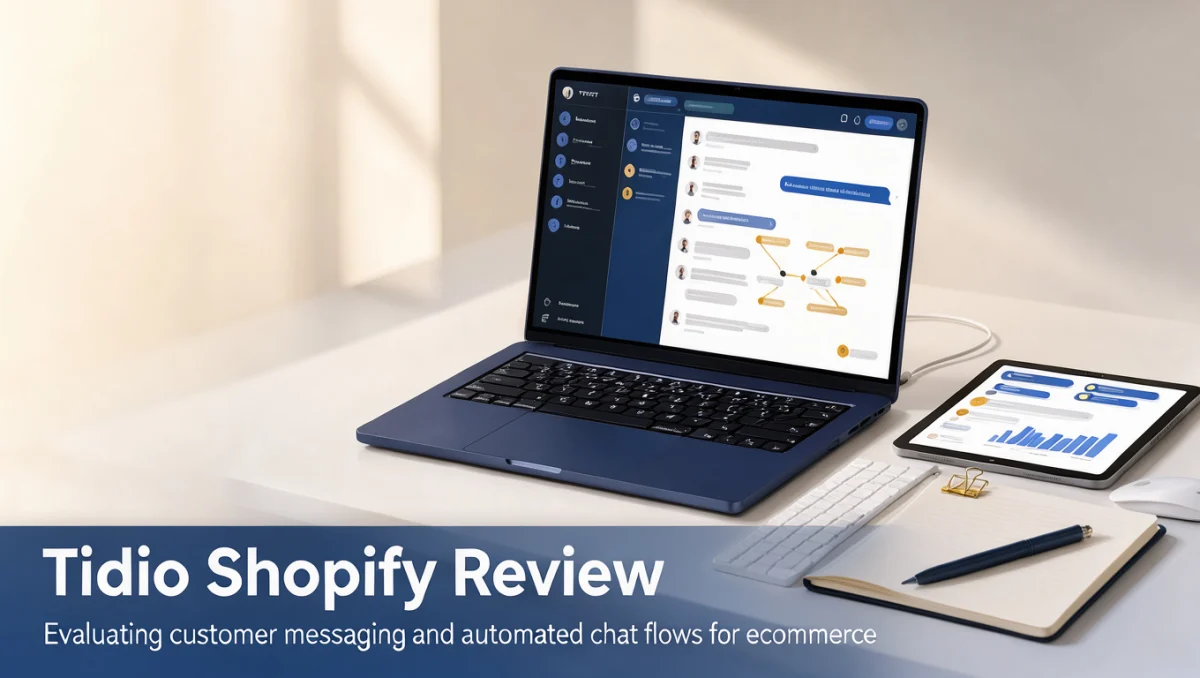
Shoppers rarely wait around for answers. When a question about sizing, delivery, or returns goes unanswered, a sale can quietly slip away. That is where a tidio shopify setup earns its place, linking real-time conversations with automated replies so store owners can respond quickly without being glued to their screens.
Why Online Stores Look at Tidio
Storefront messaging tools have become a practical necessity for independent retailers. Store owners use them to answer pre-purchase questions, guide buyers through checkout hesitations, and keep incoming requests organized across several channels. Our evaluation at Top App Review Sites focuses on how well a tool balances automation with human touch, how much daily admin effort it demands, and whether it delivers genuine commercial value.
Choosing a messaging platform means understanding its effect on team hours and customer trust. A good system lets shoppers self-serve common answers while still handing off smoothly to a person when a billing or delivery problem gets complicated. This review walks through how Tidio performs in everyday retail scenarios, which merchant profiles gain the most, and which plan details deserve a close look on the vendor's website before any payment is made.
| Metric | Details |
|---|---|
| Top App Review Sites score | 7.6 / 10 |
| Best for | Growing online shops that want live chat and automated answers in one place |
| Not ideal for | Large service teams that need complex, multi-tier ticket routing |
| Key strengths | Live visitor chat, visual flow builder, centralized message inbox |
| Verify before buying | Seat allowances and monthly automation limits on the official provider site |
How We Assessed Tidio
We judged Tidio against seven criteria: features, ease of use, pricing and value, integrations, audience fit, support, and competitive position. Plans, prices, and usage limits shift regularly, so treat every figure here as a starting point and confirm current details on the official website. This article was drafted with AI assistance and then reviewed and edited by the Top App Review Sites Editorial Team.
What Tidio Does and Who Uses It
Tidio is a customer communication platform built to handle visitor questions and support requests on merchant websites. It places a chat window on storefront pages where shoppers can ask about products, shipping rules, or order status. Instead of waiting days for an email reply, buyers can reach a store representative or an automated response flow right away.
The platform suits retail operators who want to engage browsers before they leave. Independent brands, consultants managing small online boutiques, and marketing teams often adopt it to cut down on abandoned carts. Answering sizing questions, explaining return terms, or clarifying custom order steps at the moment of decision can make the difference between a completed purchase and a lost one.
Within the wider world of automated retail software, chat platforms often act as the first point of contact. Set up thoughtfully, Tidio narrows the distance between passive browsing and attentive service, letting a small team stay responsive without being chained to a desk.
Core Features for Online Merchants
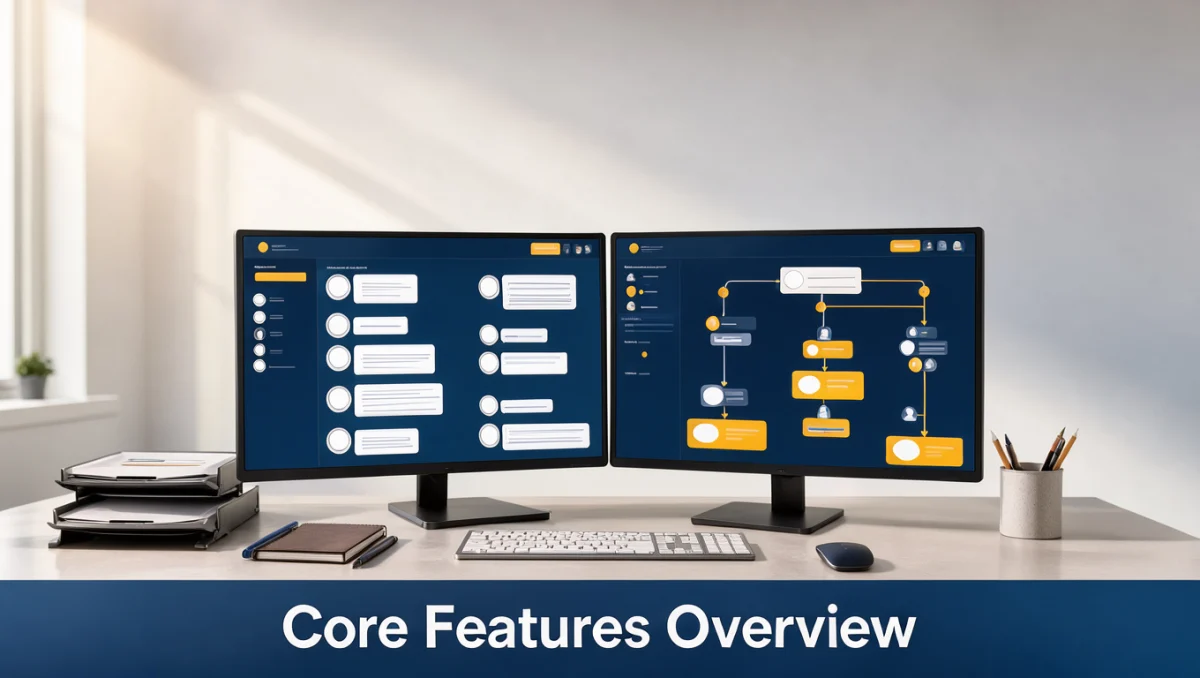
The tool centers on three areas: live conversations, automated flows, and a consolidated inbox. Understanding each helps a store owner judge whether it fits their daily workload.
Real-Time Visitor Messaging
Live chat links shoppers directly with store staff. Operators can watch visitor activity on product pages, notice when someone is moving through the cart, and reply the moment a question arrives. Text replies, product documents, and direct purchase links can all be shared inside the chat window, which helps resolve hesitation at key checkout moments.
Automated Conversation Workflows
Visual decision trees let managers build flows that answer repetitive questions without staff involvement. Common paths cover order tracking, return policy summaries, and discount code checks. Routing routine requests this way protects staff time for nuanced product advice or dispute handling.
Centralized Communication Inbox
The shared inbox gathers messages from the website widget, linked social messaging channels, and email. Agents manage every stream from one view, avoiding the need to juggle several tabs. Internal notes, conversation tags, and agent assignments help multi-person teams track open inquiries and avoid answering the same customer twice.
Ease of Use and Learning Curve
The admin console is laid out cleanly and keeps technical friction low during early setup. Adding the widget to a store takes little technical background, since guided connection steps cover typical ecommerce setups. Ready-made message templates and starter flows let staff begin handling chats soon after creating their account.
Building custom automation paths takes more effort for non-technical users. The visual editor is drag-and-drop and intuitive, but mapping multi-branch conversations needs careful planning. Merchants should define fallback conditions so shoppers never hit a dead end when an automated trigger misses their question.
Daily management stays simple for solo owners and small teams. The inbox separates unassigned chats from ongoing ones, making it easy to prioritize high-intent shoppers. Moving between live conversations and past visitor profiles feels fluid, so seasonal helpers can get up to speed without lengthy training.
Pros and Cons for Retail Websites
Every tool involves trade-offs that depend on team size and how complicated support gets. Weigh the strengths below against the limits before reshaping your customer service process around it.
Advantages
- Live chat and automated replies live together in one management environment.
- A visual builder lets you design structured response trees without writing code.
- The consolidated inbox brings web widget conversations and external channels together.
- Initial setup is simple enough for non-technical retail administrators.
Limitations
- Advanced multi-branch logic needs ongoing administrative attention.
- Enterprise ticketing depth and departmental escalation remain limited compared with dedicated service desk software.
- As conversation volume and seat counts grow, subscription upgrades may be needed, so check current terms on the official provider site.
Tidio Compared with Other Ecommerce Tools
Picking the right communication platform means looking at the wider market. Comparing a Tidio Shopify integration with established alternatives shows which philosophy fits a given store.
| Platform | Target Audience | Primary Focus | Consider When |
|---|---|---|---|
| Tidio | Small to mid-sized ecommerce brands | Blended live chat and visual response automation | You need fast setup and self-service automation |
| Gorgias | Ecommerce brands scaling customer support | Deep order management and multichannel helpdesk tickets | Your team handles heavy volumes of order changes and shipping issues |
| Zendesk | Large organizations and enterprises | Enterprise ticket management and departmental hierarchies | You run multi-tiered customer service divisions |
| LiveChat | Service firms and commercial web portals | Dedicated real-time agent messaging and lead routing | Your priority is live human agent conversations |
Gorgias concentrates on ecommerce ticket handling and connects closely with order data, making refunds, cancellations, and order edits possible from within a ticket. Tidio puts its emphasis on quick frontline conversation building and live site engagement. Zendesk fits corporate setups that need detailed compliance, complex routing, and extensive service-level tracking. LiveChat specializes in pure agent-to-customer chat with strong monitoring tools for dedicated care departments.
Who Should Use Tidio for Their Store
Matching a tool to your business size prevents paying for complexity you do not need, or outgrowing basic features too soon. Different roles use customer communication software in different ways.
Small Business Owners
Independent operators benefit from automated flows that handle routine questions outside working hours. Since small teams cannot staff a desk around the clock, scheduled response trees can explain shipping times and return terms while the owner focuses on fulfillment and sourcing.
Ecommerce Marketers
Marketing managers can send targeted greetings to shoppers lingering on high-value categories. Triggering relevant recommendations or pointing visitors toward current promotions can lift conversion across the catalog.
Freelance Consultants and Agencies
Digital specialists building client stores value the fast configuration and light admin load. Standard conversation trees let an agency deliver working client support without maintaining custom code.
Teams That Should Look Elsewhere
Enterprises handling thousands of complex technical questions each day may find the platform too coarse. Organizations with specialized support departments, strict service-level agreements, and detailed ticket audit requirements usually need dedicated enterprise helpdesk infrastructure.
How to Choose the Right Plan
Vendors revise plan limits, seat allowances, and automated message quotas over time. Assess your operational needs carefully before completing a purchase on the official provider website.
| What to Check on the Official Site | Why It Matters |
|---|---|
| Included team seats | Extra operator seats raise ongoing costs as your support team grows. |
| Monthly automated conversation quotas | Limits cap how many automated flows can assist visitors each billing period. |
| Channel connection allowances | Linking external messaging platforms may depend on your subscription tier. |
| Transcript retention | Longer archives support service quality reviews and staff training. |
To avoid mid-season disruption, review your monthly traffic and average chat volume before checkout. Confirm whether automation quotas reset on calendar dates or billing cycles, and find out how overages are handled during unexpected traffic spikes.
Frequently Asked Questions
What customer service tasks can automated conversation trees handle?
Automated flows answer standard questions about returns, shipping schedules, and active discount codes. They can also collect contact details, check basic order status identifiers, and pass complex issues to available staff.
How should merchants prepare before setting up live chat on a store?
Compile a full list of frequent customer questions, document your official return guidelines, and define clear hours for live staff. Preparing standard answers in advance speeds up configuration and keeps guidance consistent across conversations.
Where can buyers verify current subscription terms and add-on costs?
Always check the official vendor pricing page directly. Subscription structures, seat thresholds, and automation allowances change periodically.
How can shoppers be kept out of automated chat loops?
Include a clear exit in every conversation tree, such as an option to leave an email message or request a human callback when automated answers do not resolve the question.
Final Verdict
| Criterion | Score / 10 | Reason |
|---|---|---|
| Features | 7.5 | Solid mix of real-time messaging and visual workflow automation for retail stores. |
| Ease of Use | 8.5 | Clear navigation, simple widget embedding, and accessible drag-and-drop editing. |
| Pricing and Value | 7.0 | Competitive base functionality, though automation limits and seat costs need verifying. |
| Integrations | 7.5 | Connects cleanly with common ecommerce platforms and major social messaging channels. |
| Audience Fit | 8.5 | Well suited to small and mid-sized retail teams needing responsive on-site help. |
| Support | 7.0 | Standard vendor documentation and support paths should be checked before purchase. |
| Competitive Position | 7.5 | Sits accessibly between basic chat widgets and complex enterprise service desks. |
Overall Top App Review Sites score: 7.6 / 10. A Tidio Shopify setup offers balanced, approachable live chat and automated messaging for growing retail websites. Solo operators and expanding storefront teams will find real value in the consolidated inbox and visual workflow builder, as long as they confirm their seat requirements and automation volumes on the official vendor site.
Questions about choosing customer communication software for your business? Send them through the Top App Review Sites contact page or follow our software evaluation updates on LinkedIn.
See More Artificial Intelligence