Top App Review Sites may earn a commission when you buy through links on this page, at no extra cost to you. This does not affect our ratings.
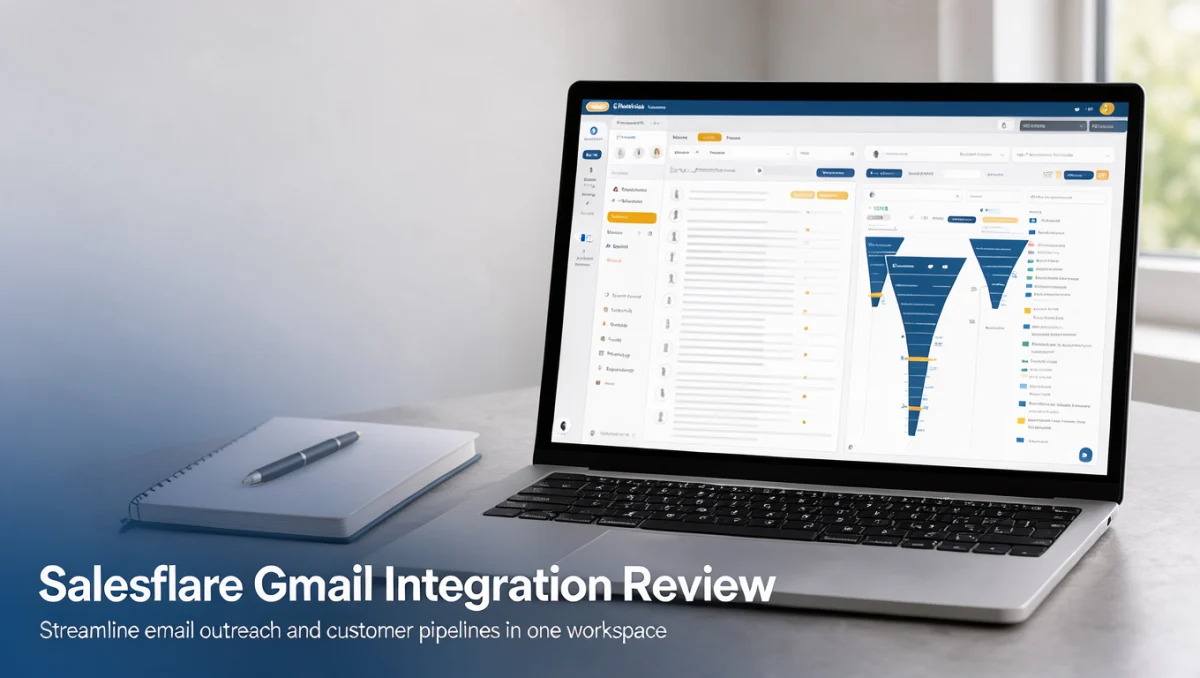
Many sales reps lose track of leads because their real work happens in the inbox, not in a separate database. The salesflare gmail integration tries to close that gap by bringing customer records, conversation history and deal stages right into the email workspace where reps already spend their day. We evaluated how well it organizes contacts, follows conversations and supports small business pipelines within Google Workspace.
Instead of asking reps to log every call and message by hand, Salesflare pulls data from emails, calendar events and contact lists. Before you commit, it is worth checking how inbox synchronization will behave across your team.
Quick verdict: Salesflare earns an overall score of 7.7/10. It suits business-to-business teams that want automated contact capture and pipeline tracking inside email. It is less suitable for organizations that need complex multi-department service desks or custom on-premise infrastructure without cloud dependencies.
| Metric | Summary |
|---|---|
| Top App Review Sites score | 7.7/10 |
| Best for | Small to midsize B2B teams focused on relationship-driven outreach |
| Not ideal for | Organizations managing retail point-of-sale or intricate field service dispatching |
| Key strengths | Automated address book population, timeline visibility, pipeline management |
| What to check before buying | Review email connection permissions, user tiers, and inbox sync rules on the official site |
1. How Top App Review Sites Reviewed Salesflare
This review examines what Salesflare is built to do, who it serves and how it compares with similar tools. We applied seven criteria: features, ease of use, pricing and value, integrations, audience fit, support and competitive position. Plans, prices and limits change often, so we flag what to confirm on the official website before buying. This article was researched and drafted with AI assistance, then reviewed and edited by the Top App Review Sites Editorial Team.
2. What Salesflare Is and Who It Serves
Salesflare is a customer relationship management platform built mainly for small and medium-sized B2B teams. Its core purpose is to cut manual data entry by compiling information from outgoing and incoming messages, meeting schedules and contact details.
The service targets consulting agencies, software companies, professional service firms and account executives who spend much of their day inside email. Rather than copying customer notes into a separate database, users view account timelines and deal stages alongside active conversations.
Teams adopting the platform usually want transparent pipeline views without enforcing rigid manual logging rules on their reps. Readers comparing modern tools can browse our independent evaluations in the Sales section to see how different CRM systems structure daily account activity.
3. Core Features of the Salesflare Inbox Workflow
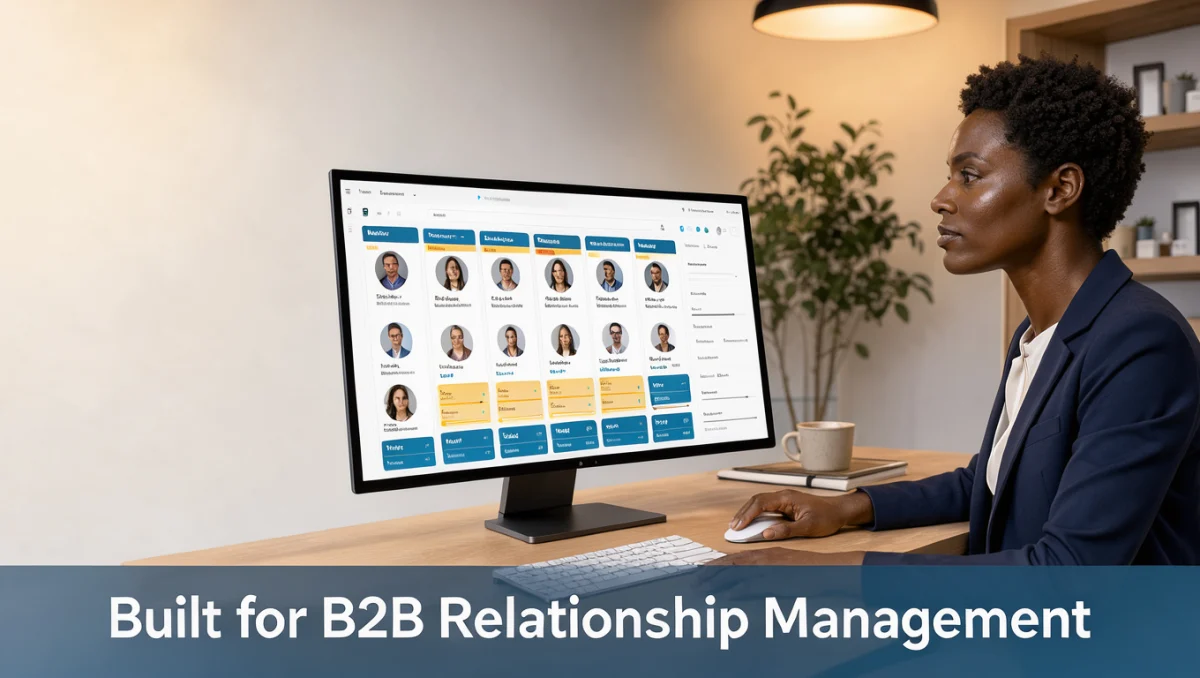
Understanding the functional capabilities helps buyers decide whether an email-first approach fits their workflow.
3.1. Contact Management and Automatic Data Gathering
Salesflare collects details such as phone numbers, company associations and job titles from incoming signatures and email headers. This builds a central customer history, so team members can review earlier exchanges before drafting replies.
3.2. Visual Sales Pipelines and Opportunity Tracking
The platform sorts opportunities into visual stages, from first conversation to signed contract. Reps update stages, assign deal values and schedule reminders from the inbox sidebar, keeping pipeline stages aligned with communication progress.
3.3. Interaction Tracking and Activity Timelines
Activity histories merge sent messages, calendar appointments and logged notes into one chronological feed. When several team members interact with the same account, the timeline shows who communicated last, which helps prevent overlapping responses.
4. Ease of Use and Implementation Workflow
An inbox-connected CRM usually needs less training than configuring an enterprise database. Because account executives work within familiar email layouts, daily habits need fewer structural changes.
Setting up the salesflare gmail integration typically means connecting organizational email accounts through standard authorization steps. Teams then invite members, define custom pipeline stages and set notification preferences.
For organizations moving off spreadsheets, the learning curve centers on agreeing on shared pipeline terminology and stage transition criteria. Review the documentation on the official website to confirm your administrator holds the permissions needed for domain-level authorization.
5. Pros and Cons
5.1. Pros
- Direct sidebar access to CRM records while composing and reading messages.
- Automated compilation of customer contact details from email signatures.
- Unified interaction timelines across team accounts for shared visibility.
- Intuitive deal stage tracking without mandatory manual field updates.
5.2. Cons
- Gets the most value from supported email environments; organizations using several messaging channels should review workflow continuity.
- Less suited to high-volume consumer support tickets than dedicated ticketing desks.
- Advanced custom object modeling is limited compared with complex enterprise CRM databases.
6. Salesflare Compared with Alternative CRM Platforms
Looking at competitive positioning helps teams decide whether a specialized email-centric CRM or a broader business platform fits their plans.
| Platform | Core Target Audience | Primary Structural Positioning |
|---|---|---|
| Salesflare | B2B teams seeking inbox-driven sales tracking | Automated contact gathering and pipeline monitoring |
| HubSpot | Growing businesses seeking marketing and service suites | All-in-one inbound marketing and customer database |
| Pipedrive | Sales-focused teams prioritizing pipeline mechanics | Activity-based deal management and sales reporting |
| Zoho CRM | Organizations needing broad ecosystem connectivity | Extensive customization and multi-module business management |
Buyers who want minimal administrative upkeep often prefer a dedicated inbox tool like Salesflare. Teams that need deep multi-channel marketing automation or enterprise governance tend to look at broader suites such as HubSpot or Zoho CRM. Confirm current feature availability on each provider's comparison page before deciding.
7. Who Should Use Salesflare and Who Should Look Elsewhere
Matching software to your organizational structure prevents implementation problems.
7.1. Small Business Owners and Founders
Founders running direct sales benefit from automated tracking, which keeps valuable leads from slipping through unread threads while they handle administrative work.
7.2. B2B Account Executives and Consultants
Professionals whose sales cycles depend on relationship-building and detailed correspondence can keep thorough account histories without interrupting their writing.
7.3. Marketers and Agency Teams
Agencies managing multiple client stakeholders use the shared timeline to coordinate handoffs between account managers and creative directors.
7.4. Teams That Should Seek Other Options
Organizations running retail counters, high-volume transactional e-commerce or field maintenance services need specialized inventory or dispatch systems rather than a relationship-focused B2B sales tracker.
8. How to Choose the Right Subscription Setup
Software budgets vary with billing intervals, seat counts and organizational tiers. Evaluate your operational needs systematically.
| What to Check on the Official Site | Why It Matters |
|---|---|
| User seat minimums | Determine total monthly commitment when adding sales representatives. |
| Email tracking volume policies | Ensure account communication frequency aligns with administrative rules. |
| Contact database limits | Verify whether scaling your lead lists requires an immediate tier change. |
| Third-party workflow connections | Check compatibility with your external invoicing or scheduling tools. |
For our methodology and evaluation guidelines, see our mission at Top App Review Sites to learn how our editorial standards shape software comparisons.
9. Frequently Asked Questions
How should a team prepare its inbox before connecting a CRM?
Teams should confirm administrator privileges on their domain, organize contact directories and agree on common pipeline definitions. Setting guidelines for shared customer records keeps labeling consistent across deals.
What factors influence the total cost of an email-integrated CRM?
Total cost depends on user license counts, billing frequency and any extra services such as contact enrichment or third-party connectors. Check the official pricing page to confirm fees for your exact team size.
When should an organization move from spreadsheets to a sales CRM?
Consider a dedicated CRM when several team members contact the same prospects, causing missed follow-ups or conflicting messages. Dedicated tools centralize communication timelines and prevent duplicate outreach.
How do buyers verify that a CRM fits their internal data policies?
Review official documentation on data retention, permission controls and account synchronization scope. Consulting your IT or technical lead helps confirm compliance before activation.
10. Final Verdict and Rating Breakdown
| Criterion | Score /10 | Reason |
|---|---|---|
| Features | 7.5 | Provides solid pipeline visualization and automated interaction capture for B2B sales workflows. |
| Ease of Use | 8.5 | A clear inbox sidebar layout minimizes onboarding friction for daily email users. |
| Pricing and Value | 7.0 | Buyers should verify seat tiers and features on the official pricing page. |
| Integrations | 8.0 | Focuses on core email ecosystems; broader connections should be verified before deployment. |
| Audience Fit | 8.5 | Aligns well with the daily needs of relationship-oriented small to midsize teams. |
| Support | 7.0 | Standard vendor channels apply; confirm availability hours on the official site. |
| Competitive Position | 7.5 | Holds a clear niche against larger suites for teams wanting email-first CRM entry. |
Overall score: 7.7/10
Salesflare offers a practical approach for reps who spend most of their working hours inside Google Workspace. Its focus on automatic data compilation saves time for relationship-driven outreach teams. Confirm your seat requirements on the official Salesflare website to judge plan fit.
Have questions about choosing sales management tools? Send them through our contact page or follow the Top App Review Sites team on LinkedIn for ongoing software evaluations.