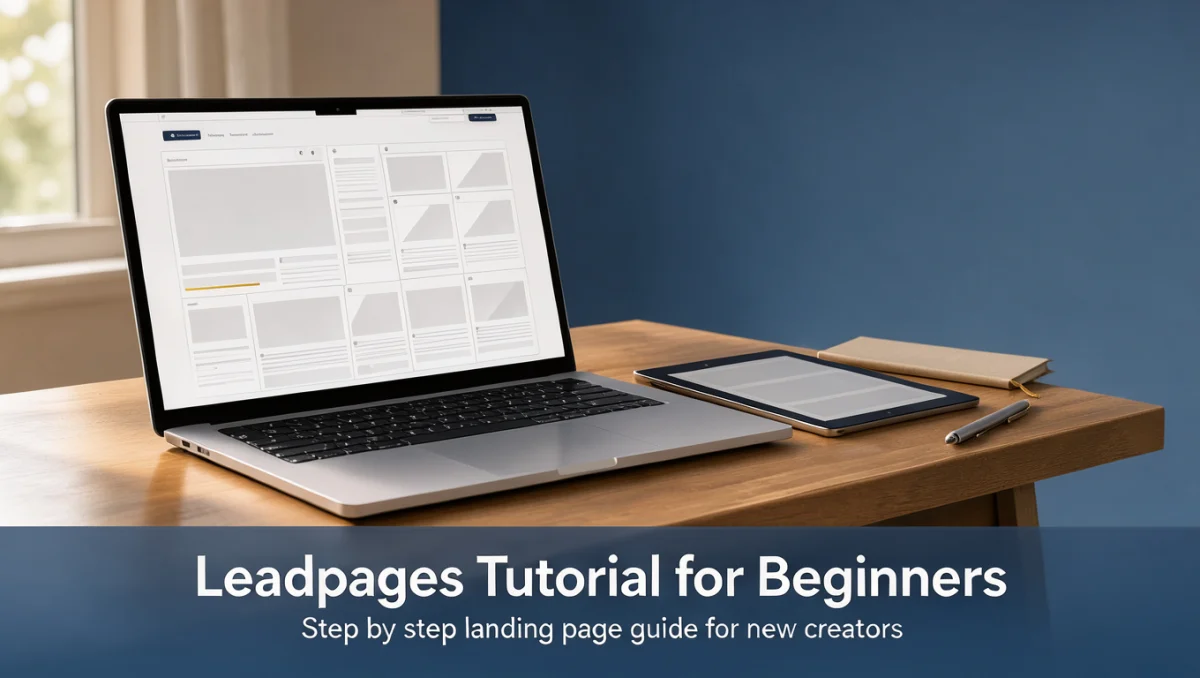
Leadpages tutorial for beginners is designed for marketers, solo operators and small teams who want to publish structured landing pages without wrestling with technical details. In this guide from topappreviewsites, you will learn the core workflow for planning your offer, arranging page sections and connecting the marketing tools you already use.
Leadpages is a web page builder focused on lead capture, opt-in forms and campaign publishing. Understanding how its page elements work before you launch a campaign as part of your broader Sales strategy helps you avoid common setup errors and keeps your marketing workflow tidy.
Quick verdict: Leadpages earns a topappreviewsites score of 7.6 out of 10. It suits creators, freelancers and small businesses that need simple campaign pages without writing code, and it is less suited to large enterprises that require advanced multi-variant testing or heavy custom back-end logic.
| Metric | Details |
|---|---|
| topappreviewsites score | 7.6 / 10 |
| Best for | Solo operators and small businesses that want straightforward lead capture pages |
| Not ideal for | Organizations that need complex database logic or extensive multivariate testing |
| Key strengths | Focused landing page templates and simple drag-and-drop layout tools |
| What to check before buying | Confirm current account permissions and checkout features on the official website |
1. How topappreviewsites Reviewed Leadpages
We assessed what Leadpages is built to do, who it serves and how it stacks up against similar tools, applying our seven criteria: features, ease of use, pricing and value, integrations, audience fit, support and competitive position. Plans, prices and limits change frequently, so always verify details on the official website before purchasing. This article was researched and drafted with the help of AI tools, then reviewed and edited by the topappreviewsites Editorial Team.
2. Preparing Before You Build Your First Page
Preparation has a large effect on conversions. Landing pages perform well when the visual hierarchy matches what visitors expect and a clear value message steers attention toward one action.
Define One Primary Conversion Goal
Each landing page should have a single, explicit objective. If the layout asks visitors to read an article, subscribe to a newsletter and book a call all at once, conversions tend to fall.
- Decide whether the goal is an email sign-up, a webinar registration or a direct booking.
- Write your main headline, supporting summary and button text before opening the editor.
- Collect high-resolution brand assets such as logos and authentic product photos in advance.
Check Your External Service Connections
Page builders collect contact details, but email platforms or customer relationship tools are where those leads are stored and nurtured. List the third-party systems your business depends on, and review the official Leadpages integration directory to confirm how each connection works before you design the page.
3. Step-by-Step Workflow for Your First Campaign
Building a reliable campaign follows a clear sequence. Working through this leadpages tutorial for beginners will help you set up a dependable page from first concept to publication.
Step 1: Choose a Suitable Layout
Open your account dashboard and browse the template library. Rather than selecting a design based only on colour, pick a layout whose content blocks fit the message you want to deliver.
- Look for a clear value statement above the fold.
- Make sure the structure has designated areas for social proof and benefit lists.
- Favour minimal designs that let your copy stand out.
Step 2: Adjust Visual Elements and Typography
Change the fonts, colour palette and spacing so the page reflects your brand. Keep strong contrast between text and background so the content reads easily on both desktop and mobile screens.
Step 3: Set Up Form Fields and Actions
The form is the operational heart of any lead capture page. Keep required fields to a minimum, because asking for too many personal details often discourages sign-ups.
Connect the form to your chosen email marketing list. Always define what happens immediately after submission, such as sending the visitor to a confirmation page or starting a file download.
Step 4: Test Mobile Layout and Preview
A large share of web traffic comes from phones. Use the built-in preview tools to check how text wraps, how images resize and whether the submit button is still easy to tap on smaller screens.
4. Best Practices for Creating Landing Pages
Following proven layout principles helps your pages perform consistently over longer campaigns. Regular testing and disciplined composition turn pages into lasting marketing assets.
Write Copy Focused on Benefits
Visitors skim. Instead of listing administrative features, explain practical results. Bullet points should show how your offer saves time, cuts costs or solves a specific everyday problem.
Keep Hierarchy Clear and Leave Room to Breathe
Crowded layouts create friction. Give your main call-to-action button generous surrounding space so visitors move to the next step without distraction, and use consistent heading sizes to set a clear reading order.
5. Common Mistakes to Avoid
New marketers often overlook structural details that weaken performance. Knowing these pitfalls helps protect your advertising budget.
- Adding too many outbound links: External navigation pulls visitors away from your goal. Remove global site headers from dedicated landing pages.
- Ignoring load speed: Oversized image files slow page rendering. Compress graphics before placing them on the canvas.
- Neglecting post-sign-up communication: Delivering promised downloads late damages trust. Test your automated confirmation emails before going live.
6. Who Should Use Leadpages
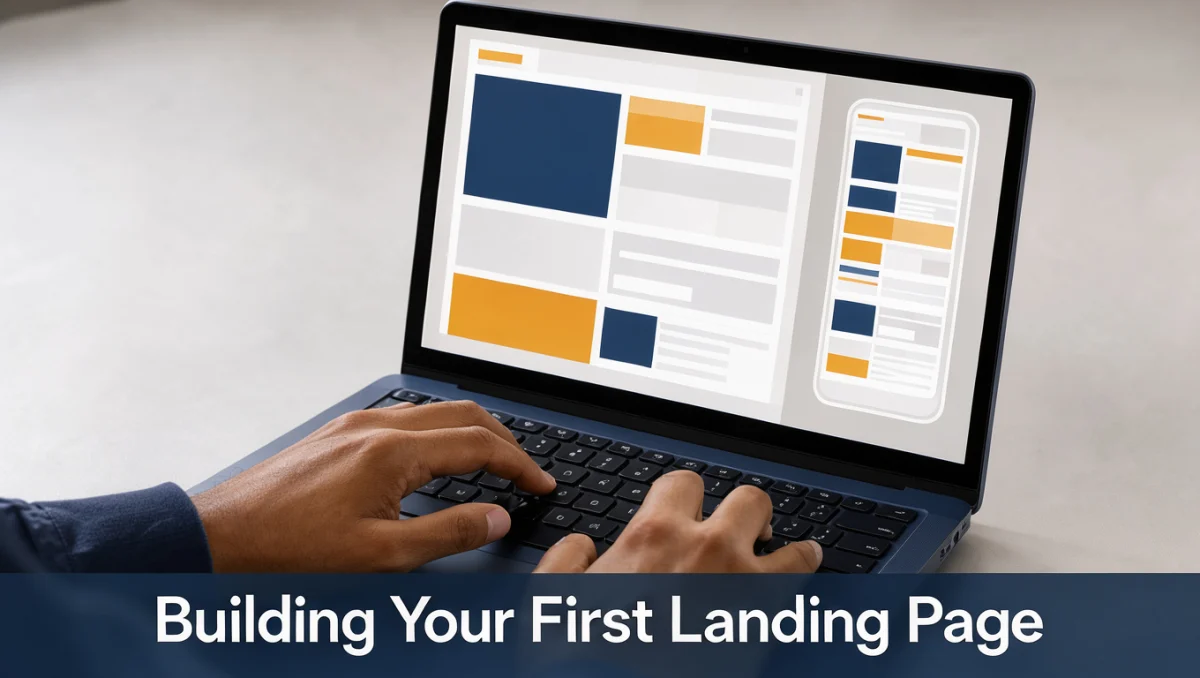
Leadpages works well for certain business profiles, while other operating models are better served by different software.
Solo Entrepreneurs and Freelance Consultants
Independent professionals benefit from fast deployment. When launching a coaching offer or digital guide, building pages without hiring developers keeps costs manageable.
Small Business Marketing Teams
Small teams running local promotions or seasonal webinars find structured page builders adequate for frequent testing. Launching dedicated landing pages without changing the main corporate website speeds up campaign timelines.
Teams That Should Consider Alternatives
Organisations that need full content management systems with large blog archives or complex checkout funnels may prefer platforms such as WordPress, Unbounce or ClickFunnels, depending on their specific requirements.
7. Frequently Asked Questions
What should I prepare before building a landing page?
Prepare your core value proposition, body copy, lead magnet files, brand colour codes and high-resolution logos. Having these ready makes the design process much smoother.
How do I decide which third-party tools to connect?
Start by identifying where customer records and email sequences are managed. Then confirm on the official Leadpages integration directory whether a native connection or a webhook alternative suits your existing marketing stack.
Why is mobile preview important before publishing?
Mobile browsing makes up a major share of web traffic. Checking the mobile layout ensures buttons stay accessible, text stays readable and key content does not shift awkwardly on small screens.
What affects the total cost of landing page software?
Subscription fees, custom domain registration, external email provider plans and payment processing charges all contribute to overall marketing costs. Review current pricing on official vendor pages when planning your budget.
8. Final Verdict
Choosing landing page software means balancing design flexibility against everyday simplicity. The evaluation framework from Top App Review Sites highlights practical realities to support your buying decisions in 2026.
| Criterion | Score / 10 | Reason |
|---|---|---|
| Features | 7.2 / 10 | Solid core lead capture tools with limited advanced options |
| Ease of Use | 8.8 / 10 | Intuitive drag-and-drop editor suited to beginners |
| Pricing and Value | 7.5 / 10 | Reasonable value for focused campaign work |
| Integrations | 7.0 / 10 | Covers common email and CRM connections |
| Audience Fit | 8.5 / 10 | Strong match for solo operators and small teams |
| Support | 7.1 / 10 | Helpful resources for common setup questions |
| Competitive Position | 7.3 / 10 | Competitive in its niche of simple lead capture |
Overall score: 7.6 / 10
For freelancers, digital creators and small businesses that want to launch campaigns quickly without coding, Leadpages provides a practical, structured environment. Larger organisations that need deep custom code integrations or enterprise-scale multivariate testing should look at specialised alternatives.
For more software analyses and strategic guidance, contact our team at https://topappreviewsites.com/contact/ or follow topappreviewsites on LinkedIn at https://www.linkedin.com/company/topappreviewsites/.