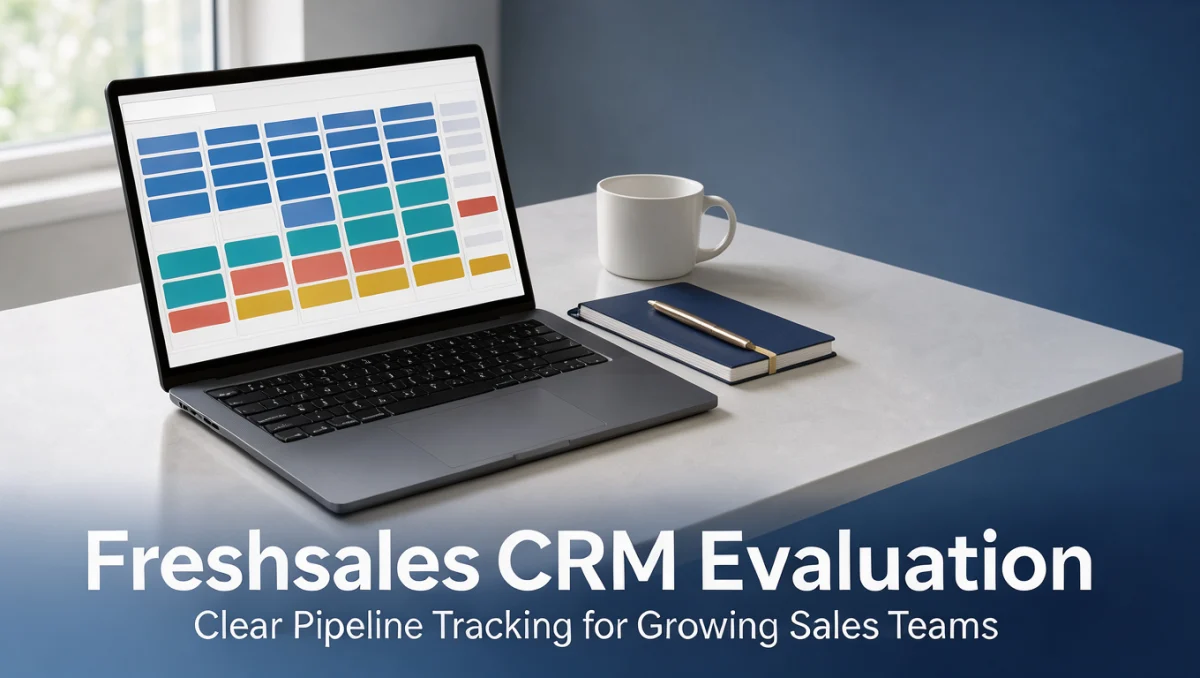
Top App Review Sites may earn a commission when you buy through Freshsales CRM links on this page, at no extra cost to you. Our ratings are not affected.
Choosing customer relationship software is rarely just about features. Teams need a tool that fits everyday habits while still supporting growth. In this updated guide, we walk through how Freshsales CRM handles leads, deals and contact histories, and what to verify before committing.
Sales groups that keep conversation records and deal milestones in one shared database avoid duplicated outreach and lost follow-ups. Representatives spend less time hunting for past details and more time moving prospects toward a decision.
Quick verdict: Freshsales CRM earns a 7.7 out of 10. It suits small and mid-sized sales teams that want organized pipelines and centralized contact records without heavy technical setup. It is less suitable for companies that need deeply customized data architecture or complicated multi-subsidiary structures.
| Metric | Details |
|---|---|
| Top App Review Sites score | 7.7 / 10 |
| Best for | Sales teams that want visual deal tracking, unified contact records and simple communication logging. |
| Not ideal for | Organizations that require highly specialized database customization or nested multi-division sales structures. |
| Key strengths | Visual pipeline management, contact timeline visibility and structured task organization. |
| What to check before buying | Confirm user allowances, phone integration options and reporting limits on the official vendor site. |
1. How Top App Review Sites Evaluated Freshsales CRM

This review considers what Freshsales CRM is designed to do, who it serves and how it stacks up against comparable tools. We apply seven criteria: features, ease of use, pricing and value, integrations, audience fit, support and competitive position. Plans and limits change frequently, so we highlight the details you should confirm directly with the vendor. This article was researched and drafted with AI assistance, then reviewed and edited by the Top App Review Sites Editorial Team.
2. What Is Freshsales CRM and Who Is It For
Freshsales CRM is a sales-focused relationship management product from Freshworks. It helps businesses capture leads, manage customer communication and forecast deal stages. Customer data is arranged into chronological activity feeds, so team members can review previous meetings, emails and calls before reaching out again.
The product addresses a common problem in growing teams, where lead assignments, deal progress and follow-up reminders end up scattered across personal inboxes. With a single repository, managers can track overall pipeline health while account executives focus on individual prospect conversations.
Many organizations also link pipeline work with broader customer service efforts, so support staff and account executives share visibility into relationship milestones. This alignment reduces conflicting messages and routes customer questions to the right specialist.
2.1. Core Features of Freshsales CRM
Knowing the core functions of any CRM helps buyers separate basic utilities from plan-specific enhancements.
Contact and Account Management
Leads and established customer accounts are stored as distinct profiles with full chronological histories. Representatives see email exchanges, call logs, tasks and internal colleague notes in one timeline, which makes handoffs smoother when account ownership changes.
Visual Deal Pipelines
Pipeline boards display deals across defined stages with drag-and-drop controls. Managers can monitor how long deals remain in each stage, identify bottlenecks and set exit criteria that must be met before an opportunity advances.
Communication Tracking and Activity Logging
Outbound and inbound messages are linked to the matching contact record. Representatives can schedule follow-ups, assign action items to colleagues and log notes right after client conversations, keeping the team's shared memory reliable.
3. Ease of Use and Learning Curve
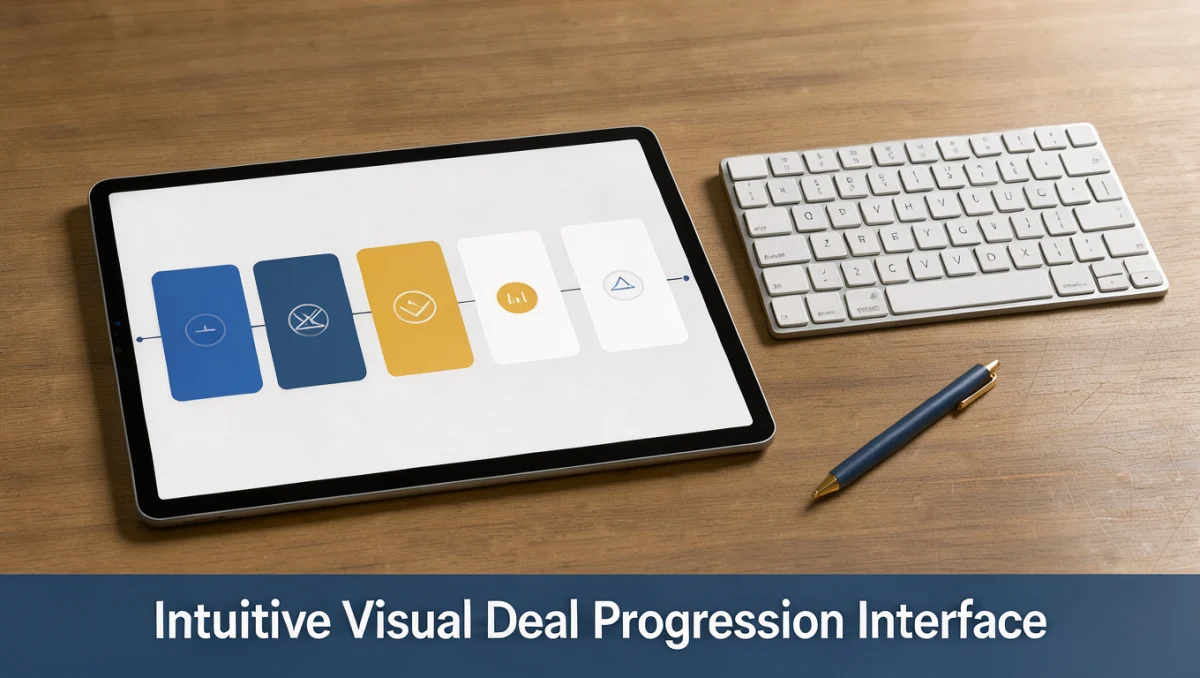
Freshsales CRM uses a clean visual layout that prioritizes clarity over dense spreadsheet-style grids. Primary workspaces such as contacts, deals and reports sit in predictable side navigation, so new representatives can handle basic data entry with little onboarding time.
The learning curve is gentle for individual contributors who mainly update contacts and move deals. Because standard views mirror familiar sales pipelines, anyone who understands basic stages needs minimal training to manage active opportunities.
Administrative setup takes more deliberate planning. Defining pipeline stages, mapping lead fields and configuring access permissions should be thought through before rollout. Administrators should review the configuration documentation on the official vendor portal to understand setup requirements fully.
4. Pros and Cons
Weighing strengths against operational limits helps buyers choose software that fits how their team works.
Pros of Freshsales CRM
- A clear visual layout that simplifies pipeline monitoring for individual sales reps.
- Chronological activity feeds that bring interaction histories into one timeline.
- Structured account management that links individual contacts to parent organizations.
- Straightforward task assignment tools that help teams coordinate daily follow-up work.
Cons of Freshsales CRM
- Less adaptable for organizations that need deeply customized enterprise data structures. Teams with bespoke database needs should consult technical advisors before committing.
- Administrative workflows require careful planning to configure complex permission groups.
- Broad feature depth across several tiers may call for periodic audits so teams do not pay for functions they never use.
5. Freshsales CRM vs Similar Tools
Buyers often compare Freshsales CRM with other relationship management platforms that target different organizational priorities.
HubSpot CRM is a popular alternative for businesses that want tight alignment between inbound marketing and sales execution. HubSpot leans heavily into content marketing, while Freshsales CRM focuses on structured sales engagement and pipeline progression.
Zoho CRM appeals to organizations seeking extensive customization across a large ecosystem of business applications. Freshsales CRM, by comparison, offers a cleaner interface with less administrative complexity, so it is quicker to deploy for teams that prefer pre-configured conventions over granular control.
Salesforce Sales Cloud serves large enterprises with multi-tier channel sales, complex approval processes and custom developer integrations. Organizations that find enterprise architectures heavy often turn to Freshsales CRM for a more approachable model that needs fewer dedicated administrators.
6. Who Should Use Freshsales CRM
Matching software to organizational scale supports long-term adoption and sensible spending.
Freelancers and Independent Consultants
Solo operators managing a modest number of high-touch clients benefit from visual stage tracking and structured note logging. However, independent professionals with simple contact lists should first check whether a spreadsheet or lightweight invoicing tool already meets their needs.
Small Business Owners
Small business owners who want to move away from scattered email threads will find real value in centralized lead logging. Clear visibility into the last conversation and the next action helps prevent lost business and keeps customer experiences consistent.
Marketing and Sales Specialists
Commercial teams focused on outbound prospecting and steady deal progression can use pipeline views to set outreach priorities. Representatives spend less time reconstructing past conversations and more time working qualified opportunities.
Enterprise Corporate Environments
Organizations with multiple subsidiaries, complex territory hierarchies or heavy ERP dependencies may find a standard commercial CRM too restrictive. These businesses should determine whether a specialized enterprise database suite better matches their governance requirements.
7. How to Choose the Right Plan
Subscription software is typically packaged in several tiers, so buyers should match their team requirements against the specific provisions listed on the official pricing page.
| What to check | Why it matters |
|---|---|
| User seat allocations | Confirm per-user terms on the official pricing page to calculate the exact recurring cost. |
| Pipeline configuration limits | Check how many active pipelines each plan allows if your business runs distinct sales processes. |
| Reporting depth | Verify whether advanced reporting and custom dashboards require a higher tier. |
| Workflow automation provisions | Review official documentation to see which automation triggers come with each plan. |
| Communication channel access | Confirm whether built-in telephony or specific email sync options require a specialized plan. |
8. FAQ
How do buyers know when to move from a basic CRM plan to an advanced tier?
Sales leaders usually see the need for an upgrade when basic reporting cannot answer key forecasting questions, or when managing several product lines calls for separate pipeline views. Check the official plan comparison to confirm where advanced analytics and multi-pipeline features sit before upgrading.
What should teams budget for beyond the standard subscription?
Plan for data migration preparation, external integration tools, staff onboarding time and possible third-party telephony fees. Reviewing the vendor's documentation on usage-based charges keeps internal budget forecasts accurate.
Should an organization clean its customer database before importing records?
Cleaning data before import prevents duplicate entries, outdated contacts and conflicting deal stages from disrupting the pipeline. Standardizing naming conventions, removing unverified email addresses and defining required fields in advance makes adoption smoother from day one.
How can small businesses ensure representatives use new software consistently?
Consistent use depends on clear operating rules, such as requiring that client calls and deal stage changes be recorded in the shared system. Structured training sessions and keeping required fields minimal during rollout encourage team members to make the tool part of their daily routine.
9. Final Verdict
Freshsales CRM offers a well-balanced platform for sales teams that prioritize organized pipeline tracking, easy-to-read contact histories and reliable deal visibility without unnecessary complexity.
| Criterion | Score /10 | Reason |
|---|---|---|
| Features | 8.0 / 10 | Provides solid deal management, chronological interaction logging and clear contact administration. |
| Ease of Use | 8.5 / 10 | Intuitive visual boards allow quick onboarding with minimal administrative friction. |
| Pricing and Value | 7.5 / 10 | Buyers should compare tiered features on the official website to confirm a plan fits their budget. |
| Integrations | 7.5 / 10 | Connects with essential business tools, though custom workflow connections should be verified. |
| Audience Fit | 8.0 / 10 | Suits growing sales operations that want visual tracking without enterprise administrative overhead. |
| Support | 7.0 / 10 | Support channels and response commitments vary by plan and should be checked before purchase. |
| Competitive Position | 7.5 / 10 | Holds a dependable place among major category rivals by offering approachable pipeline management. |
Overall score: 7.7 / 10
For small and growing commercial teams that want structured pipeline visibility, Freshsales CRM is a dependable and approachable choice. Organizations with intricate enterprise database requirements should evaluate higher-end alternatives or consult CRM deployment specialists before committing budget.
If you have questions about choosing software or want to share your own evaluation process, reach out through the Top App Review Sites contact page or follow our updates on LinkedIn.