Before you learn how to sign up for 1099 Pro, it helps to know what the platform is built for. Our team at Top App Review Sites reviewed its features, pricing approach, and audience fit so compliance teams and tax professionals can start administrative setup with fewer surprises.
Getting the registration right begins with confirming your filing obligations and collecting the corporate identification details the vendor portal will ask for. Accurate profile data helps your information returns match regulatory records from the very first transmission, which saves time when verification issues come up later.
Tax reporting software works best when preparation happens first. Have your taxpayer identification data, transmitter control codes if they apply to you, and clean vendor records ready. Checking current subscription terms on the official website before you register will help you choose an account structure that fits your yearly reporting volume.
How We Evaluated 1099 Pro
Our assessment considers what the product is designed to handle, who gets the most value from it, and how it stacks up against similar tools. We weighed seven criteria: features, ease of use, pricing and value, integrations, audience fit, support, and competitive position. Plans, prices, and limits change frequently, so confirm current details on the official website before purchasing. This article was researched and drafted with AI assistance, then reviewed and edited by the Top App Review Sites Editorial Team.
Quick Verdict at a Glance
1099 Pro earns an overall Top App Review Sites score of 7.4 out of 10. It suits organizations and tax preparers who need dedicated information return generation and electronic filing. It is less suitable for individuals with occasional needs or for teams that want general bookkeeping rather than specialized tax document processing.
| Metric | Evaluation |
|---|---|
| Top App Review Sites score | 7.4 / 10 |
| Best for | Firms and compliance teams that need dedicated information return processing |
| Not ideal for | Freelancers who need routine invoicing or day-to-day operational accounting |
| Key strengths | Specialized tax form generation and electronic submission tools |
| What to check before buying | Confirm user access allocations and filing thresholds on the official vendor portal |
Preparing Before You Register
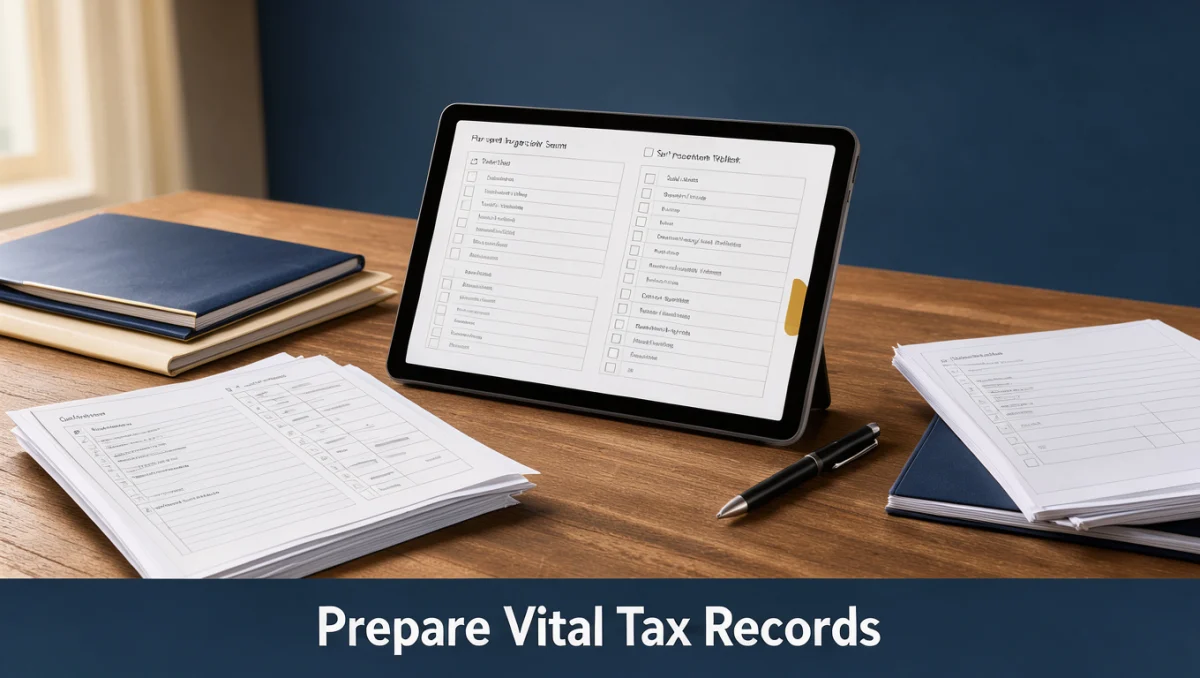
Gathering the right information ahead of time prevents onboarding delays. Tax reporting platforms need authentic organizational identifiers before they will create an account.
Collect Your Tax Identification Data
Before you start, pull together your federal Employer Identification Number, your registered legal business name, and your official physical address. Keeping these organized reduces verification mismatches during account confirmation, since many compliance portals cross-check transmitter details against official records.
Estimate Your Filing Volume
Count the contractor, interest, and miscellaneous payments your firm expects to report. When comparing accounting and tax tools, matching software capacity to real filing demand protects your budget. Verify on the official 1099 Pro website what each package includes for form counts and recipient delivery options.
Consult Your Tax Advisor
Federal and state tax rules change periodically. Speaking with a certified public accountant or licensed tax professional before you finalize your setup helps confirm your process meets current requirements. The software can generate documents, but the filing entity remains responsible for legal accuracy.
Step-by-Step Setup Workflow
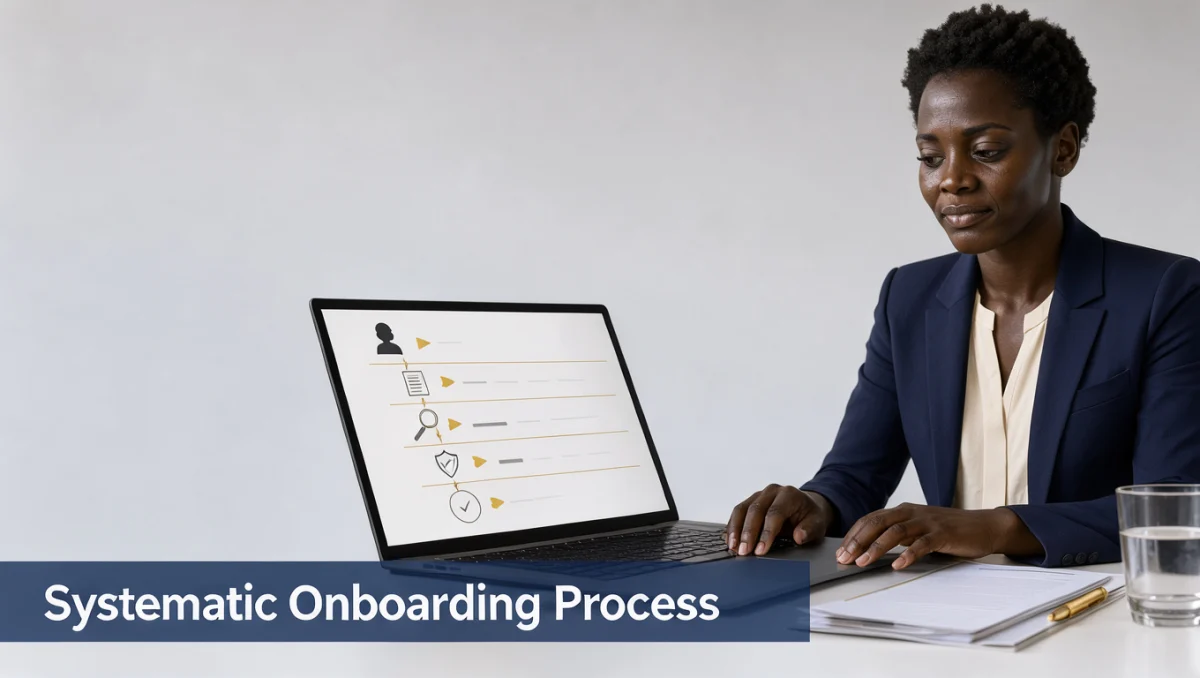
A methodical onboarding sequence keeps your account running smoothly throughout the filing season. Learning how to sign up for 1099 Pro is easiest when you move through each configuration milestone deliberately rather than rushing data entry.
Create Your Account and Verify Your Identity
Start by opening the official vendor website and navigating to the registration portal. Enter your corporate contact details, administrative email address, and entity type. The system verifies this information before creating a secure primary profile for the authorized administrator.
Configure Your Payer Profile
After you confirm initial access, set up your primary payer profile inside the workspace. Add your company's legal name, a contact phone number, and reporting addresses. If you file on behalf of several client entities, create a separate payer profile for each legal organization.
Organize Recipient Data and Map Fields
Before importing, arrange recipient information into standardized rows and columns in your spreadsheets. Make sure taxpayer identification numbers, addresses, and compensation amounts line up with the correct IRS form boxes. Cleaning these records in advance helps you avoid schema rejections during validation.
Set Transmission Permissions and Archiving
Decide who has authority to submit final filings and document those permissions. Establish local archiving procedures to keep copies of submitted forms according to your recordkeeping obligations. Confirm with your internal compliance team where backup archives will be stored once the filing period ends.
Best Practices for 1099 Pro Setup
Building disciplined compliance habits early reduces year-end pressure. Tax preparation depends on careful data management to avoid late corrections.
- Run TIN verification checks before importing final contractor payment records.
- Keep separate test batches to confirm your data mapping lands in the correct form boxes.
- Document your internal review workflow so multiple stakeholders approve figures before submission.
- Review the official 1099 Pro website for software prerequisites and environment requirements.
- Set calendar checkpoints well ahead of federal and state reporting deadlines.
Common Registration Mistakes to Avoid
Rushing account configuration often leads to reporting errors that require time-consuming corrective filings. Watching out for these frequent missteps protects your organization from compliance disruptions.
Entering Incomplete Payer Details
Using an informal trade name instead of the official IRS-registered entity name can trigger immediate transmission rejections. Confirm that your corporate name matches formal government documentation before saving payer defaults.
Overlooking State Filing Requirements
Filing with the federal government does not always satisfy state obligations. Some state agencies require separate formats or direct transmissions. Check each relevant state tax agency's requirements to see whether you need additional filing steps in your operating locations.
Failing to Review User Roles
Granting broad administrative access across an entire finance department increases the risk of unauthorized data changes. Limit transmission authority to certified compliance leads and give secondary staff view-only or data-entry roles.
Who Should Use 1099 Pro
Knowing whether a dedicated information return platform fits your organization can save time during software selection. Different operating models have very different reporting needs.
Corporate Accounting Departments
In-house accounting teams managing large contractor networks benefit from dedicated tax reporting software. Standardized recipient copies and centralized electronic submission simplify heavy seasonal workloads.
Independent Accounting and Bookkeeping Firms
Firms preparing annual returns for multiple business clients need structured multi-payer management. A dedicated filing platform keeps client ledgers separate and maintains distinct filing records for each corporate entity.
When a Simpler Option Is Enough
Solo entrepreneurs or small businesses with one or two contractors may not need specialized filing software. General bookkeeping tools or state-provided filing portals often handle low volumes without a standalone tax return management system.
Frequently Asked Questions
What should my organization prepare before starting registration?
Gather your federal Employer Identification Number, verified legal entity name, corporate address, and expected filing volume. Clean recipient records with verified Taxpayer Identification Numbers make the move from onboarding to active form generation much smoother.
Should I talk to a tax advisor before setting up the software?
Consulting a certified public accountant or tax attorney is recommended when you establish filing procedures. The software handles the mechanics of calculations and transmissions, but qualified professionals help confirm your classifications, reporting codes, and state-level filings meet current legal obligations.
How can teams keep tax reporting software costs under control?
Audit your annual recipient count accurately before choosing a service level on the official vendor site. Removing duplicate and inactive payee records keeps you from paying for form allocations you won't use.
What should administrators check about recipient copy delivery?
Decide whether recipient copies will go out electronically or by traditional mail. Review delivery preferences and consent requirements on the official vendor portal to meet regulatory deadlines for every payee.
Final Verdict
Choosing dedicated compliance software means balancing functionality, usability, and long-term cost. Below is our evaluation based on the product's stable characteristics.
| Criterion | Score /10 | Reason |
|---|---|---|
| Features | 7.8 / 10 | Dedicated tools for tax form generation, validation, and electronic filing workflows. |
| Ease of Use | 7.2 / 10 | Clear administrative structure, though tax compliance concepts require specialized knowledge. |
| Pricing and Value | 7.0 / 10 | Check official subscription pages to see how form thresholds align with your filing volume. |
| Integrations | 7.1 / 10 | Confirm data import specifications and file formatting standards directly on the vendor portal. |
| Audience Fit | 8.0 / 10 | Well suited to accounting practices and corporate teams with heavy annual information return obligations. |
| Support | 7.3 / 10 | Review current support channels and availability on the official website before peak tax periods. |
| Competitive Position | 7.4 / 10 | Strong focus on specialized tax reporting within a crowded field of general accounting tools. |
Overall Top App Review Sites score: 7.4 / 10
For enterprise finance departments and CPA firms processing significant recipient volumes, 1099 Pro offers focused form generation and centralized submission management. Micro-businesses and single-operator companies should first check whether entry-level accounting tools cover their occasional 1099 needs before committing to a dedicated platform.
Have questions about choosing the right tax compliance and reporting tools for your organization? Reach out to our research team through the Top App Review Sites contact page or follow our professional updates on LinkedIn.