topappreviewsites may earn a commission when you buy through links on this page, at no extra cost to you. This does not affect our ratings.
Modern sales organizations rely on software that keeps every buyer conversation visible from first contact to signed contract. Choosing a tool for deal management means checking how well contact records line up with daily routines, especially when reps need to see opportunity stages without maintaining separate spreadsheets. At Top App Review Sites, we examined how this activecampaign crm and sales pipeline platform handles staging and automated account tracking for today's businesses.
Many teams want to know whether one integrated system can cut the administrative friction between marketing handoffs and deal closing. This article offers a balanced breakdown of how the pipeline works, what drives setup effort, and what buyers should compare before committing their team to a subscription.
Quick verdict: ActiveCampaign CRM earns an overall score of 7.6 out of ten. It suits companies that want customer communication history tied directly to deal tracking, and it is less ideal for enterprises that need heavily customized governance models. Teams gain clear pipeline visibility, although mastering multi-stage workflows takes dedicated onboarding time.
| Evaluation Aspect | Summary Details |
|---|---|
| topappreviewsites score | 7.6 / 10 |
| Best for | Teams that want contact activity linked directly to multi-stage deal tracking |
| Not ideal for | Organizations wanting basic offline contact lists without sales tracking layers |
| Key strengths | Unified contact timelines, automated deal task triggers, and multi-pipeline tracking |
| What to check before buying | Review account seat allowances and add-on module boundaries on the official ActiveCampaign site |
1. How topappreviewsites Reviewed ActiveCampaign
This review examines what ActiveCampaign is designed to do, who it serves, and how it measures up against comparable tools. We assessed it across seven topappreviewsites criteria: features, ease of use, pricing and value, integrations, audience fit, support, and competitive position. Plans, prices, and limits change frequently, so we highlight what to confirm on the official website before purchasing. This article was researched and drafted with the help of AI tools, then reviewed and edited by the topappreviewsites Editorial Team.
2. What ActiveCampaign CRM and Sales Pipeline Is and Who It Serves
ActiveCampaign is a customer relationship management and customer experience automation platform built to manage contacts, automate communications, and monitor sales opportunities. It targets small and mid-sized businesses, sales teams, and marketing specialists who need to connect outreach campaigns with individual deal progress across defined stages.
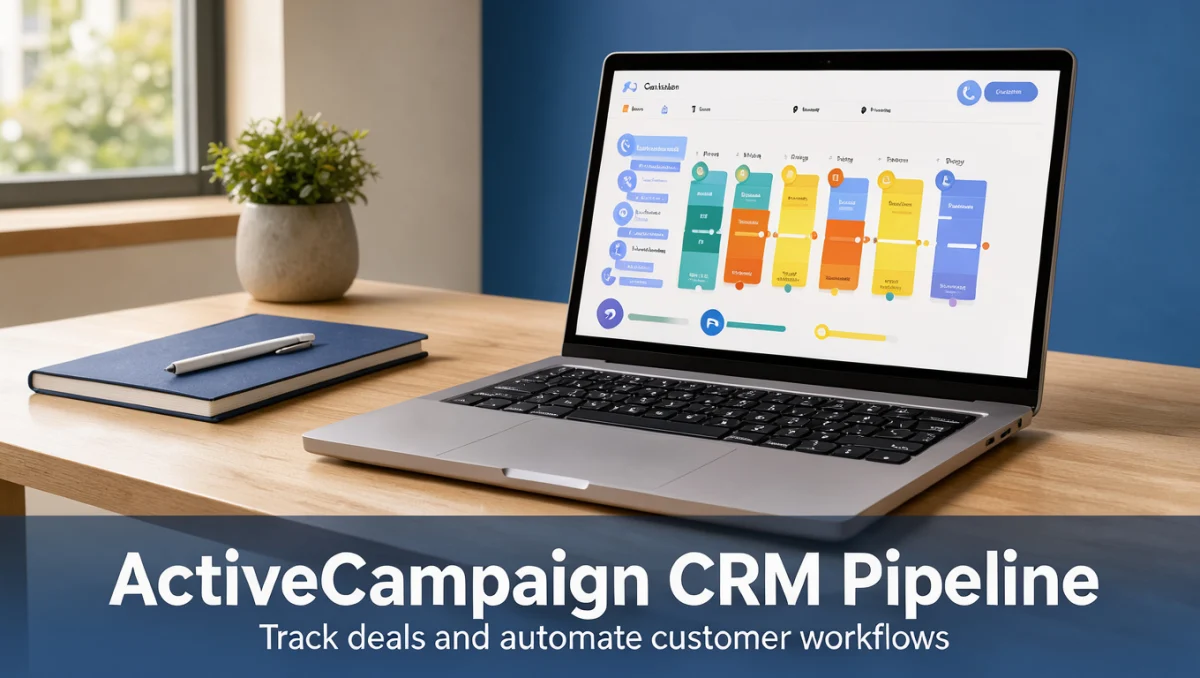
In typical sales workflows, leads arrive through web forms, inbound messages, or manual entry. An activecampaign crm and sales pipeline setup brings those records into shared boards where reps move opportunities across columns that represent milestones. This keeps account owners informed about when to send follow-up details, log meeting notes, or trigger internal reminders.
Buyers in this category generally prioritize continuity between first customer interest and long-term account management. For teams juggling diverse buyer personas, coordinating this information prevents dropped conversations and gives managers visibility into overall deal velocity.
3. Core CRM and Pipeline Management Capabilities
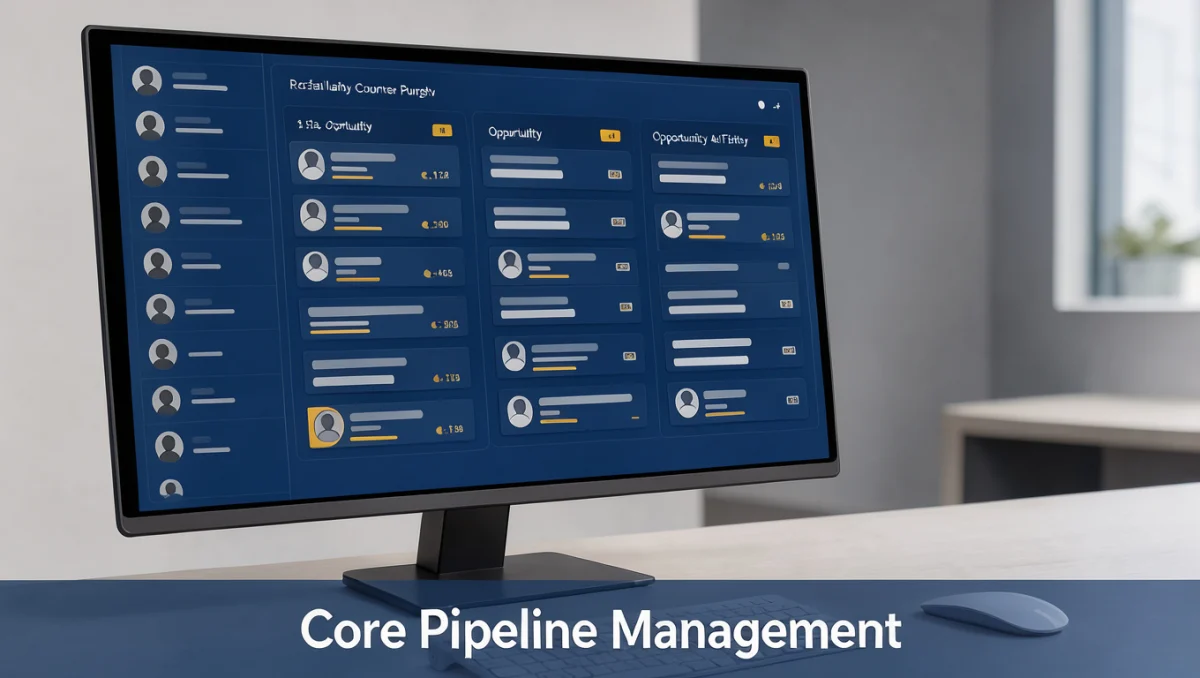
Evaluating sales technology means examining how daily administrative tasks are handled. ActiveCampaign organizes sales operations around several functional areas that govern contact management, deal stages, and account coordination.
3.1. Visual Deal Pipelines
Visual pipeline boards let reps track prospective sales across custom stages such as discovery, proposal sent, negotiation, and closed. Users can drag deal cards between columns as conversations advance. Each card shows core transaction values, the assigned account owner, and expected closing timeframes, allowing managers to review team workloads at a glance.
3.2. Contact and Account Records
Centralized records gather contact details, company associations, communication histories, and activity timestamps in one layout. When customer-facing staff review an account, they see past interactions alongside current deal status. This shared view prevents duplicate outreach and helps colleagues step in during absences without losing context.
3.3. Task Management and Internal Notifications
Pipeline tracking depends on timely follow-up tasks. The platform lets users create tasks, assign due dates to team members, and set reminders for prospect follow-ups. Automated stage transitions can generate these tasks automatically, so quotes go out and calls get logged promptly after a deal reaches a new milestone.
3.4. Workflow Automation for Sales
Linking pipeline status to background automations is a primary strength of the system. Workflows can assign incoming opportunities to specific account executives based on deal parameters, adjust contact tags when proposals are submitted, and update pipeline values. Teams often align these automations with broader Marketing initiatives to create smooth transitions from first inquiry to qualified deal.
4. Ease of Use and Team Learning Curve
Adopting sales pipeline software affects every customer-facing team member, so the interface and administrative complexity matter. ActiveCampaign presents a clean visual layout for standard deal management, but the depth of configuration options calls for patience during onboarding.
For reps handling routine work, navigating deal boards and updating records is straightforward. Drag-and-drop interactions need little initial training, and viewing upcoming tasks helps keep daily activity organized. Friction usually appears when building multi-step automation routines, where defining stage conditions and trigger rules requires understanding conditional logic.
Administrators should expect to spend time establishing standardized pipeline stages, custom fields, and access rules before inviting team members in. Many buyers find that running an internal pilot with a single pipeline surfaces structural adjustments before a company-wide rollout.
5. Pros and Cons of ActiveCampaign Pipeline Management
Understanding both strengths and operational limits helps teams decide whether the platform fits their sales process.
5.1. Strengths
- Centralized interaction logs keep marketing communication histories alongside sales deal records.
- Multi-pipeline support lets businesses manage distinct workflows for different products or sales channels.
- Automated deal assignment rules help distribute inbound opportunities systematically across teams.
- Configurable stage automations reduce manual data entry for routine task assignments.
5.2. Limitations and Considerations
- The wide range of automation settings can present a noticeable learning curve for non-technical staff. Teams can ease this by documenting standard operating procedures before deployment.
- Advanced sales governance and enterprise-level permission controls require careful setup. Organizations should review permission structures on the official ActiveCampaign website to confirm they meet internal security policies.
- Detailed reporting often depends on standardizing pipeline stages so that collected sales metrics stay accurate over long periods.
6. ActiveCampaign vs Similar CRM Platforms
Choosing the right CRM means comparing how different tools position themselves across functionality, simplicity, and operational scope. ActiveCampaign competes with alternatives that serve distinct operating models.
| Platform | General Target Group | Core Functional Emphasis | When to Consider |
|---|---|---|---|
| ActiveCampaign | Growing businesses combining outreach with deal stages | Unified communication and sales automation | When email history and deal milestones must live together |
| HubSpot | Inbound teams wanting marketing, sales, and service hubs | Centralized commercial operations ecosystem | When scaling inbound content and unified multi-department hubs |
| Pipedrive | Sales teams seeking visual pipeline activity tracking | Activity-focused sales tracking and call logging | When rep calling activity and pipeline velocity take priority |
| Zoho CRM | Organizations needing broad business tool connectivity | Extensive configuration and customization options | When managing varied operational databases within one software family |
HubSpot offers broad modules that unite multiple business functions, appealing to organizations that want marketing, support, and sales under one reporting roof. Pipedrive focuses on the individual rep's activity, emphasizing call schedules, deal stages, and productivity. Zoho CRM serves organizations that need deep database customization and workflow rule programming across large operations. ActiveCampaign stands out for teams prioritizing automated links between digital engagement and structured pipeline progression.
7. Who Should Choose ActiveCampaign for Sales
Software performance depends heavily on how well team capability matches tool design. Here is how different operational groups typically fit this sales pipeline environment:
7.1. Small Business Owners
Owners moving away from disorganized spreadsheets will find structured deal stages useful. Visual columns make it immediately clear which proposals are pending and which invoices await confirmation. Owners should confirm task-handling expectations so team members keep records current.
7.2. Dedicated Sales Teams
Teams with multiple reps benefit from systematic deal routing and automatic task assignment. Separating enterprise accounts, partner pipelines, and direct consumer deals across boards prevents operational overlap. Sales managers should set strict pipeline definitions to keep milestone reporting reliable.
7.3. Marketers Managing Sales Handoffs
Professionals working between lead acquisition and sales qualification gain clear visibility into whether leads turn into active deals. Tracking stage changes helps refine targeting without manual exports between separate databases.
7.4. Solo Freelancers
Freelancers who need only occasional invoice tracking and minimal contact history may find the platform more comprehensive than necessary. If simple invoicing is the only requirement, dedicated accounting tools or basic contact organizers often do the job with less setup.
8. How to Choose the Right Plan and Deployment
Subscription models for modern sales software vary by feature access, seat count, and add-on services. To select a sustainable package, use the checklist below when reviewing the vendor platform.
| What to Check on the Official Website | Why It Matters |
|---|---|
| Included User Seats | Extra user seats alter overall subscription expenses as sales headcount expands over time. |
| Pipeline and Deal Limits | Some operational tiers separate high-volume deal capabilities and pipeline quantities by subscription level. |
| Automation Workflow Ceilings | Verifying automation boundaries prevents workflow interruptions during busy sales seasons. |
| Contact List Boundaries | Total contact database size often influences base software pricing tiers across subscription categories. |
| Custom Field Allowances | Bespoke sales tracking requires custom fields to store unique industry requirements. |
Buyers should estimate expected user growth through 2026 before finalizing a plan. Projecting long-term contact expansion helps avoid surprise adjustments when databases grow past standard thresholds.
9. Frequently Asked Questions
9.1. How do teams know when to move from spreadsheets to a dedicated sales pipeline?
Teams should consider a dedicated pipeline when several people handle customer conversations and spreadsheet updates start causing missed follow-ups. A structured platform automates task reminders, maintains a complete communication timeline, and gives managers clear deal visibility without manual checks.
9.2. What should a company budget for besides the base software subscription?
Beyond the subscription, companies should plan for onboarding help, staff training hours, and custom integration setup. Accounting for internal time spent designing stage rules, mapping contact fields, and refining automations keeps the rollout on budget and delivers consistent results.
9.3. Should a business standardize deal stages before setting up software automations?
Yes. Standardizing deal stages before building automations is critical for accurate pipeline metrics. If team members define milestones differently, automated task triggers and reporting summaries become unreliable, creating confusion across sales and marketing.
9.4. How can administrators verify if their sales pipeline data is structured correctly?
Administrators can audit a small batch of deals from initial entry through closure. Checking that contact details, task assignments, and stage transition triggers operate smoothly reveals missing custom fields or conflicting routing rules before broad team deployment.
10. Final Verdict on ActiveCampaign CRM
Choosing a sales pipeline solution means balancing automation power against day-to-day usability. ActiveCampaign provides a structured platform for businesses that want to link digital contact behavior with multi-stage sales operations.
| Evaluation Criterion | Score / 10 | Assessment Reason |
|---|---|---|
| Features | 8.5 / 10 | Offers strong visual pipeline management, stage automations, and unified contact interaction histories. |
| Ease of Use | 7.2 / 10 | Standard deal boards are intuitive, though configuring advanced automation triggers requires technical patience. |
| Pricing and Value | 7.0 / 10 | Buyers should verify seat and contact tier structures on the official pricing page to evaluate total cost value. |
| Integrations | 7.5 / 10 | Connects with external operational tools, though teams must verify specific third-party data sync rules. |
| Audience Fit | 8.0 / 10 | Well-aligned for growing businesses linking digital communications with structured deal management. |
| Support | 7.0 / 10 | Teams should confirm available support tiers and onboarding options on the official website before buying. |
| Competitive Position | 8.0 / 10 | Maintains a distinct market stance by blending deal tracking directly with communication automation. |
Overall topappreviewsites Score: 7.6 / 10
For teams seeking unified contact management and deal workflow triggers, ActiveCampaign is a viable, well-rounded solution. Solo operators with simple contact lists may find lighter tools sufficient, but growing sales teams will appreciate the operational clarity that connected pipeline stages provide. Visit Top App Review Sites for more independent software reviews.
Have questions about selecting the right sales pipeline tool for your organization? Send your software inquiries through topappreviewsites Contact or follow updates from our editorial team on topappreviewsites LinkedIn.