topappreviewsites may earn a commission when you buy through links on this page, at no extra cost to you. This does not affect our ratings.
Hourly workforces change from one week to the next, and keeping rosters aligned with the hours people actually work takes more than a shared spreadsheet. Hospitality venues, clinics, shops and event teams all need a dependable way to match planned shifts with clocked time. Here at Top App Review Sites, we test how workforce platforms perform in everyday operations, so you can pick a tool that fits your staffing reality without costly surprises.
Good workforce administration depends on three things working together: shift planning, verified hours on site, and clean data for payroll. Within the wider Collaboration & Productivity space, managers need to separate simple admin chores from the harder problem of scheduling people across shifts. This guide walks through how the platform works, where friction tends to appear, and what to verify before committing.
Quick verdict: Scoring 7.5/10 overall, Planday is a strong match for shift-heavy operations that need roster creation and actual hour tracking across departments. It is less suited to teams of salaried desk workers on fixed weekly hours, who can usually manage with a basic calendar or lightweight project tool.
| Metric | Summary Details |
|---|---|
| topappreviewsites score | 7.5/10 |
| Best for | Hospitality, retail, and service businesses managing fluctuating hourly rosters |
| Not ideal for | Organizations with salaried office workers following fixed weekly schedules |
| Key strengths | Roster management, shift exchange workflows, and time punch verification |
| What to check before buying | Per-user overhead, add-on payroll connectors, and contract minimums |
1. How topappreviewsites Reviewed Planday
We assessed Planday against seven criteria: features, ease of use, pricing and value, integrations, audience fit, support, and competitive position. Plans, prices and usage limits change frequently, so we flag the points you should confirm on the official planday time and attendance website before buying. This article was researched and drafted with the help of AI tools, then reviewed and edited by the topappreviewsites Editorial Team.
2. What Is Planday and Who Is It For
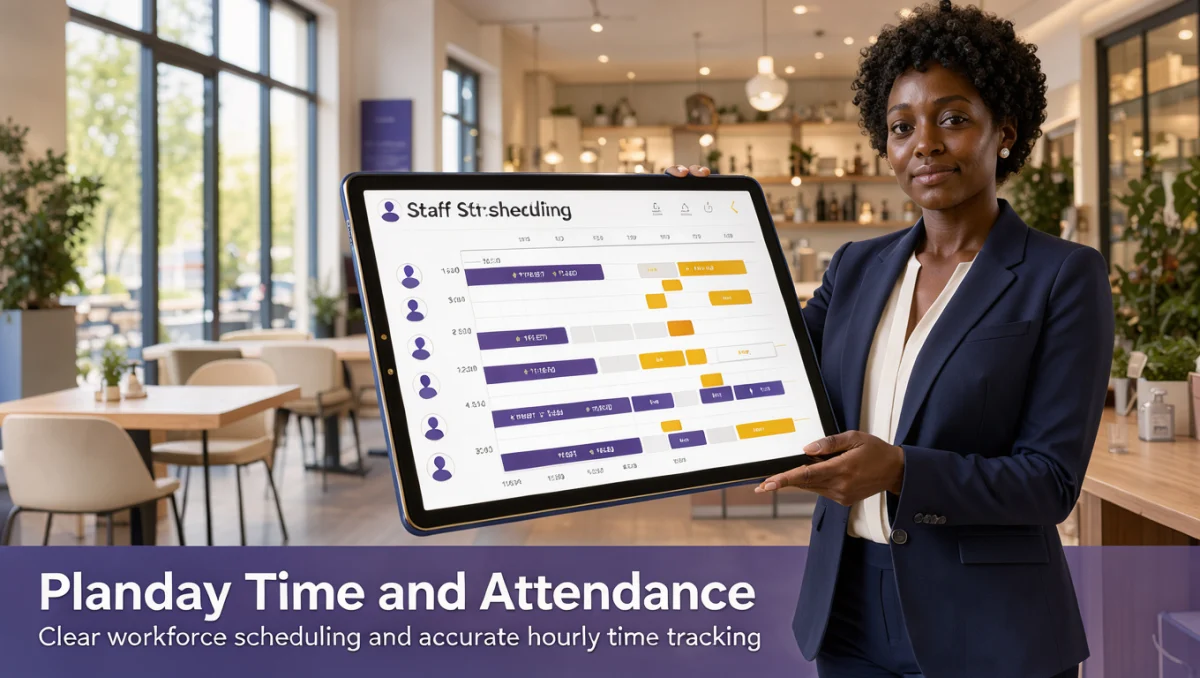
Planday is a workforce management platform built to simplify employee scheduling, shift communication and work hour tracking. It brings roster coordination into one place, so administrators can build schedules, record attendance and total up hours for payroll without juggling separate tools.
The platform is aimed at managers who oversee hourly staff across changing opening hours. Instead of paper sign-in sheets or scattered spreadsheets, supervisors use it to assign duties, log arrival times and track absences. Frontline workers use it to view their shifts, swap slots with qualified colleagues and clock in and out each day.
Shift coordination problems are most acute in certain settings. Restaurants, hotels, care facilities and retail chains see staffing needs rise and fall with the weekday, the season and guest volume. Planday concentrates on these deskless, hourly environments, where shift cover, punctuality and accurate wage calculations decide day-to-day success.
3. Core Time and Attendance Features in Planday
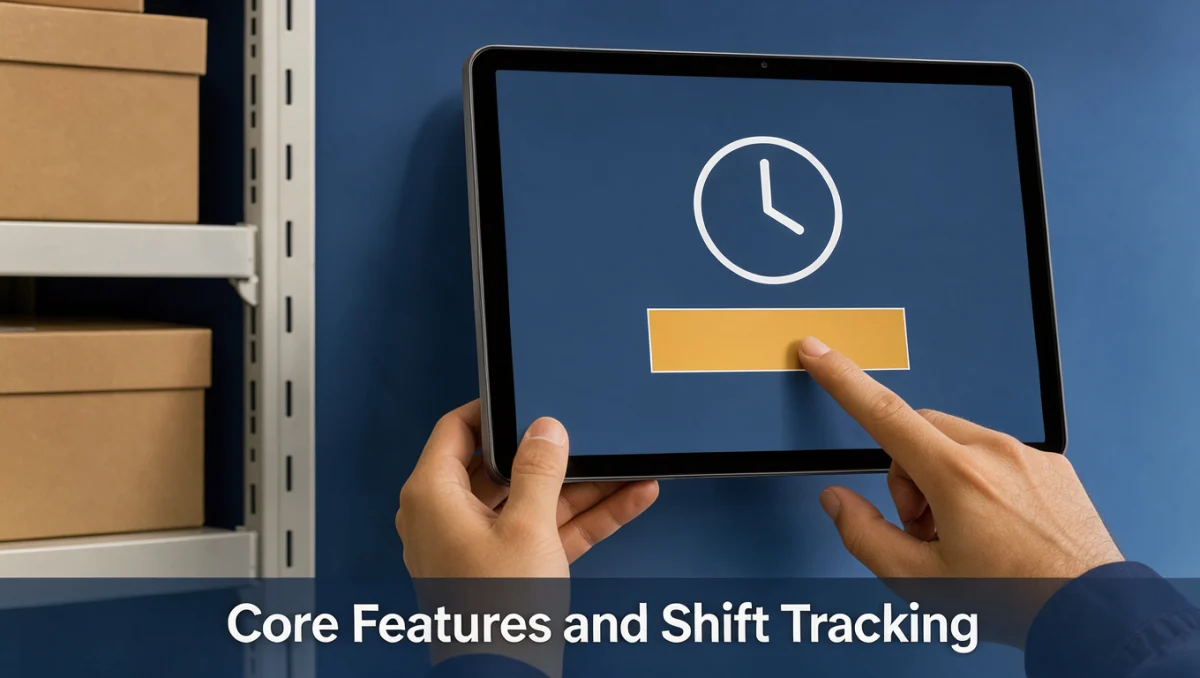
Time and attendance software has to cover several basics to be useful to floor supervisors and payroll staff. Planday organizes its capabilities around a handful of functional areas that run from initial schedule creation through to final timesheet approval.
3.1. Schedule Creation and Roster Planning
Roster planning is the core requirement for any hourly team. In Planday, managers build shift templates, allocate staff by skill and view coverage across locations. The system lets schedulers see open shifts, flag unassigned hours and publish finalized timetables to staff. Automated rules help administrators catch scheduling clashes before shifts begin, reducing accidental double-booking.
3.2. Shift Swapping and Absence Tracking
Shift-based teams see frequent changes from personal conflicts, illness or leave requests. The platform offers a communication workflow that lets workers request shift trades with colleagues who hold the same job competencies. Supervisors keep oversight by approving or declining trade requests before changes reach the master schedule. Holiday accruals and time-off requests also move through a structured sign-off process.
3.3. Time Tracking and Clocking Verification
Accurate hour capture prevents payroll disputes and wasted admin time. Employees clock in and out as shifts start and end. The system records punch timestamps and matches logged hours against the roster slots they were assigned to. Supervisors can review cases where recorded hours differ from scheduled durations, which gives administrators clear visibility into late arrivals or unplanned overtime.
3.4. Timesheet Export and Payroll Preparation
At the end of a pay period, attendance data has to turn into reliable wage calculations. Planday pulls together approved hours, recorded breaks and leave balances into structured summaries. Payroll administrators review total payable time, apply any pay differentials set for particular roles and export clean datasets into accounting systems. This reduces manual transcription errors and speeds up payroll finalization.
4. Ease of Use and Learning Curve
User adoption in shift environments depends heavily on how simple the software is, because frontline staff vary widely in their comfort with technology. When we evaluate workforce platforms, we look at how quickly both experienced administrators and casual staff can find their way around.
For managers, setting up shift structures, pay rules and department groups takes careful attention at the start. Navigating the admin dashboard means understanding how staff roles connect to permissions and payroll profiles. Once the baseline configuration is in place, routine work such as moving shifts around the calendar grid becomes predictable.
For frontline employees, reading shift notifications and clocking in is straightforward. Multi-step shift trades or complex leave requests can take newer workers a little longer to get comfortable with. Organizations that run structured onboarding sessions tend to get fewer questions about missed punches or unapproved trade requests.
5. Pros and Cons of Planday
Every operational platform balances functional depth against administrative complexity. Weighing these strengths and limitations helps you judge whether the software suits your organization's maturity.
5.1. Advantages of the Platform
- Brings employee schedules, punch records and leave requests into a single working environment.
- Cuts down on manager phone calls with built-in shift trade workflows between qualified staff.
- Shows a clear comparison between scheduled working hours and actual clocked times.
- Organizes multi-department rosters so daily coverage across different station duties is easy to see.
5.2. Limitations and Considerations
- Setting up role-based permissions and departmental pay structures takes real administrative preparation.
- Organizations with simple, predictable hours may find the shift-swap and punch-matching workflows more involved than they need.
- Access levels and advanced connectors depend on the tier you choose, so buyers should confirm these directly with the vendor.
6. Planday vs Similar Tools
The workforce management category includes several dedicated platforms for hourly teams. Knowing how Planday compares with other options helps you choose the system that fits your scale.
Deputy is a common alternative, often chosen by businesses that prioritize flexible shift scheduling and mobile punch compliance. When I Work focuses on simple team communication and intuitive schedule sharing for smaller retail and food service teams. Sling offers quick schedule building and basic task allocation, aimed at agile service teams that need a fast setup.
Planday's distinguishing feature is its structured approach for businesses with layered department hierarchies and strict timesheet validation needs. Where Sling emphasizes filling the calendar quickly, Planday connects the full chain: roster planning, clock verification, break adherence and structured payroll export. Teams should decide whether their priority is lightweight roster sharing or thorough hour verification.
7. Who Should Use Planday
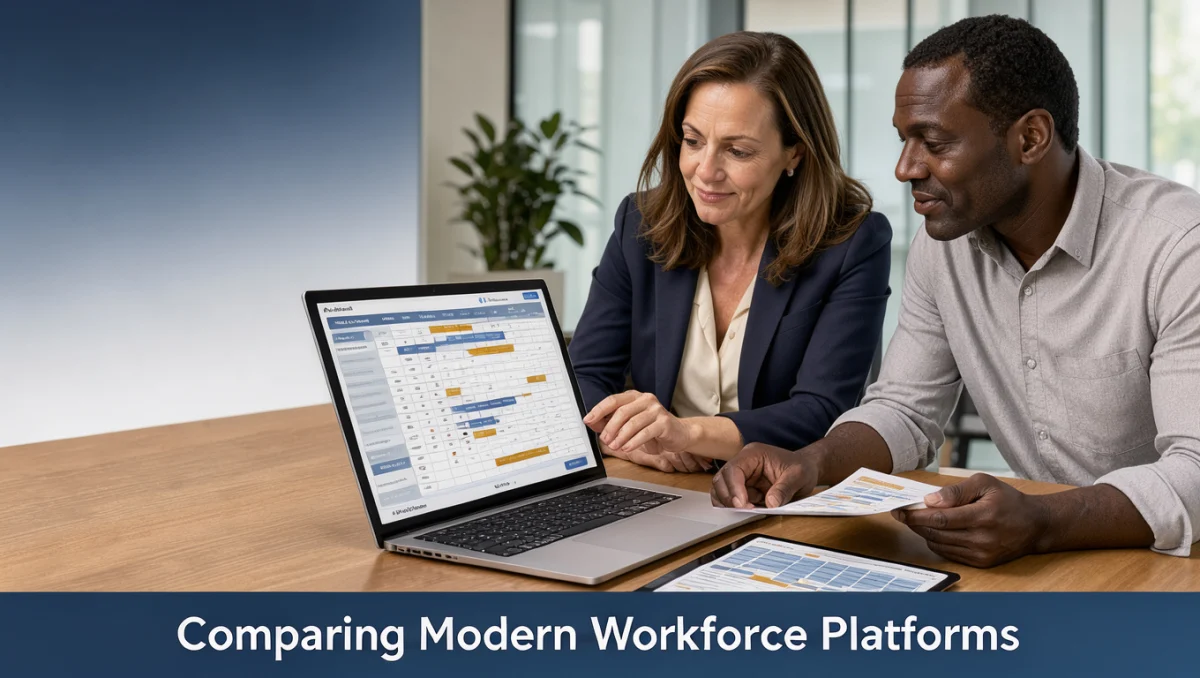
Workforce needs differ a lot between business models. Checking whether your organization fits the platform's core audience makes implementation smoother.
7.1. Hospitality and Restaurant Operators
Restaurants, bars and catering companies deal with guest numbers that change throughout the day, which calls for flexible floor staffing. Managers in these settings benefit from clear roster views that show servers, kitchen crew and bar staff across split shifts. Being able to handle last-minute shift drops without phoning off-duty workers saves valuable manager time during peak service.
7.2. Retail Chains and Multi-Store Managers
Retailers with several storefronts need consistent oversight. Floor supervisors have to confirm that keyholders arrive on time and that coverage matches expected footfall. Planday lets multi-site operators track attendance across locations while keeping central policies for break tracking and overtime control.
7.3. Healthcare and Care Providers
Care homes and outpatient clinics have mandatory staffing rules, with certain qualifications required on every shift. The platform lets schedulers view team qualifications when assigning shifts, which helps avoid compliance gaps. Shift swap approvals make sure a substitute holds the right credential before stepping into a specialist role.
7.4. Teams That Should Consider Alternative Systems
Companies made up mainly of salaried office staff working standard weekly hours don't need shift punch verification or roster bidding. Creative agencies, software development shops and legal consultancies usually get more value from project-based time tracking tools that log billable client hours rather than physical worksite attendance.
8. How to Choose the Right Plan
Subscription models for workforce software vary with team size, the level of administration you need and how your organization is structured. Before choosing a plan, look into these points on the official vendor website.
| What to Check on Official Site | Why It Matters |
|---|---|
| Per-user pricing structure | Headcount directly affects recurring software costs as your team grows. |
| Included communication tools | Some plans reserve in-app messaging or document sharing for higher tiers. |
| Timesheet export capabilities | Connecting attendance logs to third-party payroll engines may require a specific package. |
| Multi-location management rules | Running separate branches under one account often comes with its own requirements. |
| Support availability | Dedicated onboarding help can speed up roster and punch setup considerably. |
9. Frequently Asked Questions
What factors drive the cost of workforce software?
Costs for workforce management platforms usually scale with active employee numbers, the number of locations and how much reporting you need. Base plans typically include standard roster creation and time capture, while advanced reporting, custom permission levels and specialized export formats often sit in higher tiers. Always confirm current billing terms on the official website before setting a budget.
How should a business prepare its data before launching time and attendance software?
Document your existing shift patterns, job roles, department codes and overtime rules before configuring anything. Gathering accurate employee contact details and clarifying policies on unpaid break deductions means the settings reflect real operations from day one. Incomplete data at setup leads to confusing timesheets and delayed payroll cycles.
Why should payroll requirements guide software selection?
A workforce platform has to pass approved working hours into payroll software without friction or data loss. If time entries, unpaid breaks and statutory leave categories don't line up with payroll records, you'll be reconciling by hand every pay run. Talking to a bookkeeper or payroll specialist before configuring the software helps prevent costly mismatches.
When is a dedicated time and attendance tool unnecessary?
Businesses with fixed, salaried staff who don't trade shifts or see hourly pay variations rarely need a dedicated shift tracking system. Standard calendar apps, basic project logging tools or a general HR information system usually handle leave requests and office presence well enough without maintaining complex rosters.
10. Final Verdict
Running shift-based teams calls for dependable software that bridges planned rosters and verified hours. Planday time and attendance software gives businesses with rotating shifts a structured framework across complex operations. Initial setup takes administrative diligence, but the transparency it brings to time tracking, shift trades and payroll preparation gives site supervisors real peace of mind.
| Evaluation Criterion | Score /10 | Operational Reason |
|---|---|---|
| Features | 8.0/10 | Provides well-structured scheduling, shift trade approvals and attendance logging workflows. |
| Ease of Use | 7.5/10 | Routine shift punching is simple, though backend permission setup needs dedicated training. |
| Pricing and Value | 7.0/10 | Buyers should check per-seat costs against total headcount on the official vendor page. |
| Integrations | 7.0/10 | Connects operational hours to payroll, though specific accounting export formats need verifying. |
| Audience Fit | 8.5/10 | Very well aligned with hospitality, retail and service businesses managing hourly rosters. |
| Support | 7.0/10 | Review onboarding assistance options directly on the official website. |
| Competitive Position | 7.5/10 | Holds ground against shift-planning rivals by keeping structured timesheet governance. |
Overall Score: 7.5/10
For business owners coordinating dozens of hourly workers across variable shifts, Planday offers the structure needed to prevent staffing gaps and payroll errors. Before signing, count your total headcount, check which payroll export formats you require and confirm contract details on the official Planday website.
Have questions about choosing workforce management software for your business? Send your inquiries through the topappreviewsites contact form or follow our editorial team on LinkedIn.