Top App Review Sites may earn a commission when you buy through links on this page, at no extra cost to you. This does not affect our ratings.
Deciding between activecampaign vs mailchimp means weighing deep, behavior-driven marketing automation against a broadcast-focused newsletter system built for straightforward campaign delivery. Both tools send emails, manage subscriber lists, and report campaign performance, but they are designed around different working styles. The right pick depends on whether your team needs multi-branch workflows or a fast, template-driven way to send regular messages.
Our review approach looks at how each product fits everyday business needs across setup, daily management, and future growth. If you want a wider view of email marketing software before narrowing your options, browse our Marketing guides to see where automation tools separate from basic broadcast sending.
Quick verdict: Our overall score for this activecampaign vs mailchimp comparison is 8.0/10. ActiveCampaign suits teams building multi-step customer journeys and pipeline automation. Mailchimp suits creators who want quick campaign setup and simple newsletters without a complex workflow builder.
| Metric | Summary Details |
|---|---|
| topappreviewsites score | 8.0/10 |
| Best for | Teams prioritizing intricate customer journeys and contact record management |
| Not ideal for | Users seeking a simple one-click newsletter setup without workflow configuration |
| Key strengths | Deep workflow logic, contact lifecycle organization, flexible segmentation |
| What to check before buying | Subscriber tier thresholds and seat allocation policies on official pages |
1. How Top App Review Sites Tested activecampaign vs mailchimp
This review examines what ActiveCampaign and Mailchimp are built to do, who they serve, and how they compare with similar tools. We judged them on seven criteria: features, ease of use, pricing and value, integrations, audience fit, support, and competitive position. Plans, prices, and limits change frequently, so we point out what to confirm on each official website before purchasing. This article was researched and drafted with AI assistance, then reviewed and edited by the topappreviewsites Editorial Team.
2. Short Answer: activecampaign vs mailchimp
The core difference between the two comes down to automation depth versus broadcast simplicity. ActiveCampaign centers on journey orchestration, event-driven messages, and built-in sales pipeline management. Mailchimp centers on accessible design, template management, and straightforward list-based newsletter delivery.
Organizations with dedicated marketing staff often lean toward ActiveCampaign because it supports complex conditional logic and custom tracking across the subscriber lifecycle. Solo operators and content creators frequently prefer Mailchimp for its approachable template system and minimal onboarding time.
3. Comparison Overview and Positioning

Understanding how each system positions itself helps you match a product's architecture to your internal resources. Independent assessments on the Top App Review Sites software analysis portal stress matching team capability to software complexity rather than adopting advanced features too early.
| Tool | Best for | Core strength | Consider if |
|---|---|---|---|
| ActiveCampaign | Teams wanting detailed automation paths | Conditional branching and contact management | Your marketing relies on behavior triggers |
| Mailchimp | Small brands needing quick newsletter delivery | Visual layout creation and audience lists | Your strategy focuses on regular broadcasts |
3.1. Core Architectural Differences
ActiveCampaign organizes its database around the individual contact, letting multiple tags, field histories, and automated status changes interact across different campaigns. Mailchimp structures its system around audience lists, where subscriber management traditionally happens within defined audience boundaries. This structural difference shapes how teams segment audiences and track buyer journeys across multiple touchpoints.
4. Features and Automation Capabilities
Email marketing platforms handle subscriber collection, automated follow-ups, template customization, and broadcast dispatch. ActiveCampaign links communication triggers to user behavior, web interactions, and deal stages. Mailchimp builds its features around visual content presentation, scheduled broadcasts, and standard sequential autoresponders.
4.1. Automation Logic and Triggers
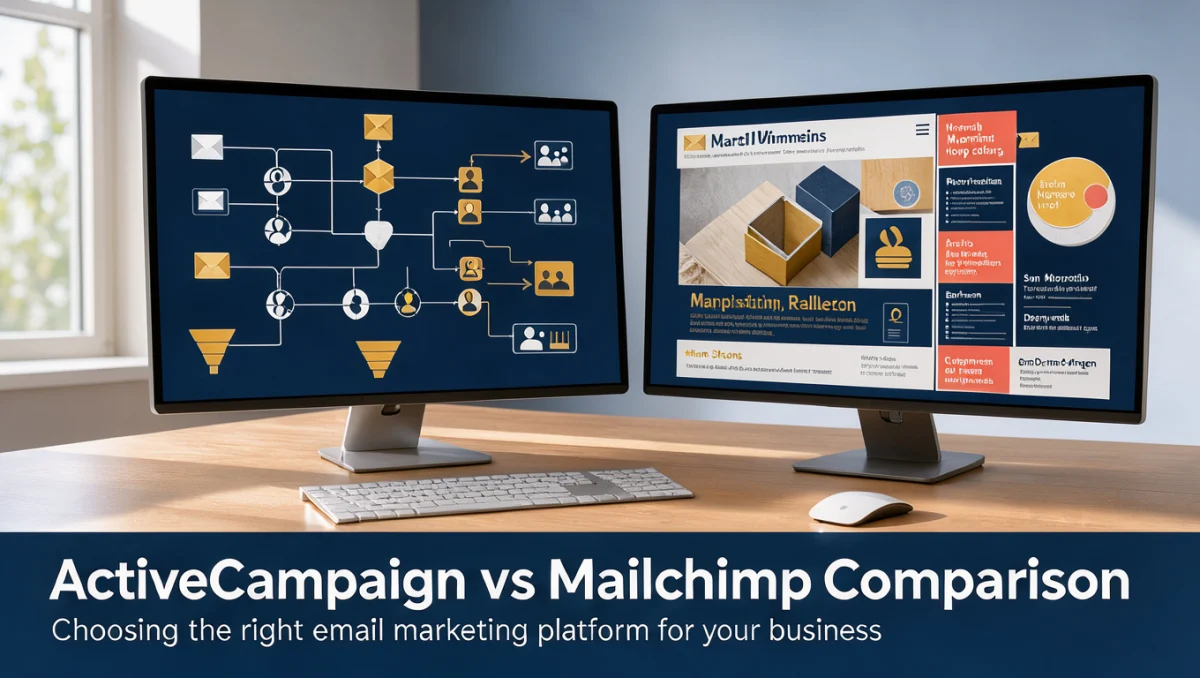
ActiveCampaign offers an automation canvas that supports split paths, multi-condition filters, wait timers, and goal achievements within one visual workflow. Teams can route subscribers based on previous link clicks, field changes, or pipeline status. Mailchimp provides journey maps for standard drip campaigns, welcome sequences, and transactional receipts, which suits teams that do not need multi-layered conditional branching.
4.2. Contact Management and Segmentation
ActiveCampaign depends on flexible tagging and dynamic custom fields that update automatically through workflow actions. Mailchimp uses tags, groups, and audience segments to organize contacts within individual lists. Buyers managing several brands or separate subscriber databases should confirm on the official Mailchimp pricing page how multiple audience lists affect billing.
5. Ease of Use and Navigation
The learning curve of any software directly affects adoption speed and daily productivity. Mailchimp emphasizes a user-friendly drag-and-drop editor that lets people assemble emails quickly without technical training. ActiveCampaign offers a functional layout, but its dense settings panels and deep automation options require dedicated configuration time.
5.1. Template Creation Workflow
Mailchimp provides a polished visual editor where users arrange content blocks, images, and buttons with immediate visual feedback. ActiveCampaign also offers modern design tools, though users spend more time connecting emails into larger automated processes. Teams that need quick design turnaround for seasonal announcements often find Mailchimp more straightforward for basic layouts.
5.2. Campaign Setup and Launch Routine
Creating a one-time broadcast in Mailchimp follows a linear wizard that guides users through recipients, sender details, subject lines, and design review. ActiveCampaign supports similar broadcast steps but places equal emphasis on enrolling recipients into active workflows. Beginners unfamiliar with automation logic should review conditions carefully inside ActiveCampaign to avoid unintended message loops.
6. Pricing Structure and Value Assessment

Both providers use subscription billing that scales with audience size and feature access. Marketing software typically ties recurring fees to total contact counts, sending volume, or administrator seat licenses. Evaluating value means inspecting current tier structures on each vendor's site.
6.1. Cost Drivers to Examine
Many email platforms calculate tier thresholds based on stored contacts rather than active recipients, so unsubscribed addresses may still count toward monthly totals. Buyers should confirm on the official ActiveCampaign pricing page how contact status changes affect plan limits. Likewise, check the official Mailchimp pricing page to understand how audience list counts and duplicate contacts affect your monthly invoice.
| What to check on official pages | Why it matters | Who it matters most for |
|---|---|---|
| Contact count definitions | Determines whether unsubscribed records incur charges | Growing businesses with seasonal subscriber spikes |
| Administrative seat limits | Adding team members can trigger plan upgrades | Agencies and collaborative marketing departments |
| Monthly email send volume caps | High-frequency senders may hit volume thresholds | Daily newsletter publishers and e-commerce stores |
7. Integrations and Ecosystem Flexibility
Modern software connects with external databases, e-commerce storefronts, payment gateways, and analytics suites to keep records unified. ActiveCampaign integrates closely with customer relationship management systems and custom webhooks to track buyer activity. Mailchimp connects directly with widely used e-commerce platforms, landing page builders, and social networks for unified campaign tracking.
7.1. Data Synchronization Across Systems
Marketing teams often need contact data to move between checkout portals and email lists without manual CSV imports. Before committing, confirm on the official ActiveCampaign website how contact fields sync with your existing store setup. Check the official Mailchimp website to verify how purchase history and abandoned cart triggers connect to your store platform.
8. Audience Fit Across Business Types
Software selection works best when operational requirements match the product's focus. A tool that suits a boutique retailer sending weekly announcements may feel restrictive for a software company running lead nurturing funnels.
8.1. Freelancers and Content Creators
Solo creators and newsletter writers generally benefit from Mailchimp because its layouts are easy to produce and it requires little technical upkeep. When revenue depends mainly on occasional editorial letters rather than intricate sales sequences, Mailchimp's streamlined interface saves time.
8.2. Growing Teams and B2B Organizations
ActiveCampaign suits B2B service firms, digital agencies, and expanding commerce operations that need lead scoring and pipeline management. Teams that track prospect engagement through sales discovery calls find ActiveCampaign valuable because contact records keep full interaction histories across campaigns and pipelines.
8.3. Organizations That Should Look Elsewhere
Enterprises that require on-premises deployment, bespoke database customization, or strict physical data isolation should consider specialized enterprise marketing suites. Very large teams with complex compliance rules may find standard subscription tools less flexible for internal governance.
9. Support Channels and Assistance
Access to technical guidance matters when you set up automations or troubleshoot domain delivery settings. Marketing platform providers regularly adjust their support channels, live chat availability, and ticket response times based on subscription level.
9.1. Confirming Support Entitlements
Prospective subscribers should confirm on the official ActiveCampaign support page which communication channels come with each service tier. Users considering Mailchimp should review the official Mailchimp help page to see whether live chat, ticket submission, or phone assistance fits their planned account level. Checking these details ahead of time avoids surprises during time-sensitive campaign launches.
10. Competitive Position in the Market
ActiveCampaign and Mailchimp each hold a defined role in the marketing technology landscape. Mailchimp grew from newsletter distribution into broader marketing utility, while ActiveCampaign focused its development on automation intelligence and customer experience. Each platform serves as an established benchmark within its own operational focus.
11. How to Decide Between the Two Platforms
Choosing between these systems requires an honest look at your technical resources, communication frequency, and sales cycle complexity. Following a structured decision framework prevents premature migrations and wasted subscription spending.
- Define your primary message type: Determine whether your audience mainly receives weekly broadcast newsletters or customized, behavior-triggered sequences.
- Audit internal technical skills: Evaluate whether your team can build and maintain conditional workflows, or whether a drag-and-drop editor is the better fit.
- Calculate your contact growth rate: Project subscriber growth over the next twelve months to understand how tier increases affect total operating costs.
- Verify necessary connections: Confirm on official product directories that your payment processors, forms, and admin tools integrate smoothly.
- Review subscription documentation: Inspect the official ActiveCampaign and Mailchimp pricing pages to confirm seat allocations, contact allowances, and current support policies.
12. Frequently Asked Questions
How should a buyer evaluate automation complexity before choosing?
Map your planned customer journey on paper before selecting a platform. If your communication sequence requires multiple branching paths, conditional delays, and field-based triggers, a dedicated automation tool like ActiveCampaign is appropriate. If your sequence involves only a basic welcome message followed by weekly newsletters, Mailchimp handles those tasks with less setup effort.
What hidden costs should teams expect when adopting marketing software?
Subscription tiers often scale with total database size rather than active monthly recipients. Extra expenses can come from purchasing additional team seat licenses, integrating third-party data connectors, or hiring outside specialists to configure workflows. Reviewing official documentation on contact archiving rules helps prevent unexpected jumps in your subscription cost.
Should a business switch platforms when subscriber growth accelerates?
Migrating between email platforms involves transferring contact records, cleaning inactive subscribers, re-authenticating domain records, and rebuilding automated funnels. Teams should only migrate when their current software lacks functional capabilities required for revenue generation, not for visual preferences or minor cosmetic interface changes.
How does team size influence software selection?
Multi-member marketing departments often need role-based permissions, collaborative workflow authoring, and shared pipeline management. Verify administrative access policies on official product pages to make sure multiple team members can work at the same time without costly individual account upgrades.
13. Final Verdict
| Criterion | Score /10 | Reason |
|---|---|---|
| Features | 8.8/10 | Strong automation branching and contact lifecycle controls balanced against standard broadcast tools |
| Ease of Use | 8.2/10 | Mailchimp offers straightforward visual editing, while ActiveCampaign requires setup patience |
| Pricing and Value | 7.2/10 | Buyers must check subscriber thresholds and seat limits on official pricing pages |
| Integrations | 7.8/10 | Both platforms offer ecosystem connectivity that buyers should confirm before checkout |
| Audience Fit | 8.5/10 | Clear distinction between broadcast newsletter creators and behavioral automation teams |
| Support | 7.0/10 | Assistance channels vary across service tiers and should be verified on official sites |
| Competitive Position | 8.7/10 | Both solutions hold clear operational definitions within the marketing software category |
Overall score: 8.0/10
For teams focused on multi-step customer journeys, conditional messaging, and CRM pipeline tracking, ActiveCampaign is the more capable choice. For businesses, independent operators, and creators who need polished broadcast newsletters with minimal onboarding friction, Mailchimp offers an accessible and capable environment.
Readers with specific operational questions or software comparison requests can contact the topappreviewsites team through our contact portal or follow topappreviewsites on LinkedIn for regular software updates.