topappreviewsites may earn a commission when you buy through links on this page, at no extra cost to you. This does not affect our ratings.
Collaborative work management tools exist to help cross-functional groups plan projects, follow multi-step operations, and keep every department informed. Companies looking for structured coordination often adopt this kind of software to bring request intake, milestone planning, and handoffs between departments into one place. At Top App Review Sites, we examine these platforms to define what they do well and which checkpoints deserve attention before any purchase. Our wrike application assessment follows that same approach.
Choosing an enterprise-level coordination platform means weighing deep organizational structure against the realities of getting a team onboard. Standardized folders and configurable workflows give complex operations a clear view of progress, yet small groups that only need a simple task list can feel buried by setup work during rollout. Measuring how well a tool fits your structure and your team's comfort with software helps you avoid paying for administrative overhead you will not use.
Quick verdict: With an overall score of 7.8/10, this platform suits structured operations groups, creative departments, and multi-department teams that need granular hierarchy and flexible task routing. It is less suitable for solo operators or lean micro-teams that want instant, zero-configuration task lists without managing structure.
| Metric | Summary |
|---|---|
| topappreviewsites score | 7.8/10 |
| Best for | Cross-departmental teams that need multi-tier project structures and cross-functional task tracking |
| Not ideal for | Freelancers or simple teams looking for minimal checklist tools with no administrative setup |
| Key strengths | Hierarchical project organization, task cross-tagging across workspaces, and customizable operational workflows |
| What to check before buying | Review user licensing models, storage limits, and automation thresholds on the vendor website |
1. How topappreviewsites Reviewed the Wrike Application
This review covers what the platform is designed to do, which organizations it serves, and how it stacks up against comparable tools. We judged it on seven topappreviewsites criteria: features, ease of use, pricing and value, integrations, audience fit, support, and competitive position. Plans, prices, and limits change frequently, so we highlight what to confirm on the official website before buying. This article was researched and drafted with AI assistance, then reviewed and edited by the topappreviewsites Editorial Team.
2. What Is Wrike and Who Is It For
Wrike is a work management and project collaboration product built to line up team efforts across shared initiatives, operational pipelines, and complicated schedules. It brings work intake, task execution, time logging, and project delivery together inside one structured digital workspace. Rather than acting as a casual checklist, it handles interlocking work where several contributors share responsibility for deliverables that depend on one another.
Modern project management platforms in the Collaboration & Productivity category aim to fix information fragmentation, the problem of teams losing track of milestones across scattered communication channels. This platform organizes work into layers of spaces, folders, projects, and individual task items. That architecture suits mid-sized organizations and growing enterprise divisions that want unified oversight of operations.
The typical audience includes project managers, marketing groups, creative production teams, professional service firms, and operational leaders running several workstreams at once. Solo freelancers and micro-businesses with light tracking needs will usually find simpler personal productivity apps a better match for daily work.
3. Core Features of the Wrike Application
The core capabilities of collaborative management software center on organizing initiatives, tracking progress across several display modes, standardizing request intake, and reporting status to leadership.
3.1. Hierarchical Work Organization and Cross-Tagging
Work is arranged in a nested structure of personal or shared spaces, folders, subfolders, projects, and actionable tasks. A distinctive capability is cross-tagging, which lets one task sit in several folders or departmental projects at once without duplicating records. An update to a task in a creative production folder appears immediately in the broader campaign space, keeping a single source of truth across teams.
3.2. Multiple Work Views
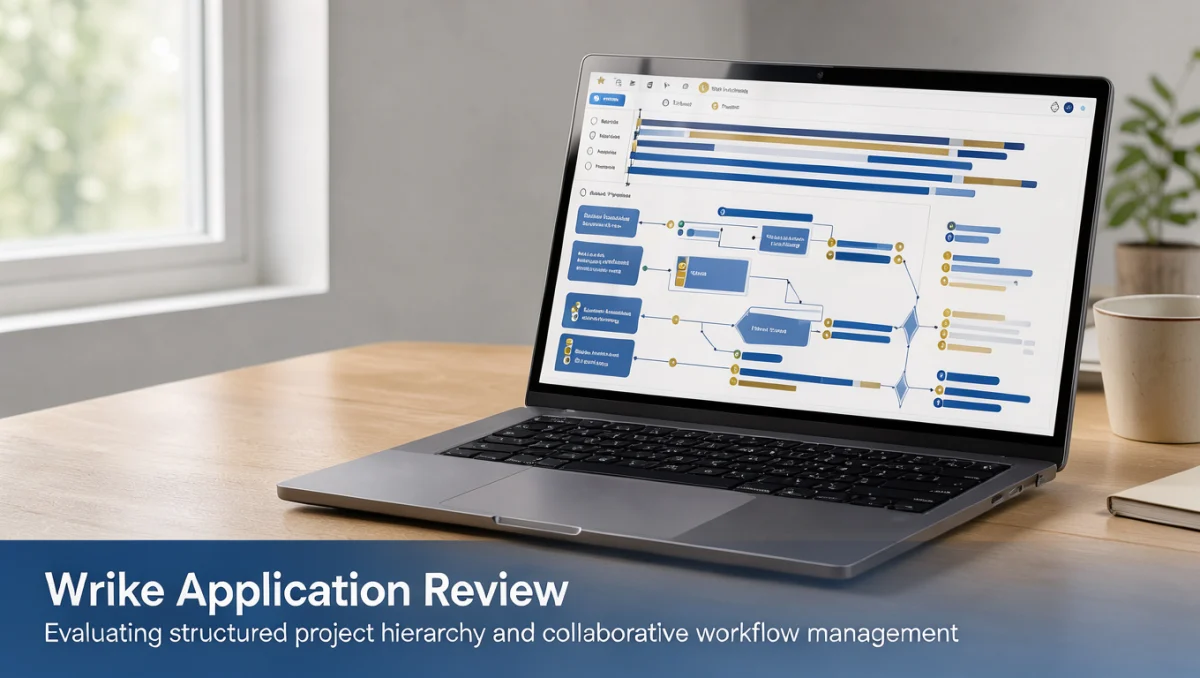
Teams work with project data in several visual formats depending on methodology and personal preference. Spreadsheet-style list and table views allow batch editing of metadata and assignees. Interactive Gantt-style timelines show dependencies between sequential milestones, and visual board layouts let agile teams move work across custom status columns.
3.3. Request Forms and Workflow Automation
Intake management gathers incoming project briefs through standardized forms. Dynamic fields route submissions into predefined folders, assign specific team members, and populate required metadata templates. Automated trigger-and-action rules can change task statuses, reassign reviewers when a task is completed, and send notifications as deadlines approach.
3.4. Proofing and Document Collaboration
Creative and marketing workflows often require structured asset review and approval cycles. Digital proofing lets team members and designated reviewers place visual markups and comments directly on design files, document drafts, and creative assets. Version comparison and sequential sign-off tracking help teams finalize collateral without relying on tangled email threads.
3.5. Reporting Dashboards and Time Tracking
Operational visibility depends on configurable reporting that aggregates task status, milestone pacing, and contributor effort. Managers build dashboards with real-time project metrics, workload charts, and overdue task counters. Integrated time logging lets contributors record hours against specific tasks for departmental accounting and project post-mortems.
4. Ease of Use and Learning Curve
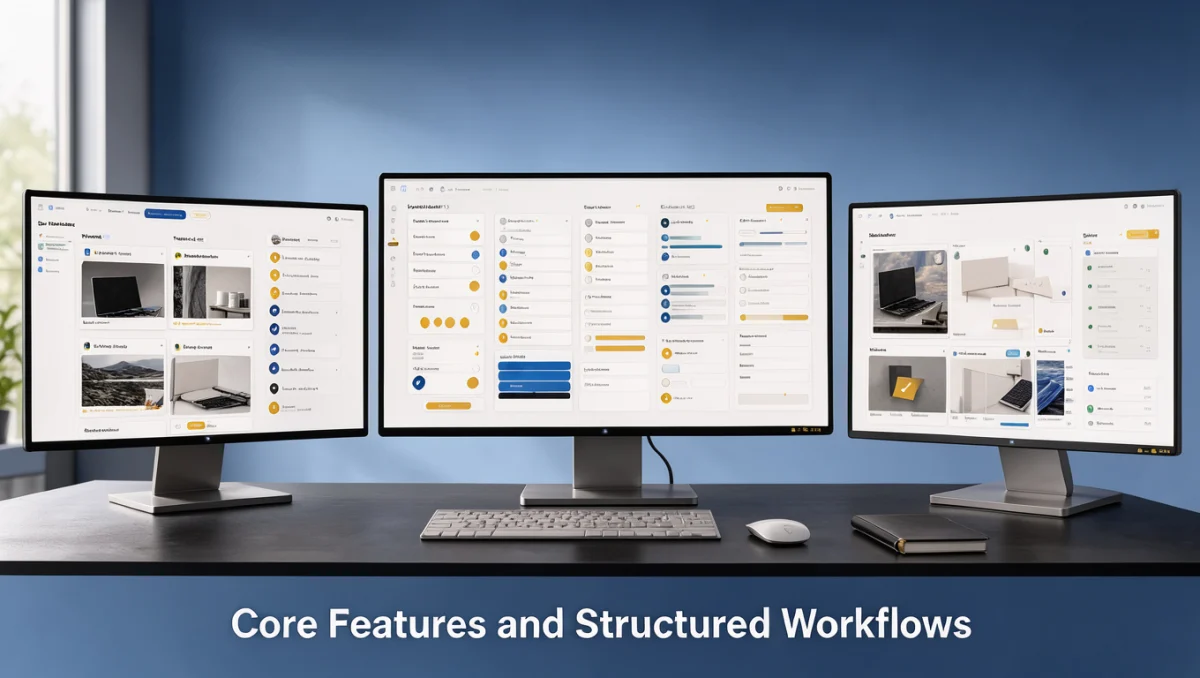
Rolling out an enterprise work management system involves real onboarding effort because of its structural depth and configuration options. Since the platform offers wide structural flexibility, new users often need time to understand how spaces, parent folders, and cross-tagged tasks interact.
Getting comfortable with the interface means understanding how custom fields, workspace permissions, and notification streams work. Teams moving from simple sticky-note style tools may find setup demanding, since administrators must define taxonomy, status conventions, and folder hierarchies before the whole team adopts it.
To reduce adoption friction, organizations should set clear internal operating guidelines before licenses are distributed. Naming internal project champions, standardizing workspace templates, and documenting naming conventions helps team members work through assignments without being overwhelmed by administrative options.
5. Pros and Cons of the Wrike Application
Evaluating project management software means assessing its structural strengths alongside its inherent trade-offs.
5.1. Platform Advantages
- A structured hierarchy allows deep nesting of projects, milestones, and cross-departmental tasks.
- Task cross-tagging prevents duplicate data entry across separate departmental spaces.
- Native intake forms and digital asset proofing streamline multi-stage creative review cycles.
- Customizable workflow statuses and interactive timeline charts accommodate varied project methodologies.
5.2. Platform Limitations
- A steep initial learning curve for non-technical team members who prefer minimalist to-do interfaces.
- Thorough setup requires deliberate administrative planning before deployment.
- A dense desktop interface can feel visually complex when displaying deep subtask levels.
- Advanced features require careful verification of license tiers on the official vendor catalog.
6. Wrike Compared With Similar Tools
The work management market includes several established platforms, each aimed at different operational priorities and organizational cultures.
| Platform | Market Positioning | Core Operational Fit | Key Structural Distinction |
|---|---|---|---|
| Wrike | Structured work management | Cross-departmental teams and complex multi-tier operations | Deep folder nesting and native task cross-tagging |
| Asana | Goal-driven project tracking | Marketing, product, and cross-functional corporate teams | Clean visual coordination and company goal alignment |
| Monday.com | Visual operational workspace | Growing businesses wanting flexible visual board building | Highly visual column-based custom board design |
| Smartsheet | Spreadsheet-centric enterprise coordination | Corporate divisions comfortable with advanced tabular models | Grid-focused project architecture with calculation depth |
Asana generally targets teams that prioritize clean task delegation and corporate goal tracking, with navigation that is easy to pick up for cross-functional initiatives. Monday.com emphasizes colorful, visual column-based boards that let non-technical teams assemble custom trackers quickly. Smartsheet suits organizations that prefer spreadsheet formulas and data-dense grids for tracking corporate programs.
By contrast, this platform is aimed at organizations that need rigorous structural hierarchy, multi-departmental folder sharing, and formal creative intake pipelines. Teams comparing these options should ask whether their daily work looks more like tabular financial tracking, flexible agile boards, or hierarchical cross-departmental operations.
7. Who Should Use the Wrike Application
Matching organizational needs to software capabilities makes sure a software investment delivers measurable efficiency gains without unnecessary friction.
7.1. Mid-Sized and Enterprise Marketing Departments
Marketing teams juggling product launches, advertising campaigns, and creative production benefit from structured intake forms and native asset proofing. Hierarchical folders keep brand campaigns organized while letting copywriters and designers manage their own assignments in personalized dashboards.
7.2. Professional Services and Client Operations Teams
Agencies, consulting firms, and client-facing teams delivering multi-stakeholder work use the platform to maintain separate client workspaces. Time tracking and milestone dependencies help service managers keep delivery aligned with contracted timelines without exposing internal discussions to outside guests.
7.3. Cross-Functional Operations Units
Organizations with interdependent departments, such as engineering, compliance, and procurement, use cross-tagging to keep shared initiatives aligned. Because one task can sit inside several department folders, status updates stay synchronized without manual reporting meetings.
7.4. Groups That Should Consider Alternatives
Solo entrepreneurs, freelance contractors, and micro-teams with basic needs will usually find the platform too complex for everyday task logging. Likewise, software development squads that follow strict sprint methods often find specialized issue-tracking platforms a more direct fit for continuous development cycles.
8. How to Choose the Right Plan
Work management platforms generally spread features across subscription tiers based on team size, reporting needs, and administrative controls. Before buying, review the official vendor pricing page to confirm which operational tools match your requirements.
| What to Check on the Official Site | Why It Matters |
|---|---|
| User seat minimums and increment bands | Many subscriptions require seats to be bought in bundled groups rather than individually, which affects monthly budgets. |
| Custom workflow and custom field availability | Basic tiers often restrict custom status options, so complex workflow stages may require a higher-tier license. |
| Intake form and automation rule quotas | Automated actions and dynamic request forms may face monthly caps depending on the subscription level. |
| File storage allocation per user account | Creative teams handling rich media must verify shared cloud storage limits across account tiers. |
| Advanced reporting and resource allocation views | Workload planning charts and enterprise dashboards are often limited to higher-tier packages. |
| Guest collaborator and external reviewer permissions | Inviting external clients or contractors requires confirming how third-party access affects billable seat counts. |
9. Frequently Asked Questions
9.1. How do teams decide whether they need hierarchical project software?
Teams usually need hierarchical work management software when tasks routinely span several departments, projects involve strict multi-stage dependencies, or requests arrive through formal intake channels. If basic checklist tools are causing lost documents, missed cross-team deadlines, or repeated status meetings, moving to a structured project setup is justified.
9.2. What hidden costs should organizations budget for when adopting work management platforms?
Beyond per-seat licensing, budget for internal training hours, administrative configuration time, and any third-party data migration help. Also check whether external stakeholders with guest access require paid seats or are included in your chosen tier.
9.3. Should small businesses configure workflows before inviting the team?
Setting up folder taxonomy, custom status conventions, and permission structures before inviting the wider team greatly improves adoption. Launching an unconfigured workspace often leads to disorganized folders, duplicate records, and confusion among team members.
9.4. How should managers assess a team's readiness for structured project tools?
Managers should look at current project tracking habits, digital literacy across staff, and whether leadership agrees on operational terminology. A short workflow audit shows whether contributors can keep up with detailed task updates or whether a less formal coordination tool fits the team's maturity better.
10. Final Verdict
The Wrike application offers a dependable, highly structured environment for coordinating multi-departmental operations, creative production schedules, and complex corporate initiatives. Its structural depth, cross-tagging, and configurable request routing address serious visibility problems for mid-sized and enterprise teams. Its initial administrative learning curve, however, makes careful change management essential during rollout.
| Criterion | Score /10 | Reason |
|---|---|---|
| Features | 8.6/10 | Comprehensive task hierarchy, cross-tagging, native proofing, and multiple project display layouts. |
| Ease of Use | 7.2/10 | Extensive configuration options and interface density create an initial learning curve for new users. |
| Pricing and Value | 7.5/10 | Subscription tiers scale with organization size; buyers should verify feature tier gates and seat minimums. |
| Integrations | 7.8/10 | Supports standard corporate communication and storage ecosystems, subject to official directory verification. |
| Audience Fit | 8.4/10 | Well matched to cross-functional teams and creative operations that need deep organizational nesting. |
| Support | 7.0/10 | Support service levels and training packages vary by plan and should be confirmed on the vendor site. |
| Competitive Position | 8.1/10 | Holds a strong structural position against visual board tools through deep hierarchy and asset proofing. |
| Overall Score | 7.8/10 | A balanced work management system for structured teams that requires deliberate administrative setup. |
For cross-functional teams looking to replace fragmented spreadsheets with disciplined operational governance, this platform provides the structure needed for unified execution. Smaller teams should weigh their appetite for administrative setup before committing to multi-seat agreements.
Have questions about choosing project management platforms or matching workflows to software capabilities? Reach our editorial staff through our Top App Review Sites contact page, or follow topappreviewsites on LinkedIn for ongoing software reviews and buyer resources.