topappreviewsites may earn a commission when you buy through links on this page, at no extra cost to you. This does not affect our ratings.
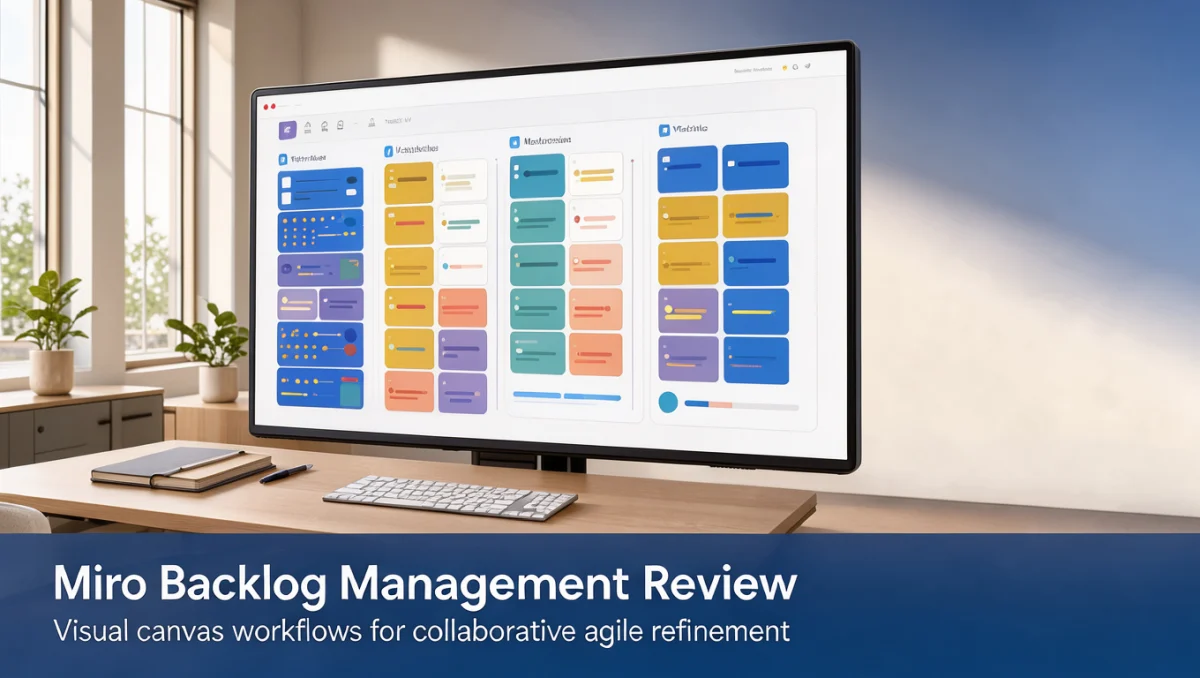
Teams building a miro backlog rely on visual cards, live cursors, and shared canvases to turn loose ideas into roadmaps and sprint candidates. Product managers, designers, and engineers meet on one board to shape work before it reaches formal development. At Top App Review Sites, we judge tools on practical capability, operational tradeoffs, and buying diligence so teams can match software to their real complexity.
Spatial layouts have changed how agile groups run planning. Instead of rows in a spreadsheet, people arrange items along estimation axes, customer journeys, or release phases. Before committing budget, it helps to decide whether a canvas provides enough structure or whether a dedicated issue tracker is still needed for execution.
Quick verdict: with an overall score of 7.8/10, Miro suits distributed teams that want interactive ideation, backlog refinement, and story mapping. It is less suited to groups that need native code hosting or automated deployment without external tools, and it demands disciplined board hygiene.
| Metric | Summary |
|---|---|
| topappreviewsites score | 7.8/10 |
| Best for | Teams that prioritize visual collaboration, story mapping, and interactive backlog refinement sessions |
| Not ideal for | Engineering groups seeking all-in-one source code hosting, automated pull requests, and native build tracking |
| Key strengths | Spatial canvas design, card-based sorting, real-time multi-user interaction, and structured board framing |
| What to check before buying | Confirm seat pricing models, user permission levels, and board access controls on the official Miro website |
1. How topappreviewsites Reviewed Miro
This review examines what Miro is built to do, who it serves, and how it compares with similar tools. We applied seven topappreviewsites criteria: features, ease of use, pricing and value, integrations, audience fit, support, and competitive position. Plans, prices, and limits change frequently, so we flag what to verify on the official website before buying. This article was researched and drafted with AI assistance, then reviewed and edited by the topappreviewsites Editorial Team.
2. What Is Miro and Who Is It For
Miro is a visual collaboration platform offering an expansive digital workspace for diagramming, brainstorming, process mapping, and project planning. Rather than confining user stories to vertical spreadsheets, it uses an infinite canvas where items can be grouped into swimlanes, grids, estimation matrices, or journey lines. This spatial freedom lets product owners, UX designers, and business analysts work on backlog items together during sprint preparation.
Teams running a miro backlog use visual cards holding descriptions, tags, and status markers. Canvas-based spaces suit groups that find ticketing interfaces too rigid for early discovery, dependency mapping, and release scoping. Visual canvases favor flexible communication over strict data validation, so clear governance is needed to prevent clutter.
3. Core Features for Backlog Management
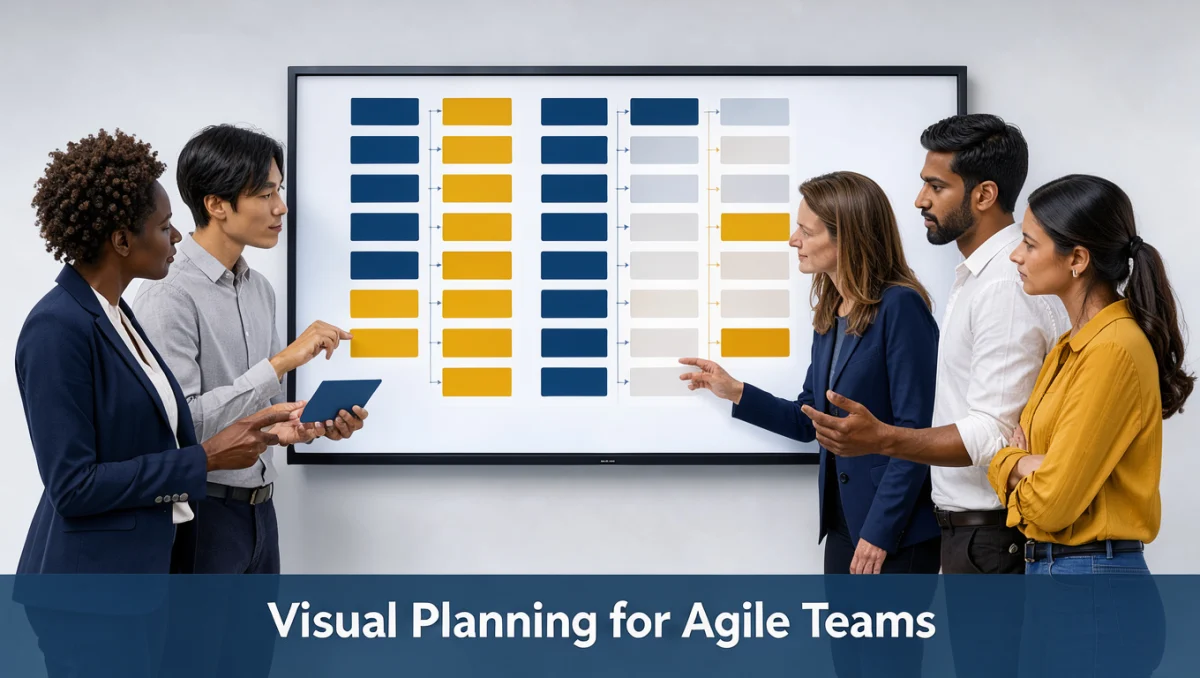
Judging a visual platform for backlog coordination means examining how its core tools support iterative product management: structured grouping, live participation, and clear tracking across each refinement stage.
3.1. Visual Card Systems and Item Detailing
Backlog items live as digital cards that team members can move, resize, and annotate. Each card can represent a user story, feature request, or technical task, with editable titles, detailed descriptions, and color-coded tags. Teams arrange these along estimation axes, persona journeys, or release phases to see delivery scope at a glance.
3.2. Frameworks, Templates, and Board Organization
Board structure relies on customizable frames, kanban layouts, and matrix templates that guide repeatable ceremonies. Teams set horizontal swimlanes for priority categories or build multi-tier story maps separating epics from granular sub-tasks. Visual boundaries prevent scattered cards and make summaries easy to present during stakeholder reviews.
3.3. Real-Time Collaborative Interaction
Distributed participants can join refinement sessions together, with individual cursor tracking, voting, and timer tools. Members can cluster sticky notes, group similar requests, and vote on priorities without breaking discussion flow. This direct engagement reduces miscommunication before items enter an upcoming sprint.
4. Ease of Use and Learning Curve
Canvas navigation uses simple zoom and pan gestures, so team members find project sections quickly. Adding cards, updating tags, and reorganizing columns needs little training, which makes the interface approachable for non-technical contributors. Basic board creation and card placement can happen within minutes of opening an account.
As workspaces grow, staying organized takes more effort. Large backlogs with hundreds of floating elements can become disorienting without naming conventions and disciplined use of frames. Teams should agree on rules for card archival and column ownership to keep canvases legible and responsive during everyday ceremonies.
5. Pros and Cons of Miro Backlog Workflows
Weighing the practical advantages and operational limits of visual backlogs helps teams decide whether a spatial canvas meets their governance standards.
5.1. Advantages
- High spatial flexibility lets teams design custom estimation boards, priority matrices, and story maps.
- Strong real-time multi-user interaction keeps cross-functional stakeholders engaged during live planning.
- Intuitive card creation enables non-technical contributors to submit ideas and feedback easily.
- Flexible framing lets high-level roadmaps sit alongside detailed task breakdowns on one canvas.
5.2. Disadvantages
- Unrestricted canvas areas can become disorganized without strict curation and governance.
- Visual boards lack the native code repository links and automated build tracking found in dedicated trackers.
- Large canvases with many visual objects can slow navigation on older devices.
6. Miro vs Similar Tools
Comparing canvas solutions with alternatives shows where visual platforms excel and where specialized trackers are stronger. Organizations exploring the Collaboration & Productivity space often balance spatial freedom against rigid relational databases.
| Platform | Target Audience | Primary Capability | Key Consideration |
|---|---|---|---|
| Miro | Cross-functional product and design teams | Spatial ideation, story mapping, and collaborative sprint preparation | Check board permission tiers on the official vendor site |
| Mural | Design thinking teams and workshop facilitators | Guided visual collaboration and interactive team exercises | Review workspace structuring rules for large enterprise teams |
| Lucidspark | Teams focused on diagramming and technical ideation | Virtual brainstorming and visual system modeling | Compare subscription structures across connected diagram tools |
| Jira | Software engineering and agile delivery teams | Formal ticket management, burndown reports, and release tracking | Verify workflow customization needs against team complexity |
Mural centers on guided design workshops and structured team exercises, which suits groups focused on creative facilitation. Lucidspark moves from brainstorming into architectural diagramming within a broader software family. Jira remains oriented to rigid sprint tracking, issue dependencies, and release reporting. Teams wanting pure visual exploration often choose canvas tools, while teams needing code commit associations rely on formal ticket databases.
7. Who Should Use Miro for Backlog Coordination
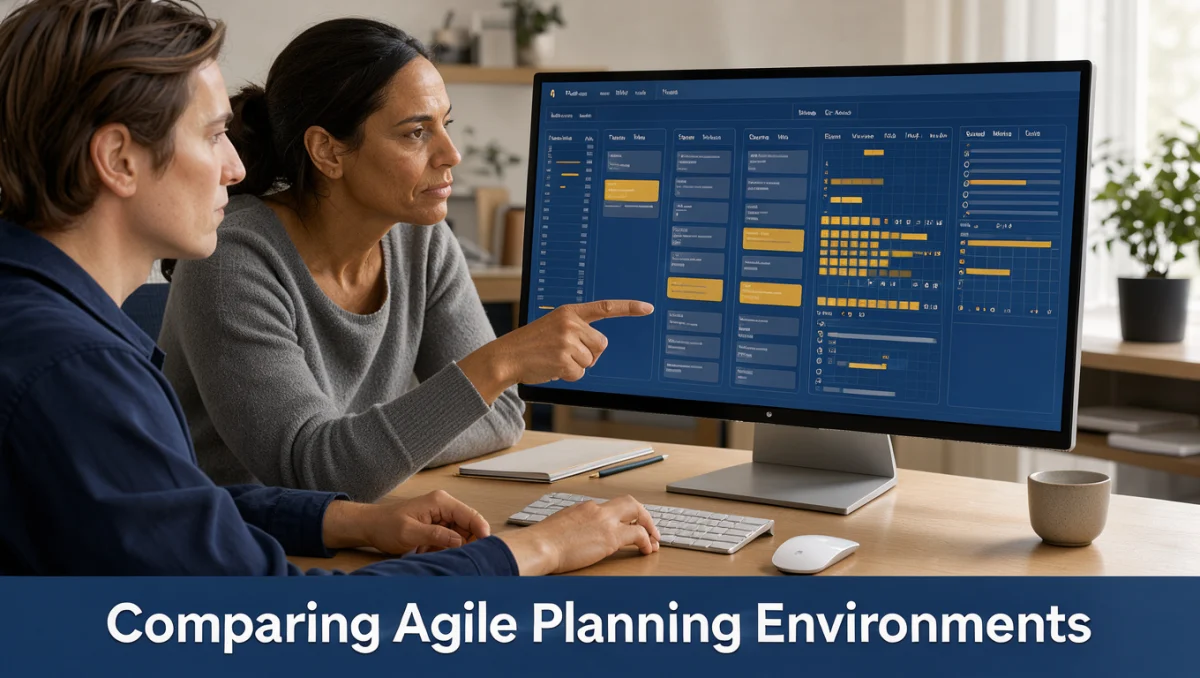
Different roles gain different benefits and constraints from visual backlogs, so matching the tool to the user profile matters.
7.1. Freelancers and Independent Consultants
Independent professionals running client workshops benefit because clients grasp spatial layouts quickly. Consultants can lay out roadmaps, prioritize feature ideas with stakeholders, and share visual summaries without clients learning developer environments. Solo operators should confirm single-user plan conditions on the official Miro pricing page.
7.2. Small Business Owners and Startups
Early-stage businesses often shift direction and value rapid adaptability over rigid database tracking. A visual canvas lets founding teams brainstorm marketing initiatives, product requirements, and hiring plans side by side. As headcount grows, small teams should consider when to add structured issue tracking to handle higher task volumes.
7.3. Cross-Functional Product Teams
Product managers, UX designers, and business analysts gain substantial value from visual story mapping and live refinement. Placing customer journey stages along an upper frame, with detailed user stories stacked beneath, gives everyone a shared view of product architecture. Engineering leads can join these sessions to estimate effort visually before stories are finalized.
7.4. When Visual Backlogs Are Not Recommended
Organizations managing strict regulatory audit trails, complex sub-task dependencies, or automated build pipelines should not rely solely on visual canvases. Large engineering groups needing rigid velocity reports, automated pull request validation, and granular field permissions will find unstructured canvases insufficient for technical governance.
8. How to Choose the Right Plan
Vendors adjust plan limits, workspace controls, and collaboration features across subscription tiers over time. Buyers should review the official Miro plan comparison page to confirm current specifications before committing.
| What to Check on the Official Page | Why It Matters |
|---|---|
| User seat definitions and licensing models | Adding occasional collaborators or external clients can change monthly totals significantly. |
| Board access and privacy permissions | Sensitive roadmaps require granular sharing controls across internal departments. |
| Single sign-on and administrative controls | Enterprise IT policies often require centralized identity management and audit logging. |
| Backup and board export capabilities | Long-term archiving needs reliable ways to preserve completed sprint canvases. |
9. Frequently Asked Questions
How does a visual backlog differ from a traditional ticketing system?
A visual backlog uses a spatial canvas where work items sit freely in swimlanes, matrices, or story maps. Traditional ticketing systems use structured databases focused on ticket numbers, strict status workflows, and automated release metrics. Many teams use visual workspaces for collaborative refinement and database tools for technical sprint execution.
What factors determine whether a team needs structured issue tracking alongside a visual board?
Evaluate task volume, technical dependencies, and regulatory reporting needs. If developers must link backlog tasks to source code commits or automated delivery pipelines, a dedicated issue tracker is generally needed alongside the visual board.
What should teams verify about external collaborator access before adopting a visual tool?
Check the official plan comparison page to understand how guest viewers, occasional editors, and full licensed members are handled. Costs can rise if clients or contractors need full editing licenses rather than limited collaborator permissions.
How can teams keep infinite canvas boards from becoming cluttered?
Establish governance such as grouping active sprint items within designated frames, archiving completed cards to separate boards, and scheduling regular maintenance. Clear naming conventions and designated board owners keep canvases navigable for everyone.
10. Final Verdict
| Criterion | Score /10 | Reason |
|---|---|---|
| Features | 8.5/10 | Provides flexible canvas layouts, interactive digital cards, visual matrices, and structured presentation frames. |
| Ease of Use | 8.0/10 | Intuitive navigation and simple card placement enable quick adoption, though large boards require strict visual hygiene. |
| Pricing and Value | 7.0/10 | Buyers should verify seat definitions and guest collaborator terms on the official website to assess budget impact. |
| Integrations | 7.5/10 | Prospective users must confirm on the official vendor portal which connected tools fit their software stack. |
| Audience Fit | 8.5/10 | Serves cross-functional discovery, user story mapping, and interactive backlog estimation sessions very well. |
| Support | 7.0/10 | Customers should review published assistance channels, documentation, and response standards online. |
| Competitive Position | 8.0/10 | Maintains a distinct spatial approach that complements or precedes formal development ticketing systems. |
Overall score: 7.8/10
Miro offers a collaborative, visual environment that excels at turning abstract ideas into organized roadmaps and user story maps. Teams that prioritize collaborative discovery, cross-functional estimation, and intuitive visual grouping will find it highly effective for backlog refinement. Organizations with complex engineering dependency chains should plan to use the canvas alongside a dedicated developer tracking platform.
Have questions about visual planning tools or workspace selection? Contact our editorial team at https://topappreviewsites.com/contact/ or follow topappreviewsites on LinkedIn at https://www.linkedin.com/company/topappreviewsites/ to stay informed on software evaluation frameworks.