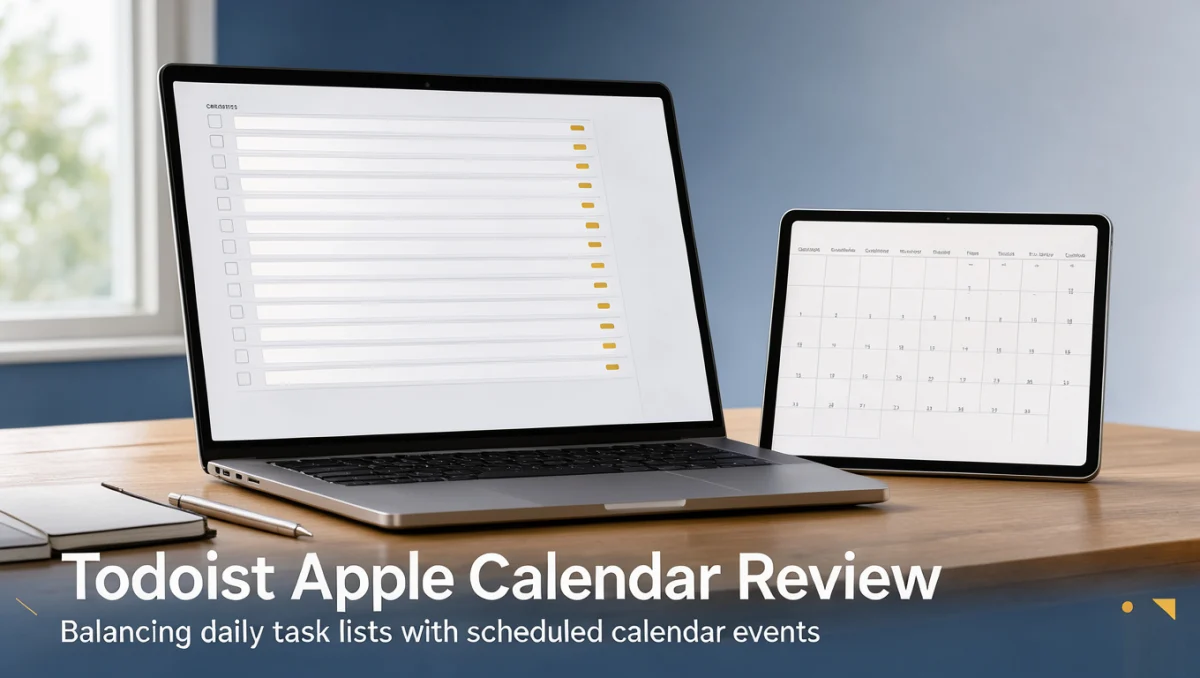
Many readers who rely on a todoist apple calendar setup want one place where open tasks and booked time slots meet. Pairing an action list with a daily calendar lets freelancers, office staff and small teams see both what must get done and when there is room to do it, which helps avoid overlapping commitments during busy weeks.
Looking at it another way, the real question is whether your scheduling habits already fit a structured list. Task apps organize errands, client deliverables and shared projects, while calendar tools place those items into concrete time windows. Before paying for an ongoing subscription, check whether your routine benefits from that split.
Short answer: With an overall score of 8.1 out of 10, this combination suits professionals, freelancers and project leads who want orderly task structure alongside clear schedule visibility. It is less suitable for companies that need built-in enterprise resource planning or complex multi-tier portfolios without additional tools.
| Evaluation Dimension | Summary Assessment |
|---|---|
| topappreviewsites score | 8.1 / 10 |
| Best for | Individuals and teams who manage task lists next to daily schedule commitments |
| Not ideal for | Organizations seeking built-in enterprise resource planning and unified finance tools |
| Key strengths | Structured task hierarchies, date assignment, recurring schedules and multi-device access |
| What to check before buying | Confirm on the official vendor website which subscription tiers support calendar feed sharing and sync |
1. How topappreviewsites Tested Todoist
This evaluation covers the purpose of Todoist, its intended users and its standing against similar software, judged on seven topappreviewsites criteria: features, ease of use, pricing and value, integrations, audience fit, support and competitive position. Plans and prices change frequently, so the points that need confirmation on the official site are flagged throughout. The article was drafted with AI assistance and then reviewed and edited by the topappreviewsites Editorial Team.
2. What Todoist Does and Who Uses It
Todoist is a dedicated task management app from Doist that helps individuals, freelancers and working teams capture, sort and prioritize daily work. It turns passing thoughts, action items and project milestones into lists that can be tracked. Alongside Apple Calendar, it connects what needs doing with the time blocks on a calendar grid.
Typical users include knowledge workers, project coordinators, educators and creative freelancers who need firm control over heavy personal or professional workloads. Buyers exploring Collaboration & Productivity tools often weigh standalone list managers against full office suites to see which gives sharper focus. If your schedule lives in a personal calendar, how tasks behave alongside events is usually the deciding factor.
3. Core Features and Calendar Coordination
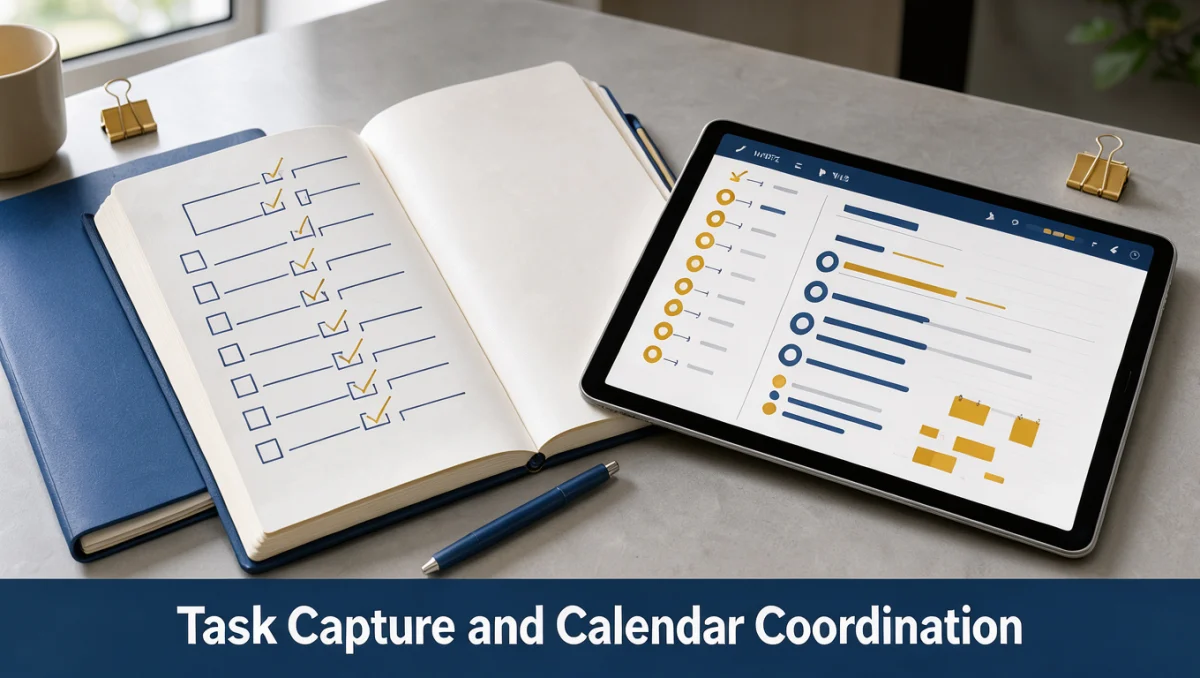
To judge any task manager, look at how it handles list creation, deadlines, categories and progress tracking for personal or shared work.
3.1. Task Capture and Natural Language Input
Typing a task quickly and having dates, priorities and repeat patterns read from the phrase saves time on busy days. Putting a deadline in the title turns the item into an active commitment with a target date, which keeps administrative effort low.
3.2. Project Organization and Sub-Task Hierarchies
Grouping tasks into projects, sections and indented sub-tasks makes the work easier to read. Teams can split client deliverables into separate boards, and individuals can separate personal duties from job goals. Sub-tasks break large efforts into ordered steps so every phase stays actionable.
3.3. Recurring Schedules and Calendar Mapping
Repeating obligations can be set to daily, weekly, monthly or custom cycles. When those dates sync to an outside calendar app, they appear with appointments and calls. Verify on the official documentation how external calendars display recurring tasks, since refresh frequency differs between calendar clients.
3.4. Priority Levels, Labels and Custom Filters
Priority markers and tags let you sort tasks by context, urgency or the energy they require. Custom filters produce focused views, such as everything due today or urgent work for one client, so critical items stay visible before their calendar blocks arrive.
4. Ease of Use and Learning Curve
The interface is minimal, which keeps clutter low and attention on the list. Adding a task takes only a few keystrokes, and menus stay simple enough for beginners to start organizing right away.
Basic checklist use is easy to pick up. Nested filters, label conventions and external calendar subscriptions take deliberate setup. Users unfamiliar with calendar feed URLs or sync options may need to consult help resources to align refresh timing between the task list and the calendar.
5. Pros and Cons
Every setup involves trade-offs that should be weighed against your daily workflow.
5.1. Advantages
- A clean interface that keeps daily tasks in front without visual distraction.
- Flexible natural language input that turns typed dates into scheduled reminders.
- Hierarchical project structure with sections and nested sub-items for layered tracking.
- Cross-device availability for reviewing tasks on desktop and mobile.
5.2. Limitations
- External calendar feeds can lag depending on the refresh interval of the third-party calendar.
- No built-in spreadsheet, document or accounting modules found in broader operational platforms.
- Advanced sharing controls and activity history may be limited, so teams should confirm tier details on the official vendor website.
6. Todoist Compared With Similar Tools
Buyers often compare several task apps to find the one that fits their focus.
6.1. Comparison With TickTick
TickTick includes a built-in calendar grid, habit tracking and a timer. Its native time-blocking view sits inside the app, while Todoist focuses on list structure, natural language entry and flexible project filtering. Those who want a timer and built-in calendar grid may prefer TickTick, while those who value minimalist task design and a mature integration ecosystem often choose Todoist.
6.2. Comparison With Asana
Asana is designed for medium and large organizations that need multi-stage workflows, dependency tracking and cross-department dashboards. Todoist is lighter, aimed at individuals, freelancers and small teams executing tasks. Companies with heavy project governance tend to find Asana better for oversight, while people who want simple, fast personal productivity usually find Todoist quicker to adopt.
6.3. Comparison With Any.do
Any.do combines daily agenda planning with reminders and leans on mobile planning and calendar pairing. Todoist offers deeper project nesting, filter logic and custom tag hierarchies. For structured delegation across multi-step work, Todoist generally adapts better.
7. Who Should Use Todoist
The right productivity app depends on your role, team size and how complicated your schedule is.
7.1. Freelancers and Solo Consultants
Independent professionals with several clients can keep each set of deliverables in its own project and place key deadlines on their personal calendar. Color-coding priorities and assigning exact dates helps solo operators hit client milestones.
7.2. Small Business Owners and Department Managers
Leaders of small teams can assign work, track due dates and follow project stages without heavy administration. It creates a shared task structure without requiring long onboarding.
7.3. Knowledge Workers and Office Staff
Employees juggling meetings and admin work can log action items from meetings and email threads. Pairing those items with a personal calendar keeps follow-ups from slipping between appointments.
7.4. Students and Academic Researchers
Students can organize assignments, exam dates and research milestones by semester and subject. Recurring tasks support routine reading and weekly study habits.
7.5. Who Should Look Elsewhere
Organizations that need integrated billing, timesheet invoicing or complex Gantt dependency calculations will find a standalone task manager insufficient. Teams that require full enterprise resource planning should consider dedicated project portfolio platforms.
8. How to Choose the Right Plan
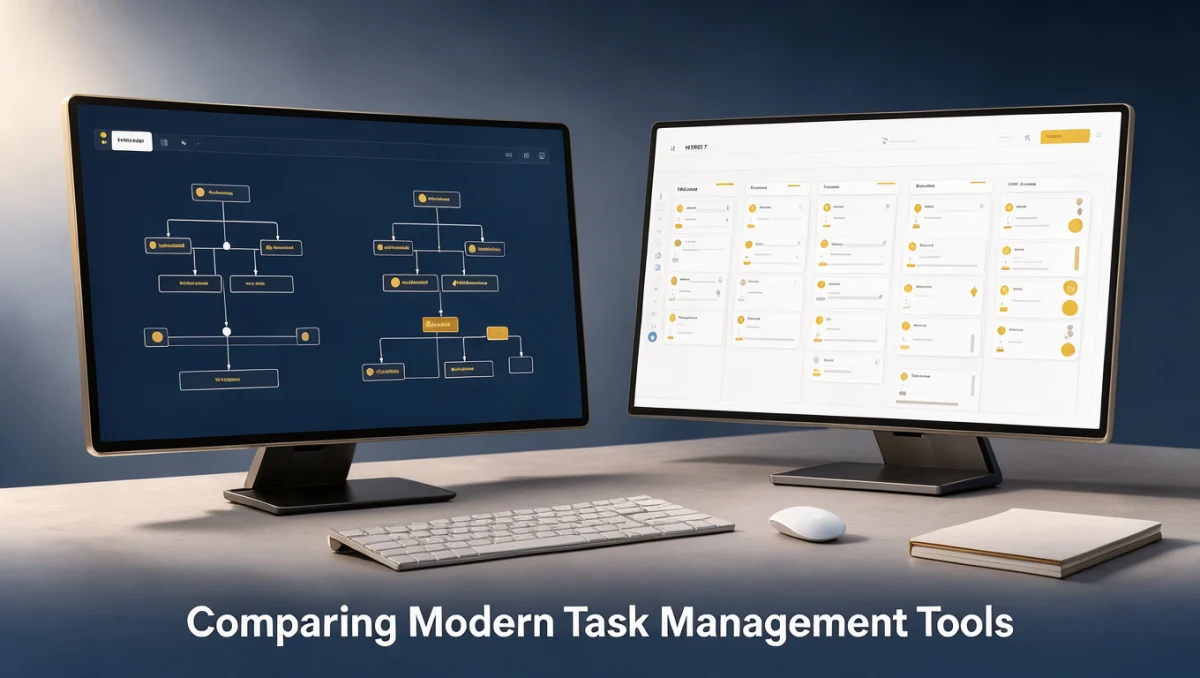
Task platforms usually offer several tiers, from individual access to expanded team collaboration. Because vendors change plan contents and seat limits, confirm all limits on the official vendor website before subscribing.
| What to check on the official plan comparison page | Why it matters for your workflow |
|---|---|
| Calendar feed and two-way sync permissions | Determines whether task dates appear in external calendar software and how fast changes transfer |
| Active project and task limits | Ensures ongoing client and personal workloads stay within the allowed organization boundaries |
| Team collaboration and user seat permissions | Sets how many collaborators can share projects, assign tasks and review comments |
| File attachment and media upload allowances | Affects whether briefs, reference PDFs and assets can attach directly to tasks |
| Activity log and history recovery windows | Lets teams audit finished work or restore accidentally deleted project lists |
To weigh software capabilities against your budget before committing, you can read independent evaluations published by Top App Review Sites.
9. FAQ
9.1. How does a task manager differ from a digital calendar?
A task manager sorts action items by project, priority and status, focusing on what must be done. A digital calendar reserves blocks of time, focusing on when events happen. Using both helps make sure to-do items fit realistically into available working hours.
9.2. What should buyers check about calendar sync speed?
Check whether the connection relies on periodic calendar feed subscriptions or on near real-time sync. Standard feeds often update on the calendar client's own schedule, so a rescheduled task may take a while to appear on your agenda.
9.3. When should a team move to a collaborative plan?
Consider upgrading when several people need shared project boards, task assignment, centralized billing and shared templates. Individual plans cover personal workloads, while team tiers add administrative oversight across multiple accounts.
9.4. How should professionals handle recurring tasks in external calendars?
Confirm how the task app formats repeating deadlines when publishing feeds to external calendar programs. Some clients show only the next instance of a recurring task, while others map repeats across future weeks, which changes long-term calendar clarity.
9.5. What decides whether a standalone task app fits your business?
Evaluate whether your current software already has adequate task assignment features within its email or project suite. If existing tools lack flexible tags, mobile capture or intuitive sorting, a dedicated task app can speed up execution and improve deadline adherence.
10. Final Verdict
| Criterion | Score /10 | Reason |
|---|---|---|
| Features | 8.8 | Extensive list management, fast natural language input, recurring schedules and flexible filtering. |
| Ease of Use | 9.0 | Clean, uncluttered interface with a short learning curve for creating and sorting daily tasks. |
| Pricing and Value | 8.0 | Subscription tiers scale functionally, though buyers must confirm current plan details on the official pricing page. |
| Integrations | 7.5 | Supports external calendar connections, but sync timing depends on the calendar's feed refresh rate. |
| Audience Fit | 8.5 | Well suited to freelancers, knowledge workers and small teams that need structured personal productivity. |
| Support | 7.0 | Verify official support channels and documentation before rolling out to large groups. |
| Competitive Position | 8.2 | Holds a strong position against specialized productivity tools through fast input and focused list design. |
Overall score: 8.1 / 10
For freelancers, knowledge workers and collaborative teams that want structured daily clarity, pairing Todoist with a personal calendar gives a dependable way to track deadlines and manage the day. Organizations that need native time tracking, billing or enterprise project governance should look at broader business management systems for those requirements.
Readers with questions about software choices or workflow setup can send them through https://topappreviewsites.com/contact/ or follow topappreviewsites on LinkedIn at https://www.linkedin.com/company/topappreviewsites/ for ongoing productivity software analysis.