
topappreviewsites may earn a commission when you buy through links on this page, at no extra cost to you. This does not affect our ratings.
Modern website teams increasingly look for tools that speed up page layout and draft marketing content. Here we walk through the snowfire ai features that matter most for automated web assembly, and where human review still makes the difference.
Before committing budget or moving existing web assets, organizations should ask whether generative design actually removes their bottlenecks. Looking closely at these capabilities helps set realistic expectations ahead of any purchase.
Quick verdict: Snowfire AI scores 7.9/10. It suits small teams and digital creators who want guided web assembly without complex programming, but it is less suited to large technical organizations that need custom on-premise infrastructure. Confirm subscription limits on the official website before buying.
| Metric | Assessment |
|---|---|
| topappreviewsites score | 7.9/10 |
| Best for | Small businesses, solo creators, and marketing professionals |
| Not ideal for | Enterprises demanding custom deep server-side development |
| Key strengths | Assisted page layout drafting, rapid web copywriting, structured digital publishing |
| What to check before buying | Confirm user allowances, add-on costs, and export options on the official website |
1. How topappreviewsites Reviewed Snowfire AI
This review examines what the platform is built to do, who it serves, and how it compares with similar tools. We applied seven topappreviewsites criteria: features, ease of use, pricing and value, integrations, audience fit, support, and competitive position. Plans, prices, and limits change frequently, so we highlight what to verify on the official website before purchase. This article was researched and drafted with AI assistance, then reviewed and edited by the topappreviewsites Editorial Team.
2. What Snowfire AI is and who it is for
Snowfire AI sits in the website creation and digital experience software category. It helps users set up web pages, organize marketing messages, and publish content. For wider context on automated publishing suites, see our Artificial Intelligence category overview.
The platform serves freelancers, marketing consultants, small business founders, and internal communications specialists who need an online presence without hand-coding pages. Tools in this category remove technical barriers so non-developers can build functional web sections.
| User group | Primary objective | Fit level |
|---|---|---|
| Freelance consultants | Publish client portfolios and service descriptions quickly | High |
| Small business owners | Maintain an online storefront or service catalog | High |
| Corporate web engineers | Build bespoke, code-heavy enterprise web applications | Low |
3. What Snowfire AI helps you accomplish

Understanding the platform means looking at the concrete tasks users complete across page structure, text drafting, and asset management.
3.1. Structure and arrange web pages
Users can assemble layouts by generating pre-arranged sections for homepages, contact forms, and service showcases. To check whether the templates fit your brand, build a multi-section test page and compare it against your guidelines.
3.2. Generate digital marketing copy
The platform drafts headline concepts, introductions, and promotional paragraphs written for web readers. Editors should still review machine-drafted text for distinct voice, accurate claims, and brand compliance.
3.3. Organize styling and media presentation
The software coordinates color palettes, type hierarchies, and image placement across connected pages. Evaluate how easily global style changes carry through the whole site during content updates.
| Capability area | Workflow activity | Verification recommendation |
|---|---|---|
| Layout drafting | Constructing responsive page sections | Review display across various screen orientations |
| Text generation | Drafting service descriptions and calls to action | Audit drafts for tone, factual precision, and clarity |
| Visual styling | Standardizing font pairings and color schemes | Confirm consistency across secondary landing pages |
4. Ease of use and learning curve
Website builders with assisted generation aim to reduce the technical friction of traditional web management. Beginners can produce standard page layouts without understanding code structure.
A learning curve remains, however, when adjusting fine spacing, managing navigation hierarchies, and organizing content directories. Users coming from manual editors must adapt to prompt-assisted adjustments rather than pixel-level dragging.
- Initial setup requires clearly organized content outlines and business descriptions.
- Routine page updates benefit from reusing templates across similar service offerings.
- Complex visual changes need deliberate testing of responsive display settings.
5. A two-week evaluation plan for Snowfire AI
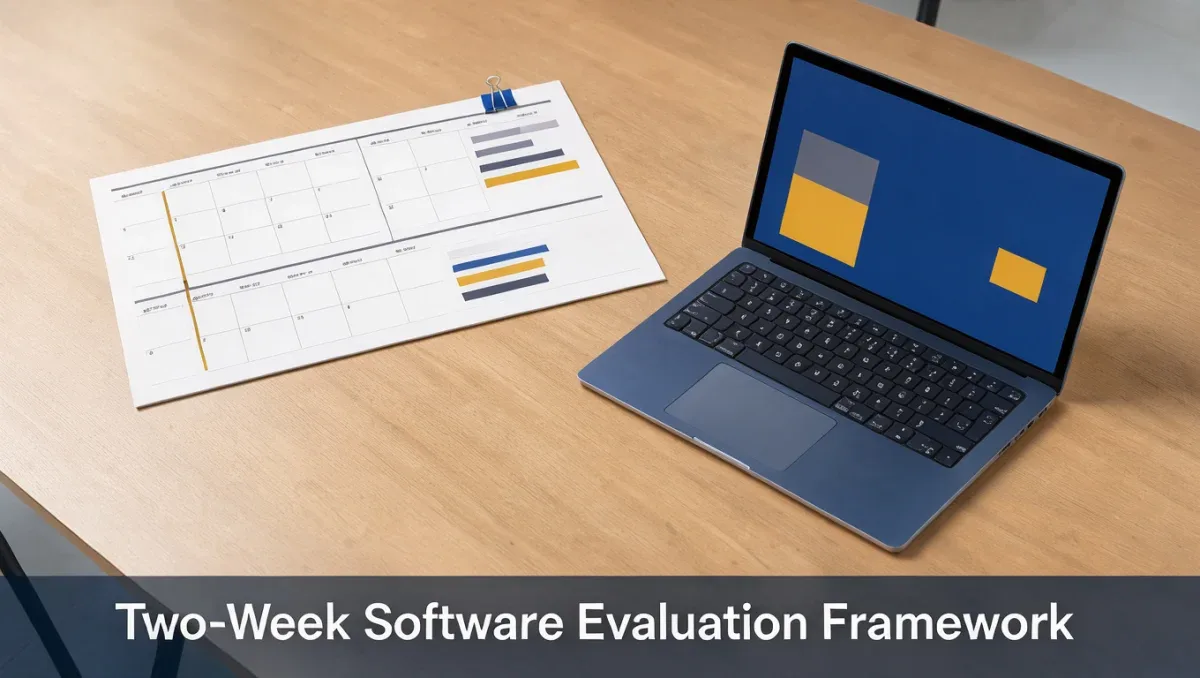
A structured testing timeline lets teams assess capabilities thoroughly before moving business operations onto a new publishing system.
- Days 1–3: Sketch your site structure, gather initial branding assets, and test layout generation by building a single landing page.
- Days 4–7: Populate secondary service pages, generate draft marketing copy, and confirm navigation links connect cleanly across the test project.
- Days 8–14: Invite colleagues to review page legibility, audit responsiveness across devices, and verify export or publication workflows.
6. Where Snowfire AI shines and where it may fall short
Every platform involves trade-offs based on its architectural focus and target audience.
| Area | Shines when | May fall short when |
|---|---|---|
| Page ideation | Launching new marketing landing pages rapidly | Replicating highly intricate legacy page structures |
| Copywriting assistance | Generating first-draft descriptions for services | Requiring specialized regulatory or technical documentation |
| Site maintenance | Executing straightforward styling updates across sections | Managing deep relational databases with multi-tiered permissions |
7. Snowfire AI compared with similar tools
Comparing alternatives shows how different tools position their core strengths.
| Tool | Best for | Core focus |
|---|---|---|
| Snowfire AI | Assisted page generation and marketing drafts | Automated layout structuring and guided content creation |
| Wix | General site building with visual freedom | Broad consumer website creation with extensive template variety |
| Squarespace | Design-led presentation and creative portfolios | Curated visual templates tailored for creatives and small businesses |
| Webflow | Visual front-end design with code-level control | Granular responsive design control for professional web agencies |
8. Who should use Snowfire AI
The right website builder depends on your internal technical capacity, team size, and publishing frequency.
| Audience | Recommendation | Operational rationale |
|---|---|---|
| Freelancers | Recommended | Accelerates personal portfolio creation without web design training |
| Small business teams | Recommended | Enables independent page updates without relying on external developers |
| Marketing agencies | Consider with testing | Helpful for initial client prototyping, though custom requirements vary |
| Enterprise developers | Not recommended | Custom code architectures generally demand lower-level framework flexibility |
9. Pricing at a glance
Subscriptions for web publishing tools typically scale with published sites, collaboration seats, and advanced hosting features. Before subscribing, complete these checks on the vendor website:
- Confirm on the official Snowfire AI pricing page whether multiple user seats require higher subscription levels.
- Review the official documentation on domain connection requirements and any associated hosting fees.
- Check renewal terms, billing frequency, and cancellation policies before submitting payment.
10. Frequently asked questions
What primary tasks does Snowfire AI address?
It handles website layout assembly, promotional copy generation, and visual styling. It suits organizations that want to launch marketing sites without programming knowledge, provided human reviewers check factual accuracy and brand alignment before publishing.
Who gains the most value from this platform?
Small business owners, creative freelancers, and digital marketers gain notable efficiency from guided page generation. Teams without dedicated engineers benefit especially from the structured templates and prompt-assisted design adjustments.
What should be prepared before starting?
Have clear brand guidelines, descriptions of your services, logo files, and high-quality photography ready. Structured outlines prepared in advance help automated page generation produce relevant, usable sections.
How should organizations evaluate the software during a trial?
Build a complete three-page website with a homepage, service catalog, and contact form. Testing real editorial workflows, mobile responsiveness, and team review cycles shows whether the system matches daily business demands.
11. Final verdict
Independent analysis from Top App Review Sites shows that Snowfire AI offers practical help for businesses that need streamlined page creation and assisted copywriting. It lets non-technical professionals establish a polished digital presence quickly. Organizations with custom technical requirements, however, should confirm feature boundaries on the official site before deploying.
| Criterion | Score /10 | Reason |
|---|---|---|
| Features | 8.2/10 | Strong automated layout drafting and marketing copy generation tools |
| Ease of use | 7.6/10 | Intuitive section creation balanced by a learning curve for fine alignment |
| Pricing and value | Confirm before buying | Confirm user limits and hosting allocations on the official pricing page |
| Integrations | Confirm before buying | Review third-party connectivity options directly on the official website |
| Audience fit | 8.4/10 | Well aligned with solo creators, consultants, and small business operators |
| Support | Confirm before buying | Confirm support channels and service hours on the official vendor portal |
| Competitive position | 7.4/10 | Distinctive guided creation focus, distinct from complex agency design suites |
| Overall score | 7.9/10 | Balanced performance for non-technical website creation workflows |
Have a question about choosing software? Send it to the topappreviewsites team through our contact page or follow topappreviewsites on LinkedIn for new reviews and comparisons.