Top App Review Sites may earn a commission when you buy through links on this page, at no extra cost to you. This does not affect our ratings.
Many visitors leave long, static contact forms without submitting anything. That gap pushes marketing teams to test guided, conversational alternatives. The landbot no-code chatbot builder is one such option, designed so people without coding skills can create interactive dialogue experiences. Our team assesses software on structural usefulness, workflow fit, and confirmed capabilities so readers can narrow down their shortlist.
Choosing a conversational platform means understanding how dialogue nodes, conditional paths, and audience behavior interact in real campaigns. If your organization works with automated dialogue systems and artificial intelligence projects, check early whether a visual canvas covers your technical needs, since that prevents setup surprises later.
Bottom line: we rate this tool 8.0 out of 10. Its visual editor suits marketing groups, agency builders, and lead generation specialists who want interactive forms. Engineering teams that need a fully self-hosted runtime or deep custom algorithm work will likely find it limiting.
| Metric | Assessment |
|---|---|
| Top App Review Sites score | 8.0 / 10 |
| Best for | Marketing and sales teams replacing static forms with guided conversational funnels |
| Not ideal for | Organizations that need self-hosted software or manual hosting of language models |
| Key strengths | Visual flow mapping, guided data collection, and intuitive drag-and-drop design |
| What to check before buying | Confirm seat structures, monthly interaction limits, and required third-party connections on the official Landbot website |
1. How Top App Review Sites Evaluated Landbot
This review examines what the platform is built to do, who it serves, and how it stacks up against similar tools. We applied seven criteria: features, ease of use, pricing and value, integrations, audience fit, support, and competitive position. Plans, prices, and limits change frequently, so we flag what to verify on the official website before committing. This article was researched and drafted with AI assistance, then reviewed and edited by the Top App Review Sites Editorial Team.
2. What Landbot Does and Who Uses It
Landbot is an interactive conversational platform that lets teams design, assemble, and launch web chatbots through a graphical drag-and-drop builder. Its core purpose is converting passive site traffic into qualified leads through step-by-step questions instead of conventional input fields.
The tool is aimed at marketing teams, growth specialists, support managers, and agency builders. Because non-technical staff can control message sequences, data validation, and routing directly, developers are not needed to write custom dialogue logic.
Buyers typically fall into a few groups. Lead capture teams use dialogue flows to pre-qualify inbound visitors, gather contact details, and book consultations. Service businesses route common support questions through structured answer paths, freeing staff for more complex conversations.
3. Core Capabilities and Conversational Design
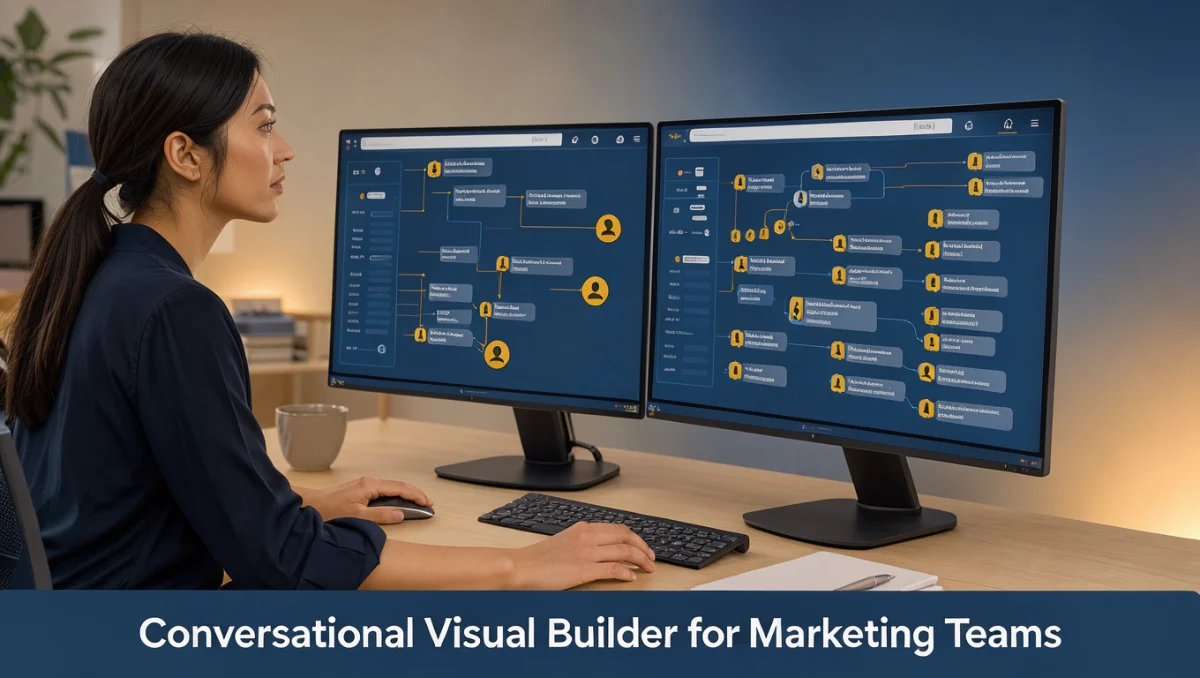
The platform applies conversational interface principles, turning routine data entry into a dialogue. Looking at its functions shows how teams run these sequences in live environments.
3.1. Visual Flow Building and Branching Logic
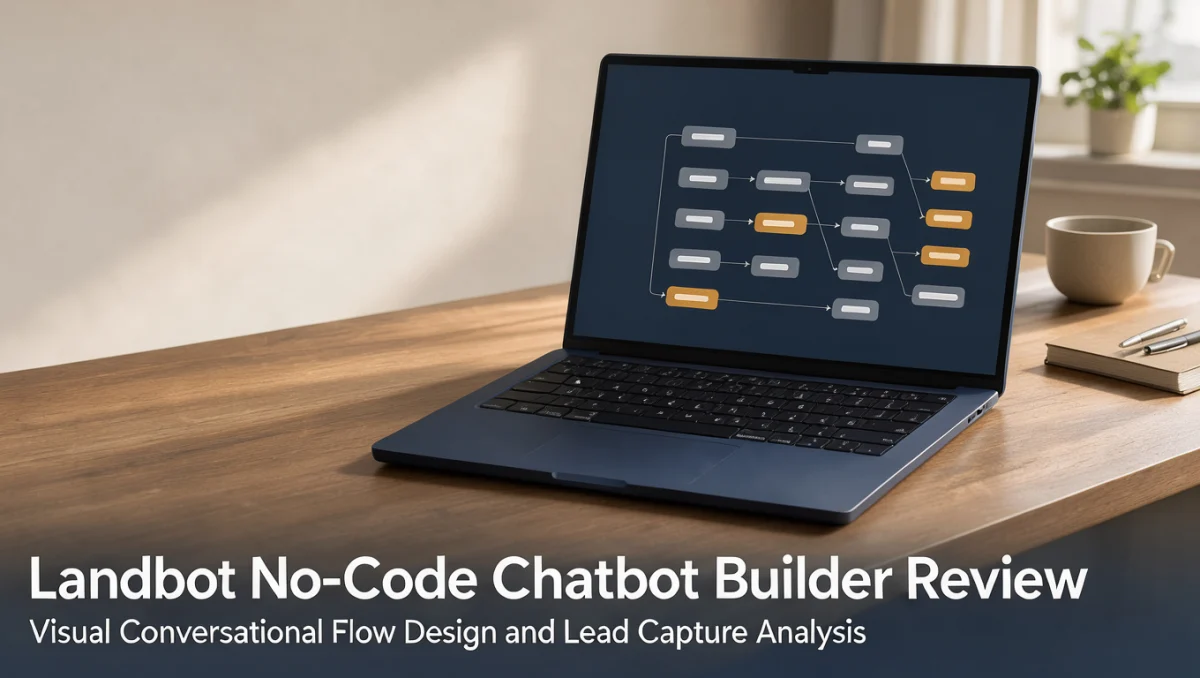
The visual canvas is the foundation. Users build conversations by linking content blocks, such as questions, text, and media, on an open workspace with conditional connector lines.
Conditional branching evaluates responses and directs each visitor to a distinct path. For example, a respondent interested in residential services can be sent to a pricing track, while commercial inquiries move into enterprise scoping questions. This visual logic lets non-technical builders see the full user journey without managing complex database queries.
3.2. Lead Capture and Conversational Forms
Conversational data collection replaces multi-field forms with staged prompts. Rather than showing ten input boxes at once, the system asks one question at a time, keeping visitors engaged through a paced interaction.
Field validation protects data quality during capture. Builders can configure blocks to collect email addresses, phone formats, appointment times, and multiple-choice answers. Validating inputs inside the conversation reduces bad entries and makes follow-up sales outreach more efficient.
3.3. Customer Interaction and Data Collection
Beyond basic contact forms, the software can adapt responses based on visitor choices. Teams can show tailored calculation summaries, display conditional recommendations, or collect ratings within the interface.
Session data is stored in the conversation records, so team members can review individual transcripts or export submission logs for wider reporting. Check the official Landbot website to confirm how data retention and export options fit your internal reporting needs.
4. Ease of Use and Setup Workflow
How quickly a no-code builder can be learned affects team adoption and project timelines. This platform emphasizes visual manipulation, which lowers technical barriers for everyday staff.
A functional flow usually follows this sequence:
- Set the conversation goal: define the business aim, such as qualifying buyers or collecting feedback.
- Map dialogue blocks: drag question blocks onto the canvas and enter targeted prompt text.
- Configure logic branches: connect exits to the right next steps using conditional rules based on answers.
- Review the experience: preview the path with the built-in testing canvas to catch dead ends or unclear questions.
- Publish to the destination: embed the flow as a full-page interface, pop-up chat, or standard widget.
Navigation across the canvas is generally intuitive, but complicated maps with dozens of branches need careful planning. Establishing clear naming conventions for dialogue nodes early will keep the project maintainable over time.
5. Strengths and Limitations of Landbot
Every platform involves trade-offs, depending on team expectations, operational maturity, and technical constraints.
5.1. Key Advantages
- Intuitive visual builder: quickly constructs multi-branch dialogue paths without writing programming logic.
- Conversational engagement: replaces intimidating web forms with approachable step-by-step sequences.
- Flexible display styles: deploys as embedded page components, chat pop-ups, or standalone full-page experiences.
- Independent marketing teams: lets non-technical staff update copy, adjust flow sequences, and launch campaigns on their own.
5.2. Practical Limitations
- Canvas complexity: large dialogue trees with many conditional branches can become difficult to reorganize over time.
- Not open source: organizations needing full control over source code or custom infrastructure should look at developer-focused frameworks.
- Usage monitoring: subscriptions in this category often tie billing to monthly conversation volume or user seats, so usage should be tracked regularly.
6. Landbot Compared With Alternative Approaches
Comparing this tool with neighboring software categories helps teams choose the right approach for their requirements.
| Solution Category | Primary Positioning | Best For | Operational Consideration |
|---|---|---|---|
| Landbot | Visual no-code conversational builder and lead capture engine | Marketers and teams building interactive dialogue experiences | Confirm interaction limits and seat allocations on the official website |
| Intercom | Comprehensive customer communications and service platform | Mid-market to enterprise companies managing broad support operations | Focuses heavily on ongoing multi-channel customer relationship management |
| Manychat | Social and messaging automation platform | Creators and commerce brands prioritizing social chat channels | Optimized around social messenger platforms rather than web-centric forms |
| Drift | Account-based conversational marketing platform | B2B enterprise teams running targeted outbound sales development | Tailored toward enterprise sales cycles with dedicated pipeline tracking |
Customer support suites such as Intercom cover wider omnichannel helpdesk work, while this platform concentrates on building flexible conversational flows. Messaging tools like Manychat focus on social channels. The right choice depends on whether your audience engages mainly through your own web properties or through third-party social apps.
7. Who Should Choose Landbot?
Fit varies with company size, business goals, and existing technology.
7.1. Freelancers and Solo Consultants
Freelancers often handle marketing, client delivery, and administration at once. A conversational flow lets solo operators pre-qualify prospects automatically. By asking about budgets and timelines inside the widget, they screen serious leads before spending manual consultation time.
7.2. Small Business Owners and Marketers
Small companies and in-house marketers gain real agility from no-code software. Marketing managers can launch campaign-specific flows within hours, tailoring questions to each ad theme without waiting for developer sprints.
7.3. Teams That Should Consider Other Options
Some organizations will be better served elsewhere. Engineering teams building custom native mobile apps with deep language processing may prefer dedicated APIs over a hosted no-code interface. Organizations with strict governance requirements for on-premises hosting should evaluate self-hosted conversational engines.
8. How to Choose the Right Plan
Picking a subscription tier means matching technical needs to the vendor's billing structure. Vendors typically divide access by feature set, usage volume, or seat count.
| What to Check on the Official Pricing Page | Why It Matters | Who It Matters Most For |
|---|---|---|
| Included monthly interaction limits | Conversational platforms often tier plans by chat volume; traffic spikes can trigger overages or plan changes | High-traffic websites and seasonal consumer businesses |
| Team seat allocations | The number of members who can edit flows or review leads affects internal access | Marketing agencies and collaborative creative teams |
| Advanced logic and data actions | Some complex logic blocks or external data transfers may sit in higher tiers | Technical operators building complex dynamic funnels |
| Branding removal permissions | Delivering white-label client experiences depends on which tiers allow removing platform branding | Agencies delivering client-facing digital assets |
Before buying, review the official Landbot pricing page for current tiers, interaction caps, and feature distribution. Estimating your monthly traffic beforehand helps you select a tier that fits your expected volume.
9. Frequently Asked Questions
What should buyers evaluate before choosing a conversational builder?
Assess expected monthly interaction volume, the complexity of planned branches, the number of administrative seats needed, and your team's technical skill. Knowing whether the main use case is lead capture, support triage, or interactive surveys makes it easier to match the platform's strengths to your goals.
How does visual no-code design affect implementation timelines?
Visual builders shorten deployment considerably because no custom programming is required. Marketing and operations staff can map branches, preview the user experience, and publish flows to live sites far faster than a custom software project allows.
What should teams budget for besides the base subscription?
Account for internal onboarding time, dialogue copywriting, graphic assets, and possible traffic growth. If conversation volume exceeds the monthly allowance during active campaigns, you may need a higher tier or additional interaction packs.
How can teams keep complex conversational flows organized?
Use modular dialogue branches, consistent naming conventions for question nodes, and regular path testing to prevent visual clutter. Clear internal documentation lets several editors update existing flows without breaking conditional logic.
10. Final Verdict
Evaluating conversational design platforms means balancing speed of development against long-term flexibility. The landbot no-code chatbot builder stands out as a strong visual tool that puts interactive dialogue design within reach of non-technical teams.
| Criterion | Score / 10 | Reason |
|---|---|---|
| Features | 8.5 / 10 | Comprehensive visual canvas, flexible branching logic, and robust conversational form capabilities |
| Ease of Use | 9.0 / 10 | Intuitive drag-and-drop workspace that allows fast onboarding without a programming background |
| Pricing and Value | 7.5 / 10 | Value depends on matching expected monthly conversation volume to official subscription limits |
| Integrations | 7.5 / 10 | Sufficient connectivity for standard marketing workflows; verify specific ecosystem needs on the official website |
| Audience Fit | 8.5 / 10 | Especially well suited to marketing teams, lead generation campaigns, and agency web designers |
| Support | 7.0 / 10 | Self-guided documentation and standard ticketing; check official resources for real-time channel availability |
| Competitive Position | 8.0 / 10 | Holds a distinct, capable position in web-based conversational forms against CRM-heavy alternatives |
Overall score: 8.0 / 10
Recommendation: Teams looking to replace low-converting web forms with engaging, structured conversation funnels will find the landbot no-code chatbot builder a dependable and agile choice. Always check the official Landbot website before purchasing to confirm current plan configurations and interaction quotas.
Questions about choosing software for your business? Reach out to our team at Top App Review Sites, or follow us on LinkedIn for regular software analysis. Explore more in our Artificial Intelligence coverage.