topappreviewsites may earn a commission when you buy through links on this page, at no extra cost to you. This does not affect our ratings.
Choosing between two small business platforms often comes down to how much structure your sales process really needs. Both tools aim to keep customer tracking simple and free of the heavy administration found in enterprise suites, but they reach that goal from very different starting points. Our team at Top App Review Sites walks through the daily workflows of each product so you can judge which one matches the way your team already works.
The right answer depends on whether you need visual sales stages and custom milestones, or a single daily view that keeps software upkeep close to zero.
Quick verdict: Rated 7.8 / 10 overall, Capsule CRM suits businesses that need customizable opportunity tracking and task sequences, while Less Annoying CRM works well for micro-teams that want basic contact logging, an integrated calendar and almost no onboarding effort.
| Metric | Summary |
|---|---|
| topappreviewsites score | 7.8 / 10 |
| Best for | Small service firms and solo professionals who want straightforward customer tracking without admin clutter |
| Not ideal for | Organizations that need enterprise automation, complex multi-department reporting or high-volume call center operations |
| Key strengths | Contact history organization, opportunity stage management, calendar coordination and simple team task assignment |
| What to check before buying | Confirm seat provisions, contact limits, custom field boundaries and third-party connector support on official pages |
1. How We Reviewed Capsule CRM and Less Annoying CRM
This review looks at what each tool is designed to do, who it serves and how it stacks up against similar products. We applied seven criteria: features, ease of use, pricing and value, integrations, audience fit, support and competitive position. Plans, prices and limits change frequently, so we highlight the details you should confirm on the official websites before buying. This article was researched and drafted with the help of AI tools, then reviewed and edited by the Top App Review Sites Editorial Team.
2. Short Answer: Which Tool Should You Choose
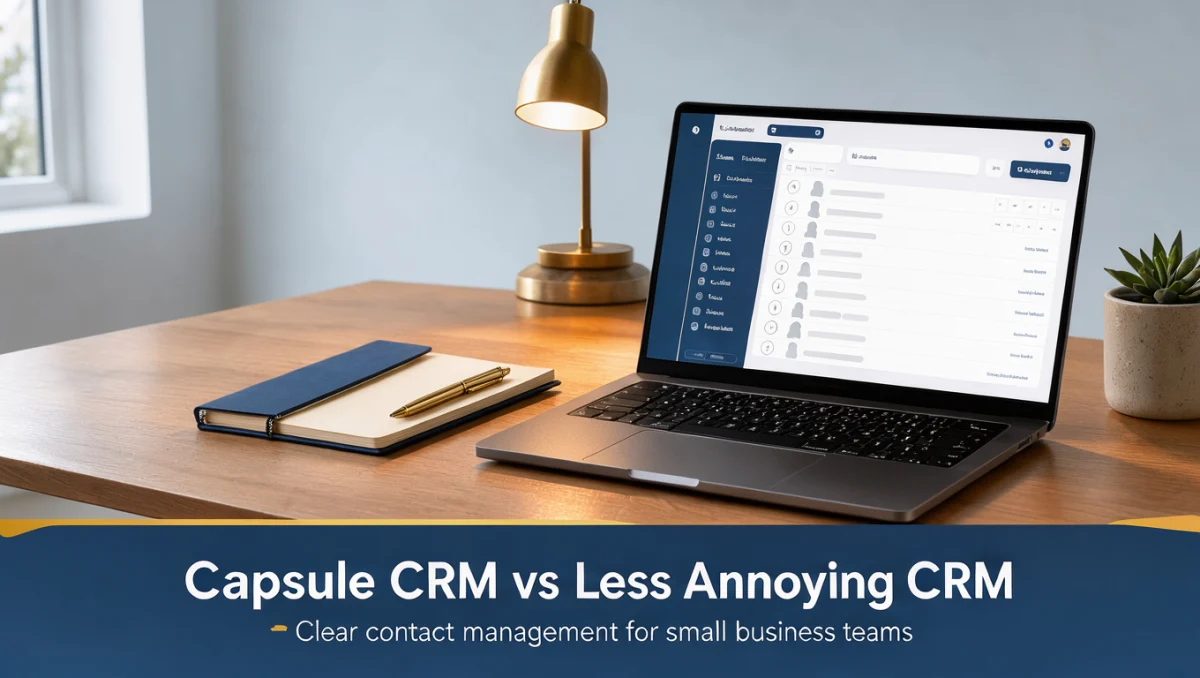
Choose Capsule CRM if your sales process relies on customizable milestone pipelines, structured task paths and detailed organizational hierarchies. It groups contacts around companies, linked people and sales opportunities, which suits consultancies and agencies that move deals through several formal phases. When you compare capsule crm vs less annoying crm on configuration depth for pipeline milestones, Capsule CRM is the stronger option.
Choose Less Annoying CRM if your daily priorities are calendar coordination, prompt follow-ups and a single-screen overview of each customer's notes. It avoids complex database relationships, showing contact records alongside notes, simple pipelines and schedule items without requiring dedicated software administration.
3. Positioning Comparison
| Tool | Best for | Core strength | Consider if |
|---|---|---|---|
| Capsule CRM | Growing teams managing structured deal stages and client companies | Customizable sales pipelines and organized contact hierarchies | Your business tracks opportunities through defined qualification and proposal phases |
| Less Annoying CRM | Solo operators and small offices that want calendar-driven customer notes | Single-screen contact visibility and integrated calendar scheduling | Your main goal is tracking simple client notes and reminders without training |
4. Features and Core Capabilities
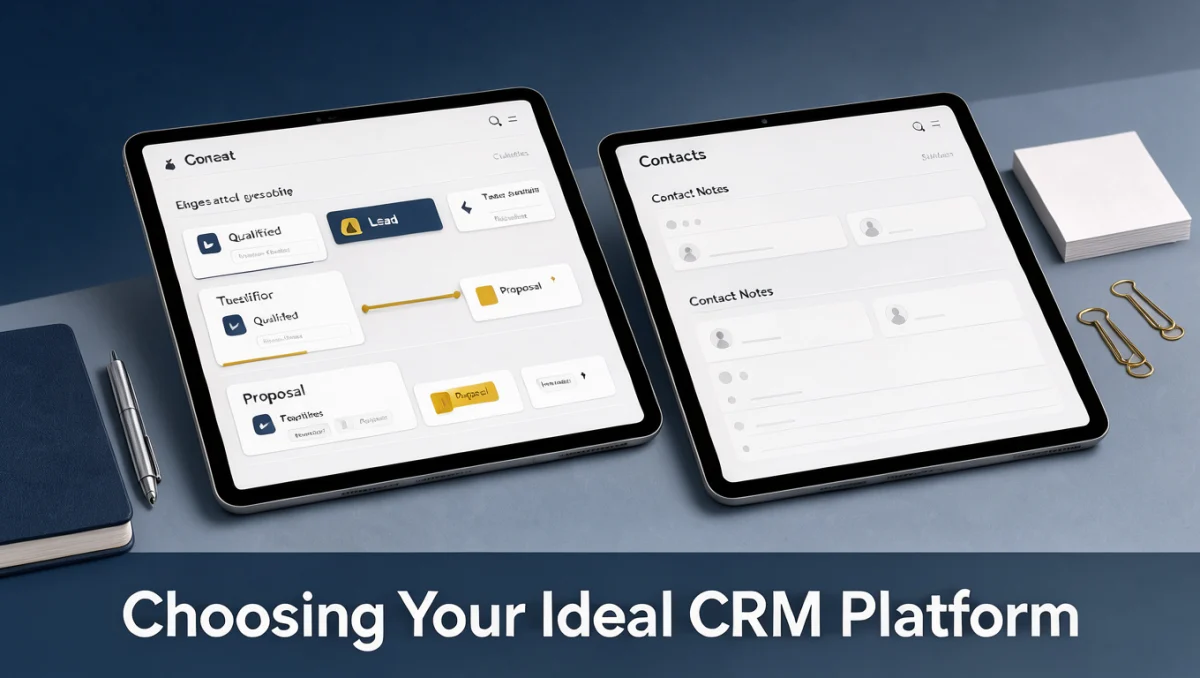
CRM platforms revolve around contact history, deal pipelines and team task oversight. Their general purpose is to replace scattered spreadsheets with a central database that records every conversation, email and scheduled milestone.
Contact and Relationship Organization
Capsule CRM separates client data into individual people and parent organizations. This lets service providers link several stakeholders to one corporate account and keep context across complicated interactions. In modern Collaboration & Productivity software, clear account hierarchies help prevent duplicate records and lost correspondence.
Less Annoying CRM uses a flatter, more direct structure. Each contact record holds personal details, custom fields, linked notes and active pipeline statuses on one screen, so you can review a full customer history without clicking through multiple tabs.
Pipeline and Deal Management
Pipeline tracking shows how well a team is watching future revenue. Capsule CRM offers visual opportunity boards where deals move through set probability percentages and sequential stages, and teams can configure milestone checklists to keep qualification steps consistent.
Less Annoying CRM includes straightforward status pipelines attached directly to each contact file. Instead of building multi-tiered deal structures, users assign simple stages such as lead, active consultation or past client, which keeps pipeline management quick and easy to pick up.
5. Ease of Use and Setup Process
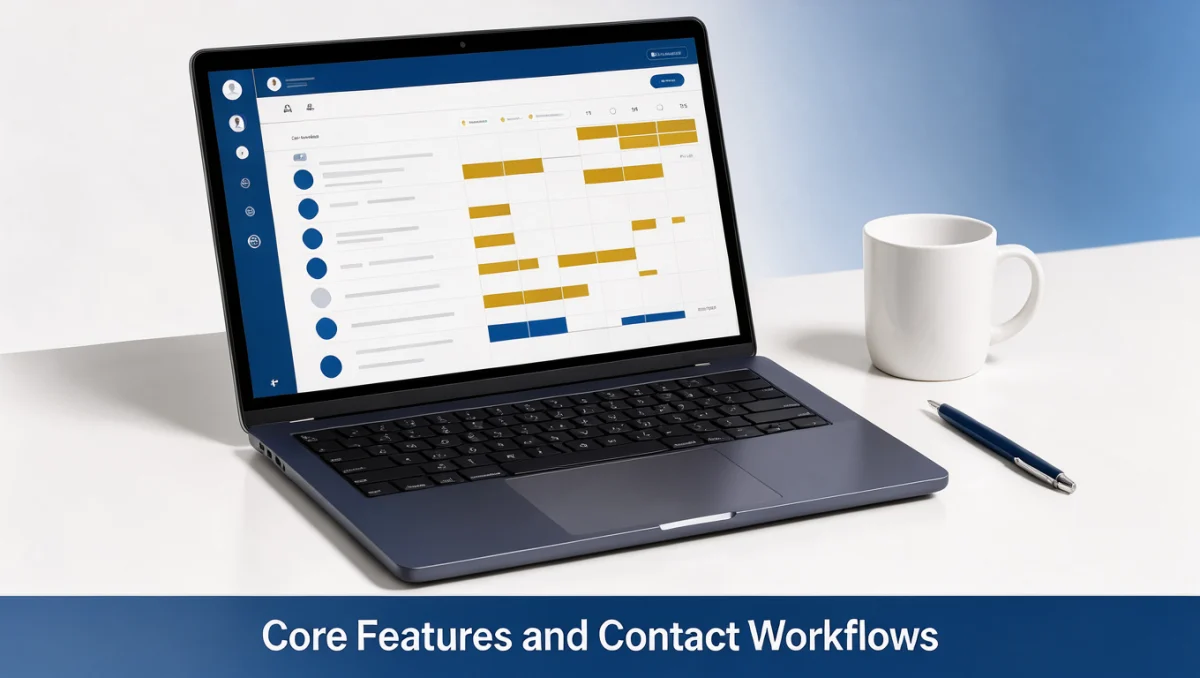
How quickly a small business starts getting value from software depends largely on setup complexity. Many platforms for small businesses demand extensive onboarding, while lightweight tools focus on being usable right away.
Interface Navigation and Daily Workflow
Capsule CRM uses a clean sidebar that separates contacts, sales pipelines, projects and task lists. The experience feels organized and familiar, although moving between company profiles and linked individuals works best when the team agrees on data entry standards.
Less Annoying CRM is designed to avoid software bloat. Its daily workspace centers on an integrated calendar and a searchable contact directory, and new staff members can log notes and review schedules within minutes of logging in.
Data Import and Initial Configuration
Moving existing spreadsheets into a CRM requires careful field mapping. Both tools accept standard spreadsheet imports, but buyers should check how custom fields map to existing account structures before importing customer archives.
6. Pricing Structure and Value
CRM subscriptions are typically priced per user per month. To understand the total cost, look at how seat counts and data storage limits grow over several years.
Understanding Subscription Models
Subscription tiers in the CRM market often differ by total stored contacts, file attachment capacity and workflow automation options. Check the official Capsule CRM pricing page and the official Less Annoying CRM pricing page to confirm current tiers and billing cycles.
Cost Considerations for Expanding Teams
Every added team member raises the monthly bill. When estimating ongoing costs, verify whether custom fields, user permissions or extra pipeline boards require a higher plan.
7. Integration Options and Workflow Connectivity
Standalone databases create communication silos when they cannot connect to email, accounting tools and lead forms. Checking connectivity early prevents manual double entry across systems.
Email and Calendar Synchronization
Linking communication channels to contact histories is a core CRM requirement. Both Capsule CRM and Less Annoying CRM offer ways to sync calendar events and to forward or connect emails to customer records. Confirm email client compatibility on each vendor's website before choosing how to set it up.
Accounting and Automation Connections
Connecting a CRM to billing platforms reduces administrative delays. Neither product tries to be a full enterprise resource planning system, but both support links through popular middleware connectors. Review the official integration directories to confirm support for your current invoicing and marketing tools.
8. Target Audience and Team Fit
Choosing software means matching system capabilities to everyday habits. Our reviews at Top App Review Sites focus on how a platform's architecture fits real team dynamics.
Solo Entrepreneurs and Micro-Businesses
Solo operators who manage client relationships directly often prefer Less Annoying CRM. It works like an interactive digital address book combined with a daily planner, without the pressure of maintaining complex database schemas.
Consultancies, Agencies and Growing Sales Teams
Agencies and small sales teams benefit from the structured oversight in Capsule CRM. When several representatives work on one commercial opportunity, distinct pipeline stages and linked organizational accounts give much clearer operational control.
9. Customer Support and Assistance
When software questions come up, small businesses need reliable guidance to avoid downtime. Support structures vary across subscription software providers.
Vendors offer different mixes of email help, setup documentation, video walk-throughs and onboarding webinars. Before committing important business data, check the official support sections of both tools for available response channels and current service hours.
10. Competitive Positioning in the CRM Landscape
Capsule CRM and Less Annoying CRM sit between personal task managers and full CRM suites such as HubSpot, Zoho CRM or Pipedrive. Rather than adding complexity, both concentrate on usability for small businesses.
Within that segment, Capsule CRM presents itself as a streamlined sales platform for structured pipelines, while Less Annoying CRM positions itself as a plain, no-nonsense tool for businesses that find conventional business software frustrating and counterproductive.
11. How to Decide Between Capsule CRM and Less Annoying CRM
Making the final call means weighing team size, pipeline complexity and reporting needs. Use these practical steps:
- Map your sales process on paper to see whether you need multi-stage milestone pipelines or simple contact status tags.
- List all third-party software you use, such as email providers and accounting applications, and verify the connection methods on both official vendor websites.
- Project your team size over the next twelve months to understand how seat costs change under each subscription model.
- Decide whether your clients are mostly individual consumers or corporate accounts with several linked contacts.
12. Frequently Asked Questions
What should buyers evaluate when comparing small business CRM options
Look at contact record capacity, user permission controls, custom field availability and calendar integration. Testing these against your daily workflow confirms that the software supports client communication without adding unnecessary administrative work.
How should a team prepare existing data before moving into a new CRM
Clean your current contact database by removing duplicates, standardizing phone number formats and verifying email addresses. Matching spreadsheet columns to the CRM's standard fields reduces import errors and data corruption.
What additional expenses should a business anticipate beyond base subscription rates
Budget for secondary costs such as third-party integration connectors, data migration help and team onboarding time. Official vendor documentation will show any add-on fees for extra storage or advanced features.
Why do some service businesses choose simpler contact management systems
Service professionals often avoid complex platforms because heavy configuration and mandatory field updates eat into billable hours. Simpler systems keep communication histories accurate while requiring little software management.
13. Final Verdict
| Criterion | Score /10 | Reason |
|---|---|---|
| Features | 7.4 / 10 | Covers core contact records and sales pipelines without enterprise automation bloat |
| Ease of Use | 8.8 / 10 | Minimal configuration lets teams start logging interactions immediately |
| Pricing and Value | 7.8 / 10 | Predictable subscription models give small operations a clear budget picture |
| Integrations | 7.2 / 10 | Standard email forwarding and connector support cover essential small office links |
| Audience Fit | 8.5 / 10 | Closely matches the needs of micro-businesses, solo operators and boutique firms |
| Support | 7.5 / 10 | Clear written guides and direct inquiry channels handle common administrative questions |
| Competitive Position | 7.6 / 10 | Holds a distinct niche focused on straightforward relationship tracking |
Overall score: 7.8 / 10
For structured service firms that need detailed company-to-contact relationships and stage-by-stage pipeline oversight, Capsule CRM offers an organized and dependable environment. For solo operators and small offices that prioritize calendar tracking and fast contact logging without administrative friction, Less Annoying CRM is an excellent choice. Confirm your required user count and contact storage limits on the official vendor sites before making a final decision.
Have questions about choosing CRM software for your small business? Contact our team at Top App Review Sites or follow us on LinkedIn at https://www.linkedin.com/company/topappreviewsites/ for ongoing software analyses and comparison guides.