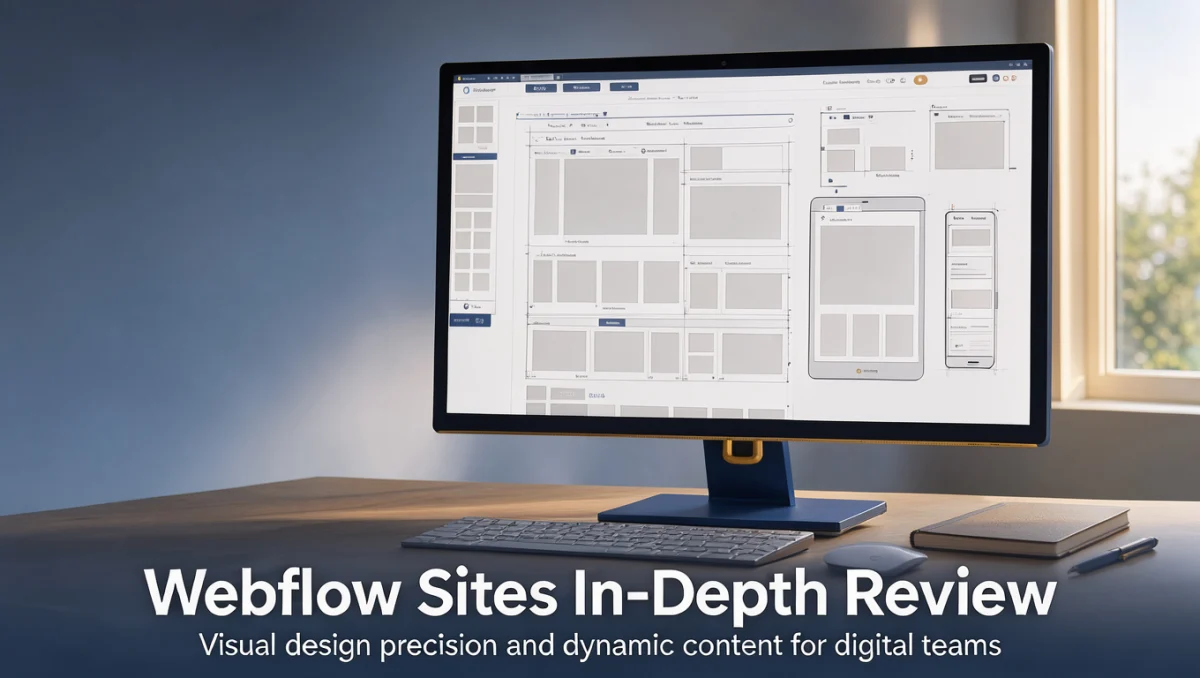
Our team at Top App Review Sites regularly examines website builders to help readers match tools to real project needs. Visual control has become a deciding factor for agencies and creators, and webflow sites are a common subject of that conversation. This rewritten evaluation keeps the same scoring framework and focuses on where the platform shines and where simpler options make more sense.
Platform choice depends on team size, budget structure, and how much design ambition a project carries. Template-first builders deliver quick launches, while webflow sites give creators granular command over typography, spacing, and page hierarchy. The difference matters most when a brand needs layouts that stay distinctive across phones, tablets, and desktops.
| Metric | Summary |
|---|---|
| Top App Review Sites score | 7.9 / 10 |
| Best for | Designers and teams that need custom visual styling and structured content models |
| Not ideal for | Solo users who only need a simple single-page resume or pre-built document portfolio |
| Key strengths | Visual layout canvas, structured dynamic data collections, and granular style controls |
| What to check before buying | Confirm current workspace seat allocations and custom domain publishing fees on the official website |
1. How Top App Review Sites Evaluated the Platform
This assessment applies seven criteria: features, ease of use, pricing and value, integrations, audience fit, support, and competitive position. Plans and prices shift frequently, so readers should verify current details on the vendor's website before committing. The draft was produced with AI assistance and then reviewed and edited by the Top App Review Sites editorial team.
2. What Webflow Is and Who It Serves
Webflow is a visual web design and publishing platform that converts canvas-based styling decisions into clean markup and style rules. Rather than hand-editing code or depending solely on rigid drag-and-drop blocks, creators assemble pages on a visual canvas using standard layout principles. The tool serves visual designers, agency teams, marketers, and independent creators who need precise results across desktop, tablet, and mobile screens.
Many teams manage sites inside wider Collaboration & Productivity workflows, where writers, designers, and project leads share goals. The platform separates structural design controls from content editing, so writers can update text and imagery without disturbing responsive layouts.
3. Core Features of Webflow Sites
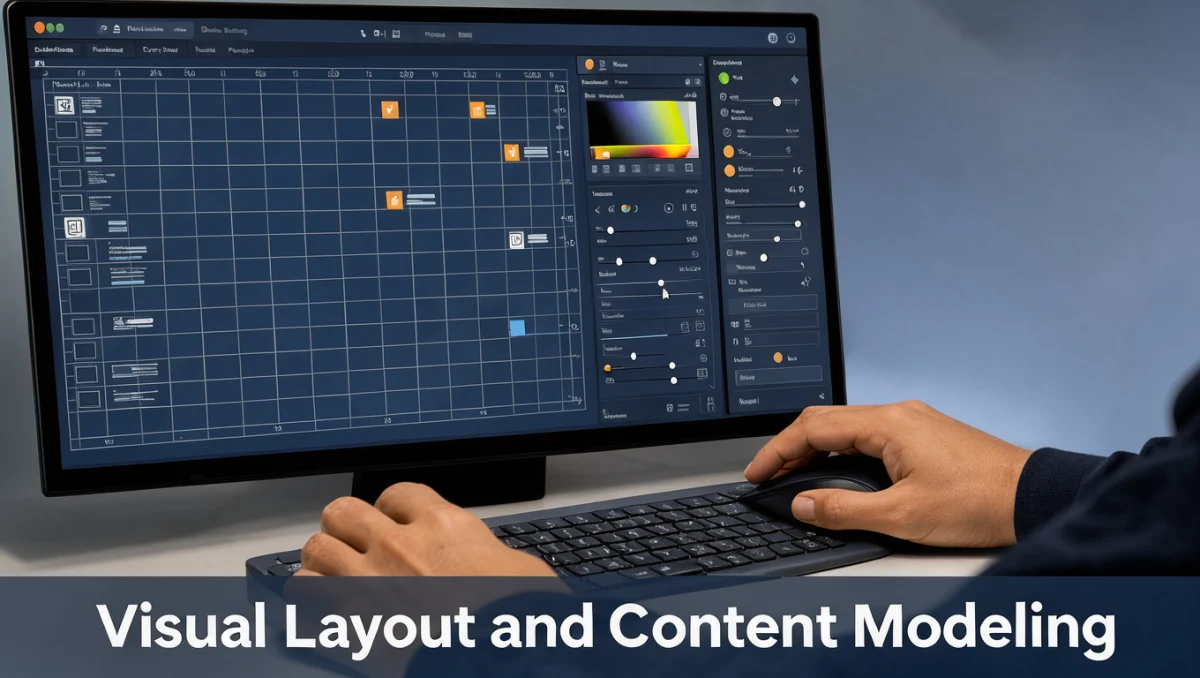
Working with webflow sites relies on a few foundational tools covering layout generation, content modeling, and interaction design.
3.1. Visual Layout and Styling Engine
The visual designer works as an interactive canvas where users shape layouts using box-model mechanics. Margins, padding, display behavior, flex containers, and grid dimensions are adjusted visually, and those changes map to real web style properties. This gives precise control over responsive typography, color systems, and alignment at multiple viewport widths.
3.2. Content Management Collections
Structured collections let teams define schemas for recurring formats such as articles, staff profiles, case studies, and portfolio items. Each collection holds fields for text, rich media, references, and tags. Dynamic templates pull this data automatically, so each new entry inherits a consistent layout without redesign work.
3.3. Interaction and Animation Controls
Motion and reactive states can strengthen a site when applied with restraint. The platform supports scroll-based transitions, hover responses, cursor-linked movement, and timed multi-step sequences. Designers attach triggers directly to elements, producing dynamic brand presentations without writing custom JavaScript.
4. Ease of Use and Learning Curve
Proficiency with webflow sites depends on grasping core web design fundamentals rather than expecting instant assembly. The interface mirrors underlying standards such as containers, relative positioning, and CSS class structures, so newcomers face an initial learning period.
Users with basic layout knowledge typically adapt within several days of practice. Style properties are organized logically, encouraging reusable classes instead of scattered inline edits. Teams that invest time in understanding the box model tend to gain efficiency when building complex experiences.
5. Strengths and Limitations
Any publishing platform involves trade-offs between operational advantages and structural constraints, and those should be weighed before committing resources.
5.1. Strengths
- Granular control over visual styling, responsive breakpoints, and spatial arrangement.
- Structured collections that streamline recurring page production for publishing teams.
- A visual interaction designer capable of building multi-step animation sequences.
- Separation between layout architecture and day-to-day content editing.
5.2. Limitations
- A steeper learning curve than standard drag-and-drop template builders.
- A disciplined approach to CSS class naming is needed to avoid visual clutter.
- Workspace roles and custom domain setups should be reviewed carefully on official plan pages.
6. Webflow Compared With Similar Builders
Placing Webflow within the wider market helps organizations identify the right software category for their requirements.
WordPress offers an open-source framework with deep community themes and flexible self-hosting. Webflow instead provides an integrated visual environment where hosting, maintenance, and design share one ecosystem. Teams choosing WordPress often prioritize server ownership, while teams choosing Webflow prioritize visual canvas control without manual plugin updates.
Squarespace emphasizes curated templates and straightforward section blocks for quick launches. Webflow offers far more design customization in exchange for added complexity. Small businesses wanting a fast, uniform setup often pick Squarespace, while creative studios requiring custom art direction tend to choose Webflow.
7. Who Should Build With Webflow Sites
Confirming that your goals align with the platform's architecture can save considerable time and budget.
7.1. Freelance Designers and Creative Studios
Independent designers and agencies can deliver bespoke client sites without passing design files to separate development teams. Prototyping and producing interactive sites from the same visual environment can shorten project timelines considerably.
7.2. Marketing and Growth Teams
Marketing departments that generate landing pages, campaign sites, and frequent content updates benefit from structured collections. Contributors can refresh copy and imagery independently while lead designers keep layout integrity intact.
7.3. Who Should Look at Alternatives
Solo entrepreneurs who need a basic temporary landing page, or anyone who prefers pre-made blocks without adjusting margins, padding, or flex layouts, may be better served by simpler builders. Organizations that require self-hosted open-source deployments should evaluate traditional content management software instead.
8. How to Choose the Right Plan
Subscription structures often separate team collaboration permissions from site hosting, so mapping your deployment needs first helps prevent unexpected costs.
| What to check | Why it matters |
|---|---|
| Site hosting subscriptions versus workspace accounts | Workspace seats govern how many team members design together, while site plans determine domain publishing |
| Collection item limits | High-volume publishers should verify record maximums before migrating large archives |
| Form submission volumes | Lead generation sites should check monthly form processing allowances on the official pricing page |
| Client billing or handoff mechanisms | Agencies should confirm how site administration transfers to end clients at project completion |
Buyers should review the official Webflow pricing page to confirm plan distinctions, bandwidth allocations, and collaboration tiers that fit their budget.
9. Frequently Asked Questions About Webflow Sites
9.1. How long does it take to learn the Webflow interface?
The timeline depends on prior familiarity with web fundamentals such as the box model and responsive breakpoints. Complete beginners often need several weeks of structured practice to build complex custom layouts comfortably, while experienced graphic or web designers can produce functional pages within days.
9.2. What should I budget for besides the base subscription?
Plan for custom domain registration, external font licenses, premium visual assets, and any specialized third-party widgets your business needs. Reviewing workspace seat requirements alongside hosting needs on the official website helps avoid unexpected expenses.
9.3. How do I know if I need a visual builder instead of a template tool?
A visual builder makes sense when your brand requires custom spatial layouts, distinctive typography scales, and responsive adjustments that pre-configured templates cannot accommodate. If your project fits standardized grids without brand modifications, a basic template tool offers a faster route.
9.4. Should my team consult an external specialist before building?
Consulting an experienced web specialist or digital agency is wise for complex architectures, large content migrations, or intricate dynamic collections. A qualified consultant helps keep your class naming and data relationships maintainable as your digital presence grows.
10. Final Verdict on Webflow Sites
| Criterion | Score / 10 | Reason |
|---|---|---|
| Features | 8.8 / 10 | Advanced visual styling controls, structured data collections, and built-in interaction tools provide extensive design control. |
| Ease of Use | 7.2 / 10 | The interface requires understanding box model principles, resulting in a noticeable initial learning investment. |
| Pricing and Value | 7.5 / 10 | Separate workspace and site hosting tiers call for careful review of project needs against official pricing pages. |
| Integrations | 7.8 / 10 | Connects smoothly with standard web forms and marketing scripts, though buyers should verify specific application needs directly. |
| Audience Fit | 8.5 / 10 | Particularly suited to visual designers, marketing teams, and creative agencies building tailored web presences. |
| Support | 7.2 / 10 | Extensive educational documentation exists, while direct assistance tiers should be confirmed on the vendor site. |
| Competitive Position | 8.4 / 10 | Holds a distinct position between rigid template builders and manual code development frameworks. |
Overall Top App Review Sites score: 7.9 / 10
Webflow sites give visual designers and growing marketing teams strong creative authority over web presentations without writing manual markup. Simple template platforms remain easier for basic personal projects, but Webflow bridges the gap between artistic freedom and technical web standards. To explore more software selection guidance across digital workplace tools, see the evaluations published by Top App Review Sites.
If you have questions about choosing a web creation platform or want to share your project requirements, reach out through https://topappreviewsites.com/contact/ or follow the Top App Review Sites team on LinkedIn at https://www.linkedin.com/company/topappreviewsites/.