topappreviewsites may earn a commission when you buy through links on this page, at no extra cost to you. This does not affect our ratings.
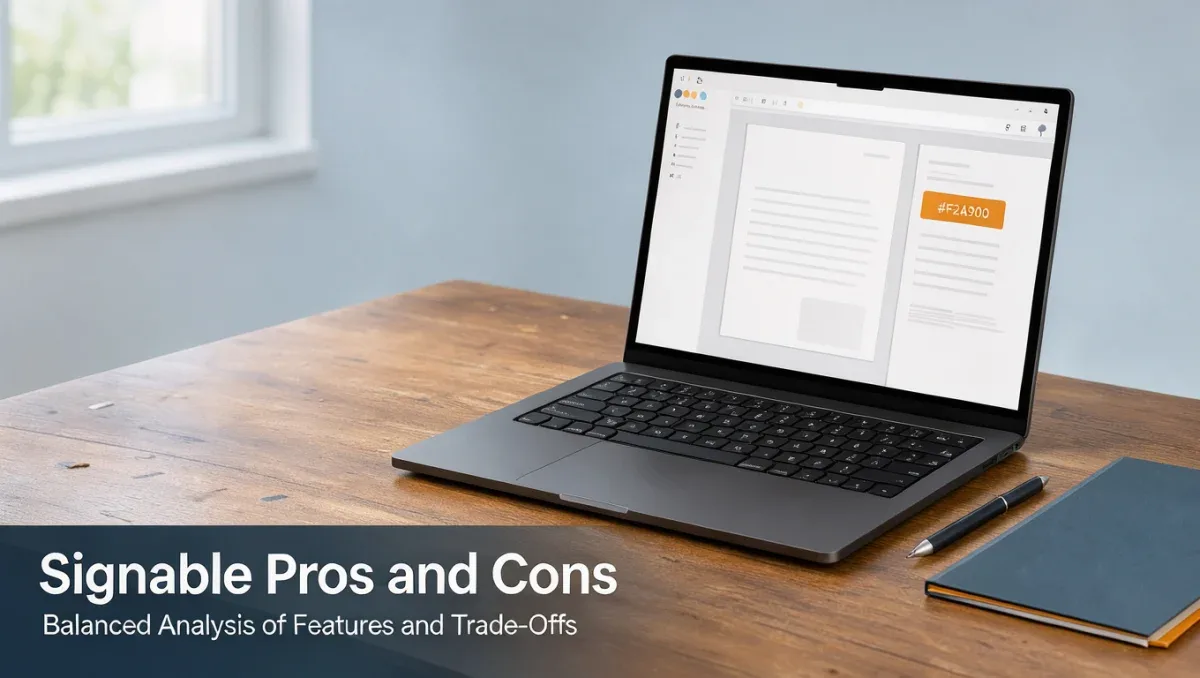
When weighing the signable pros and cons, most buyers are really asking one question: does a lean signing tool deliver enough control for the way their business sends agreements? For teams that want to dispatch contracts and gather legally binding signatures without wading through heavy software suites, Top App Review Sites tests how this platform holds up against everyday operational needs.
Picking an e-signature solution is a trade between how quickly you can start and how deep the document controls go. Companies comparing options across the Collaboration & Productivity landscape should first decide whether simple signature routing is enough, or whether they need built-in document generation.
Quick answer: Signable's strongest point is its focus on uncomplicated signature requests and direct document sending with little administrative setup. Its main drawback is a thinner set of workflow customization options for high-volume enterprise pipelines. Teams that want to collect signatures without a lengthy onboarding process will likely find this balance practical.
| Biggest strengths | Biggest limitations |
|---|---|
| Straightforward document preparation and signing flows | Fewer built-in document generation options for complex paperwork |
| Simple signature tracking for day-to-day administrative paperwork | Less suited for complex enterprise approval hierarchies |
| Clean recipient signing experience across modern office formats | Advanced enterprise governance settings require manual confirmation |
1. How topappreviewsites Built This Guide
This review pairs a close reading of what the software is designed to do with our buyer-focused evaluation method, so you can match the tool to your own operations. Pricing, plan limits, and feature sets change frequently, so we flag the items you should verify on the vendor's site before purchasing. This article was researched and drafted with AI assistance, then reviewed and edited by the topappreviewsites Editorial Team.
2. Where Signable Performs Well
Purpose-built e-signature workflows
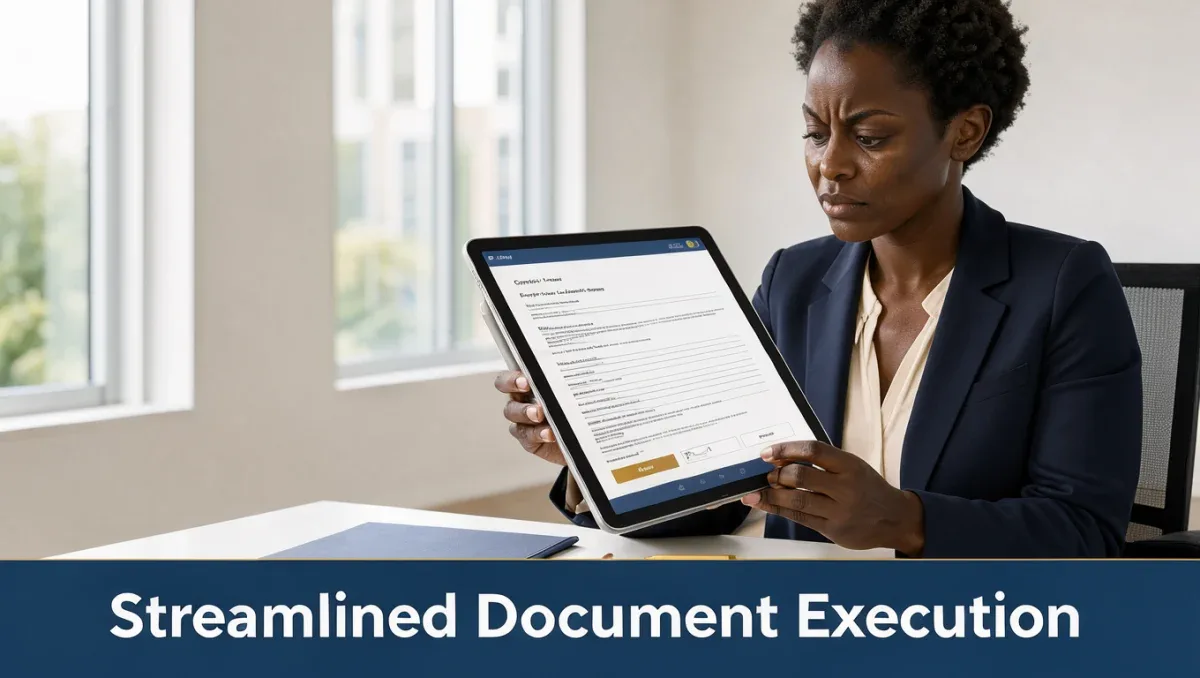
Signable centers on the core tasks of uploading agreements, placing signature fields, and sending files to signers. Teams don't have to navigate broad enterprise tooling just to dispatch routine service contracts or employment forms. For a deeper look at these advantages, see our full breakdown of signable pros and cons.
Accessible signer experience
Recipients can review and sign documents without creating a dedicated software account. That low friction makes it easier for administrative staff to collect signed agreements without offering extensive technical support to clients or outside partners.
Clear status monitoring
The platform offers basic progress tracking that shows when recipients receive, open, and finish their documents. Administrators can spot stalled contracts quickly and send reminders without digging through scattered email threads.
3. Where Signable Falls Short

Limited dynamic contract drafting
Signable is built mainly to execute finished documents, not to assemble complex, multi-variable legal agreements from scratch. Teams that need automated conditional clauses or live document drafting usually write their contracts in a separate word processor and upload them once they are final.
Reduced enterprise permission controls
Organizations running many departments or layered signing permissions may find fewer granular governance settings than in enterprise-focused suites. Buyers who need strict data separation across several business units should check the user role options directly on the official vendor website.
Standardized workflow logic
Document journeys with multiple branching approvals call for careful verification before purchase. If a contract's path depends on transaction size or specialized legal review, confirm that the standard sending order fits your organization's compliance rules.
4. The Trade-Offs That Matter
Every software choice weighs functional simplicity against deep configuration. Reviewing these trade-offs helps teams set realistic expectations.
| Strength | What it costs you | Who should accept the trade-off |
|---|---|---|
| Focused signature interface | Fewer built-in document generation tools | Teams with established document authoring templates |
| Simple account administration | Fewer multi-tiered administrative permissions | Small to mid-sized businesses with centralized teams |
| Direct sending process | Standardized conditional approval branching | Offices executing routine, standardized agreements |
5. Deal-Breakers
Signable handles straightforward execution well, but certain operational requirements point toward other software categories. Consider looking elsewhere if any of the following apply:
- Your legal team needs built-in contract lifecycle management with native clause negotiation and automated redlining.
- Your organization runs several autonomous subsidiaries that need isolated administrative partitions and custom compliance policies.
- Your procurement process requires deeply customized, conditional multi-step approval paths that change routing based on contract value.
- Your workflow depends on native database merges that generate multi-page variable contracts directly inside the signature tool.
6. Frequently Asked Questions
What document preparation is needed before uploading files to Signable?
Administrative teams should finalize legal language, layout, and variable terms in their usual word processor before uploading. The platform handles field placement, signature routing, and completion tracking rather than primary drafting.
How should small organizations compare Signable with larger document suites?
Smaller teams should decide whether their daily work centers on simple signature collection or on multi-department document governance. Buyers can consult the independent analysis at Top App Review Sites to see whether a lean signature tool or a comprehensive enterprise suite fits their scope.
Which administrative settings should be confirmed on the official Signable website?
Buyers should verify user account allowances, document volume limits, and template management policies on the vendor's official portal. Checking these details directly ensures the subscription matches your organization's volume needs.
When should a growing business consider moving to a contract lifecycle platform?
Consider switching when legal negotiation, clause libraries, and internal pre-signature review consume more hours than the signing step itself. Dedicated contract management suites are built for those collaborative pre-execution phases.
7. Bottom Line
Signable offers a clean, dependable e-signature workflow for businesses that want simple contract distribution without the clutter of enterprise features. Small to mid-sized companies, agencies, and regional service firms that mainly need to send quotes, onboarding forms, and standard service agreements will value its direct, uncomplicated operation.
Enterprises that require strict departmental separation, complex conditional routing, or built-in document creation should evaluate whether a dedicated contract lifecycle suite better fits their needs. Review your team's document volume and confirm specific user allocation terms on the official Signable platform before committing long-term.
Have a question about choosing software? Reach the Top App Review Sites team through our contact page or follow topappreviewsites on LinkedIn for new reviews and comparisons.