Some links on this page may earn Top App Review Sites a commission when you sign up through them, at no extra cost to you. This does not affect our ratings.
Proton Mail vs Gmail is one of the most basic decisions in everyday digital communication. One platform centers on privacy-focused design, while the other connects deeply with a wide ecosystem of tools. Both let you send messages, manage correspondence, and organize your communication routine, but they take very different paths. The right pick depends on whether data boundaries or integrated workflow convenience matter more to you.
At Top App Review Sites, we assess productivity software by looking at core workflows, real operational needs, and long-term usefulness. Knowing how each email service positions itself will help you put your time and budget into the setup that suits your habits.
Quick verdict: Proton Mail earns a Top App Review Sites score of 7.5/10. It suits individuals and organizations that want privacy-oriented communication. It is less suited to teams that need direct document editing and deep office suite connections inside one dashboard.
| Metric | Details |
|---|---|
| Top App Review Sites score | 7.5/10 |
| Best for | Users who prioritize confidential messaging and strict data separation |
| Not ideal for | Teams that want automated cross-tool document creation and one unified workspace |
| Key strengths | Dedicated communication focus and clean message handling |
| What to check before buying | Official storage allowances, custom domain requirements, and multi-user admin settings |
1. How Top App Review Sites Reviewed Proton Mail
This review covers what Proton Mail is built to do, who it serves, and how it compares with similar tools. We used seven criteria: features, ease of use, pricing and value, integrations, audience fit, support, and competitive position. Plans, prices, and limits change often, so we point out what to confirm on the official website before buying. This article was researched and drafted with AI tools, then reviewed and edited by the Top App Review Sites Editorial Team.
2. Short Answer: Proton Mail vs Gmail
Your main operating need will decide between these two platforms. Proton Mail focuses on confidential correspondence and protective boundaries around your inbox. Gmail focuses on connected workspace productivity, linking conversations directly to calendar entries, cloud files, and team collaboration tools.
If you want to explore broader office software options, our Collaboration & Productivity resources offer more context on modern teamwork platforms. If you work mainly in high-confidentiality settings, a privacy-first approach gives peace of mind. If your daily tasks involve co-editing spreadsheets and coordinating calendar invites with clients, an integrated suite saves operational time every day.
3. Positioning Overview
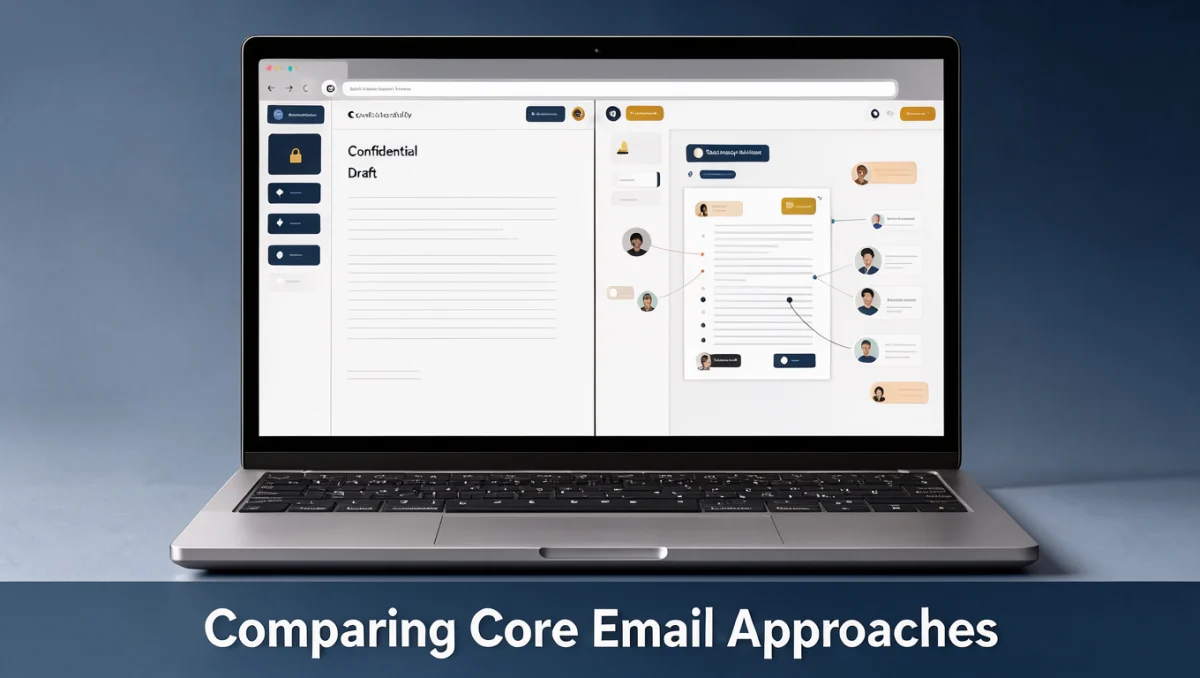
Understanding where each service positions itself helps clarify which platform fits your routine. The breakdown below highlights their main focus areas and tradeoffs.
| Tool | Best for | Core strength | Consider if |
|---|---|---|---|
| Proton Mail | Privacy-conscious individuals and security-minded teams | Confidential message delivery and segregated data handling | Your work involves sensitive correspondence that must stay compartmentalized |
| Gmail | Collaborative teams and fast-moving knowledge workers | Ecosystem connectivity and streamlined file sharing | Your day requires frequent document co-authoring and shared scheduling |
4. Criteria Comparison: Proton Mail vs Gmail
4.1. Features
Proton Mail covers the essentials: message composition, folder organization, labels, and calendar management. Its interface keeps attention on message delivery without distracting extras. You manage incoming mail through standard folders, custom tags, and straightforward search.
Gmail offers a broad workspace where messages link directly to cloud storage, video meetings, and task lists. You can preview attachments, create calendar events straight from an email, and have incoming mail sorted automatically into tabs. Before choosing, confirm on each provider's official pages which organization features come with your subscription tier.
4.2. Ease of Use
Proton Mail has an uncluttered interface that feels familiar to anyone who has used standard webmail, and its layout makes finding messages and writing drafts intuitive. Sending encrypted messages to external recipients can require an extra passphrase step, though, which adds to some workflows.
Gmail offers familiar navigation with search-driven inbox retrieval. Keyboard shortcuts and contextual action buttons make daily triage quick. Teams already used to standard office tools usually face little learning curve when adopting Gmail for team communication.
4.3. Pricing and Value
When weighing value in a Proton Mail vs Gmail decision, look at what each platform includes beyond basic inbox access. Email services often bundle storage, custom domain support, and admin tools differently across subscription tiers.
Many email platforms structure tiers around storage limits and domain management, so check official pricing pages to verify seat rates and storage caps. Proton Mail offers plans tailored to individual or organizational privacy needs. Gmail, as part of a larger suite, includes office creation tools that may reduce the need for separate software subscriptions.
4.4. Integrations
Proton Mail deliberately limits third-party connections to protect inbox integrity. It offers bridge tools for traditional desktop email clients, but its overall third-party app connections remain intentionally conservative.
Gmail connects with a large range of external productivity tools, project boards, and customer relationship systems. This makes it easy to turn incoming messages into project tasks or support tickets. If you rely on automation, verify third-party support in the relevant developer directories before choosing an email home.
4.5. Audience Fit
Proton Mail suits journalists, legal advisors, healthcare practitioners, and everyday consumers who want strict separation between their communications and third-party data collection. If keeping personal and professional exchanges private is your priority, Proton Mail matches those needs.
Gmail serves startups, remote teams, agencies, and educational organizations that depend on real-time collaboration. When your workflow relies on constant file sharing and instant video calls, Gmail fits naturally into that flow.
4.6. Support
Support access varies depending on whether you manage personal mailboxes or multi-user business deployments. Most providers reserve priority direct assistance for business-grade subscriptions.
Proton Mail offers self-service help articles and direct ticketing for account management. Gmail provides extensive community documentation and administrative support portals for organization admins. Before buying, review each provider's official support policy to understand response channels and expected availability.
4.7. Competitive Position
Proton Mail is an established choice in the dedicated privacy segment, standing apart from advertising-supported alternatives. It appeals to users who want an alternative to dominant corporate software ecosystems.
Gmail remains a central pillar of enterprise communication, serving as the front door to cloud-based office productivity. Its position makes it a common standard for businesses that regularly work with external vendors and partners.
5. How to Decide

Choosing between Proton Mail and Gmail comes down to your daily communication priorities and external dependencies. Work through these decision steps to clarify your direction.
- Assess your privacy expectations: Determine whether your regulatory environment or personal preferences require zero-access message storage. If high confidentiality is mandatory, Proton Mail meets that requirement.
- Audit your daily productivity tools: List the file editors, calendars, and project tools your team uses every day. If you depend heavily on shared documents and real-time co-authoring, Gmail provides direct synergy.
- Review domain and multi-user needs: Check the official Proton Mail and Gmail websites to confirm what each requires for custom email domains and admin delegation.
- Calculate the total software stack: Many vendors bundle office tools, so consider whether an all-in-one suite lowers your overall software budget compared with buying standalone email and file storage separately.
6. Frequently Asked Questions
How should an organization decide which email platform matches its compliance needs?
Organizations should review their specific regional compliance standards and data handling requirements before deciding. Evaluating regulatory policies, internal confidentiality guidelines, and client expectations helps clarify whether an encrypted architecture or a connected enterprise suite fits best.
What factors determine total cost when migrating email services?
Total cost typically includes subscription seat fees, storage allocations, domain administration, and any supplementary productivity software needed alongside the mailbox. Reviewing these elements on official pricing pages gives you an accurate budget forecast.
Which setup works best for individuals managing sensitive personal correspondence?
Individuals handling sensitive financial, medical, or confidential records often find dedicated privacy-focused providers more aligned with their standards. Keeping such messages separate from general consumer accounts reduces exposure to automated data indexing.
How does team size influence the choice of email provider?
Smaller teams or solo operators can adopt dedicated privacy mailboxes without disrupting complex workflows. Larger organizations with multiple departments often favor platforms with integrated file sharing and centralized admin control.
7. Final Verdict
Both Proton Mail and Gmail meet core communication needs, but they reflect contrasting philosophies. Proton Mail is a focused, privacy-first choice, while Gmail delivers an interconnected workspace.
| Criterion | Score /10 | Reason |
|---|---|---|
| Features | 8.0 | Covers core messaging and scheduling thoroughly with a clean layout. |
| Ease of Use | 7.5 | Intuitive inbox management, though encrypted external exchanges add extra recipient steps. |
| Pricing and Value | 7.0 | Reflects specialized communication infrastructure; buyers should verify storage allowances against their volume. |
| Integrations | 6.5 | Intentionally cautious external connectivity to prioritize message separation. |
| Audience Fit | 8.5 | Directly matches the needs of privacy-conscious individuals and security-minded teams. |
| Support | 7.0 | Provides dependable self-service documentation and standard ticketing options. |
| Competitive Position | 8.0 | Holds a distinct, recognized position in privacy-centric digital communication. |
Overall score: 7.5/10
For independent professionals and teams that prioritize confidential communication, Proton Mail offers dedicated security. For growing businesses that want unified document collaboration and shared scheduling, Gmail is the more practical fit. Independent software research from Top App Review Sites helps professionals choose tools that match their operational needs.
If you have questions about choosing the right productivity platform, contact us at https://topappreviewsites.com/contact/ or follow Top App Review Sites on LinkedIn at https://www.linkedin.com/company/topappreviewsites/.