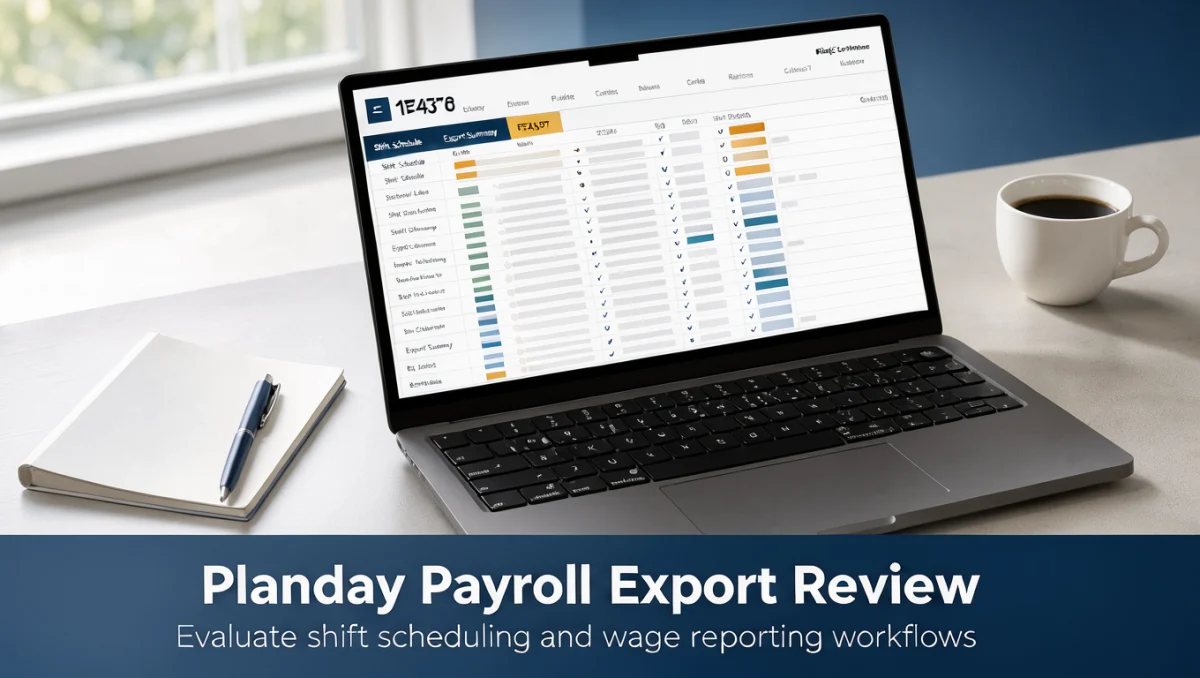
Shift-based businesses rarely struggle with scheduling alone. The real friction starts when approved hours need to become accurate wage figures. Planday aims to close that gap, and this review examines how well its planday export payroll reports capability handles that handoff.
Our editors at Top App Review Sites tested the workflow from roster creation through to exported wage files, focusing on whether the output holds up under a real pay cycle.
Our Verdict at a Glance
Planday earns an overall score of 7.8/10. It fits shift-heavy operations that need clean time capture and organized payroll files, but it is less compelling for solo professionals or salaried office teams without hourly tracking.
| Metric | Evaluation |
|---|---|
| Top App Review Sites score | 7.8/10 |
| Best for | Businesses running complex shift rosters that need consolidated hourly wage records |
| Not ideal for | Salaried office teams without shift rotations or hourly punch requirements |
| Key strengths | Roster planning, punch-clock verification, organized wage report exports |
| What to check before buying | Payroll format compatibility and contract seat requirements on the official site |
How We Evaluated Planday
We assessed Planday against seven criteria: features, ease of use, pricing and value, integrations, audience fit, support and competitive position. Plans, prices and limits change frequently, so treat the points below as a checklist to confirm on the official website before purchase. This article was researched and drafted with AI assistance, then reviewed and edited by the Top App Review Sites Editorial Team.
What Planday Does and Who Uses It
Planday is a workforce management platform built to help managers handle staff scheduling, time capture and shift communication. It is most common in hospitality venues, healthcare facilities, retail stores and security operations, where staffing needs shift from one period to the next.
Supervisors use it to replace paper timesheets and static spreadsheets with a single synchronized record. For teams exploring tools in the wider Collaboration & Productivity space, this kind of scheduling software connects team communication with labor cost monitoring.
Core Features for Shift and Payroll Management
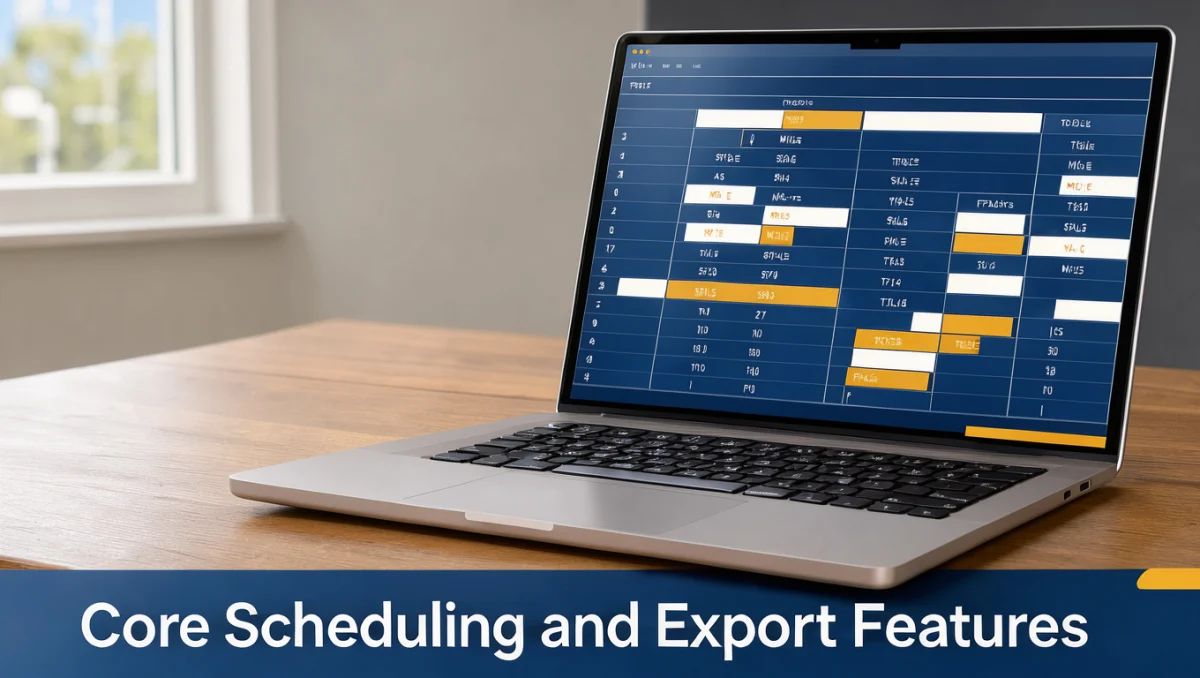
Shift Scheduling and Roster Management
Managers can build shift templates, assign employees by role and publish calendar views. Staff receive notifications about open shifts, swap requests and approved schedule changes inside a shared dashboard.
Department leads can compare labor allocation against expected demand or service levels. The scheduling view helps prevent double-booking and reveals unfilled shifts before a period begins.
Time and Attendance Tracking
Time capture records actual working hours through digital clock-in tools, fixed punch points and supervisor overrides. System logs store arrival times, meal breaks and departure times against the originally planned shift.
Gaps between the planned roster and recorded attendance need manager sign-off before a timesheet is approved. This review step lets administrators check unapproved overtime, missed punches and shift adjustments before the pay period is locked.
Payroll Export and Wage Summaries
Once punch hours and wage premiums are validated, Planday converts them into structured export files for accounting staff or an external payroll processor. Administrators can pull period reports showing standard hours, overtime rates, weekend differentials and approved leave.
Payroll configurations differ between tax authorities and processors, so confirm the export file formats on the official Planday website before committing. Standardizing pay items across departments helps files import cleanly into your wage software without line-item errors.
Ease of Use and Setup
Operational software has to be simple enough for both seasonal workers and administrators. Shift workers mostly use mobile check-in screens, schedule calendars and shift trade requests.
Administrators do the heavier lifting: defining shift patterns, award rules, break policies and permission levels. Teams adopting new scheduling software should plan a structured rollout so field workers can adjust to digital time tracking without disruption.
Pros and Cons of Planday
Strengths
- Structured shift creation simplifies schedule distribution across departments.
- Integrated time tracking links punch entries directly to roster shifts for review.
- Centralized export generation produces aggregated wage records for accounting staff.
- Built-in communication tools let workers swap shifts and request time off in one platform.
Limitations
- Thorough upfront policy setup is required before exports can be run reliably.
- Export formatting may need manual column adjustments depending on your external payroll setup.
- Complex shift differential rules need administrative oversight to confirm calculation accuracy.
Planday vs Similar Workforce Tools
Buyers often compare Planday with Deputy, When I Work and 7shifts. Each platform targets a different operational environment and level of complexity.
Deputy focuses heavily on shift compliance and labor law monitoring for retail and services. When I Work prioritizes flexible scheduling and fast onboarding for hourly teams. 7shifts builds its workflows around restaurant and hospitality operations. Planday emphasizes structured, European-style scheduling agreements alongside operational wage summaries.
Who Should Choose Planday
Recommended User Groups
- Hospitality operators coordinating split shifts, seasonal staff and varied wage rates.
- Healthcare and care homes that need continuous staffing coverage and strict shift handovers.
- Retail managers balancing part-time schedules across multiple weekly periods.
Situations Where Other Systems Fit Better
- Companies employing only salaried staff on fixed recurring schedules.
- Freelancers and solo operators managing project deadlines rather than hourly shifts.
- Small teams that only need task management, with no time tracking or wage export requirements.
How to Choose the Right Plan
Subscription tiers for workforce software usually differ by organizational size, administrative permissions and reporting depth. Reviewing your operational needs before buying helps you avoid paying for features you will not use.
| What to Check on the Official Website | Why It Matters |
|---|---|
| Included wage export formats | Confirms output files match your external payroll processor. |
| User tier minimums and contract terms | Shows the monthly base commitment as your seasonal headcount changes. |
| Shift approval workflow rules | Confirms multiple department heads can review punches before payroll is locked. |
| Break tracking and compliance settings | Verifies alignment with statutory rest requirements and labor regulations. |
Frequently Asked Questions
What details belong in a shift payroll export file?
Export files usually include verified employee identifiers, total regular hours, authorized overtime, break deductions and applicable premium codes. Making sure every shift category matches your accounting ledger prevents translation errors on import.
How should businesses verify export accuracy before processing?
Compare exported shift totals against supervisor-approved timesheets before submitting files for wage calculation. Spot-checking totals across sample departments helps catch missed break deductions or unassigned pay rates early.
What causes column mismatches between scheduling tools and payroll systems?
Mismatches happen when column headers, date formats or worker ID numbers in the scheduling file do not match the import schema of the payroll processor. Standardizing custom export templates avoids repeated manual fixes.
Should companies consult an accountant before configuring payroll export rules?
Yes. A certified payroll specialist or accountant can confirm that local labor rules, overtime thresholds and tax codes match the system's calculations. Setting compliance rules during initial configuration reduces reconciliation problems later.
Final Verdict
| Criterion | Score / 10 | Reason |
|---|---|---|
| Features | 8.4 | Comprehensive roster planning, time tracking and detailed payroll summary generation. |
| Ease of Use | 8.0 | Intuitive scheduling calendar, though initial rule setup requires administrative focus. |
| Pricing and Value | 7.2 | Buyers should check user tier minimums on the official site to judge total value. |
| Integrations | 7.5 | Export formats cover major needs; confirm alignment with your specific processor before buying. |
| Audience Fit | 8.5 | Well suited to shift-based businesses managing complex rotas and hourly staff. |
| Support | 7.0 | Review available support tiers on the official site to match your operational coverage. |
| Competitive Position | 8.1 | Holds a solid position against specialized workforce scheduling alternatives. |
Overall Top App Review Sites Score: 7.8/10
For shift-driven organizations that want to connect daily attendance with clear wage records, Planday offers a dependable scheduling foundation. Confirm file requirements on the official Planday website before implementation.
Questions about choosing workforce management software? Send them to our editors at https://topappreviewsites.com/contact/ or follow our business community on LinkedIn.