Looking for a clearer picture of how PandaDoc integrations fit into a modern document process? Our team at Top App Review Sites may earn a commission when you buy through links on this page, at no extra cost to you, and this never shapes our ratings.
Organizations are moving away from copying customer details by hand into contracts and proposals. Connecting document generation and e-signature tools to existing business platforms cuts repetitive entry, keeps agreements accurate, and makes it easier to follow deals from first draft to signature. The right setup depends heavily on whether you are a solo operator or a growing sales organization.
At Top App Review Sites, we assess business software by what it actually does, not by vendor promises alone. Before adopting any document tool, buyers should confirm that it works with their customer database, accounting records, and communication channels. Tracing how information moves between applications helps keep processes dependable across every department.
Quick verdict: Scoring 7.9/10, PandaDoc suits growing teams that want organized proposal creation and signature routing. Businesses with specialized industry requirements or heavy offline signing needs should check whether a dedicated records system fits better.
| Evaluation Metric | Summary |
|---|---|
| Top App Review Sites score | 7.9/10 |
| Best for | Teams that want structured document creation, proposal generation, and electronic signature tracking |
| Not ideal for | Organizations that rely strictly on paper workflows or isolated record systems without external data exchanges |
| Key strengths | Document generation, proposal tracking, signature management, and standardized agreement templates |
| What to check before buying | Review connection options on the official website to ensure your database and productivity tools connect properly on your chosen subscription level |
1. How Top App Review Sites Reviewed PandaDoc
This review examines what PandaDoc is designed to do, who benefits most, and how it stacks up against comparable tools. We applied seven criteria: features, ease of use, pricing and value, integrations, audience fit, support, and competitive position. Plans and prices change frequently, so we flag what to confirm on the official website before committing. This article was researched and drafted with AI assistance, then reviewed and edited by the Top App Review Sites Editorial Team.
2. What Is PandaDoc and Who Is It For?
PandaDoc is a document management and workflow platform that helps teams create, send, track, and complete business documents. Companies rely on document automation tools to handle proposals, quotes, service contracts, and internal sign-offs in a fully digital environment. The software lets users assemble documents from prebuilt templates, insert dynamic fields, and collect legally binding electronic signatures.
The platform serves a range of departments, including sales teams, human resources staff, and administrators who handle recurring paperwork. In a typical sales setting, automating the path from initial agreement draft to final client signature trims administrative overhead and reduces transcription errors. Centralizing this activity gives managers visibility into when recipients open agreements and whether signing steps are complete.
3. Core Features of Document Automation Platforms
Document automation platforms combine several core functions that replace manual paperwork handling. Understanding these baseline capabilities helps buyers decide whether the software covers their everyday needs.
3.1. Template Creation and Content Libraries
Template builders let teams store reusable paragraphs, legal clauses, and pricing tables in one central repository. Staff can assemble new client agreements by pulling pre-approved text blocks, which keeps legal wording consistent across customer communications. A single template library also stops team members from sending outdated contract versions or unverified terminology.
3.2. Electronic Signatures and Recipient Tracking
Electronic signature functionality allows recipients to execute agreements on connected devices without printing anything. The system logs document interactions, including viewing timestamps, signature completions, and pending actions for each recipient. Audit records confirm the sequence of completion, helping organizations demonstrate compliance with standard commercial agreement practices.
3.3. Document Analytics and Workflow Routing
Tracking tools notify senders when a prospective client opens an agreement or spends time on specific sections. Workflow routing guides documents through sequential internal approvals before anything leaves the company, preventing unauthorized terms from reaching outside parties. Structured routing keeps approvals organized when several managers must sign off on pricing changes.
4. How PandaDoc Integrations Connect Business Systems

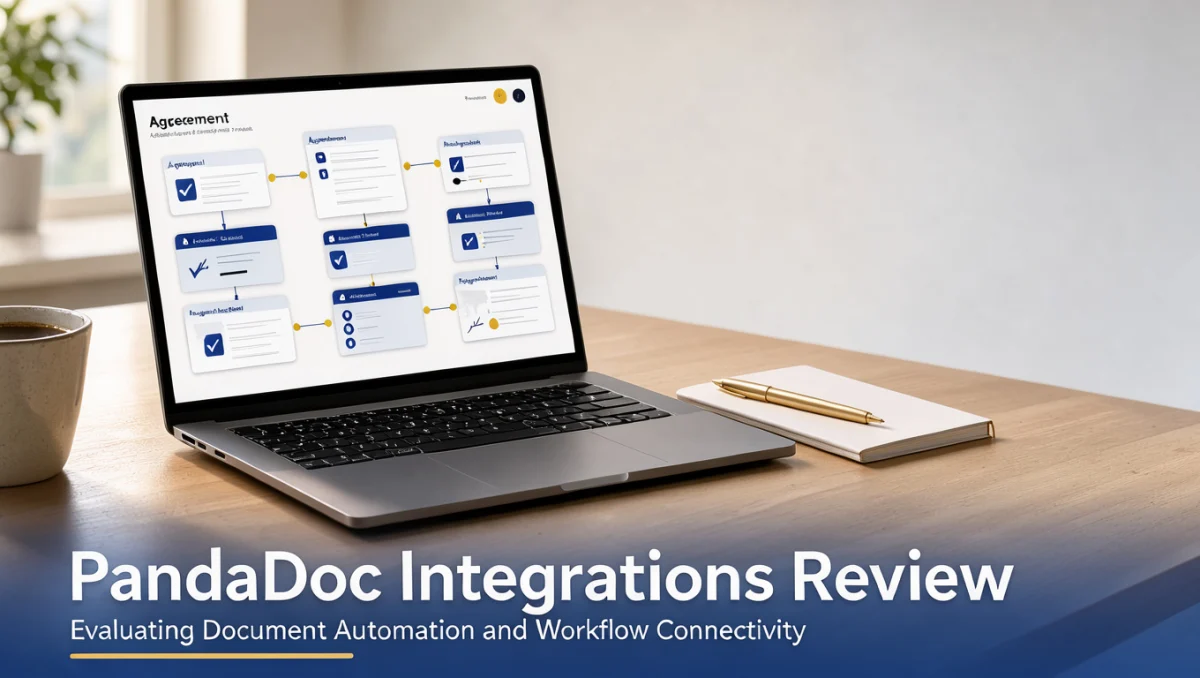
PandaDoc integrations let teams pass agreement details between document templates and core operational databases. In practice, these connections usually populate recipient contact information, deal values, and product line items directly into contract fields. This removes repetitive manual entry and ensures customer agreements match the records stored in your primary business software.
Organizations should examine how these connections work within their own software stack before committing resources. Buyers should confirm on the official PandaDoc website which third-party systems connect with their preferred subscription tier, since synchronization capabilities vary across plans. Checking connection settings against vendor comparison resources also helps avoid disruptions after rollout.
5. Ease of Use and Learning Curve
PandaDoc uses a drag-and-drop document builder designed for non-technical staff. Users adjust layout blocks, insert dynamic input fields, and assign recipient roles without writing any code. New team members typically grasp basic document sending quickly, though building complex template rules and conditional content takes deliberate practice.
Administrative setup covers role permissions, shared document folders, and mapping of external data fields. Configuring automated data transfers between applications needs oversight so fields map correctly to database properties. Organizations should schedule setup time so department managers can review document layouts before templates reach wider teams.
6. Pros and Cons of Document Automation Software
Evaluating document platforms means weighing operational gains against procedural constraints. These tools introduce standardized workflows, but every organization must maintain templates and onboard users.
6.1. Strengths of Modern Document Automation
- Standardized layouts keep branding and legal wording consistent across outgoing corporate paperwork.
- Automated recipient alerts and signing tracking reduce follow-up delays during agreement cycles.
- Dynamic data insertion lowers the risk of errors during manual entry from customer databases.
- Sequential approval paths stop unapproved contract revisions from reaching outside stakeholders.
6.2. Limitations to Consider
- Template preparation requires dedicated administrative time before staff can generate agreements efficiently.
- Advanced field synchronization across separate corporate databases demands precise data mapping to avoid errors.
- Subscription structures often place specific automation features in higher tiers, so buyers should check which tier their needs require.
7. PandaDoc vs Similar Document Tools
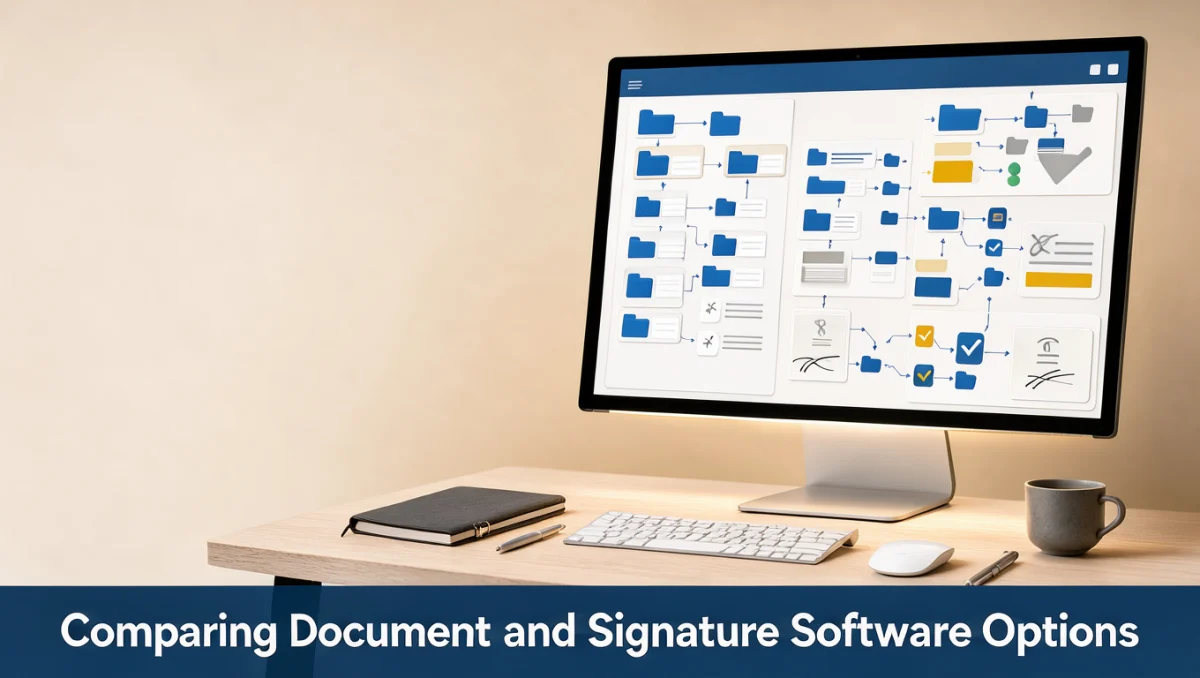
Document management tools occupy distinct niches based on workflow depth, signature volume, and administrative focus. Buyers should compare how each platform aligns with their team structure.
| Software Category | Core Positioning | Primary Workflow Focus | Consider If |
|---|---|---|---|
| PandaDoc | Interactive document creation and agreement workflow management | End-to-end proposals, quotes, and contract tracking | Your team creates interactive sales documents alongside signature collection |
| DocuSign | Enterprise electronic signature and agreement lifecycle management | Legally binding signature routing and compliance storage | Your organization prioritizes formal signature execution across complex legal structures |
| Adobe Acrobat Sign | PDF-centric document management and electronic signature execution | Standard document format signing and PDF editing workflows | Your staff works extensively with standardized PDF files across document archives |
Dedicated signature utilities focus on signing finished files, while document automation software supports users from the first draft through signature collection. Reviewing alternatives on Top App Review Sites can help buyers determine whether their main bottleneck is drafting documents or routing signatures.
8. Who Should Use PandaDoc?
Document automation software delivers different value depending on team size, transaction volume, and administrative structure. Reviewing these profiles can help determine whether the platform fits your routine workflow.
8.1. Sales Teams and Account Executives
Sales professionals benefit from structured proposal generation, dynamic quotation tables, and real-time viewing alerts. Automated document creation lets account managers send personalized proposals soon after client conversations, shortening the gap between discussion and signed agreement.
8.2. Small Business Owners and Freelancers
Independent professionals and small business operators benefit from standardized client agreements, project estimates, and non-disclosure contracts. Clean templates create a professional impression with corporate clients, although solo operators with few contracts each month should confirm whether basic signing tools meet their simpler needs.
8.3. Human Resources and Operations Teams
Administrative departments handle onboarding paperwork, contractor agreements, and internal policy acknowledgments through template distribution. Structured workflows let HR staff route documents to multiple signatories while keeping clear verification trails.
8.4. Teams That May Need Alternative Tools
Organizations that rely mainly on simple paper documents or sign agreements only occasionally may find dedicated document creation platforms unnecessary. Likewise, enterprises that require on-premises hosting or specialized physical archive integration should investigate whether legacy document management systems better match their compliance requirements.
9. How to Choose the Right Document Workflow Plan
Vendors structure document management subscriptions across several tiers based on team size, advanced automation rules, and external application connectivity. Buyers should map their workflow needs before choosing a plan.
| What to Check on the Official Site | Why It Matters | Who It Matters Most For |
|---|---|---|
| Database connection eligibility | Certain external data connections require advanced subscription tiers | Sales teams seeking automatic database synchronization |
| Team approval workflows | Internal review and managerial sign-off features vary by subscription tier | Growing businesses with multi-level agreement approval processes |
| Content library management | Shared clause repositories and locked content controls depend on plan level | Organizations requiring strict compliance and brand standardization |
| Volume and recipient allocation | Subscription rules define dispatch parameters across organizational users | High-volume administrative departments sending recurring forms |
10. Frequently Asked Questions
10.1. What factors determine the overall cost of document management software?
Subscription costs are driven mainly by seat counts, contract length commitments, and how much workflow automation you need. Advanced data mapping, custom template configurations, and specific software connectors often sit in premium tiers, so teams should budget based on their operational depth rather than base prices.
10.2. What should buyers check regarding PandaDoc integrations before subscribing?
Buyers should confirm on the official PandaDoc pricing and feature pages which specific third-party applications work with their intended plan. Verifying technical prerequisites and connection access ensures workflows connect reliably without unexpected tier upgrades.
10.3. How do document automation platforms differ from basic e-signature utilities?
Basic signature utilities focus on placing signature fields on static digital files. Document automation platforms add interactive document builders, reusable content libraries, real-time analytics, and dynamic quoting that support users throughout the creation phase.
10.4. Should small businesses consult a legal professional before creating digital contract templates?
Small business owners should have qualified legal counsel review master agreement templates and standard clauses. Although document platforms provide signature audit logs, making sure contract language meets local legal standards requires professional guidance.
11. Final Verdict on PandaDoc Integrations
PandaDoc offers a practical balance between document composition, template control, and agreement execution. Organizations evaluating PandaDoc integrations should confirm specific connection options and user permissions on the vendor platform to ensure a sustainable rollout.
| Criterion | Score /10 | Reason |
|---|---|---|
| Features | 8.2/10 | Provides capable document builders, reusable template libraries, and signing trackers. |
| Ease of Use | 8.0/10 | Intuitive drag-and-drop design simplifies daily operations for general staff. |
| Pricing and Value | 7.4/10 | Buyers should verify which workflow and data connections require higher tier subscriptions. |
| Integrations | 7.7/10 | Connects with standard operational tools, though access varies depending on subscription choices. |
| Audience Fit | 8.4/10 | Well aligned with sales teams and administrative units generating routine client paperwork. |
| Support | 7.2/10 | Buyers should verify available support communication channels on the official website. |
| Competitive Position | 8.1/10 | Maintains a balanced market position bridging proposal design and electronic signing. |
Overall Top App Review Sites Score: 7.9/10
For teams seeking unified document generation and signature collection, PandaDoc provides an organized platform that streamlines corporate paperwork. To explore software recommendations or submit questions, visit Top App Review Sites Contact or follow our updates on Top App Review Sites LinkedIn.