Top App Review Sites may earn a commission when you buy through Top App Review Sites links on this page, at no extra cost to you. This does not affect our ratings.
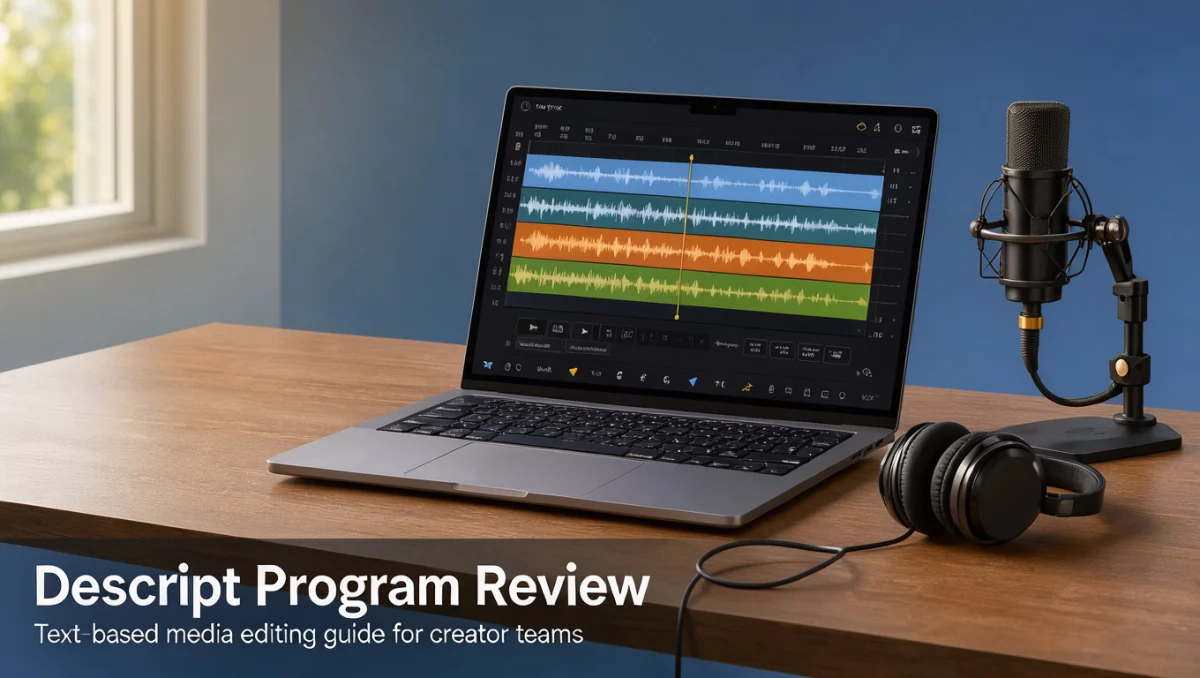
Working with the descript program means rethinking how spoken media gets assembled. Instead of relying only on waveform timelines, the platform lets creators edit dialogue the way they would edit a document. Teams exploring this approach usually want to know how script-driven cutting affects audio and video production as a whole, so we examined both the workflow and the operational value it delivers.
Podcasters and video creators often lose hours removing filler words and lining up dialogue clips. Assessing the descript program means looking at how transcript-led editing works alongside conventional audio-visual arrangement, and considering what subscription commitments mean for growing media libraries. Our Artificial Intelligence coverage tracks similar tools across the market.
Quick verdict: With an overall Top App Review Sites score of 7.8/10, Descript suits podcasters, educators, and short-form video creators who value transcript-driven text editing over heavy color grading. It is less suited to complex multi-camera cinema work that requires advanced compositing. Check storage quotas on the official site before choosing a tier.
| Metric | Details |
|---|---|
| Top App Review Sites score | 7.8/10 |
| Best for | Spoken-word editors, podcasters, and educators who want text-first media revision |
| Not ideal for | Long-form filmmakers who need intricate visual effects and custom color science |
| Key strengths | Document-style audio and video editing, transcript generation, screen recording |
| What to check before buying | Transcription hour allowances, exported video resolution caps, and seat pricing rules |
1. How Top App Review Sites Evaluated Descript
This review examines what Descript is built to do, who it serves, and how it stacks up against similar tools. We applied seven criteria: features, ease of use, pricing and value, integrations, audience fit, support, and competitive position. Plans, prices, and limits change often, so we flag what to confirm on the official website before buying. This article was researched and drafted with AI assistance, then reviewed and edited by the Top App Review Sites Editorial Team.
2. What Descript Is and Who Should Use It
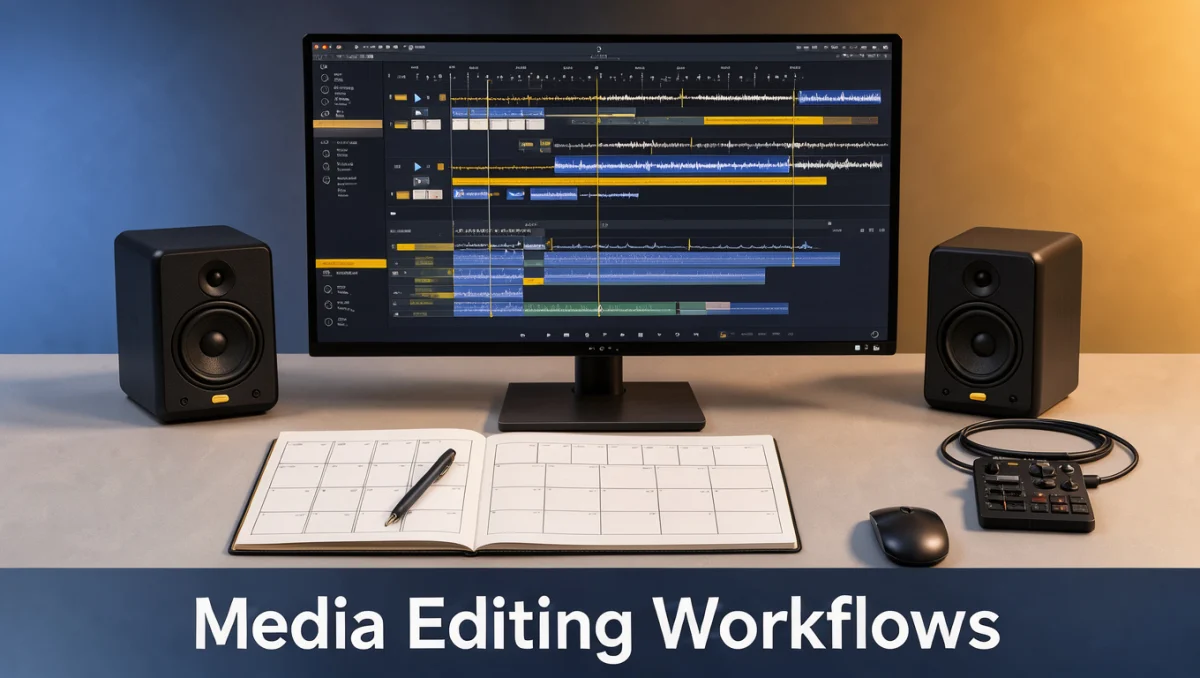
Descript is an audio and video editing platform built around automatic transcription. Instead of scrubbing through waveforms to locate specific sentences, users work from an editable script of spoken words. Deleting a sentence from that transcript removes the matching audio and video segments from the timeline.
The platform serves content creators, podcast producers, marketing teams, course designers, and remote professionals who publish spoken content on a regular schedule. Organizations exploring modern Artificial Intelligence tools for transcript creation often adopt Descript to speed up rough cuts and interview assemblies.
3. Core Features of the Software
Understanding Descript means reviewing its main systems for recording, refining, and producing digital media files.
3.1. Text-Based Audio and Video Editing
Text-based editing converts spoken audio into an interactive script. Users highlight passages to remove pauses, cut repeated phrases, or reorder dialogue throughout a recording. The underlying timeline mirrors these script changes automatically, reducing manual razor-tool trimming.
3.2. Automated Audio Transcription
Transcription converts uploaded speech into synchronized text. That text supports caption generation, searching long recordings, and quickly repurposing content into written articles or short clips. Verifying accuracy across regional accents remains an essential first step on the official platform.
3.3. Screen and Webcam Capture
Built-in capture lets operators record their computer display alongside webcam footage. This supports software demonstrations, walkthrough videos, customer training modules, and asynchronous team updates without external capture utilities.
3.4. Multi-Track Timeline Sequencing
While script editing handles primary dialogue cuts, timeline sequencing enables layered audio placement, background music ducking, and visual overlays. Users can adjust boundaries, add visual titles, and position graphic elements alongside vocal tracks.
4. Ease of Use and Learning Curve
Descript simplifies early editing tasks for people comfortable with word processors. Scanning paragraphs to trim an interview feels familiar to writers and non-technical staff who find traditional non-linear video editors overwhelming.
A learning curve appears when users move from simple script trimming to multi-track positioning, layered scene management, and detailed timeline adjustments. Teams should budget onboarding time so editors understand how script blocks relate to canvas visuals.
5. Pros and Cons
Evaluating any production tool means weighing workflow gains against structural limitations.
5.1. Advantages
- Text-centric editing significantly speeds up dialogue cleanup and rough-cut assembly.
- Automatic transcription removes the need for separate manual transcription tools.
- Integrated screen recording cuts the number of disconnected applications needed for instructional content.
- Automated caption formatting helps create accessible social video outputs.
5.2. Limitations
- Detailed color grading and cinematic effects require exporting to dedicated editing suites.
- Transcription accuracy varies with room acoustics, background noise, and overlapping speech.
- Subscription structures often tie transcription quotas to monthly allowances that buyers must track.
6. Descript vs Similar Tools
Comparing Descript with alternatives clarifies where text-first media software fits in the wider editing market.
| Software | Best For | Core Strength | Consideration Factor |
|---|---|---|---|
| Descript | Podcasters and video creators prioritizing dialogue-first text editing | Script-driven timeline modification | Check transcription volume allowances on the official website |
| Adobe Premiere Pro | Professional editors handling multi-camera and cinematic projects | Deep post-production color, effect, and audio controls | Steeper learning curve and higher hardware demands |
| Audacity | Solo audio producers needing dedicated audio recording without video | Straightforward waveform editing | Lacks integrated native video canvas editing |
| Camtasia | Corporate trainers focused on presentation and screen capture | Structured screen-recording annotations and callouts | Less focused on automatic text-based dialogue manipulation |
Buyers producing narrative cinema or broadcast commercials generally keep timeline-heavy software, while marketing departments producing interview clips gain speed from text-based platforms.
7. Who Should Use Descript
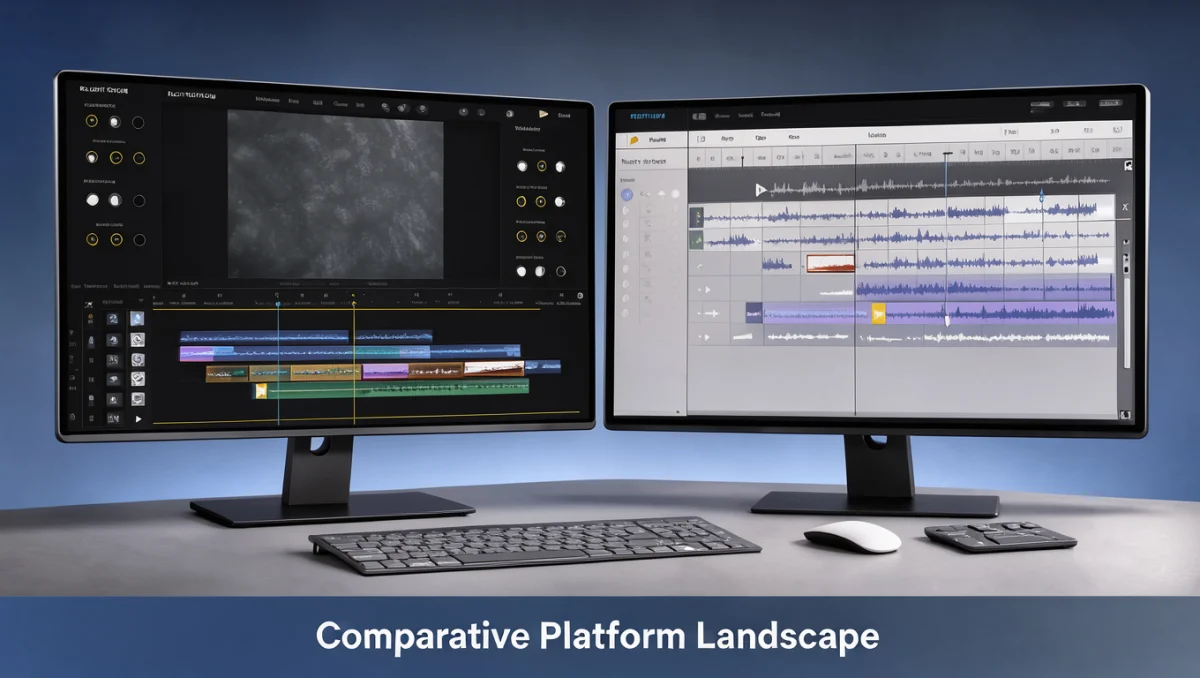
Media production needs differ by team size, output volume, and content format.
7.1. Freelance Content Creators and Podcasters
Solo creators who handle recording, audio balancing, and video clipping benefit from combined transcription and cutting tools. Script editing shortens the turnaround between recording an interview and delivering social snippets.
7.2. Small Business Marketing Teams
In-house marketing units producing product walkthroughs, customer case studies, and webinar recaps find text editing approachable for staff without formal video training.
7.3. Educators and Course Developers
Instructional designers can record presentations, generate subtitles for accessibility standards, and clean up vocal mistakes without maintaining complex post-production suites.
7.4. When to Consider Alternative Software
Studios focused on fiction film, complex commercial visual effects, or dedicated audio mastering should consider specialized audio workstations or traditional non-linear editors.
8. How to Choose the Right Plan
Media software subscriptions vary across access tiers, transcription limits, and rendering options.
| What to Check on the Official Pricing Page | Why It Matters |
|---|---|
| Monthly transcription hour quotas | Exceeding allowances can halt editing workflows or trigger overage fees. |
| Export resolution ceilings | Publishing high-definition video requires confirming which tiers support your delivery format. |
| Team collaboration and seat costs | Adding editors or reviewers changes monthly costs as teams grow. |
| Watermark policies and export caps | Verify clean export conditions at each subscription level before starting projects. |
9. Frequently Asked Questions
What hardware considerations apply to text-based video editing software?
Video rendering and automated speech processing require a stable internet connection and modern processing hardware. Checking the official system requirements confirms compatibility before committing to production projects.
How should teams prepare audio recordings for better transcription results?
Clean recording environments, directional microphones, and minimal room reverberation substantially improve speech recognition accuracy. Clear vocal separation prevents merged dialogue in transcripts.
Should editors keep traditional software alongside Descript?
Many production teams use Descript for rapid initial dialogue cuts and transcript generation, then export project interchange files into specialized color or audio suites for finishing work.
What factors influence long-term subscription value for media editing software?
Publishing volume, the number of collaborators needing editing access, and required export resolutions determine whether recurring plan costs stay efficient for your organization over time.
10. Final Verdict
Descript offers a distinctive approach to media editing by combining word-processor simplicity with timeline sequencing. Creators who publish regular dialogue-driven programming can eliminate repetitive cutting through text selection.
| Criterion | Score / 10 | Reason |
|---|---|---|
| Features | 8.5 | Combines text-based trimming, automatic transcription, capture, and timeline arrangement. |
| Ease of Use | 8.0 | The script-style interface feels intuitive for writers, though layered scene visuals take practice. |
| Pricing and Value | 7.5 | Offers real productivity gains, but buyers must carefully evaluate monthly transcription caps. |
| Integrations | 7.0 | Supports timeline interchange workflows, though direct third-party connections need verification. |
| Audience Fit | 8.5 | Matches the recurring needs of podcasters, tutorial authors, and video marketers. |
| Support | 7.0 | Assistance paths and documentation rely mainly on standard self-service resources. |
| Competitive Position | 8.0 | Serves a distinct niche compared with traditional non-linear editors like Adobe Premiere Pro. |
Overall score: 7.8/10
For teams prioritizing speed in dialogue editing, the descript program is a strong choice. Organizations with heavy color-grading or cinema requirements should use it alongside, or in place of, traditional post-production suites.
Independent evaluations and buying frameworks from Top App Review Sites help software buyers compare platforms accurately. Send questions through our contact desk at https://topappreviewsites.com/contact/ or follow Top App Review Sites updates on LinkedIn at https://www.linkedin.com/company/topappreviewsites/.