Our editors at topappreviewsites may earn a commission when you buy through links on this page, at no extra cost to you. This does not influence our ratings.
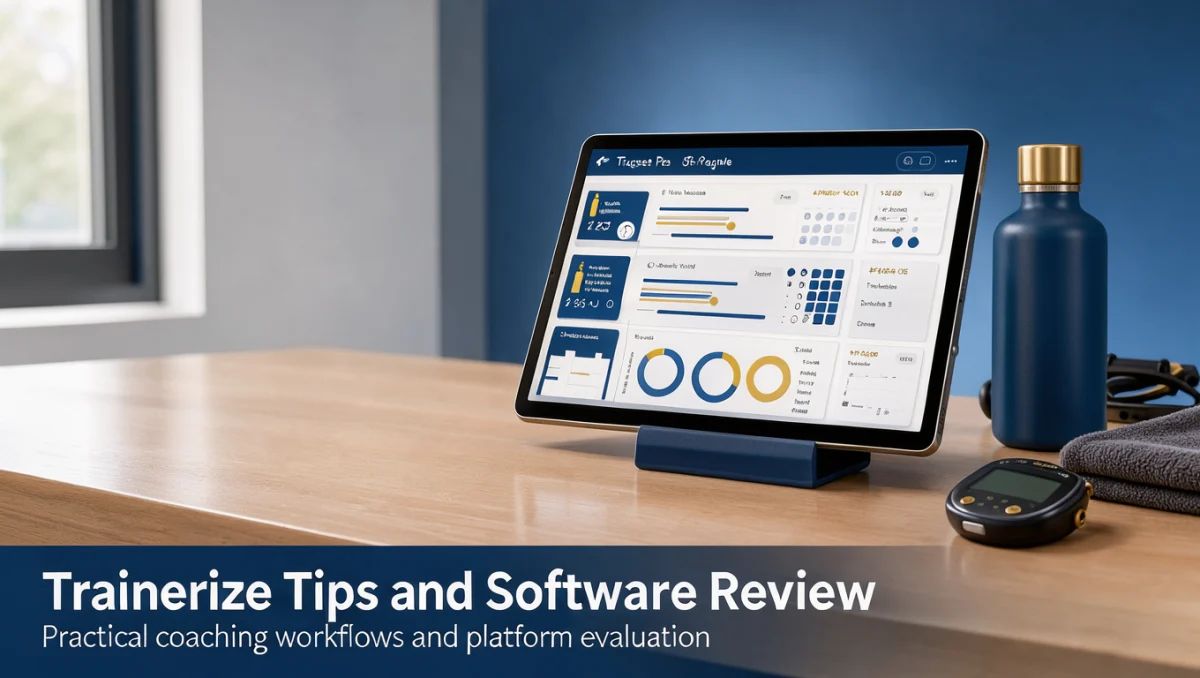
Running a coaching business means juggling workouts, check-ins and messages across many clients at once. The right trainerize tips can help you deliver remote programming, keep clients on track and free up hours each week. Trainerize is built around digital workout delivery, habit coaching and direct client messaging, so it speaks directly to these daily pressures.
Before committing, it helps to test how the software fits your workflow. Any platform adds some administrative setup, and rushing that phase can leave you with messy libraries and communication gaps. Below we break down features, setup effort, pros and cons, and the commercial details to confirm before you pay.
Quick verdict: with a topappreviewsites score of 7.8 out of 10, Trainerize suits coaches and fitness teams who want structured digital programming and habit tracking. It is less useful for solo trainers who only run simple in-person sessions with no need for online accountability.
| Metric | Summary Details |
|---|---|
| topappreviewsites score | 7.8 / 10 |
| Best for | Coaches and fitness businesses that prioritize structured workout delivery and remote habit management |
| Not ideal for | Instructors running in-person sessions who do not need digital programming or online tracking |
| Key strengths | Centralized workout creation, habit assignment and direct client messaging |
| What to check before buying | Current account tiers, client roster caps and add-on policies on the official Trainerize pricing page |
1. How topappreviewsites Reviewed Trainerize
We assessed Trainerize against seven criteria: features, ease of use, pricing and value, integrations, audience fit, support and competitive position. Plans, prices and limits change often, so treat the figures here as a starting point and confirm details on the official website. This article was researched and drafted with AI assistance, then reviewed and edited by the topappreviewsites Editorial Team.
2. What Is Trainerize and Who Is It For?
Trainerize is a fitness coaching platform that helps personal trainers, fitness clubs and online wellness coaches manage training programs and client engagement. It replaces scattered PDFs and messaging threads with one place for exercise routines, compliance tracking and progress records.
The main audiences are independent personal trainers, hybrid coaches who mix gym sessions with remote programming, and facility teams running group training. Businesses planning to grow their rosters will find that a repeatable system keeps service quality steady. Our Collaboration & Productivity category explores how digital workflows reduce administrative friction for service businesses in general.
3. Core Features and Practical Workflows

Knowing the main feature sets lets you organize your coaching week in a structured way. The platform revolves around program construction, lifestyle accountability and ongoing client dialogue.
3.1. Workout Building and Exercise Library Management
Workout programming is the core of the platform. You can build personalized routines, create repeating training blocks and assign schedules directly to client profiles. The exercise library stores video demonstrations and lets you specify sets, reps and rest intervals, while clients log weights and performance over time.
Consistent naming for custom exercises and reusable templates keeps the library manageable. Standard templates for common goals, such as fat loss or strength building, cut down on repetitive setup. Clients then view their assigned sessions, record completed weights and review their training history in their own interface.
3.2. Client Habit Coaching and Nutrition Tracking
Beyond workouts, Trainerize supports lifestyle habits and basic nutrition adherence. You can assign daily targets such as step counts, sleep goals, hydration or mobility routines. This extends your accountability beyond scheduled sessions.
Clients can log meals or connect compatible external nutrition diaries. Reviewing meal logs and habit completion gives you visibility into recovery factors that affect performance. Set clear limits on logging so clients are not overwhelmed by data entry.
3.3. Communication and Client Engagement Tools
Regular contact drives client retention. Trainerize offers in-app messaging, automated milestone reminders and broadcast announcements. You can send check-in prompts, celebrate workout streaks and give performance feedback in a dedicated communication stream.
Keeping client conversations inside the platform protects your personal contact details and keeps coaching notes in one place. Teams with several trainers benefit from shared communication logs, which maintain continuity when a coach is away.
4. Ease of Use and Learning Curve
The interface is modern and well structured, but building a full coaching system takes time upfront. Before onboarding your first clients, you will need to upload exercise media, design modular templates, configure habit schedules and organize client groups. Skipping this preparation tends to produce cluttered libraries that are hard to maintain later.
For clients, the mobile experience is simple: scheduled activities appear on a daily calendar, and completing workouts, ticking off habits and messaging you require little technical skill. If you manage dozens of accounts, set aside regular time to archive inactive clients and refresh your template library.
5. Trainerize Pros and Cons
Weighing strengths against constraints helps you see whether the software fits your business model.
Pros
- A comprehensive workout builder that supports structured progression and customized exercise libraries.
- Built-in daily habit tracking that reinforces accountability beyond the gym.
- Centralized client messaging, so you do not need to mix personal messaging apps with professional coaching.
- Progress dashboards showing exercise volume, body metrics and consistency trends.
Cons
- Initial setup takes considerable time to organize templates, video demonstrations and automated messages.
- Client roster thresholds between subscription tiers can change, so ongoing budget checks are necessary.
- Workflows can feel dense for trainers who only run basic in-person sessions without remote accountability needs.
6. Trainerize vs Similar Tools
The fitness coaching software market includes several established platforms built for different business models. Comparing them clarifies where Trainerize stands.
| Platform | Target Audience | Core Positioning | Key Distinction |
|---|---|---|---|
| Trainerize | Personal trainers and fitness studios | Digital workout programming, habit coaching and client engagement | Strong balance between individual habit tracking and structured exercise delivery |
| PT Distinction | Independent online personal trainers | Detailed testing protocols and flexible program customization | Strong focus on tailored assessment frameworks and programming flexibility |
| TrueCoach | Strength coaches and personal trainers | Straightforward workout delivery and direct trainer-client messaging | Streamlined interface focused on frictionless communication and daily workout logging |
| My PT Hub | Trainers and fitness businesses | All-in-one coaching, scheduling and client management | Broad operational scope covering workouts, administration and scheduling |
Trainerize emphasizes client engagement and habit formation, PT Distinction suits coaches who need advanced assessment structures, TrueCoach focuses on fast daily workout delivery with a short learning curve, and My PT Hub covers a wider range of administrative functions. Decide whether habit accountability, assessment depth or quick messaging matters most to you.
7. Who Should Use Trainerize?
The right choice depends on your operating model, coaching philosophy and administrative capacity.
Solo Personal Trainers and Online Coaches
Independent coaches managing remote or hybrid clients gain real efficiency from standard workout templates and automated check-ins. Centralizing communication protects your personal time while keeping coaching consistent.
Fitness Studios and Multi-Trainer Facilities
Gyms and coaching collectives benefit from shared exercise libraries and standard programming. Facility managers can oversee trainer-client interactions and keep the brand consistent across staff.
Who Should Consider Other Options
Trainers who only deliver in-person instruction and manage bookings through a basic calendar may not need a dedicated coaching platform. Strength coaches who only need simple workout logging, without habit tracking, may prefer a more minimal tool.
8. How to Choose the Right Plan
Subscription costs vary with business size and needs. Review these commercial terms before committing to an ongoing plan.
| What to Check on the Official Website | Why It Matters for Your Business |
|---|---|
| Active client roster thresholds | Coaching subscription tiers are commonly tied to active client limits, which directly affects recurring costs. |
| Custom branding availability | Custom-branded mobile options are often reserved for higher tiers or sold as add-ons. |
| Payment processing fees | Transaction fees on integrated client billing reduce margins on monthly training memberships. |
| Multi-trainer seat allowances | Adding assistant coaches or administrative staff may require an upgraded tier or extra seat charges. |
| Client archiving policies | Knowing how inactive records are stored helps you avoid paying for dormant client profiles. |
To keep overheads low, audit your active roster regularly and remove dormant profiles before moving into a higher bracket. When comparing options, independent reviews on Top App Review Sites can help you weigh platform capabilities against ongoing costs.
9. Frequently Asked Questions
What should fitness professionals prepare before onboarding clients?
Organize your core exercise demonstration videos, design reusable templates for common goals and set weekly check-in schedules before inviting clients. Preparing these elements in advance makes onboarding smoother and avoids administrative delays.
How do client roster limits affect long-term costs?
Most coaching platforms price subscriptions by active client count. Crossing a threshold usually means moving to a higher tier, so archiving inactive clients regularly keeps expenses predictable.
Can a coaching platform replace standard scheduling tools?
Coaching platforms focus mainly on programming, habit monitoring and messaging. Businesses managing complex facility bookings, room rentals or drop-in classes often pair coaching software with a dedicated appointment scheduler.
What helps encourage client compliance in coaching apps?
Keep initial daily habits manageable and schedule regular automated check-ins. Avoid overloading clients with heavy data entry during their first month of remote training.
10. Final Verdict
Trainerize offers a capable foundation for fitness professionals who want structured digital workouts, habit tracking and responsive messaging. Its balance of programming and daily accountability suits independent trainers and growing facilities alike. Check account limits and prepare your templates in advance so your coaching business gets real administrative value from the platform.
| Criterion | Score / 10 | Reason |
|---|---|---|
| Features | 8.2 / 10 | Comprehensive workout construction, exercise library management and daily habit coaching workflows. |
| Ease of Use | 8.5 / 10 | Intuitive daily calendar and task tracking for clients, though initial setup requires focused time. |
| Pricing and Value | 7.4 / 10 | Buyers should confirm how client thresholds and add-ons affect total monthly costs. |
| Integrations | 7.2 / 10 | Verify current third-party device and software compatibility on the official website. |
| Audience Fit | 8.6 / 10 | Strong alignment for personal trainers, hybrid fitness businesses and accountability-focused coaches. |
| Support | 7.0 / 10 | Confirm current support channels and onboarding resources before purchase. |
| Competitive Position | 7.9 / 10 | Competitive alongside dedicated platforms such as TrueCoach, PT Distinction and My PT Hub. |
Overall topappreviewsites score: 7.8 out of 10.
For personal trainers and fitness studios seeking a joined-up digital coaching workflow, Trainerize deserves serious consideration. Solo operators with strictly in-person, low-admin schedules may prefer simpler record-keeping.
Have questions about choosing fitness software for your business? Send them to the topappreviewsites team through our Top App Review Sites contact page or connect with us on LinkedIn.