

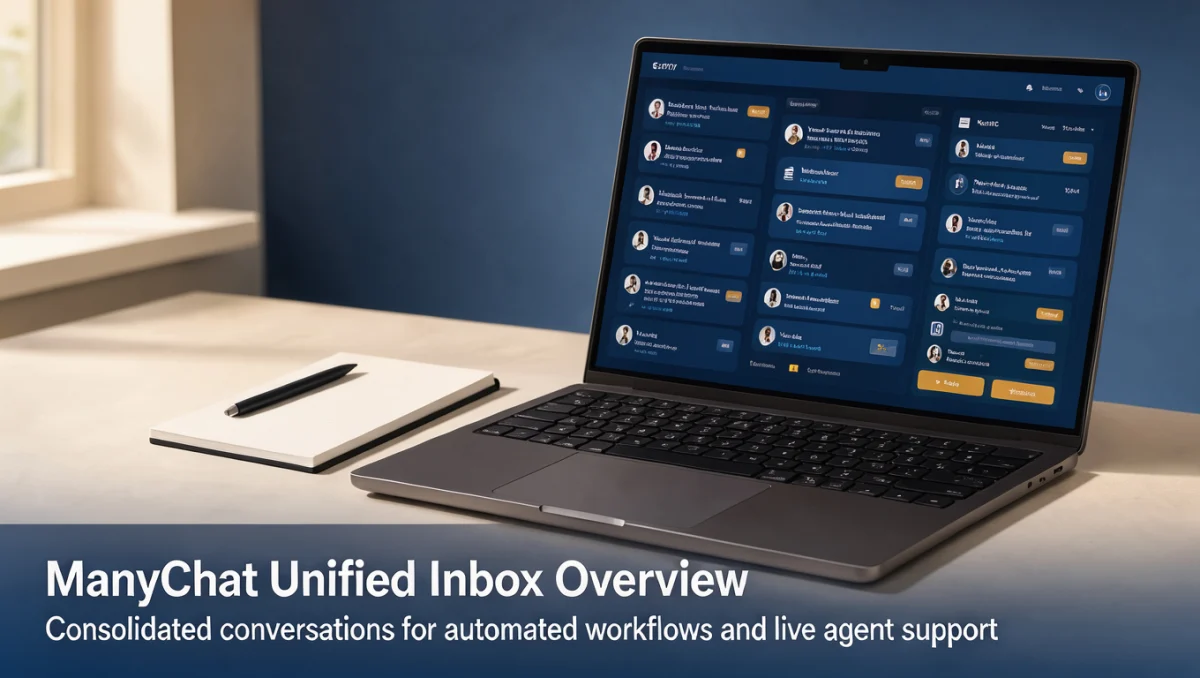
Running direct messaging across several touchpoints quickly becomes messy. The manychat unified inbox aims to solve that by placing bot-driven chats and human replies side by side, so no inquiry slips through and everyone knows who owns each thread. Here at Top App Review Sites, we judge chat software by how well it fits everyday business conversations and customer relationship work.
Before adopting any chat tool, it helps to understand how a conversation moves from an automated sequence to a human agent. Workflow structure, response speed, and admin control shape that handoff, and they determine whether your conversational marketing runs smoothly.
Quick verdict: We rate the ManyChat unified inbox 7.7/10. It fits organizations that blend automated messaging with live staff intervention across direct messaging channels. It is a weaker match for support departments that need a full external service desk ticketing setup.
| Metric | Details |
|---|---|
| topappreviewsites score | 7.7/10 |
| Best for | Teams pairing conversational automation with live staff replies across direct messaging channels |
| Not ideal for | Enterprises needing complex multi-tier ticket lifecycles across offline channels |
| Key strengths | Smooth shift from automated flows to manual representative replies |
| What to check before buying | Confirm seat pricing, message volume tiers, and channel connection limits on the official website |
How We Reviewed ManyChat
This review covers what ManyChat is built to do, who it serves, and how it stacks up against similar tools. We apply seven topappreviewsites criteria: features, ease of use, pricing and value, integrations, audience fit, support, and competitive position. Plans, prices, and limits change frequently, so we flag what to verify on the official website before purchasing. This article was researched and drafted with AI assistance, then reviewed and edited by the topappreviewsites Editorial Team.
What Is ManyChat and Who Is It For
ManyChat is a conversational automation and messaging platform that helps businesses build automated chat experiences and stay in direct contact with customers across popular messaging networks. It connects automated sequence handling with manual live chat, so team members can step in when a prospect needs personal help. Teams in the social media space often look at centralized messaging tools to avoid monitoring separate accounts on different devices.
The platform mainly serves marketers, agency specialists, online store operators, and customer service teams that depend on conversational engagement. Because direct messages sit inside one structured workspace, staff can reply quickly, organize contact profiles, and apply labels without leaving the environment.
Core Audience Profiles
Online retailers use chat to answer pre-purchase questions, confirm order details, and guide shoppers toward the right products. Marketing consultants build conversational funnels to capture visitor interest, qualify inbound leads, and route high-intent conversations to account executives. Content creators and service providers sort incoming messages to separate routine questions from commercial opportunities.
Core Features of the ManyChat Unified Inbox
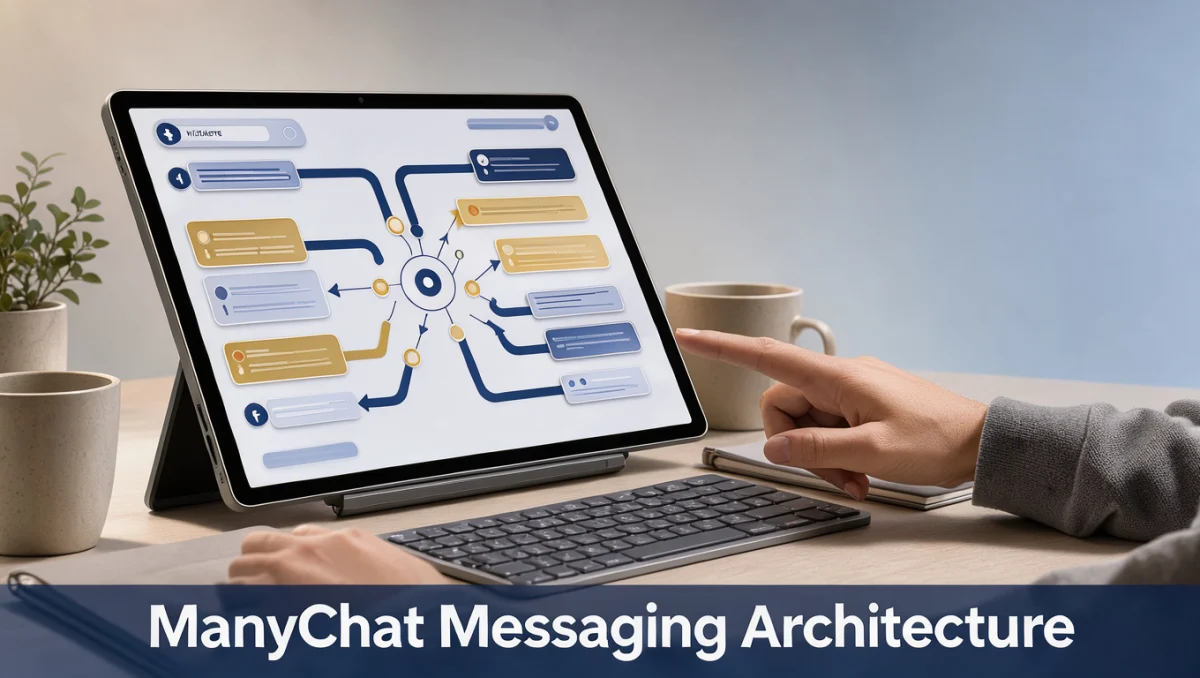
The manychat unified inbox works as the operational hub where automated sequences meet personal conversation management. Rather than having support staff log into separate native platforms, conversations are pulled into a single working queue.
Unified Multi-Channel Conversation Feed
The main view gathers incoming dialogues into a chronological feed. Agents can review open chats, read message history, and see how customer interactions move through automated sequences. This consolidated view keeps context intact during back-and-forth exchanges.
Automated to Human Agent Handoff
A key capability of conversational marketing systems is passing a conversation from a chatbot to a real person. When a subscriber reaches a decision point, asks for human help, or triggers a specific conversation node, the software updates the status to flag the contact for agent attention. This keeps live agents focused on questions that need a tailored answer.
Contact Organization and Conversation Tagging
Inside the central workspace, operators can review custom profile fields, tag subscriber traits, and filter conversations by assignment status. Contact data edited in the inbox updates across subscriber records immediately, so records stay aligned without extra manual entry.
Team Collaboration and Conversation Routing
Team members can assign open conversations to specific colleagues, add internal notes hidden from customers, and close completed threads. Clear ownership prevents duplicate replies and keeps communication organized during busy periods.
Pros and Cons of Centralized Messaging Management
Judging conversational software means weighing both its operational advantages and its structural limits.
Pros
- Centralized message monitoring cuts administrative overhead across multiple connected channels.
- Clear checkpoints for moving between automated chatbot sequences and live human support.
- Contact profile attributes and segmentation tags sit right beside the message thread.
- Internal notes make it simple for teammates to collaborate on customer questions.
Cons
- Organizations with enterprise service desk requirements may miss dedicated incident ticketing structures.
- High inbound volume demands disciplined inbox habits to avoid a backlog of unassigned conversations.
- Seat allocations and access tiers need careful checking on the official vendor site to match team size.
Ease of Use and Daily Workflow
The primary inbox is intuitive for anyone familiar with web-based email or messaging software. Conversation folders run down the left navigation panel, active threads sit in the center pane, and contact details appear in the right sidebar. New team members can usually grasp the basic reply mechanics without extensive training.
Still, running an organized communication desk requires standard operating guidelines. Teams should define when an agent closes a conversation, which internal tags mark priority leads, and how unresolved questions escalate to specialized colleagues.
ManyChat vs Similar Tools in Conversational Messaging

Comparing how established tools position themselves helps clarify which architecture suits your operating model.
ManyChat Positioning
ManyChat positions itself as a conversational marketing and lead engagement platform that combines automated sequence building with an accessible live agent inbox. It is especially well suited to businesses that prioritize audience growth and automated qualification alongside direct chat.
Zendesk
Zendesk focuses on enterprise-grade customer support infrastructure, handling deep multi-tier ticketing, extensive service level agreement monitoring, and complex IT service management across voice, email, and knowledge portals.
Intercom
Intercom offers an all-in-one customer engagement framework that combines in-app product messaging, proactive onboarding sequences, and conversational help desk operations built for modern software and digital product companies.
How to Choose the Right Setup for Your Business
Before committing to a centralized messaging subscription, check your operational priorities against this decision framework.
| What to Check | Why It Matters |
|---|---|
| Team seat policy | Confirm on the official vendor page how user permissions and agent seats are billed so you can forecast scaling costs accurately. |
| Channel compatibility | Verify which direct messaging networks match your audience to ensure full reach. |
| Volume and contact limits | Check how active subscriber counts affect monthly costs to avoid surprise billing changes. |
| Internal escalation protocols | Decide whether your team needs basic agent assignments or formal service desk ticket numbers. |
Who Should Use ManyChat and Who Should Look Elsewhere
The right communication software depends on your volume, team structure, and main engagement goals.
Freelancers and Solo Operators
Independent professionals who handle client questions personally benefit from keeping direct messages in one web interface. It stops inquiries from slipping through and offers automated replies when the operator is unavailable.
Small Business Owners and E-Commerce Merchants
Store owners who field product questions, shipping updates, and promotional inquiries gain real value by routing prospects from social campaigns straight into active conversation queues. Live agents can close sales directly within the thread.
Marketing Agencies
Agencies running lead acquisition for multiple clients need clear separation of customer contacts, defined response assignments, and reliable lead tagging.
When to Consider Alternative Platforms
Organizations that require strict IT service compliance, formal hardware asset tracking, telephone call center integration, or physical mail tracking should consider specialized help desk platforms rather than conversational marketing tools.
Best Practices for Managing a Centralized Inbox
- Set standard reply protocols that define how quickly customer questions should get a human response.
- Keep inbox folders clean by closing conversations as soon as they are resolved.
- Train staff on internal note etiquette so colleagues can review interaction summaries without confusing the customer.
- Review subscriber tags regularly so automated triggers do not send conflicting broadcasts while an agent is actively chatting.
Frequently Asked Questions
What is the main purpose of a centralized chat inbox?
A centralized chat inbox gathers customer direct messages from multiple connected platforms into one dashboard. Customer service and sales staff can answer inquiries, track open issues, and organize customer data without constantly switching between native messaging apps.
How do automated sequences hand conversations over to human staff?
Conversational platforms use automated logic to pause bot replies and alert team members when a contact needs personal attention. Once an agent marks the thread as open or sends a direct reply, the conversation moves into a human-assisted workflow until it is resolved.
What should buyers check before adding multiple team members to a messaging tool?
Confirm user role management, permission controls, and seat pricing on the vendor's official pricing page. Understanding how extra seats affect recurring costs helps organizations scale response capacity within budget.
When is a dedicated ticketing system better than a marketing inbox?
A dedicated ticketing system is the better choice when a company runs complex multi-stage technical support cases, strict service level agreements, external supplier coordination, or multi-department escalation chains that go well beyond direct marketing conversations.
Final Verdict and Rating
The manychat unified inbox offers a balanced approach for companies that value conversational lead generation alongside straightforward live customer communication. By pairing interactive flow building with a structured agent panel, businesses keep prospect conversations organized without investing in cumbersome legacy help desk systems. As documented across Top App Review Sites, choosing the right communication stack comes down to matching workflow needs with software capabilities.
| Criterion | Score /10 | Reason |
|---|---|---|
| Features | 8.2/10 | Strong mix of sequence automation, agent handoff triggers, and contact attribute management. |
| Ease of Use | 8.0/10 | Intuitive three-pane layout lets team members handle incoming chats with minimal onboarding. |
| Pricing and Value | 7.2/10 | Buyers should verify contact tier thresholds and seat pricing on the official site. |
| Integrations | 7.4/10 | Check the official integration catalog to confirm compatibility with your CRM and order tools. |
| Audience Fit | 8.4/10 | Especially well suited to marketing teams and online merchants focused on conversational engagement. |
| Support | 7.0/10 | Review official support channels and documentation availability before onboarding. |
| Competitive Position | 7.7/10 | Keeps a distinct focus on marketing automation compared with traditional ticketing platforms. |
Overall topappreviewsites Score: 7.7/10
For teams focused on conversational marketing, social direct message conversion, and real-time prospect dialogue, this platform provides a dependable, focused communication center. Organizations with traditional multi-channel enterprise IT help desk needs should look toward dedicated service management software.
Readers with questions about conversational management tools are welcome to contact our editorial team at https://topappreviewsites.com/contact/ or follow our latest business software insights on LinkedIn at https://www.linkedin.com/company/topappreviewsites/.