topappreviewsites may earn a commission when you buy through links on this page, at no extra cost to you. This does not affect our ratings.
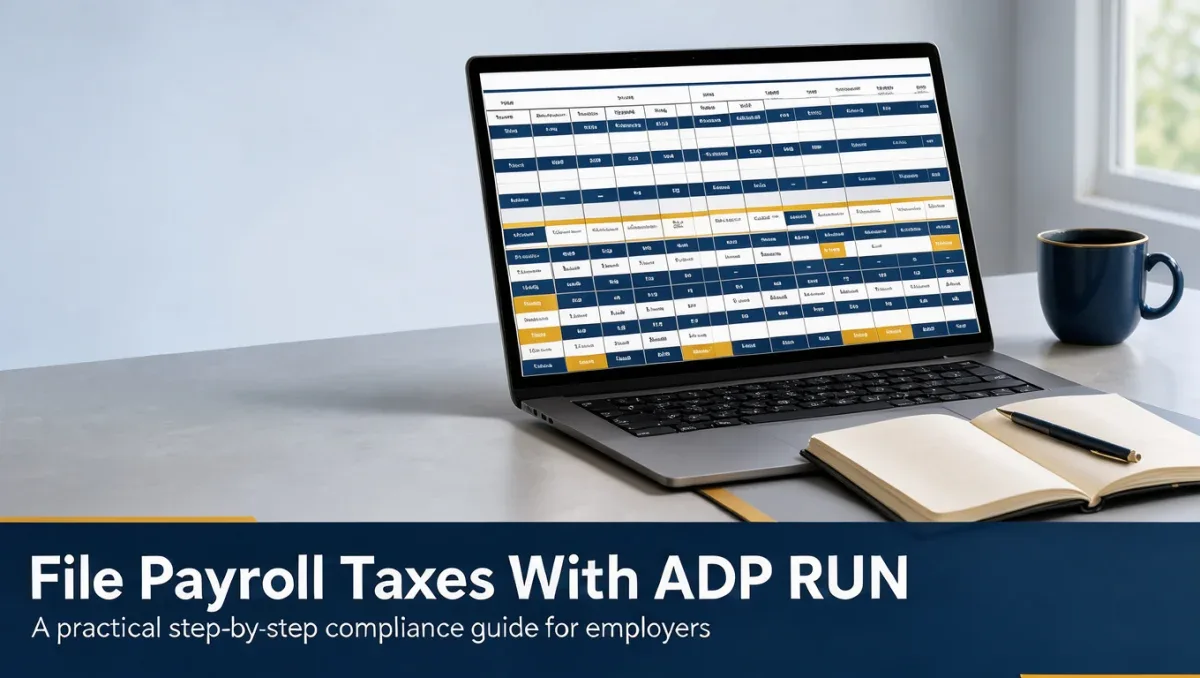
Knowing how to file payroll taxes with ADP RUN starts with seeing how automated tax processing ties into your employee payroll records. Small business owners depend on payroll platforms to calculate withholdings, remit what is owed, and produce quarterly and annual compliance filings on time. In this guide from Top App Review Sites, we break down the operational steps needed to keep your business tax filings current all year.
Payroll tax management means keeping track of employee records, government identification numbers, and recurring filing deadlines. The platform handles the technical transmission of taxes, but employers are still responsible for checking data accuracy, reconciling bank debits, and watching for notices from tax agencies. A consistent administrative routine keeps your filings compliant in every active jurisdiction and helps you avoid unexpected penalties.
Quick answer: To work through how to file payroll taxes with ADP RUN, confirm employee tax profiles and tax identification numbers, run pay cycles on schedule so withholdings calculate automatically, check quarterly tax summaries against bank debits, and archive year-end wage filings. Regular reconciliation prevents compliance errors and penalties.
| Category | Details |
|---|---|
| Who this guide is for | Small business owners, payroll administrators, and office managers handling employer tax duties. |
| What you need before starting | Active employer identification numbers, registered state tax accounts, verified employee tax forms, and approved company bank details. |
| What you will have at the end | A compliant payroll tax workflow, scheduled tax liabilities, reconciled quarter-end reports, and complete year-end records. |
1. How topappreviewsites Put This Guide Together
This guide pairs what the software covered here is designed to do with the topappreviewsites buying framework, so you can make a decision that suits your business. Plans, prices, and limits change frequently, so we note what to verify on the official website before purchasing. This article was researched and drafted with AI assistance, then reviewed and edited by the topappreviewsites Editorial Team.
2. Before you start
Gathering verified business and worker documentation before any tax filing activity prevents processing delays and regulatory rejections. Employers should keep company registration documents, banking authorizations, and employee tax withholding declarations in one central administrative folder within their broader accounting workspace.
- Federal Employer Identification Number assigned by the internal revenue authority.
- State withholding account numbers and state unemployment insurance tax rates for each jurisdiction where staff work.
- Local tax jurisdiction account numbers if municipal payroll taxes apply to your business locations.
- Signed employee withholding certificates and contractor documentation collected during onboarding.
- Authorized commercial bank account routing and account numbers for payroll tax debits.
- Historical year-to-date payroll figures if you are moving from another processing system mid-year.
3. Step-by-step workflow
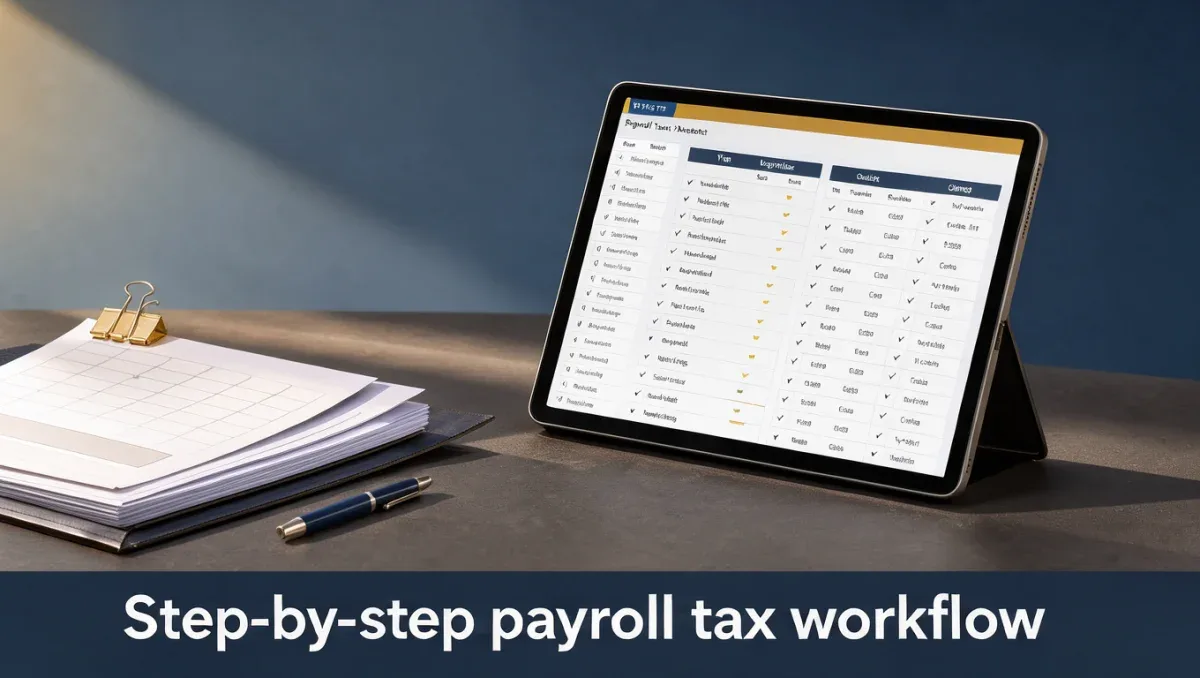
Filing payroll taxes through dedicated payroll software depends on consistent wage processing cycles rather than manual paper tax submissions. Running standardized payroll routines lets tax calculations and agency payments follow an automated schedule.
- Verify company tax jurisdiction profiles to confirm that all state unemployment contribution rates and identification numbers match the rate notices from each state agency. Check specific registration details on the official ADP RUN website.
- Enter and audit employee withholding information from completed tax certificates, making sure filing status, allowances, and local tax codes are selected correctly before running payroll.
- Process regular wages, commissions, and bonuses on scheduled pay dates, which prompts the platform to calculate employee withholdings and employer tax contributions.
- Review the pre-payroll liability summary to verify gross wages, tax withholdings, and net cash requirements before authorizing the payroll batch.
- Authorize the final payroll submission within standard processing cut-off windows so automated electronic tax impounding and agency payments occur on schedule.
- Download and archive the payroll tax liability summary after each pay date to confirm that tax liabilities match authorized bank account withdrawals.
- Review generated quarterly tax packages, inspecting federal and state returns for wage base accuracy before filing deadlines. Confirm package generation rules on the official ADP RUN website.
- Verify annual wage reports and year-end worker tax summaries at calendar year close to ensure statutory filing copies reflect reconciled records.
4. Your first 30 days
Building structured management habits during your first weeks of running payroll stabilizes ongoing tax compliance. The topappreviewsites framework divides this initial phase into weekly milestones designed to catch discrepancies early.
| Week | Routine to build | Why it matters |
|---|---|---|
| Week 1 | Cross-check entered tax identification numbers and assigned unemployment tax rates against official state agency registration letters. | Prevents electronic filing rejections and misdirected tax impound funds at state revenue offices. |
| Week 2 | Inspect individual worker pay calculation summaries after the first live wage run to check federal, state, and local deductions. | Ensures employee deductions match individual withholding elections before wage payments clear. |
| Week 3 | Reconcile payroll cash requirement reports with actual bank withdrawals to track wage funding and tax escrow transfers. | Confirms tax reserves are funded on time, avoiding bank overdrafts or tax penalties. |
| Week 4 | Review monthly tax liability accrual reports against internal general ledger payroll entries with your bookkeeper. | Keeps bookkeeping records synchronized and confirms readiness for quarter-end reporting. |
5. Common mistakes and how to avoid them

Payroll tax penalties often come from administrative oversights rather than intentional noncompliance. Disciplined checks protect businesses from preventable statutory fines.
- Operating with outdated state unemployment contribution rates after agencies publish annual rate revisions. Update assigned contribution rates promptly each December or January.
- Failing to register for state withholding accounts when hiring remote employees in new states. Complete tax agency registrations before paying remote workers.
- Misclassifying workers as independent contractors when they are statutory employees. Consult legal and accounting professionals to determine worker status under labor regulations.
- Missing payroll approval cut-off times, which risks delayed electronic tax deposits and late payment fees. Follow published banking cut-off schedules.
- Ignoring correspondence from state or federal revenue authorities. Review and resolve tax balance notices promptly by cross-referencing past payroll tax reports.
6. When to ask for help
Automated software handles recurring tax payments and return generation, but certain complex situations call for professional review. Knowing when to bring in outside help preserves compliance integrity.
- Receiving a formal tax discrepancy notice or penalty assessment from federal, state, or municipal revenue agencies.
- Undergoing an official payroll audit or state unemployment insurance operational review.
- Handling multistate wage allocations for mobile staff or cross-border remote workforces.
- Setting up complex pre-tax benefit plans, equity compensation, or non-cash fringe benefits that require customized tax treatment.
- Experiencing bank transfer rejections or unpaid tax notices, which require immediate coordination with accounting advisors and official customer support representatives.
7. Frequently asked questions
What documents does ADP RUN generate for quarterly payroll tax filings?
Dedicated payroll software typically compiles federal quarterly tax returns, state withholding returns, and state unemployment contribution filings. Administrators can access these summaries in their document archives to confirm that calculations reflect total wages paid during the quarter. Confirm available reporting views on the official ADP RUN website.
Why did a payroll tax debit not match the expected liability report?
Differences between expected tax calculations and actual bank debits often happen when prior adjustments, late-reported earnings, or multi-jurisdiction liabilities settle on different banking days. Reviewing the detailed cash requirements statement clarifies the exact debits for wages, employee withholdings, and employer taxes. Consult your payroll documentation to reconcile the amounts.
Who remains responsible for tax accuracy when using automated payroll software?
Employers keep ultimate statutory responsibility for the accuracy of their tax filings, worker classification, and timely wage reporting under federal and state regulations. Software automates calculation and submission, but business administrators must verify source data, update tax rates, and review agency correspondence regularly.
What steps are necessary when adding an employee in a new state?
Hiring a worker in a new state requires registering your business with that state's revenue department and unemployment insurance commission before running payroll. Once registration numbers and state tax rates are obtained, enter those jurisdiction codes into the platform so localized withholdings and filings calculate accurately.
8. Next steps
An accurate payroll tax workflow depends on routine verification rather than passive assumption. Take these immediate actions to keep your tax processes compliant throughout 2026:
- Log in to review company tax setup profiles and confirm that all active state unemployment rates match your latest state agency rate notices.
- Audit recent payroll cash requirement statements against company bank records to ensure all tax impound amounts cleared successfully.
- Download and store the most recent quarterly tax summary packages in your secure accounting archives for future year-end reconciliation.
- Schedule a routine quarterly review with your certified public accountant or professional bookkeeper to inspect payroll tax accruals.
Have a question about choosing software? Send it to the topappreviewsites team through our contact page or follow topappreviewsites on LinkedIn for new reviews and comparisons.