topappreviewsites may earn a commission when you buy through links on this page, at no extra cost to you. This does not affect our ratings.
Deciding between bokun vs fareharbor is one of the most common choices tour, activity, and attraction operators face when they start looking for structured booking software. The right pick depends on how each platform handles inventory scheduling, direct guest reservations, distributor connections, and daily dispatch. At Top App Review Sites, we judge these tools by how well they fit real operating models, not by marketing claims.
For most tour companies, the reservation engine sets the daily rhythm. It touches everything from the moment a guest lands on the booking page to the moment a manifest is printed or pulled up on a tablet at the dock. Taking a close look at catalog management, resource allocation, and distributor links now can save a painful migration later.
Quick verdict: Across our evaluation, this tour booking category earns an overall score of 8.1 out of 10. Bokun works well for independent operators who want to build their own catalog and connect to distribution partners. FareHarbor suits established activity businesses that want managed onboarding and customized checkout flows. Neither is a natural fit for a solo seller of basic digital downloads.
| Metric | Details |
|---|---|
| topappreviewsites score | 8.1 / 10 |
| Best for | Tour, activity, and experience operators managing scheduled departures and staff availability |
| Not ideal for | Solo merchants selling non-scheduled physical goods or one-off consultation appointments |
| Key strengths | Scheduled booking calendars, multi-channel manifest coordination, and distributor connections |
| What to check before buying | Confirm booking fees, payment processor terms, and contract commitments on official pages |
1. How topappreviewsites Reviewed Bokun and FareHarbor
This review covers what Bokun and FareHarbor are built to do, who they serve, and how they stack up against similar tools. We scored them on seven criteria: features, ease of use, pricing and value, integrations, audience fit, support, and competitive position. Plans, prices, and limits change often, so we flag what to verify on each vendor's official website before you commit. This article was researched and drafted with the help of AI tools, then reviewed and edited by the topappreviewsites Editorial Team.
2. Short Answer on Bokun vs FareHarbor
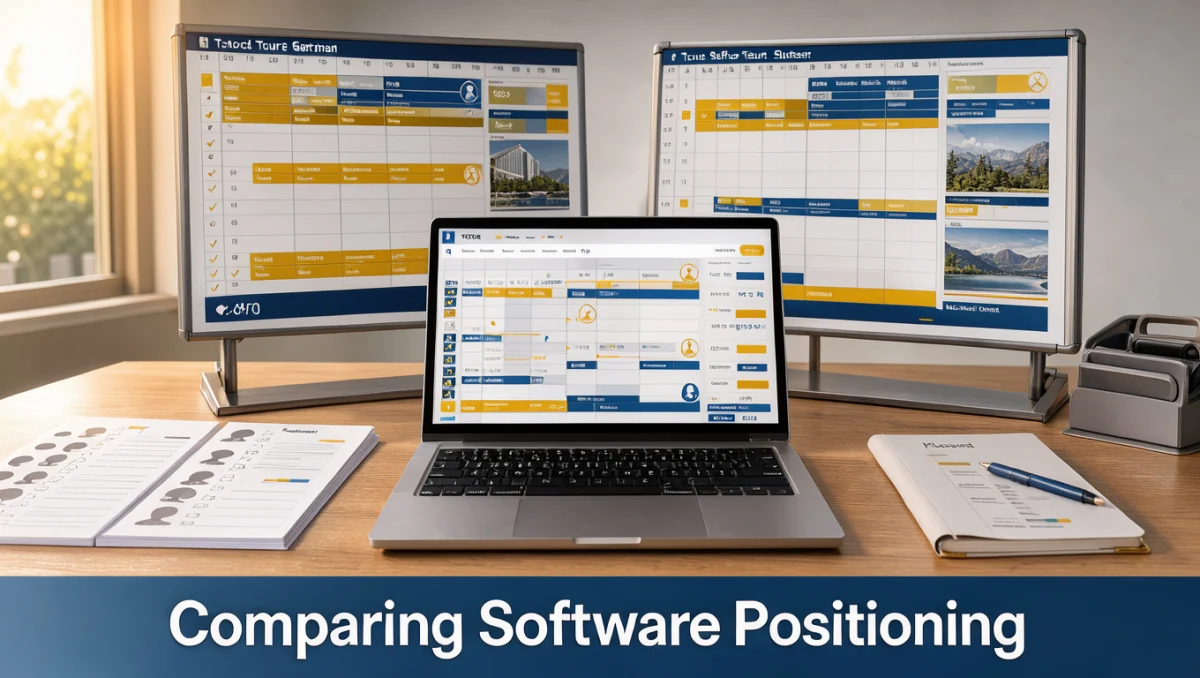
Bokun and FareHarbor both deliver core tour reservation and manifest management, but they come at implementation from different directions. Bokun leans toward self-service setup, wide reseller participation, and direct links to global travel marketplaces. FareHarbor leans toward guided setup, custom reservation widgets, and hands-on operational support for activity companies.
When you compare bokun vs fareharbor, the core question is operational autonomy versus implementation support. Operators who want to set their own pricing sheets, departure times, and online booking widgets directly in the dashboard often prefer Bokun's independent approach. Businesses that would rather have a vendor team build the booking flow, load complex activity schedules, and customize embed codes usually lean toward FareHarbor's service-oriented model.
Both platforms tackle the central problems of the tour and activity sector. They replace paper manifests, prevent double-bookings across simultaneous channels, and send automated confirmation emails to travelers. Your decision comes down mainly to whether your internal team wants full administrative control or prefers vendor involvement during onboarding and ongoing maintenance.
3. Bokun vs FareHarbor Positioning Comparison
Knowing where each platform sits in the travel tech landscape helps you match a tool to your current business stage. The table below shows how each reservation tool handles common operational needs.
| Platform | Best for | Core strength | Consider if |
|---|---|---|---|
| Bokun | Independent day tour companies and regional activity providers | Autonomous catalog setup and broad distribution marketplace connectivity | Your team wants immediate administrative access to create and adjust departures |
| FareHarbor | High-volume excursion companies and multi-location activity brands | Assisted onboarding, custom checkout workflows, and dedicated operational assistance | Your operation has complex booking flows and prefers vendor-managed setup |
Both options sit within the wider Office Software ecosystem for travel and hospitality management. Operators should figure out whether their main bottleneck is inventory distribution or friction in the direct website reservation flow.
4. topappreviewsites Criteria Comparison
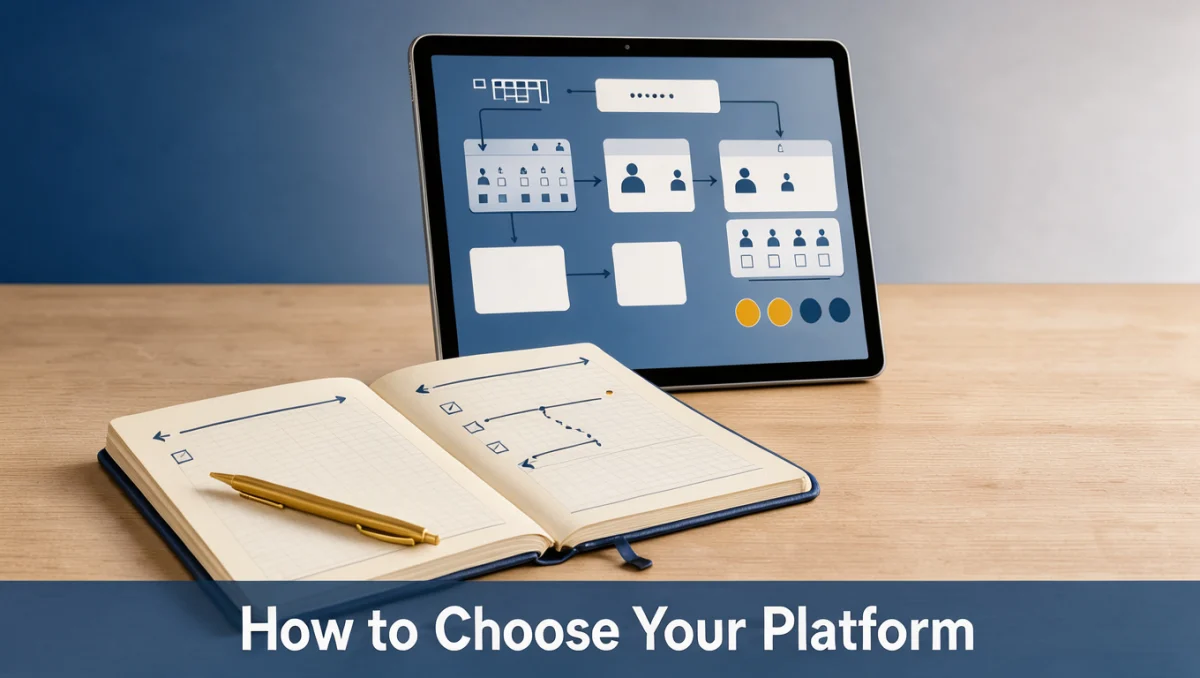
Judging reservation platforms means looking at how their core systems hold up in real day-to-day workflows. Here is how both platforms measure up against seven operational standards.
4.1. Core Features and Inventory Management
Tour reservation systems need reliable tools for availability scheduling, pricing rules, resource assignment, and manifest generation. Both Bokun and FareHarbor let operators set recurring departure times, blackout dates, and passenger minimums or maximums. Each maintains a central database that prevents overselling when several staff members or distribution channels access the same departure.
Bokun offers an admin dashboard where operators configure products, add seasonal pricing tiers, and attach equipment or guide dependencies directly. FareHarbor provides detailed activity setups that can include custom question fields, waiver collection points, and tailored customer communication sequences. Operators with intricate check-in requirements should review how each platform structures guest manifests and custom departure fields.
4.2. Ease of Use and Onboarding Curve
Usability directly affects how quickly staff adopt the software, from office dispatchers to dockside guides. Bokun lets teams open an account and start building their product catalog on their own. That suits teams comfortable with modern software menus, but it means operators must fully understand their inventory dependencies before publishing departures.
FareHarbor typically uses an assisted onboarding model in which company representatives help configure the initial schedule, product descriptions, and booking buttons. This managed start lowers the technical barrier for non-technical owners, although making sudden structural changes to tour setups later may require working through the vendor support team rather than editing instantly yourself.
4.3. Pricing Model and Commercial Value
Commercial structures across tour booking platforms differ widely and affect margins depending on ticket volume and distribution mix. Subscription platforms usually charge recurring monthly fees, while transaction-based platforms assess a percentage fee on each online reservation, either absorbed by the business or passed to the guest at checkout.
Buyers should confirm the exact fee schedules directly on the official Bokun and FareHarbor pricing pages. Calculate your annual ticket turnover and decide whether a flat software fee or a customer-facing checkout fee better fits your brand positioning. Passing high online booking fees to travelers can sometimes increase checkout abandonment on direct website channels.
4.4. Third-Party Marketplace and System Integrations
Connecting with online travel agencies, hotel concierges, and regional resellers is essential for many activity operators. Both Bokun and FareHarbor offer tools to distribute live inventory across external travel portals, so seat counts update in real time no matter where a ticket is bought.
Check each vendor's official integration directory to confirm your merchant account, accounting tools, and preferred sales channels connect smoothly. Keeping inventory centralized prevents embarrassing seat shortages when peak tourist season arrives.
4.5. Target Audience Fit
Audience fit depends on business complexity and how self-reliant your team is with technology. Bokun appeals strongly to small and midsize tour businesses, boat charters, and walking tour guides who want full control over their software setup and prefer flexible, modular distribution.
FareHarbor fits medium to large activity providers, multi-boat charters, zip-line parks, and museum operations that process heavy daily volumes and want a managed service relationship. Assessing your office staff's comfort with technology helps reveal which environment will create fewer administrative headaches.
4.6. Support Availability and Operational Services
When you run a seasonal excursion business, a technical problem can halt ticket sales during critical revenue windows. Support in the reservation technology space ranges from ticket-based help centers to phone dispatch and assigned account managers.
Before committing, verify on each vendor's official website which support channels, operating hours, and setup assistance tiers come with your account. A business running weekend sunrise tours has different support needs than an operator running weekday museum lectures.
4.7. Competitive Position in Experience Tech
Within the broader activity software sector, both platforms hold established positions alongside alternatives such as Rezdy, Peek Pro, and Checkfront. Bokun is well established among distribution-focused operators seeking direct connectivity with global travel booking ecosystems. FareHarbor has a strong footprint among North American and international tourism operators who value hands-on website integration and checkout design.
This landscape shows that neither platform is universally superior. The best choice reflects your distribution mix, staffing model, and preference between self-service management and vendor assistance.
5. How to Decide Between Bokun and FareHarbor
Picking the right booking engine means auditing your booking channels, staff skills, and accounting preferences. Work through this decision framework before starting an account setup.
- Audit your distribution sources: If most of your bookings come from international travel resellers, confirm live inventory connection capabilities on the official vendor pages.
- Evaluate checkout fee impact: Decide whether your audience will accept an added booking fee at checkout, or whether your business model requires absorbing all software costs within the ticket price.
- Assess administrative independence: Decide whether your team prefers changing departure dates and pricing rules instantly in a portal, or prefers support technicians to handle structural updates.
- Examine manifest workflows: Map how your tour leads check in passengers at departure points, whether through printed sheets, browser portals, or mobile check-in interfaces.
Defining your operational requirements before scheduling software demos lets you test each platform against concrete internal needs rather than sales presentations.
6. Frequently Asked Questions
How should an operator evaluate total booking fees across platforms?
Review the official pricing documentation for each vendor to identify credit card processing rates, platform charges, and any customer-facing booking fees. Comparing these against your average booking value shows the net revenue you keep per passenger.
What operational factors indicate a need for assisted software onboarding?
Businesses with multi-tiered resource dependencies, such as assigning specific vehicles, guides, and equipment to overlapping departures, benefit from assisted setup. If your team has no dedicated administrative staff to build out schedules, professional onboarding saves valuable launch time.
Can an activity business keep its own website branding on both tools?
Both platforms let operators embed booking buttons and calendars into existing websites. Look at live client sites on both systems to judge how smoothly the reservation flow matches your site's look and feel.
What should tour businesses confirm about cancellation policies before choosing software?
Verify how automated refunds, weather cancellations, and voucher reissuance work in the dashboard. Confirming these workflows prevents a manual customer service backlog when bad weather forces departure cancellations.
7. Final Verdict on Bokun vs FareHarbor
Choosing reservation software sets the foundation for your customer booking experience, staff dispatching, and partner distribution. The table below summarizes our seven-point operational assessment for this category.
| Criterion | Score /10 | Reason |
|---|---|---|
| Features | 8.5 | Comprehensive departure calendars, manifest handling, and resource scheduling capabilities |
| Ease of Use | 8.0 | Balanced between self-service administrative dashboards and assisted deployment models |
| Pricing and Value | 8.0 | Distinct commercial options that fit either self-directed budgets or managed service models |
| Integrations | 7.5 | Connections depend on specific reseller relationships and third-party accounting needs |
| Audience Fit | 8.5 | Clear differentiation between autonomous independent guides and high-volume operations |
| Support | 7.5 | Varies between digital self-help documentation and dedicated account assistance |
| Competitive Position | 8.5 | Both represent established solutions within the modern tour and activity landscape |
Overall Score: 8.1 / 10
For independent tour guides, boutique activity providers, and distribution-heavy operators, Bokun offers a self-directed framework that gives your internal team direct control over the catalog. For high-volume attractions, multi-vessel operations, and businesses that want guided setup with customized website widgets, FareHarbor delivers a dependable, full-service approach.
If you have questions about matching booking software to your tour operation, reach out through our Top App Review Sites contact page or connect with topappreviewsites on LinkedIn to join the conversation with other software buyers.