topappreviewsites may earn a commission when you buy through links on this page, at no extra cost to you. This does not affect our ratings.
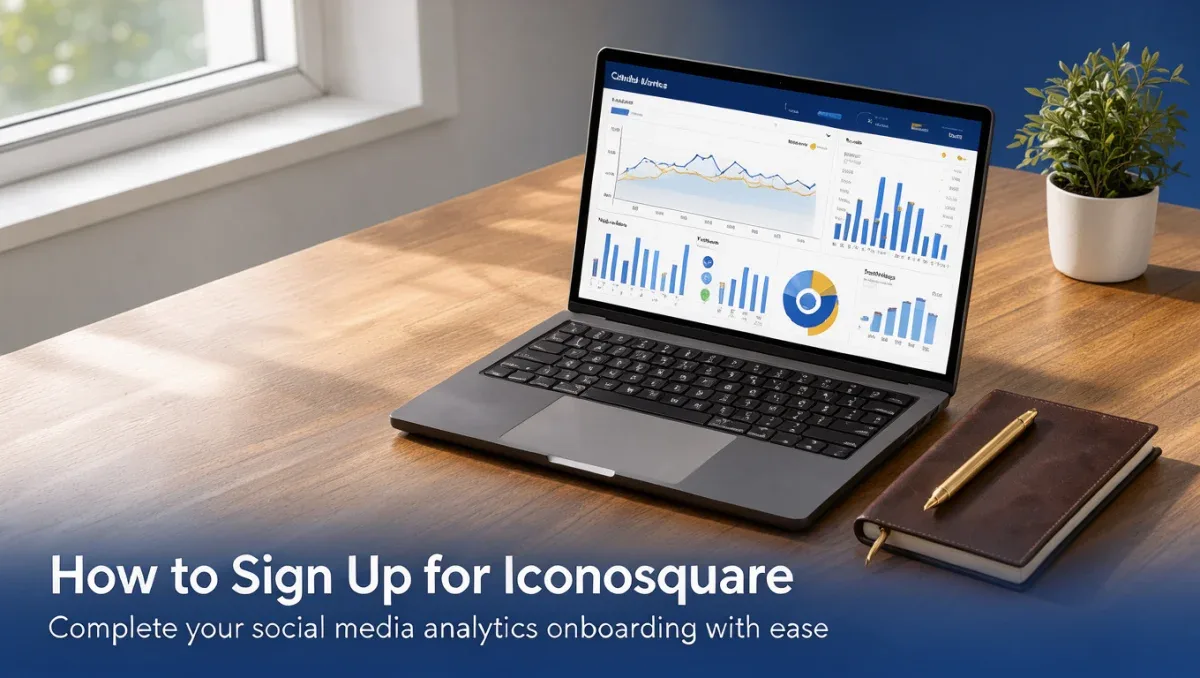
Getting started with Iconosquare is far smoother when you collect administrative access and map out team roles before you open the registration page. Our software review team wrote this walkthrough so social media managers and marketing groups can finish onboarding without stalling halfway through.
If your company is also rethinking its wider Content Management setup, getting the sign-up right the first time means your social channels feed clean, reliable data into your reports from day one.
Quick answer: To register, you need admin credentials for your brand profiles, a permanent work email, and a confirmed plan choice on the official website, followed by connecting your channels and assigning team roles. Doing these in order avoids access problems and sets up organized publishing and reporting routines immediately.
| Aspect | Details |
|---|---|
| Who this guide is for | Social media managers, agencies, and marketing teams looking for a structured onboarding path. |
| What you need before starting | Admin access to brand social profiles, a work email, and billing details for verification. |
| What you will have at the end | A configured workspace linked to brand channels, ready for reporting and scheduling. |
1. How Top App Review Sites Built This Guide
This walkthrough pairs what the software is designed to do with the buying criteria we use at Top App Review Sites, so you can judge whether it suits your business. Pricing, plan limits, and features change frequently, so we flag the details to verify on the official website before purchasing. The article was researched and drafted with AI assistance, then reviewed and edited by the Top App Review Sites Editorial Team.
2. Before You Begin
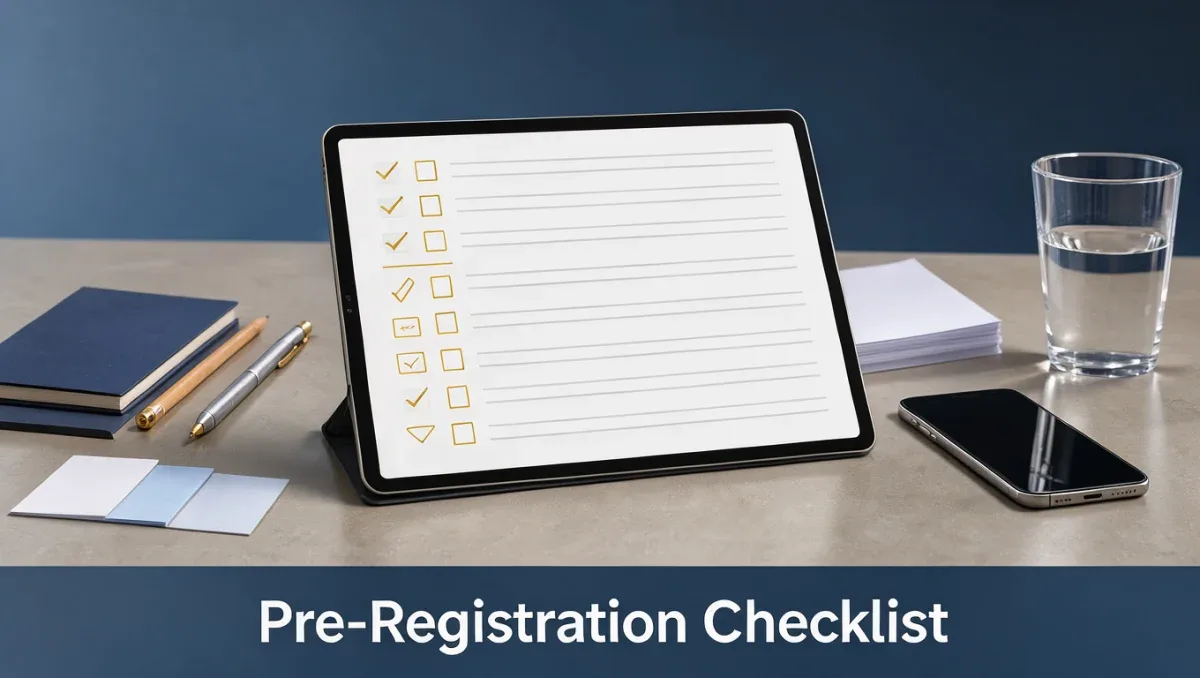
Careful preparation prevents failed authorization attempts when linking company social accounts. Organizing every administrative permission in advance keeps registration simple.
- Primary admin access to social pages: Confirm you hold administrator status on the company pages you plan to connect, not just editor status.
- A dedicated work email: Use a permanent corporate address rather than a personal one so account ownership stays with your business.
- A team access list: Note every colleague or outside stakeholder who needs access, and whether each requires editing, publishing, or read-only permissions.
- Payment details on hand: If your organization intends to start a paid tier right away, have corporate billing information ready beforehand.
3. Step-by-Step Sign-Up Process
Following a deliberate sequence helps your social media tracking setup initialize without configuration conflicts.
- Open the official sign-up page: Go to the official Iconosquare registration area from a desktop browser so you can see all account settings clearly. Review the terms and user policies on the vendor site before continuing.
- Submit your primary account details: Enter your work email, professional name, and a password, then confirm your address through the verification message sent to your inbox.
- Check subscription limits: On the official pricing page, confirm how many user seats and channel slots each plan includes, since seat limits affect long-term costs.
- Connect brand social channels: Authenticate your main brand profiles through each native network. Make sure the platform permissions grant full analytics and publishing access so metrics load accurately.
- Assign team roles: Give colleagues administrative, publishing, or read-only roles based on what each person handles in your marketing workflow.
4. Your First 30 Days
Building steady weekly habits in the first month ensures your analytics setup keeps delivering value over time.
| Week | Routine to build | Why it matters |
|---|---|---|
| Week 1 | Check that metrics sync correctly across every connected channel. | Confirms native network authorization finished without permission errors. |
| Week 2 | Set up standard tags and content categories for outgoing posts. | Makes segmented reporting by campaign meaningful. |
| Week 3 | Produce draft performance summaries for internal review. | Lets stakeholders flag concerns about key indicators early. |
| Week 4 | Audit team seat assignments and connected profiles. | Keeps the account secure and prevents unauthorized changes. |
5. Common Mistakes and How to Avoid Them
Teams new to social media software often run into setup problems that could have been avoided and that delay routine reporting.
- Connecting brand accounts through personal logins: Always authenticate channels through business management accounts so data streams don't break when staff change.
- Skipping native permission prompts: Read each permission request during channel connection to avoid accidentally revoking reporting access.
- Putting off role setup: Assign distinct access levels right after registration to protect scheduling queues from unauthorized edits.
- Ignoring the terms: Check current account guidelines and plan details on the official Iconosquare website before committing to a long-term arrangement.
6. When to Ask for Help
Routine account creation usually goes smoothly, but some bottlenecks call for technical support or professional help.
- Repeated network authorization failures: If a social platform keeps revoking administrative tokens, consult the vendor documentation or technical support team.
- Complex organizational structures: Multi-brand companies or agencies managing many client accounts may benefit from an onboarding consultant to set up the workspace properly.
- Billing or seat allocation issues: Contact official customer service whenever questions arise about user provisioning or subscription terms.
7. Frequently Asked Questions
7.1. What credentials should teams prepare before registering?
Teams should gather corporate email addresses, administrative credentials for every relevant company social profile, and a list of team members who need access. Having these ready prevents authorization interruptions during setup.
7.2. What should administrators check if a channel won't connect?
Administrators should confirm that their login has full management rights within the native social platform's business manager. Insufficient platform permissions are the most common reason channel syncing fails during onboarding.
7.3. Do I need technical expertise to set up an account?
Specialized technical knowledge isn't required for standard onboarding. Any social media manager comfortable granting platform authorization and configuring basic software settings can complete the process independently.
7.4. How should agencies handle client credentials during sign-up?
Agencies should ask clients to grant partner access through the official social network business managers rather than sharing direct passwords. This protects client security while still enabling authorized platform connections.
8. Next Steps
- Gather your required brand credentials and identify your primary account administrator.
- Visit the official Iconosquare website to begin registration and confirm current plan structures.
- Connect your core social media channels and review each permission authorization.
- Set up baseline reporting dashboards to track your social media results in 2026.
Have a question about choosing software? Reach the Top App Review Sites team through our Top App Review Sites contact page, or follow us on LinkedIn for new reviews and comparisons.
See More how to sign up for iconosquare