topappreviewsites may earn a commission when you buy through links on this page, at no extra cost to you. This does not affect our ratings.
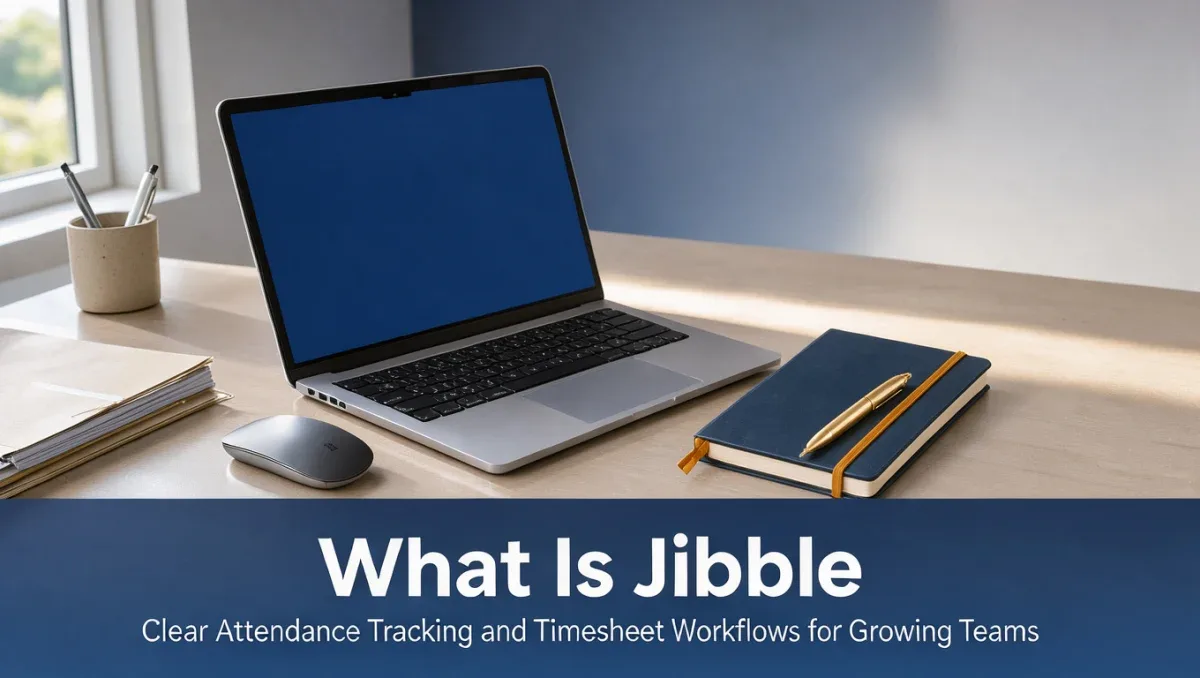
Managers often ask what is Jibble when spreadsheets and paper timecards start slowing payroll, creating billing errors, or producing inaccurate hour totals. Many organizations move to dedicated digital systems once these manual methods begin creating administrative bottlenecks across multiple locations.
At Top App Review Sites, we evaluate business platforms so operations teams can match software to their real structures without marketing hype. When reviewing tools in the Office Software space, understanding core capabilities before committing protects long-term efficiency.
In short: Jibble is an attendance and time tracking platform built to log employee work hours, monitor project tasks, and produce timesheet summaries. It suits remote organizations, field crews, and office teams that need structured attendance records for payroll preparation and client billing.
| Category | Details |
|---|---|
| Software category | Time tracking and attendance management software |
| Main job | Recording employee work hours, tracking task durations, and compiling timesheet summaries |
| Typical users | Small business owners, operational managers, field supervisors, and remote team coordinators |
| Similar tools | Clockify, Toggl Track, QuickBooks Time |
1. How Top App Review Sites Built This Guide
This guide pairs the functions this software is designed to perform with our buying framework, helping you judge whether it fits your business. Plans, pricing, and limits change frequently, so we flag what to verify on the official website before purchasing. This article was researched and drafted with AI assistance, then reviewed and edited by the Top App Review Sites Editorial Team.
2. What Jibble Does
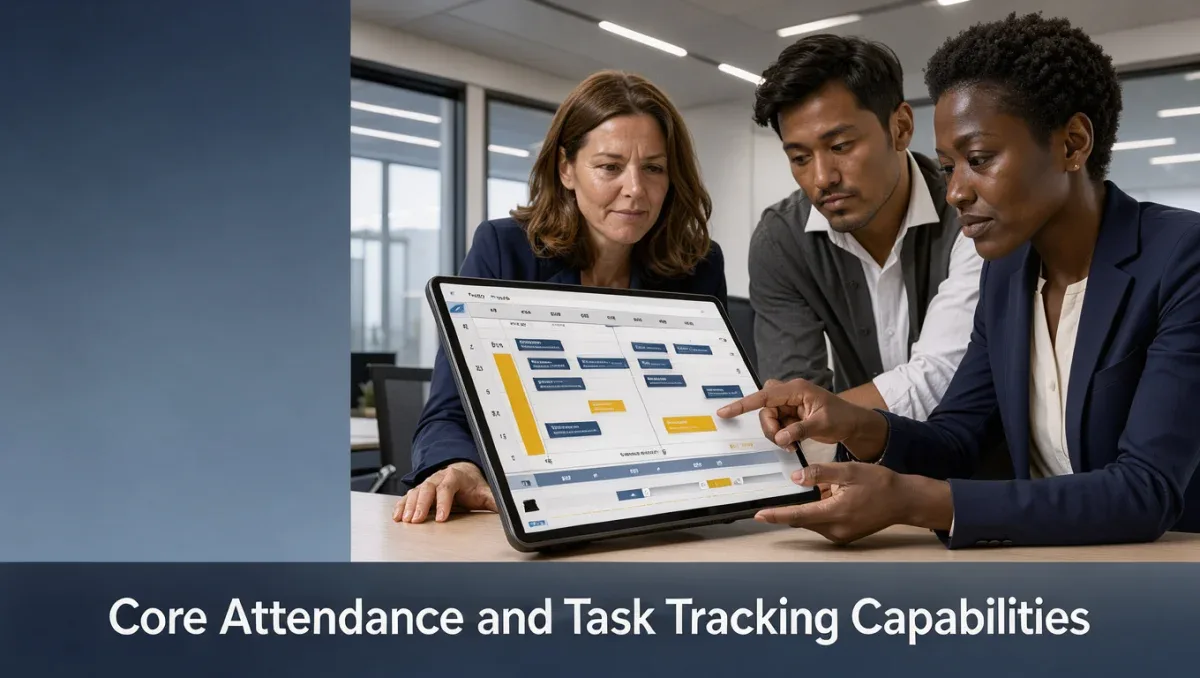
Jibble operates in the workforce management space, centralizing how organizations record attendance and labor across varied work environments. For anyone researching what is Jibble, its core purpose is turning everyday start and stop times into auditable operational records.
2.1. Attendance and Work Hour Recording
The platform lets organizations capture employee check-in times, break durations, and end-of-shift departures. Digital entries replace physical logbooks and standalone punch clocks, producing consistent time records that show when work took place each day.
2.2. Activity and Project Assignment
Team members can tag logged hours against specific tasks, clients, or internal projects. Categorizing time shows managers which work consumes the most staff effort and supports accurate labor allocation across ongoing initiatives.
2.3. Timesheet Generation and Approvals
Recorded daily intervals are consolidated into weekly or monthly timesheets. Supervisors review these totals, verify entries, and approve summaries before payroll calculation or client invoicing.
3. Where Jibble Fits in Your Workflow
Understanding how attendance software interacts with existing management routines helps teams separate digital tracking from human supervision.
| Business task | How this type of software helps | What you still do yourself |
|---|---|---|
| Daily shift verification | Logs check-in stamps and active intervals digitally | Define attendance policies, approve overtime requests, and address punctuality patterns |
| Project labor monitoring | Aggregates active minutes tied to specific project tags | Assess output quality, define milestones, and plan future project budgets |
| Client billing preparation | Summarizes billable hours recorded across designated projects | Review invoice items, negotiate billing rates, and resolve client scope discussions |
| Payroll calculation prep | Consolidates regular and overtime hours into unified summaries | Apply pay rates, calculate tax withholdings, and disburse official employee payments |
4. Key Terms Explained
Attendance and time recording platforms rely on standard industry terms that describe core tracking operations.
- Timesheet: A consolidated record summarizing total hours an employee worked over a set weekly or monthly pay period.
- Geofencing: A location boundary that restricts or flags check-ins based on whether team members log time inside a defined job site.
- Biometric verification: Physical identification checks during clock-in that confirm designated workers are recording their own shifts.
- Billable hours: Recorded labor designated for direct invoicing to external clients rather than internal general operations.
- Activity tracking: Classification of working intervals by client, project name, or operational function.
5. Who Uses It and Who Does Not Need It
Every operational platform serves particular workforce arrangements while being unnecessary for others.
- Teams that benefit from Jibble: Field service contractors managing crews across multiple customer sites, agencies that must record client project hours, remote organizations with distributed staff, and retail or hospitality managers tracking shift attendance.
- Organizations that may not need Jibble: Solo operators on flat-rate contracts, small executive groups on fixed salaries without hourly billing, and enterprises seeking a single platform that combines native payroll processing, benefits administration, and hardware asset management.
6. How to Get Started
Adopting new attendance software requires clear internal alignment to ensure steady compliance and reliable data recording across your staff.
- Define attendance policies by documenting check-in requirements, lunch break rules, and overtime guidelines before introducing any tool.
- Confirm capabilities and plan inclusions on the official Jibble website to make sure tracking methods match your regional requirements and technical needs.
- Run a trial with a small group to verify check-in routines and test timesheet review steps before company-wide rollout.
- Train staff on daily clock-in protocols, explain how project tags work, and outline the supervisor verification schedule.
- Connect timesheet exports with your payroll or accounting workflows to eliminate manual data entry.
7. Frequently Asked Questions
What separates digital attendance tools from spreadsheet logs?
Spreadsheets depend on retrospective self-reporting, which often introduces memory lapses and inconsistent calculations. Dedicated software captures real-time timestamps, automates daily totals, and centralizes approvals so managers review verified records instead of reconciling conflicting files across email threads.
What technical background is needed to manage digital timesheet systems?
Administrators generally need basic computer literacy to assign projects, set approval hierarchies, and export timesheet data. Workers interact with straightforward check-in prompts, so specialized IT expertise is rarely required for everyday attendance tracking.
Why should businesses consult payroll professionals when setting up time software?
Labor regulations on break compliance, overtime multipliers, and shift premiums vary substantially by jurisdiction. Consulting a qualified accountant or payroll specialist ensures your overtime rules and record-keeping procedures meet local legal requirements before you export finalized records.
Where should teams verify platform compatibility and account permissions?
Operational leaders should review the official Jibble platform documentation for supported permission tiers and software specifications. Confirming account structures early prevents delays when extending access to supervisors and department heads.
8. Bottom Line
Jibble provides structured time tracking, activity assignment, and timesheet aggregation for businesses moving away from manual record-keeping. It suits teams that need verifiable attendance documentation across job sites or remote workspaces. Before rolling out any system, review tracking requirements alongside your internal policies, consult payroll advisors about overtime rules, and confirm subscription tier inclusions on the official Jibble website.
Have a question about choosing software? Send it to the Top App Review Sites team through our contact page, or follow us on LinkedIn for new reviews and comparisons.