Top App Review Sites may earn a commission when you buy through links on this page, at no extra cost to you. This does not affect our ratings.
Deciding between monday com vs trello is one of the most common choices teams face when they organize daily tasks, cross-functional initiatives, and recurring operations. Both tools live in the work management space, but they approach task tracking from very different levels of structure. Our aim is to lay out what each platform actually does, stripped of marketing language, so you can judge them on equal footing.
The right answer depends on how your organization handles daily collaboration and information flow. One platform leans on flexible visual boards that suit simple pipelines, while the other offers multi-dimensional tracking that adapts to many enterprise functions. Browsing the options in the Collaboration & Productivity category helps, but the real test is how your team manages dependencies, reporting, and everyday coordination.
Quick verdict: monday.com earns 8.4/10 for teams that need multi-departmental tracking and structured operational workflows, while Trello scores 7.9/10 as a focused visual board system. Groups juggling interconnected projects tend to favor monday.com, whereas individuals or teams that want straightforward kanban pipelines get the most from Trello.
| Metric | Summary |
|---|---|
| topappreviewsites score | monday.com: 8.4/10 | Trello: 7.9/10 |
| Best for | Teams balancing multi-departmental initiatives and detailed operational workflows |
| Not ideal for | Teams wanting only basic card-based task boards without structured data fields |
| Key strengths | Multi-view project tracking, cross-team coordination, and structured work management |
| What to check before buying | Confirm user minimums, required administrative controls, and per-seat subscription rules on official pricing pages |
1. How Top App Review Sites Reviewed monday.com and Trello
This review examines what monday.com is designed to do, who it serves, and how it stacks up against similar tools, using the seven Top App Review Sites criteria: features, ease of use, pricing and value, integrations, audience fit, support, and competitive position. Plans, prices, and limits change often, so we flag what to verify on each official website before purchasing. This article was researched and drafted with AI assistance, then reviewed and edited by the Top App Review Sites Editorial Team.
2. Short Answer: Core Differences Between monday.com and Trello
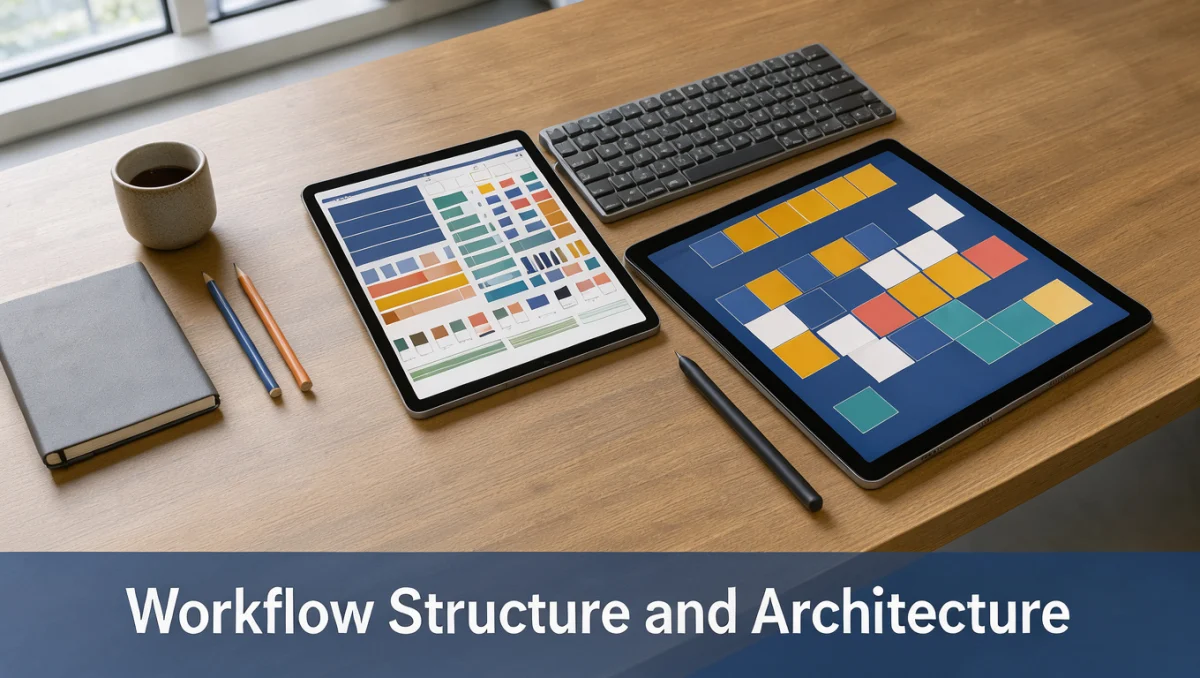
The fundamental split comes down to how work is modeled. Trello relies mainly on visual kanban cards moving across vertical lists, which feels intuitive for linear pipelines and simple activity boards. monday.com works more like a broad work operating system, where items live in customizable tables that can be displayed as timelines, charts, or boards depending on each department's needs.
When weighing monday com vs trello, ask whether your team tracks isolated assignments or interconnected operations spread across several contributors. Straightforward card handoffs from stage to stage work cleanly on visual boards. Cross-functional planning that calls for status summaries, milestone dependencies, and custom data columns gets more operational clarity from structured work platforms.
| Platform | Best For | Core Strength | Consider If |
|---|---|---|---|
| monday.com | Teams requiring multi-view tracking and cross-team workflows | Flexible data tables and cross-departmental coordination | You manage complex projects with interlinked deliverables |
| Trello | Teams and individuals seeking simple visual kanban organization | Card-based task management with minimal configuration | Your operational flow follows a sequential column layout |
3. Feature Set and Task Architecture
monday.com handles task management through configurable tabular structures where rows represent individual work items and columns capture assignees, timelines, progress status, and numbers. Teams can view the same dataset from multiple angles, letting planners switch between calendar schedules, spreadsheet-style registers, and kanban views without rebuilding their boards.
Trello organizes work around boards containing columns, and inside those columns users create individual task cards. Each card acts as its own container for checklists, due dates, attachments, and comment threads. This card-centric model keeps work accessible, though teams handling relational data across separate projects should confirm that visual lists offer enough depth for their operational standards.
4. Ease of Use and Onboarding Curve

Trello offers an intuitive onboarding experience because its card-and-column layout mirrors sticky notes on a whiteboard. New team members grasp the concept almost immediately, without training sessions or formal configuration manuals, which makes it a frictionless choice for straightforward team tracking.
monday.com requires a more deliberate setup phase, because administrators must decide which columns, views, and board relationships best reflect their business processes. The interface is colorful and modern, but teams need to invest preparation time in structuring dashboards and views logically so everyday users aren't overwhelmed by unused fields.
5. Pricing Structure and Value Assessment
Subscription software in the work management category typically charges per seat on a monthly or annual billing schedule. Buyers should review the official plan comparison pages for both platforms to check whether account minimums apply, since some vendors require purchasing seat blocks rather than individual licenses.
Value depends on how widely the platform is adopted across departments. A tool with broader capabilities justifies its ongoing cost if it replaces several niche trackers for marketing, sales pipeline tasks, and client operations. On the other hand, paying for multi-perspective functionality when users only need standard card columns creates unnecessary spending.
6. Ecosystem Connectivity and Workflow Expansion
Work management platforms act as operational hubs that interact with document storage, communication tools, and email. In both products, connected workflows let status updates, card creation, and notifications sync across external productivity apps without manual data entry.
Software buyers should check each vendor's official integration directory to confirm compatibility with existing communication and cloud storage systems. Note whether specific connectors require third-party bridge subscriptions, since external integration utilities can quietly add to the software budget.
7. Target Audience and Organizational Fit
Trello suits solo operators, freelancers, boutique agencies, and focused departments whose assignments follow sequential steps from backlog to completion. Content production pipelines, simple support ticketing, and personal task tracking line up naturally with its visual simplicity.
monday.com serves growing teams, mid-sized operations, and cross-functional departments that need visibility across several workstreams. Product management teams, marketing departments running large campaigns, and project offices handling timeline dependencies benefit most from its multi-view data organization.
8. Support Infrastructure and Learning Resources
Subscription platforms offer varying levels of guidance, from self-service knowledge bases and video tutorials to direct contact channels. Because administrative workflows differ significantly between tools, accessible support materials determine how quickly team leaders resolve setup questions.
Prospective buyers should review each vendor's official support pages to see which contact channels and response standards come with each subscription tier. Organizations managing time-sensitive client commitments should pay particular attention to whether live help is available during standard business hours.
9. Market Positioning and Alternative Choices
Both products hold prominent positions in the visual collaboration landscape, alongside competitors such as Asana, Smartsheet, ClickUp, and Notion. Asana focuses heavily on task dependencies and structured project tracking, Smartsheet targets spreadsheet-oriented business analysts, and Notion appeals to teams that want documentation combined with lightweight database boards.
Trello continues to anchor the streamlined kanban segment, prioritizing clarity and fast task updates. monday.com positions itself as a versatile work operating system meant to handle broader operations beyond basic project schedules.
10. Buyer Decision Guide: How to Choose
Choosing between these solutions means evaluating organizational readiness and project complexity. Follow these steps to reach an informed decision for your workplace:
- Map your team workflows on paper to see whether tasks move along a single linear pipeline or branch into multiple milestones with dependencies.
- Review the official monday.com pricing page to check minimum seat thresholds and administrative options.
- Review the official Trello pricing page to see how card capabilities and board permissions align with your team size.
- Survey your team on whether they are willing to configure custom boards or would rather use pre-structured card columns.
- Run a trial with both platforms on a sample project to measure team engagement and day-to-day usability.
11. Frequently Asked Questions
How should a team evaluate which workflow structure fits best?
Teams should analyze whether their work involves linear status changes or multi-stage operations. If tasks progress simply from start to finish across sequential stages, card boards provide sufficient visibility. If projects require tracking budgets, timelines, and inter-departmental dependencies at the same time, tabular systems offer better coordination.
What hidden budget factors should buyers verify before subscribing?
Look beyond the headline per-seat rate on official pricing pages. Confirm whether plans require buying user seats in predefined bundles rather than single seats. Also review whether external automation utilities or enterprise administrative controls require a higher subscription level.
Can a small business start on a simple board and transition later?
Small businesses often begin with straightforward card systems to build disciplined tracking habits without friction. As operations expand to include multiple client accounts, inventory checks, or cross-department handoffs, moving task data to a multi-view work platform becomes a natural next step.
What administrative settings matter most for growing organizations?
Growing organizations should confirm access permission controls, board-level privacy settings, and centralized user management options on vendor websites. Making sure external guests or contractors only see their designated project areas protects sensitive operational records while keeping collaboration smooth.
12. Final Verdict and Rating Breakdown
| Criterion | monday.com Score (/10) | monday.com Assessment Reason |
|---|---|---|
| Features | 8.8 | Broad multi-view capabilities, tabular tracking, and operational versatility across business units |
| Ease of Use | 8.0 | Structured interface requires initial planning and column configuration during onboarding |
| Pricing and Value | 7.9 | Check official plan terms regarding minimum seat requirements and per-seat license commitments |
| Integrations | 8.3 | Examine the official catalog to ensure external cloud services connect without added bridge utilities |
| Audience Fit | 8.7 | Well-aligned for cross-functional teams balancing complex schedules and inter-team tasks |
| Support | 8.1 | Inspect available vendor assistance channels and documentation quality on the official website |
| Competitive Position | 8.9 | Strong standing among configurable work management systems designed for varied operational needs |
Overall Top App Review Sites Score for monday.com: 8.4/10
For Trello, the evaluation reflects a focused 7.9/10 overall score, with strong ease of use (9.1/10) offset by a narrower functional scope (7.2/10) for complex cross-project operations. Teams that want immediate simplicity should take a closer look at Trello, while operations that need structured multi-table coordination should evaluate monday.com.
If you have questions about choosing business tools or want advice tailored to your organization, send your inquiry through our contact page or follow Top App Review Sites on LinkedIn.