Teams that juggle deadlines across departments often need one place where work gets assigned, scheduled, and discussed. The hive project management features covered here show how the platform keeps daily execution moving without creating extra administrative overhead. Reviewed by the topappreviewsites Editorial Team.
Choosing collaboration software goes beyond reading a feature list. A useful evaluation looks at how tasks get assigned, how timelines update when plans shift, and whether cross-functional groups can organize their projects without constant friction.
Overall, Hive earns a topappreviewsites score of 7.9/10. It suits collaborative groups and marketing departments that want visual scheduling alongside task-level discussions. Individuals who only need a simple personal checklist, with no team communication, may be better served by a lighter task tracker.
| Metric | Evaluation |
|---|---|
| topappreviewsites score | 7.9/10 |
| Best for | Cross-functional departments and creative groups coordinating shared deliverables across multiple project timelines |
| Not ideal for | Individual users who need basic task lists without collaborative workflows |
| Key strengths | Flexible project views, organized action cards, and consolidated team communications |
| What to check before buying | Seat minimums, file storage allowances, and add-on module pricing on the official Hive website |
1. How topappreviewsites Reviewed Hive
This review looks at what Hive is designed to do, who it serves, and how it compares with similar tools. We assessed it against seven criteria: features, ease of use, pricing and value, integrations, audience fit, support, and competitive position. Plans, prices, and limits change often, so confirm current details on the official website before purchasing. This article was researched and drafted with AI assistance, then reviewed and edited by the topappreviewsites Editorial Team.
2. What Is Hive and Who Is It For
Hive is project management and team collaboration software built to organize complex initiatives from kickoff through completion. It helps groups coordinate tasks, track schedules, and communicate within shared project workspaces.
Organizations in fast-moving industries often need software that fits varied working styles. Creative agencies, marketing teams, consulting firms, and cross-functional corporate units use Hive to track deliverables across phases while keeping task ownership clear.
Within the broader collaboration and productivity category, the platform targets organizations that want structured workflows alongside built-in conversation threads. Rather than forcing one rigid layout on everyone, it adapts to different operating styles across departments.
3. Core Hive Project Management Features
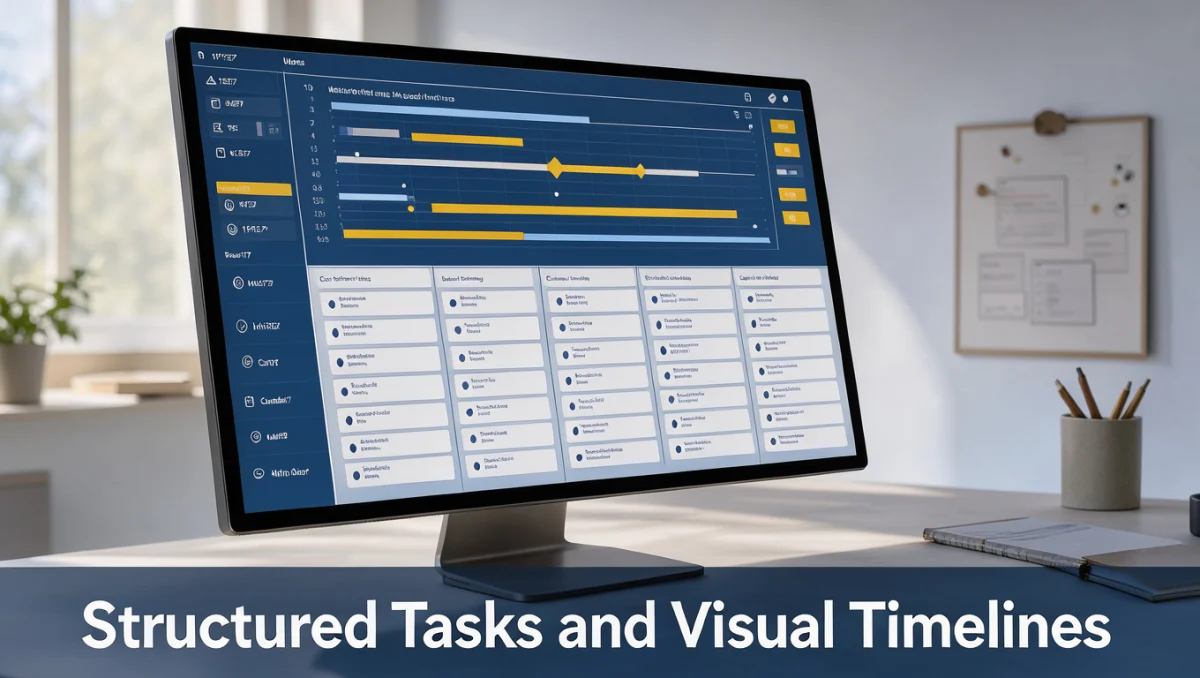
Project execution depends on consistent coordination across several workflow dimensions. Hive's core capabilities address the full project lifecycle, keeping teams aligned from start to finish.
3.1. Task and Action Management
Task tracking in Hive relies on flexible action cards that hold everything needed to complete a deliverable. Team members can set assignees, due dates, and supporting project documents, and break work into subtasks under parent actions. Checklists inside individual tasks help teams standardize repeatable procedures.
3.2. Multiple Project Layouts
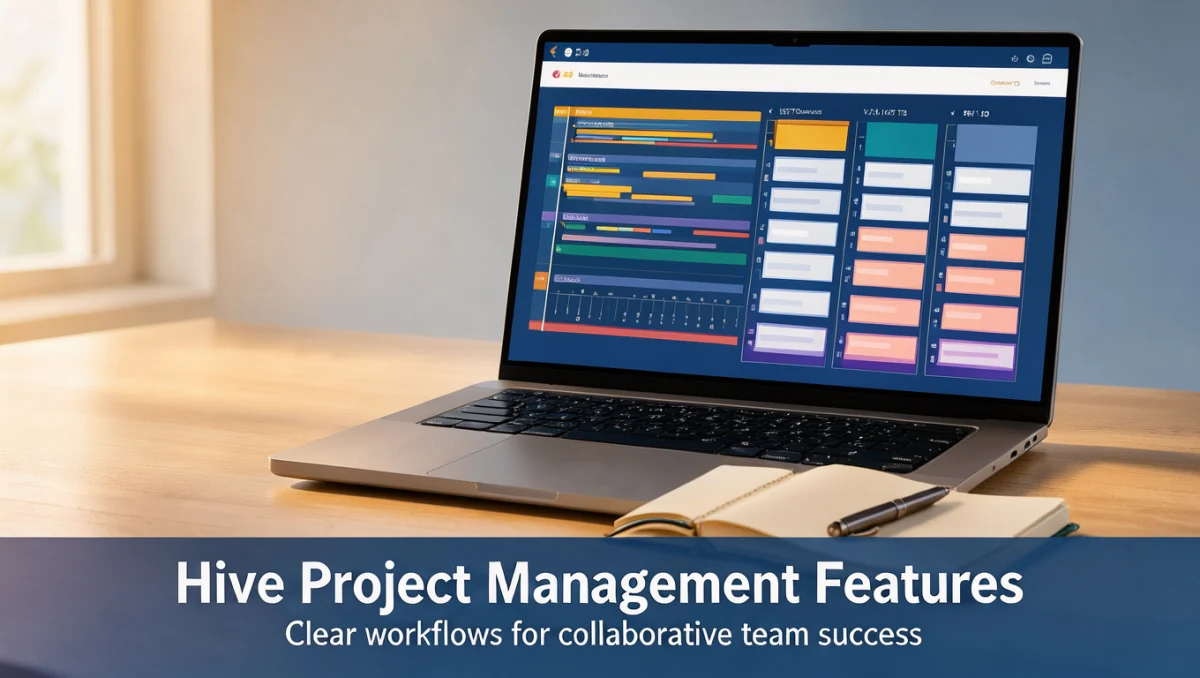
Different team members read project information in different ways. Hive offers several standard views, including Kanban boards, Gantt charts, structured tables, and calendar layouts. Switching views keeps the underlying data intact, so project leads can inspect critical paths while individual contributors focus on their own cards.
3.3. Collaboration and Centralized Messaging
Internal communication sits alongside task execution. Action cards support threaded discussions, which removes the need to dig through external channels for project updates. Teams can keep conversations tied to specific milestones, so historical context stays attached to the relevant deliverable.
3.4. Time Oversight and Resource Planning
Monitoring effort across active client work or internal programs requires accurate time awareness. Hive includes time tracking and scheduling tools that let team members log hours against assignments. Managers can assess project health, spot delivery bottlenecks early, and balance workloads across staff.
4. Ease of Use and Learning Curve
Usability often determines whether a software rollout succeeds or meets resistance. Hive offers an approachable interface that balances functional depth with intuitive navigation.
Onboarding typically goes smoothly for teams familiar with digital task boards. Navigating project folders, creating assignments, and updating task statuses follow conventions most modern software users already know. Because switching layouts is straightforward, individual contributors can quickly set up their workspace in whatever visual style suits them.
Advanced capabilities such as automated workflow triggers or detailed dependency structures require deliberate administrative setup. Teams moving from basic task lists should appoint an internal administrator to set workspace conventions and walk colleagues through initial configuration.
5. Pros and Cons of Hive
Weighing operational strengths against structural tradeoffs helps buyers decide whether the software matches their working rhythm.
5.1. Key Advantages
- Multiple project views let staff move between Gantt timelines, Kanban boards, and structured task tables.
- Threaded conversations within action items keep project communication linked to execution steps.
- Built-in time logging helps organizations gauge project effort without a separate third-party tool.
- Reusable template structures let departments replicate standard project setups quickly.
5.2. Practical Tradeoffs
- Configuring detailed project dependencies across large enterprise portfolios takes deliberate setup and governance.
- Notification volume can climb quickly during active sprints, so users may need to adjust their alert preferences.
- Pricing varies across service tiers, so confirm exact seat costs on the official Hive pricing page.
6. Hive vs Similar Tools
Understanding how Hive is positioned helps evaluators match team requirements with the right alternatives.
| Software Tool | Target User Profile | Primary Structural Focus | When to Consider |
|---|---|---|---|
| Hive | Collaborative agencies, marketing groups, and cross-functional teams | Unified action tracking with built-in communications and visual timelines | When your team needs both project scheduling and internal messaging in one hub |
| Asana | Enterprise teams and structured operations seeking detailed workflow rules | Systematic task coordination and cross-departmental portfolio management | When managing deep multi-tiered operational hierarchies across enterprise groups |
| Monday.com | Organizations wanting colorful, highly customizable visual operational boards | Flexible operational building blocks and visual status dashboards | When teams prioritize highly customized spreadsheet-style workflows across departments |
| ClickUp | Teams seeking extensive feature density and deep granular customization | All-in-one workspace customization with detailed task parameters | When an organization wants granular configuration for complex setups |
| Trello | Small teams and solo operators preferring visual Kanban simplicity | Card-based task management with minimal structural complexity | When projects need straightforward stage progression without complex dependencies |
Buyers should compare these options based on organizational complexity. Trello emphasizes visual simplicity, while Hive offers deeper coordination suited to multi-stage initiatives in growing companies.
7. Who Should Use Hive

Fit depends heavily on operational volume, team size, and collaboration style.
7.1. Freelancers and Independent Consultants
Independent professionals managing several client accounts can use Hive to structure engagements and track billable time. Solo operators with simple delivery checklists, however, may find a lighter visual board more economical.
7.2. Small Business Owners
Growing businesses benefit from standardizing deliverables in shared project workspaces. Hive gives owners visibility into customer orders, internal improvements, and deadlines across staff.
7.3. Marketing and Creative Teams
Marketing departments juggle design drafts, campaign launches, and content calendars at once. Hive helps these groups manage revisions, track copy deliverables, and view publishing schedules on interactive calendars.
7.4. Corporate Office Departments
Administrative and operational units coordinate cross-departmental programs using timeline views. Hive lets managers assign accountability, track milestones, and present high-level status updates to leadership.
7.5. Academic and Student Groups
Student project teams can coordinate group research using shared boards and file attachments. Academic users should check whether institutional access options exist before committing department budgets.
8. How to Choose the Right Plan
Software providers adjust plan configurations periodically. Before buying, check the official Hive website against the following list.
| What to Check on the Official Pricing Page | Why It Matters |
|---|---|
| Seat Minimums and Tier Thresholds | Many providers enforce minimum user seat counts on advanced plans, which directly affects your baseline monthly software budget. |
| Access to Advanced Project Views | Gantt charts, portfolio rollups, or custom calendars may sit behind specific tiers, so confirm which views the base subscription includes. |
| Storage and File Attachment Limits | Creative agencies sharing high-resolution design files must ensure storage capacity meets ongoing project needs. |
| Time Tracking and Resource Capabilities | Verifying whether time logs and team scheduling are bundled or require add-on fees prevents unexpected charges. |
| External Guest and Client Permissions | If you regularly share project boards with outside partners, check whether guest collaborators count against paid licenses. |
9. Frequently Asked Questions
How should teams prepare their workflow before adopting project management software?
Document existing processes before configuring digital boards. Identifying standard project stages, approval checkpoints, and task ownership conventions lets workspace setup proceed smoothly without confusing staff.
What factors influence the total cost of ownership for collaboration platforms?
Total cost includes subscription fees, necessary add-on modules, external contractor seats, and administrative setup time. Reviewing licensing rules on the official vendor website helps organizations estimate annual costs accurately.
When should an organization upgrade from basic task lists to a comprehensive project platform?
An upgrade becomes necessary when multiple people coordinate interdependent tasks against shared deadlines. If missed handoffs, communication gaps, or lost documents disrupt client delivery, structured project management software can resolve the confusion.
How can managers keep project boards accurate and up to date?
Set clear rules for task ownership, due date adherence, and status updates. Recurring review sessions help ensure team boards reflect what is actually happening across active initiatives.
10. Final Verdict
Hive provides a capable workspace for collaborative teams that need integrated messaging, flexible project views, and reliable delivery tracking. Its balance of usability and operational depth makes it a strong option for creative agencies, marketing teams, and cross-functional corporate departments.
| Criterion | Score /10 | Reason |
|---|---|---|
| Features | 8.5/10 | Flexible action cards, multiple project views, and built-in messaging effectively support cross-functional requirements. |
| Ease of Use | 8.0/10 | Intuitive board layouts and modern navigation let teams transition to the platform without heavy training. |
| Pricing and Value | 7.5/10 | Buyers should verify seat minimums and feature distribution on the official Hive pricing page to judge overall value. |
| Integrations | 7.5/10 | Organizations should confirm compatibility with their existing software stack through the official integration marketplace. |
| Audience Fit | 8.5/10 | Well suited to marketing departments, agencies, and cross-functional project teams managing shared deadlines. |
| Support | 7.0/10 | Support options and service levels vary across tiers, so buyers should confirm help channels before purchase. |
| Competitive Position | 8.0/10 | Holds a dependable place among established project tools by blending communication and task scheduling smoothly. |
Overall topappreviewsites Score: 7.9/10
For teams that want one adaptable workspace combining task tracking with centralized communication, Hive is a well-rounded choice. Review your team size, verify plan details directly on the official Hive website, and confirm the feature set matches your workflow before purchasing.
Have questions about choosing the right project management platform? Send your inquiries to the editorial team through https://topappreviewsites.com/contact/ or follow topappreviewsites on LinkedIn at https://www.linkedin.com/company/topappreviewsites/.
See More Collaboration & Productivity · Top App Review Sites