Visual schedule tools help teams see when work starts, how long it runs, and how handoffs connect. Many buyers look for a monday com gantt chart when they want that clarity inside a shared work management space rather than a separate scheduling tool. This guide walks through the platform's strengths, tradeoffs, and buying considerations so project leaders can decide with confidence. Our assessment at Top App Review Sites focuses on operational clarity, setup effort, and purchasing value.
Work management platforms serve everyone from creative agencies to engineering squads. The right timeline view depends on project complexity, how comfortable your team is with structured frameworks, and the planning demands of each department.
Quick verdict: The overall score is 7.8/10. Timeline tracking in monday.com suits cross-functional groups that want clear scheduling views alongside customizable status columns. It is less suited to teams that need deep critical path calculations or manual baseline variance analysis without adjusting their workflows.
| Metric | Summary |
|---|---|
| Top App Review Sites score | 7.8/10 |
| Best for | Cross-functional project teams that want intuitive schedule visualization alongside structured task boards |
| Not ideal for | Organizations that need traditional project management tools with automated baseline tracking |
| Key strengths | Visual milestone tracking, direct task relationship mapping, flexible status boards, collaborative schedule updates |
| What to check before buying | Review the official plan comparison page to confirm which subscription tier includes Gantt views and timeline dependencies |
1. How Top App Review Sites Reviewed monday.com
This review examines what monday.com is built to do, who it serves, and how it compares with similar tools. We applied seven criteria: features, ease of use, pricing and value, integrations, audience fit, support, and competitive position. Plans, prices, and limits change frequently, so we note what to confirm on the official website before buying. This article was researched and drafted with AI tools, then reviewed and edited by the Top App Review Sites Editorial Team.
2. What Is monday.com and Who Is It For?
The platform is a multi-purpose work management system built to structure workflows, coordinate people, and track business operations across varied teams. Within the wider collaboration and productivity space, it keeps project deadlines coordinated while giving ongoing assignments high visual transparency.
Organizations use this category of software to centralize conversations, attach files to specific assignments, and replace scattered spreadsheets with shared interactive workspaces. The Gantt chart view turns standard board items into chronological bars, showing when assignments start, how long they are expected to run, and how handoffs connect across the calendar.
Teams that benefit most include project managers running several campaigns at once, marketing teams coordinating deliverables, operations supervisors organizing events, and product squads tracking delivery phases. Visual boards let non-technical staff work with chronological schedules without steep technical barriers.
3. Core Features of monday.com Gantt Charts
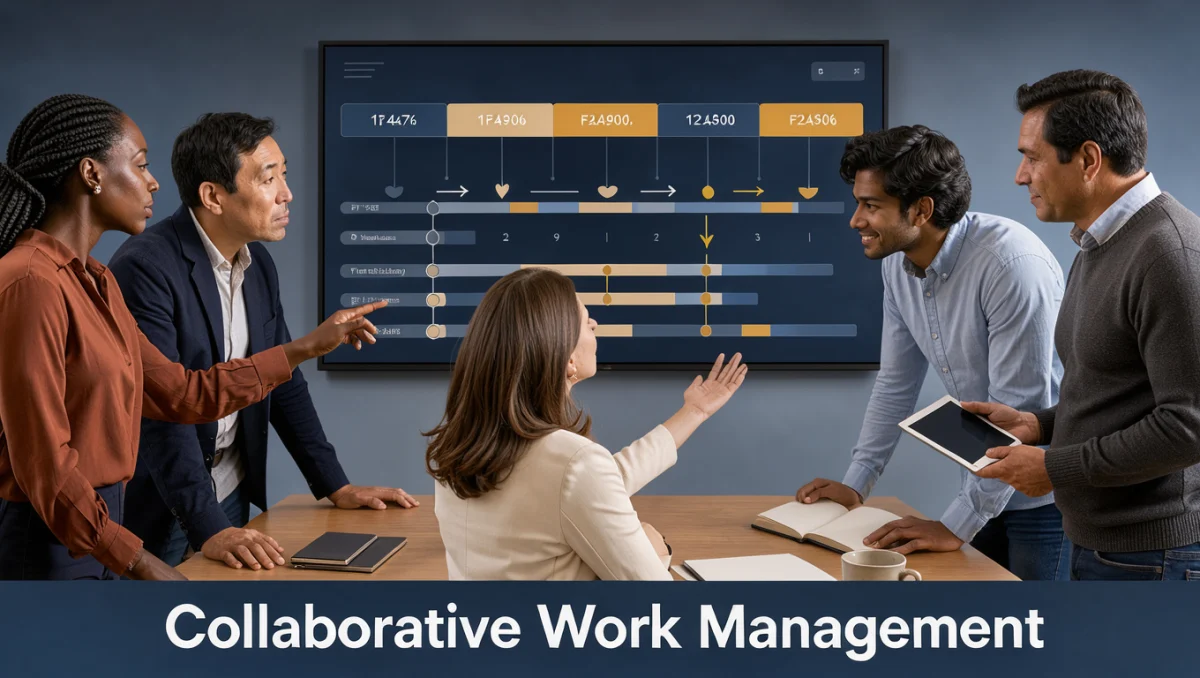
Visual planning tools must turn tabular tasks into chronological charts that support team coordination. The platform provides several core capability groups for visual project management.
3.1. Visual Timeline Mapping and Scheduling
Timeline mapping lets project organizers plot assignments across calendar views spanning days, weeks, months, or quarters. Teams adjust timeframes by dragging date boundaries, and updates appear across the entire team schedule immediately. Visual milestones highlight significant delivery checkpoints so contributors can spot major deadlines at a glance.
3.2. Dependency Management and Sequential Handoffs
Sequential task tracking connects prerequisite tasks to dependent downstream activities. When an upstream delivery date shifts, dependent items can adjust automatically or notify owners of potential schedule conflicts. This reduces miscommunication about when individual contributors can realistically begin their work.
3.3. Resource Workload Balancing
Resource visualization compares schedule commitments against each team member's capacity. Project managers can see who carries excessive workloads across active sprints or quarters and reassign work directly from the timeline view to prevent burnout. Clear capacity overviews help keep delivery pace balanced across long initiatives.
3.4. Progress Indicators and Status Integration
Every timeline element stays connected to its parent board, reflecting live percentage completion, priority status, and responsible owners. Updating an item in a table updates the matching Gantt bar immediately, preserving data integrity across visualization modes without duplicate data entry.
4. Ease of Use and Learning Curve
Setting up visual project schedules in modern collaboration software generally feels smoother than in legacy engineering tools. The platform relies on clean color-coded layouts, drag-and-drop elements, and customizable column views that feel familiar to spreadsheet users.
New team members can navigate timelines, filter specific project phases, and check individual responsibilities with minimal onboarding. Because timeline changes reflect instantly across connected boards, teams face few conceptual hurdles when switching between list views and chronological charts.
A steeper learning curve appears when configuring complex multi-project dependencies or defining detailed governance rules across large departmental boards. Organizations adopting advanced automated scheduling across hundreds of interrelated deliverables should establish clear naming standards early to keep the interface readable.
5. Pros and Cons
Understanding both strengths and operational tradeoffs helps prospective buyers judge whether this visual scheduling platform fits their project discipline.
5.1. Advantages
- Intuitive timeline visualization gives non-technical stakeholders immediate schedule transparency.
- A direct link between status tables and Gantt views removes the need to rebuild timelines manually.
- Dependency links adjust downstream task dates when schedules change, preserving sequence logic.
- Color-coded status markers highlight assignment priorities and completion states across projects.
- Flexible filtering lets team members quickly isolate specific owners, phases, or milestone deliveries.
5.2. Limitations
- Traditional planning features such as formal earned value analysis are not standard components.
- Setting up complex cross-board dependencies requires careful governance to avoid visual clutter.
- Advanced timeline configurations and dependency features depend heavily on the chosen subscription tier.
6. monday.com vs Similar Tools
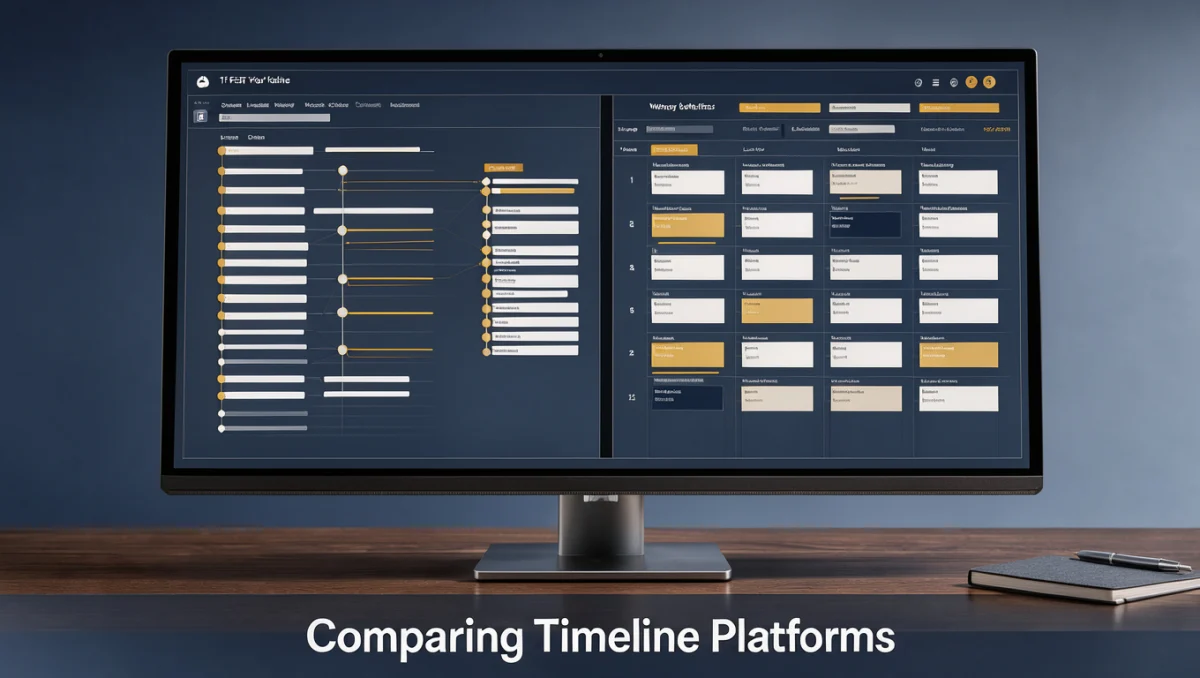
Comparing alternatives in the work management category shows where different tools focus their specialized capabilities.
Asana offers structured project coordination with an emphasis on intuitive task lists, team workloads, and streamlined handoffs. Organizations often weigh Asana when cross-team communication and straightforward project roadmaps are the main requirements.
Smartsheet targets professionals who prefer a spreadsheet-first interface combined with formal project governance. Teams used to complex formulas, traditional project accounting, and sheet-based Gantt modeling often choose Smartsheet for corporate reporting.
ClickUp provides a broad suite of visual views, task tracking options, and customizable workflow templates aimed at agile environments. Teams that prioritize feature density across many productivity tools frequently evaluate ClickUp.
Trello focuses on simple Kanban board management, serving smaller teams that want uncomplicated card movement across stages. Trello offers timeline perspectives, but its core orientation remains lightweight visual stage progression.
Jira centers on software engineering squads working in agile methodologies, with sprint backlogs and technical release cycles. Development organizations that need deep issue tracking and code repository connections often choose Jira over general business workflow tools.
7. Who Should Use monday.com Gantt Charts?
Checking audience fit helps your team choose software that matches existing work habits instead of forcing unnatural changes.
7.1. Marketing and Creative Agencies
Agencies juggling simultaneous campaign launches, content approvals, and client presentations benefit from visual timeline layouts. Teams can show schedule projections to external clients while keeping internal contributors aligned on intermediate asset deliveries.
7.2. Operations and Event Planning Teams
Event planners must track rigid calendar dependencies, such as securing permits before building stages or confirming vendor contracts before marketing pushes. Timeline views highlight critical handoffs and help prevent costly oversights.
7.3. Small Business Owners and Department Heads
Business owners overseeing cross-functional initiatives such as facility expansions or software rollouts gain executive visibility through summary timelines. Department leaders can assess overall schedule velocity without micromanaging daily checklists.
7.4. Solo Freelancers and Micro Teams
Freelancers handling individual projects with low complexity may find a dedicated Gantt environment more elaborate than necessary. Simple task checklists or basic calendar boards often cover solo tracking without administrative overhead.
8. How to Choose the Right Plan
Software providers structure subscription tiers around functional depth, security options, and analytical capabilities. Buyers should compare their core project management needs against the official tier breakdowns.
| What to check on the official pricing page | Why it matters |
|---|---|
| Gantt and timeline view access | Many work management platforms reserve visual timeline or Gantt capabilities for mid-tier subscriptions and above. |
| Dependency automation rules | Automated date shifting based on dependent relationships often varies across subscription levels. |
| Cross-board reporting and dashboard widgets | Combining multiple project timelines into a single portfolio Gantt chart typically requires higher-tier access. |
| Guest collaborator permissions | Sharing visual schedules with external clients or temporary contractors may require specific license types. |
| Resource management capabilities | Workload planning widgets that balance team allocations across timelines frequently sit on advanced plans. |
9. Frequently Asked Questions
9.1. Which Project Types Benefit Most from Visual Gantt Schedules?
Projects with fixed sequence milestones, client delivery deadlines, and coordinated team handoffs benefit most from visual scheduling. Marketing campaigns, product development sprints, and organizational transitions gain structural clarity when plotted chronologically.
9.2. What Should Buyers Check About Dependency Automation?
Buyers should confirm on the official vendor website how dependency automations handle weekends, non-working days, and multi-day schedule shifts. Knowing whether upstream date changes cascade downstream helps teams estimate setup requirements.
9.3. When Is a Simple Kanban Board Better Than a Gantt Timeline?
Teams running continuous intake, customer support queues, or backlog grooming often prefer Kanban boards. When assignments move through distinct stages without strict calendar dependencies, card-based boards provide clearer workflow governance than chronological timelines.
9.4. How Should an Organization Prepare Before Rolling Out Timeline Views?
Teams should agree on naming conventions, set standard task duration estimates, and identify key milestone checkpoints before building timeline boards. Clean source data ensures the visual schedule reflects realistic priorities rather than clutter.
10. Final Verdict on monday.com Gantt Charts
Visual planning capabilities in modern software bridge the gap between complex engineering systems and flexible collaborative boards. The platform provides responsive scheduling visualization that keeps departments aligned as deadlines shift.
| Criterion | Score /10 | Reason |
|---|---|---|
| Features | 8.5 | Provides flexible timeline views, milestone indicators, dependency links, and connected status boards. |
| Ease of Use | 8.0 | Intuitive drag-and-drop adjustments let non-technical team members manage schedules quickly. |
| Pricing and Value | 7.0 | Buyers should verify official tier structures to confirm where dependency tracking and timeline views sit. |
| Integrations | 7.5 | Prospective purchasers should check official documentation to confirm external storage and software links. |
| Audience Fit | 8.5 | Fits cross-functional groups, creative agencies, and operations teams managing multi-step schedules. |
| Support | 7.0 | Users should check current vendor channels and documentation to match their internal service needs. |
| Competitive Position | 8.0 | Offers a visual alternative to spreadsheet-heavy legacy systems and engineering-specific trackers. |
Overall score: 7.8/10
For teams that want transparent schedule coordination without cumbersome setup, monday.com Gantt chart views provide practical project governance. Before committing, visit the official vendor website to verify which subscription level includes the dependency automations, portfolio views, and capacity planning widgets your business needs.
Independent evaluations and buying advice from Top App Review Sites help organizational buyers make better software decisions. Readers can send software questions through the Top App Review Sites contact page or follow the publication on its LinkedIn company page.
See More Collaboration & Productivity