topappreviewsites may earn a commission when you buy through links on this page, at no extra cost to you. This does not affect our ratings.
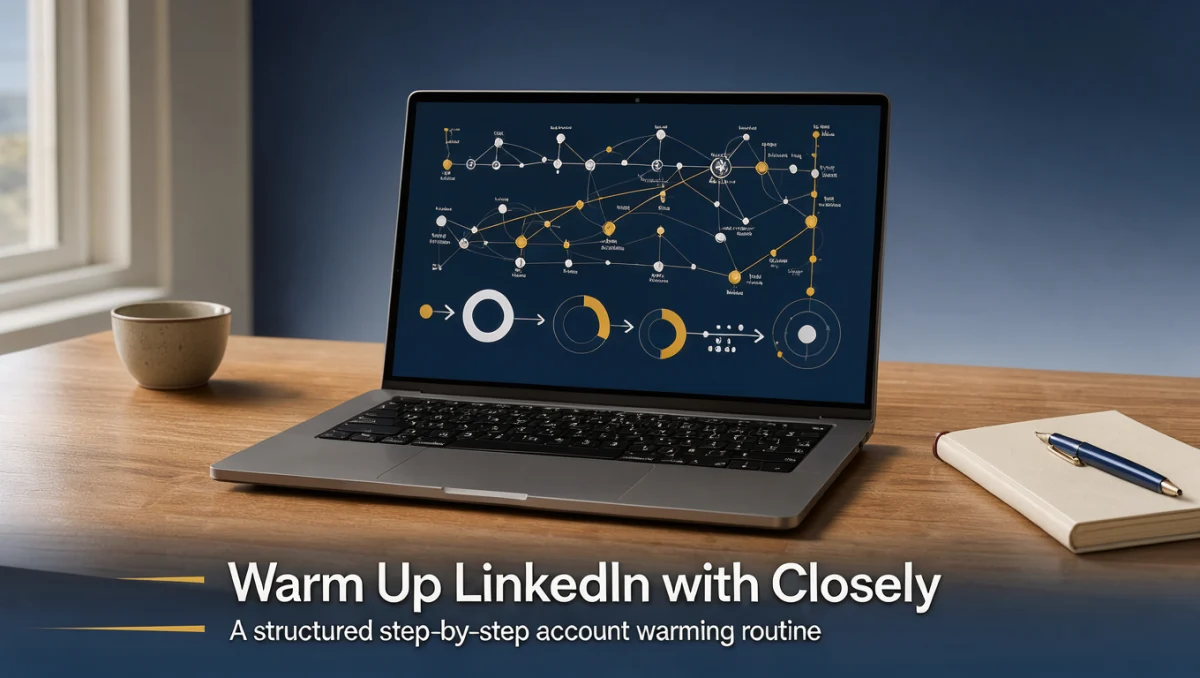
Knowing how to warm up LinkedIn accounts with closely linkedin automation is essential for sales teams, recruiters, and founders who want credible outreach without risking their profiles. Jumping straight into high-volume messaging can trigger LinkedIn's safety checks, so a deliberate ramp-up period is the smarter starting point.
Before any software touches your account, a gradual approach lets LinkedIn's systems learn your normal activity patterns. Shifting from manual engagement to scheduled outreach over several weeks keeps your reputation intact and sets up prospecting that lasts.
Quick answer: Start by building manual activity, connect your profile to Closely with modest daily limits, and increase message volume gradually across about four weeks. This measured progression helps the platform recognize regular behavior before broader campaigns begin.
| Aspect | Details |
|---|---|
| Who this guide is for | Marketers, sales reps, and business owners preparing LinkedIn profiles for automated networking. |
| What you need first | A fully completed LinkedIn profile, secure login credentials, a defined target audience, and active Closely access. |
| What you will have at the end | A mature LinkedIn profile running steady outreach sequences with healthy engagement signals. |
1. How topappreviewsites Built This Guide
This guide pairs the core functions of the software covered here with the topappreviewsites buying framework, helping you choose what suits your business. Pricing, plans, and limits change frequently, so confirm current details on the official website before purchasing. This article was researched and drafted with AI assistance, then reviewed and edited by the topappreviewsites Editorial Team.
2. Preparing Your Profile
Getting your profile ready before activating any automation schedule prevents avoidable account problems. Automation magnifies what already exists on your profile, so gaps in your details lead to lower acceptance rates and closer scrutiny from LinkedIn's systems.
- Fill in every public profile section, including a clear headshot, a detailed summary, and an accurate work history.
- Turn on two-factor authentication to keep sessions stable during automated tasks.
- Grow an initial network by manually connecting with colleagues, past clients, and familiar industry peers.
- Read the official Closely documentation on account pairing and system requirements.
3. Step-by-Step Workflow
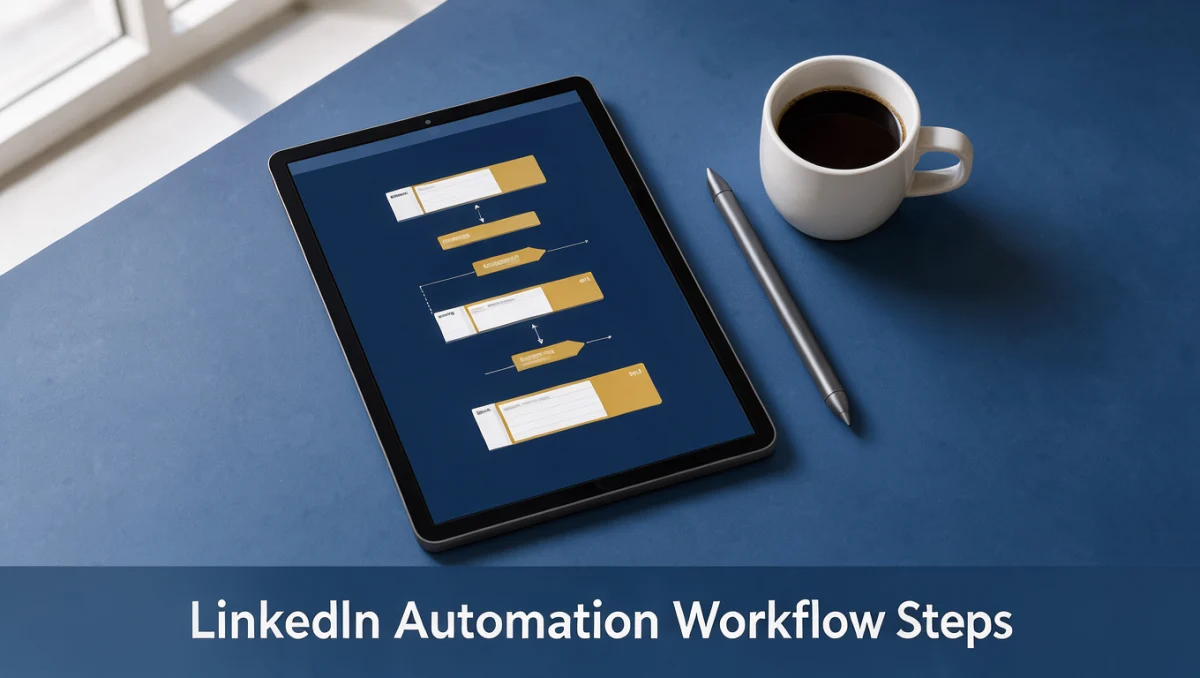
A deliberate warm-up sequence protects your sender reputation while opening genuine conversations with prospects. Following a steady progression lets your account build credibility naturally.
- Check profile readiness: Make sure your headline states who you help and what problems you solve. When prospects view your profile after an automated touchpoint, clarity lifts connection acceptance. Marketers refining their positioning will find that profile quality directly shapes outreach results.
- Establish natural browsing habits: In the first days, engage manually by reading industry posts, leaving thoughtful comments, and sharing relevant articles. These organic actions signal to the platform that a real person is active on the account.
- Connect your profile to Closely: Follow the pairing steps in the official Closely portal to link your profile securely. Check the official Closely website for how session management works so your daily browsing stays in step with background automation.
- Launch modest introductory sequences: Start introductory outreach with conservative daily limits. Learning how to warm up LinkedIn accounts with Closely automation means putting message personalization and a gradual pace ahead of rapid list growth.
- Monitor responses: Track pending invitation ratios and incoming replies every day. If acceptance rates fall, revise your message copy right away, since large pending backlogs can hurt account health across lead generation tools reviewed by Top App Review Sites.
4. Your First 30 Days
A thirty-day ramp plan gives you a clear structure for balancing organic activity with scheduled software tasks. Sticking to small, disciplined increases helps your profile adjust smoothly to a growing outreach routine.
| Week | Routine to build | Why it matters |
|---|---|---|
| Week 1 | Browse feeds manually, post status updates, and send a few connection requests by hand. | Builds a natural human presence and confirms the account works without warnings. |
| Week 2 | Connect the account to Closely, run profile-view actions, and keep invitations minimal. | Gets platform detection systems used to automated background visits without heavy outbound messaging. |
| Week 3 | Start automated connection sequences with tailored notes while continuing manual feed comments. | Tests audience response and produces early outbound acceptance data safely. |
| Week 4 | Add multi-step follow-ups for accepted contacts and review pending invitations. | Turns the profile into an active prospecting engine without exceeding recommended limits. |
5. Common Mistakes and How to Avoid Them
Skipping basic precautions during setup often creates operational friction. Knowing the typical missteps helps your prospecting produce steady business conversations.
- Increasing sending volume too fast in the first week, which signals inorganic activity to platform monitors.
- Leaving old, ignored connection requests unwithdrawn, which builds a backlog of pending invitations.
- Sending identical, generic invitation copy to every industry instead of tailoring it to specific job functions.
- Ignoring the inbox in real time, leaving warm replies unanswered while automated follow-ups keep going out.
- Running several automation tools on one profile, which creates conflicting session requests and triggers security checks.
6. When to Ask for Help
Recognizing when a problem is beyond quick fixes keeps minor technical issues from disrupting your sales pipeline. In some situations, professional support or vendor guidance is the right move.
- Your profile keeps disconnecting from Closely even though you enter verified credentials.
- You receive platform security challenges or identity verification requests during normal sequences.
- Connection acceptance rates stay low across several audience segments, suggesting a profile alignment problem.
- Your organization needs custom workflow setup or centralized governance for a multi-seat sales development team.
7. Frequently Asked Questions
How long does a proper account warm-up take?
A standard warm-up usually takes three to four weeks of deliberate pacing. That gives LinkedIn's safety systems time to register steady, incremental activity before higher-volume messaging begins.
Why should pending connection requests be withdrawn regularly?
A large pile of unaccepted invitations tells platform algorithms that recipients see your outreach as unsolicited. Withdrawing unaccepted requests every week keeps your invitation-to-acceptance ratio healthy and protects account reliability.
What role does profile completeness play in outreach?
Recipients judge connection requests by looking at the sender's headline, summary, and experience. A complete profile signals professional credibility, which directly supports higher response rates from automated touchpoints.
Should manual activity stop once Closely is running?
Manual activity should continue alongside automation. Liking posts, joining industry discussions, and answering inbound messages by hand creates a natural mix of actions that reflects genuine network participation.
8. Next Steps
A consistent LinkedIn warm-up routine builds a durable base for ongoing business development. Take these practical steps to grow your outreach pipeline responsibly.
- Review your profile thoroughly to make sure your headline and summary reflect your main value proposition.
- Check the official Closely knowledge base for current setup procedures and system guidelines.
- Map out your thirty-day outreach schedule using conservative volume increases.
- Draft segmented message sequences tailored to the pain points of your target audience.
Have a question about choosing software? Send it to the topappreviewsites team through our contact page, or follow topappreviewsites on LinkedIn for new reviews and comparisons. You can also explore more guides in our Marketing category.