Top App Review Sites may earn a commission when you buy through links on this page, at no extra cost to you. This does not affect our ratings.
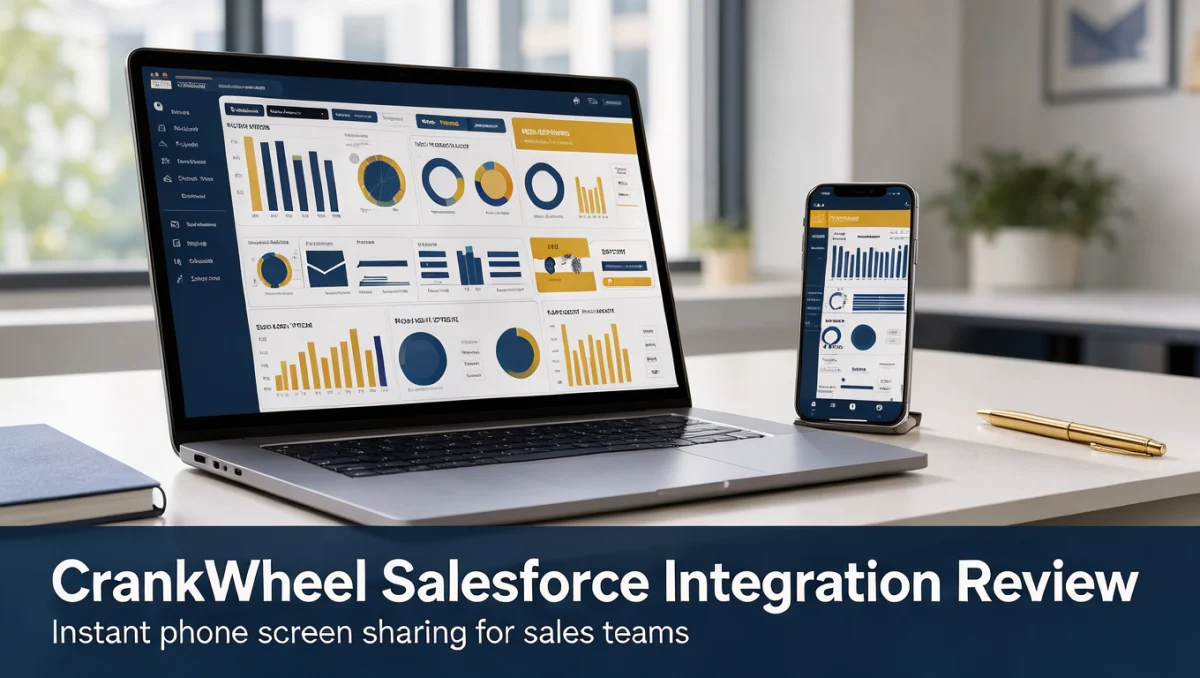
The crankwheel salesforce integration brings browser-based visual sharing directly into contact records, so sales representatives can walk prospects through presentations while staying on the phone. Here we test how this screen sharing tool connects spoken conversations with visual demonstrations inside a customer relationship workflow.
Sales teams working inside CRM systems often lose prospects when a demo requires a software download. CrankWheel removes that hurdle by sending an instant viewing link by text message or email during an active call, keeping the conversation moving without technical delays.
Quick verdict: With an overall score of 7.8/10 from Top App Review Sites, this solution suits sales professionals who need immediate visual sharing during phone calls with prospects. It is less suited to organizations that require large webinar hosting or extensive collaborative document editing.
| Metric | Evaluation |
|---|---|
| Top App Review Sites score | 7.8/10 |
| Best for | Inside sales agents who make outbound calls and need instant visual demonstrations |
| Not ideal for | Organizations looking for large-group video conferencing or internal collaborative project spaces |
| Key strengths | Immediate screen sharing without client downloads and direct CRM activity logging |
| What to check before buying | CRM edition compatibility and administrative user setup on the official CrankWheel website |
1. How Top App Review Sites Reviewed CrankWheel
This review examines what CrankWheel is designed to do, who it serves, and how it stacks up against similar tools. We applied seven criteria: features, ease of use, pricing and value, integrations, audience fit, support and competitive position. Plans, prices and limits change often, so we flag what you should confirm on the official website before buying. This article was researched and drafted with the help of AI tools, then reviewed and edited by the Top App Review Sites Editorial Team.
2. What CrankWheel Is and Who It Is For
CrankWheel is a specialized screen sharing application built to help sales representatives show visual content to prospects during live phone calls. Its core purpose is instant visual connection, with no need for viewers to install apps, create accounts, or navigate complicated meeting room settings.
Modern sales engagement within collaboration and productivity tools depends heavily on closing the gap between a spoken pitch and visual confirmation. Inside sales teams, insurance agents, automotive representatives and software sellers use CrankWheel to present proposals, contracts, product interfaces and slides while staying on ordinary telephone lines.
3. Core Features of CrankWheel

3.1. Zero-Installation Prospect Viewing
Prospects join a viewing session by opening a link delivered by text message or email. The viewing experience runs directly in standard browsers on phones, tablets or desktop computers, so agents avoid the drop-off common with conventional conference software.
3.2. Browser and Window Projection Control
The host decides exactly what appears on screen by selecting individual browser tabs, program windows or entire monitors. This prevents accidental disclosure of internal notes, personal notifications or confidential client records during live demonstrations.
3.3. CRM Activity and Session Recording
Connecting the screen sharing engine to Salesforce lets sales organizations track engagement automatically against leads, contacts and opportunities. Activity logging records session occurrences, viewing durations and participant engagement within the prospect timeline for managerial review.
4. Ease of Use and Learning Curve
CrankWheel is built for fast startup from a representative's workstation. Presenters begin a session with minimal clicks and generate a dynamic link that can be sent immediately while the agent is still speaking with the customer.
For the viewing prospect, ease of use is exceptionally high because no installation or permission setup is needed on mobile or desktop devices. Administrators configuring enterprise CRM connectivity should verify the required permission sets and connector installation steps on the official CrankWheel documentation portal before rolling out access across a large sales floor.
5. Pros and Cons of CrankWheel
5.1. Advantages
- Instant visual display removes technical friction for prospects during outbound phone discussions.
- Compatibility across mobile devices and desktop computers means prospects can view proposals from anywhere.
- Direct logging within CRM records keeps sales histories synchronized across departments.
- Presenter privacy controls let reps share specific windows without exposing their full desktop.
5.2. Limitations and Mitigation Strategies
- There is no native voice over internet protocol conferencing, so teams must rely on standard phone lines or separate telephony infrastructure.
- The focus on one-way presentation display means teams seeking reciprocal interactive collaboration should evaluate dedicated meeting platforms.
- CRM connector availability depends on specific service tiers, which teams should verify on the official CrankWheel pricing page before deployment.
6. CrankWheel vs Similar Tools
Understanding competitive positioning helps buyers match software capabilities to their exact sales workflow.
Zoom offers broad video conferencing and collaborative webinar infrastructure for scheduled meetings with multiple participants. CrankWheel, by contrast, targets impromptu, one-on-one presentations during active phone discussions, where software downloads would otherwise be a conversion barrier.
GoToMeeting and Cisco Webex provide traditional online meeting spaces built around corporate collaboration and scheduled discussions. CrankWheel emphasizes instant accessibility for sales prospecting, prioritizing zero-friction viewing over multi-party collaboration features.
Loom focuses on asynchronous video messaging and recorded screen captures sent by email or chat. CrankWheel specializes in synchronous, real-time visual presentations guided live by a sales representative on the telephone.
7. Who Should Use CrankWheel

7.1. Outbound Phone Sales Teams
Representatives who call prospective clients can turn a phone conversation into a live visual walkthrough the moment interest is established.
7.2. Financial and Insurance Advisors
Advisors reviewing complex policy terms or financial schedules can walk clients through detailed documents without asking less tech-savvy clients to configure software.
7.3. Field and Showroom Agents
Professionals who need to send quick visual specifications or inventory overviews to clients on mobile devices can display that information immediately.
7.4. Teams That Should Look Elsewhere
Organizations seeking multi-user collaborative virtual classrooms, internal brainstorming whiteboards or scheduled enterprise-wide video town halls should consider traditional video conferencing suites instead.
8. How to Choose the Right Plan
Subscription structures for communication software vary with administrative requirements, seat counts and connector capabilities. Review the checklist below before committing company resources.
| What to check on the official site | Why it matters for your team |
|---|---|
| CRM integration availability | Certain connectors and automatic activity synchronization are tied to specific subscription tiers. |
| Monthly presentation session limits | High-volume call centers need generous session allowances to avoid operational disruption. |
| Administrative user controls | Centralized user management and audit logging requirements vary across business sizes. |
| Custom branding options | Adding corporate identity elements to viewing links builds credibility during cold calls. |
9. Frequently Asked Questions
9.1. How should teams prepare their CRM setup before installing this software?
Sales leadership should audit user permissions, custom field configurations and activity tracking workflows in Salesforce. Confirming administrative credentials and object mapping requirements in the official CrankWheel knowledge base ensures a smooth rollout across rep accounts.
9.2. What network conditions are needed for reliable presentations?
Presenters need stable internet connections capable of steady outbound streaming to prevent lag. Buyers should check the official documentation for recommended bandwidth settings, especially when running a large call center from a single facility.
9.3. Why does zero-installation viewing matter for conversion rates?
Requiring prospects to download applications during an unexpected sales call creates technical barriers and skepticism. An immediate browser link preserves attention and lets representatives explain visual proposals while rapport is still high.
9.4. What should buyers budget for beyond the software subscription?
Organizations should account for telephony costs, CRM user licensing and sales representative onboarding time. Consulting internal operations teams about phone service rates and CRM edition compatibility gives a clear view of total operating expenses.
10. Final Verdict on the CrankWheel Salesforce Integration
The CrankWheel Salesforce integration solves a specific sales problem by enabling instant, browser-based visual sharing during live telephone conversations. By recording session events back into CRM records, sales teams keep pipeline visibility while keeping technical friction low for prospective buyers.
| Criterion | Score /10 | Reason |
|---|---|---|
| Features | 7.8/10 | Offers focused presentation capabilities tailored to outbound phone sales without unnecessary complexity. |
| Ease of Use | 8.8/10 | Exceptionally easy for viewers, who join instantly through browser links without downloading software. |
| Pricing and Value | 7.2/10 | Buyers should verify tier distinctions and seat allowances on the official CrankWheel pricing page to judge value. |
| Integrations | 7.5/10 | Connects sales sessions directly to CRM records, though edition prerequisites should be confirmed independently. |
| Audience Fit | 8.5/10 | Outstanding alignment for inside sales representatives giving telephone demonstrations to prospects. |
| Support | 7.0/10 | Users should check available assistance channels and service hours on the official vendor website. |
| Competitive Position | 7.6/10 | Occupies a clear niche between asynchronous screen recorders and heavy enterprise conferencing systems. |
Overall score: 7.8/10
For questions or detailed evaluations, contact the editorial staff at topappreviewsites.com/contact/ or connect with Top App Review Sites on LinkedIn.
See More Collaboration & Productivity