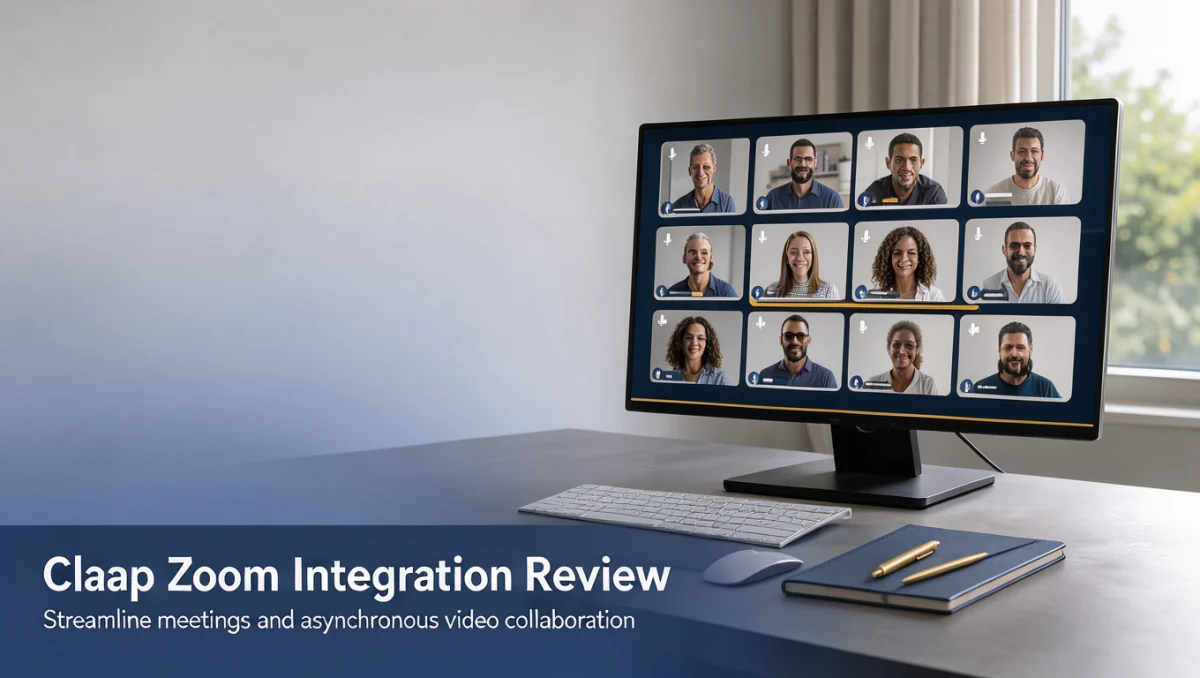
Remote teams often feel buried under calendar invites. Live video conferencing captures conversations well, but once a call ends, decisions, follow-ups and context tend to scatter across chats and inboxes. This review examines how the claap zoom integration brings recorded calls and asynchronous video collaboration into one place, so teams can document decisions without forcing every member onto every call.
topappreviewsites may earn a commission when you buy through links on this page, at no extra cost to you. This does not affect our ratings.
How We Evaluated Claap
We assessed Claap against seven criteria: features, ease of use, pricing and value, integrations, audience fit, support and competitive position. Plans, prices and limits change frequently, so confirm current details on the official website before purchasing. This article was researched and drafted with AI assistance, then reviewed and edited by the topappreviewsites Editorial Team.
What Claap Does and Who Benefits
Claap is a video collaboration workspace built for asynchronous video messaging, meeting recording management and structured team feedback. It places screen recordings, presentations and meeting archives beside time-stamped comments and searchable notes, giving teams a shared environment rather than a folder of loose files.
Reducing Meeting Fatigue
Distributed companies lose hours to synchronous updates that could have been a short video. Claap pairs quick asynchronous clips with automatic ingestion of scheduled calls, so colleagues can review past discussions or record a walkthrough on their own schedule.
Core Audiences and Use Cases
The platform suits cross-functional product teams, engineering squads, design reviewers, customer success specialists and project coordinators. It is useful wherever contextual visual feedback on mockups, code reviews or product demos is needed without waiting for calendars to align across time zones.
Core Features of the Connected Workflow
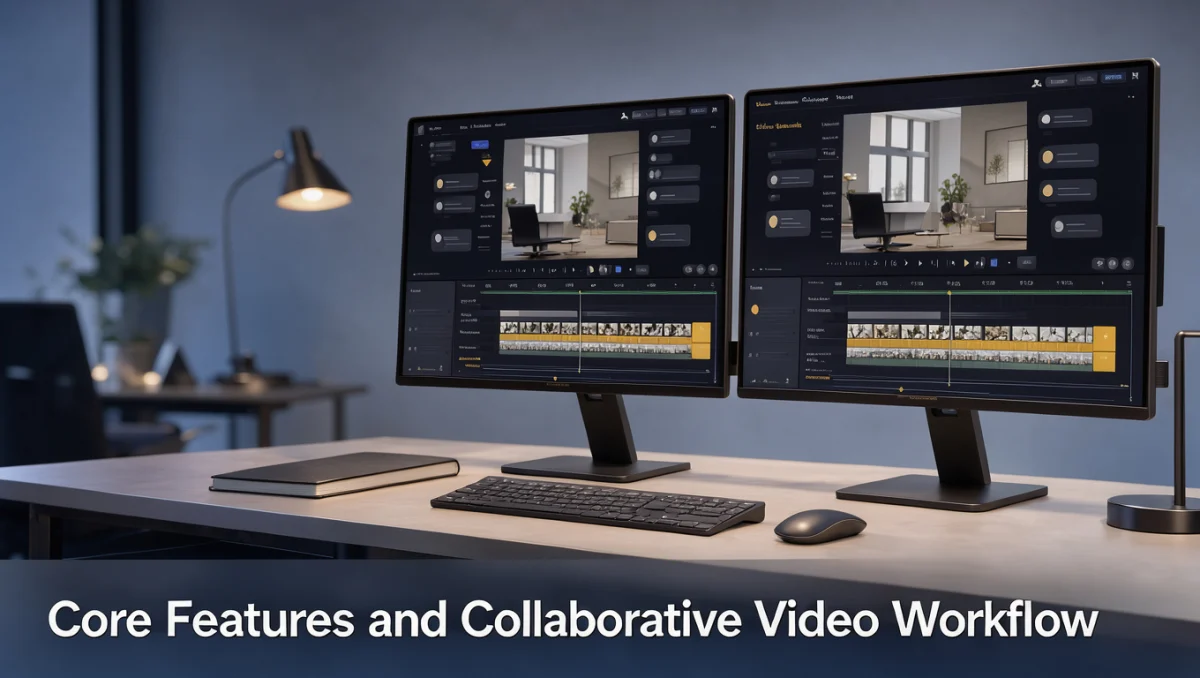
Connected video tools succeed or fail on how smoothly recordings move from live capture into a collaborative workspace. Three functional areas matter most.
Meeting Ingestion and Archiving
Live conferencing records conversations as they happen, while the video hub organizes those files for later discovery. Once a call ends, recordings appear in designated team channels, where attendees and non-attendees alike can review transcripts, chapters and key takeaways.
Asynchronous Feedback and Timestamps
Passive video players offer little beyond playback. Claap lets viewers attach comments to specific timestamps, annotate frames, highlight interface elements and reply to colleagues without scheduling another live call.
Searchable Knowledge Base
Recording every daily call can produce an unmanageable pile of files. Organizing recordings into workspaces, tags and projects lets team members search spoken content and retrieve project context weeks later.
Ease of Use and Learning Curve
New collaboration software only delivers value if people adopt it, and adoption depends on how quickly staff can find recordings and join comment threads without formal training.
Workspace Organization
Channel-based and folder-based structures resemble familiar team messaging tools. Locating recent recordings or browsing project updates is straightforward, which makes the platform approachable for staff who rarely touch media software.
Sharing with External Guests
Sharing recordings or screen captures with clients and contractors should involve little friction. External viewers can open shared links in a browser and leave time-stamped feedback without lengthy setup.
Pros and Cons of Connected Video Collaboration
Weighing advantages against practical limits helps buyers decide whether this workflow matches their communication standards.
Advantages
- Reduces recurring status meetings by turning live discussions into documented, shareable references.
- Lets remote colleagues in different time zones give feedback at specific video timestamps.
- Consolidates customer interviews, product reviews and team updates into one organized visual library.
- Helps new hires understand past architectural and strategic decisions in context.
Limitations and How to Manage Them
- Archives become cluttered quickly unless administrators set naming standards and folder hierarchies from the start.
- Storage limits and retention rules differ by subscription level, so confirm current policies on the official Claap pricing page.
- Teams must actively manage participant consent so external guests know when conversations are stored in a shared workspace.
Claap Compared with Similar Platforms
Choosing collaboration software means understanding where Claap sits relative to other video recording solutions.
| Platform | Core Focus | Best Suited For | Key Consideration |
|---|---|---|---|
| Claap | Collaborative video workspaces and asynchronous feedback | Product, design and tech teams wanting unified meeting libraries | Verify seat management structures for cross-department rollouts |
| Loom | Quick individual screen and camera recording | Solo contributors and teams needing rapid one-off screen shares | Examine commenting depth if you need a full team hub |
| Grain | Customer interview and sales call highlight clips | User research and revenue teams summarizing customer calls | Check whether general team screen recording is also required |
| Fathom | Automated meeting notes and call summaries | Individuals wanting personal call documentation | Confirm team-wide collaboration and video messaging capabilities |
Quick Capture Versus Team Collaboration
Screen-capture tools prioritize speed over discussion. Collaborative video hubs center on structured channels, making them stronger for organizations building an institutional video knowledge base.
Customer Calls Versus Internal Updates
Some recorders focus on sales calls and user research. Teams should decide whether they need a system tailored to client revenue operations or a broader workspace that handles internal updates alongside customer conversations.
Who Should Use Claap for Meeting Workflows?
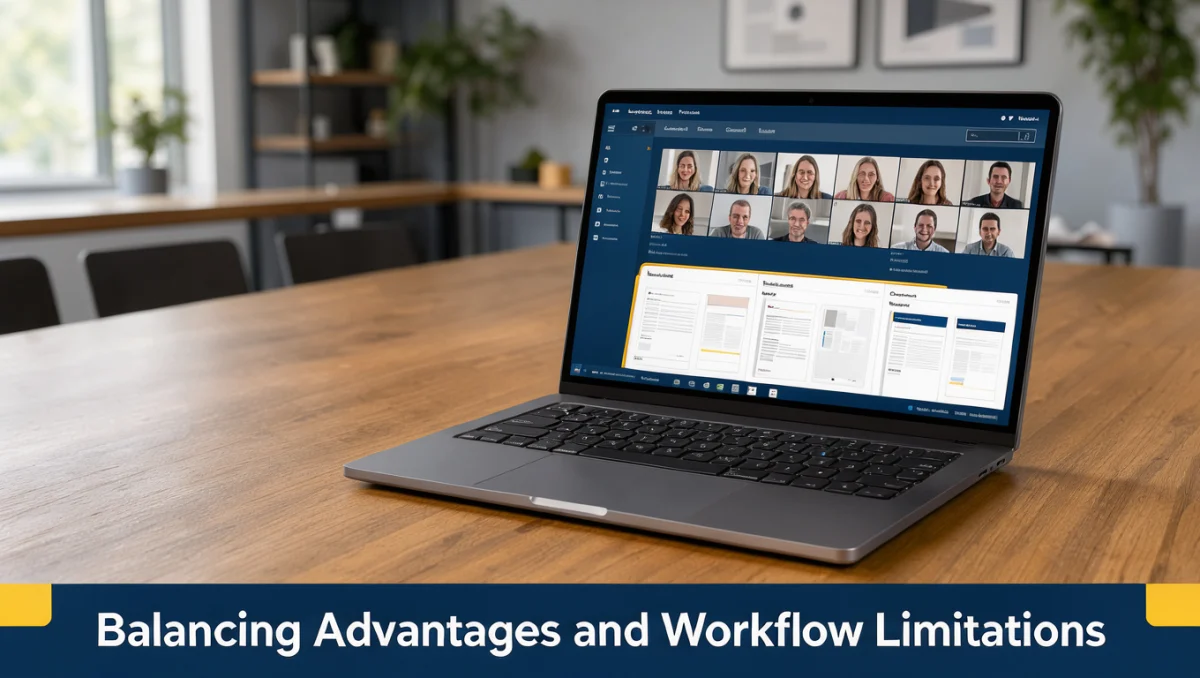
Different organizations gain different benefits from pairing live calls with an asynchronous workspace.
Freelancers and Consultants
Independent professionals often present deliverables to clients who cannot attend live walkthroughs. Recorded presentations and linked call summaries let solo operators keep client communication professional without constant calendar coordination.
Small Businesses and Agencies
Creative and technical agencies juggle many client projects at once. Centralizing walkthroughs and client meetings keeps scope decisions from disappearing into chat threads or buried emails.
Product Managers and Technology Marketers
Teams building digital products increasingly evaluate Artificial Intelligence software to streamline production and communication. Asynchronous video hubs let product leaders gather structured feedback on releases from remote engineering and marketing colleagues.
Corporate Teams and Students
Large enterprises must watch administrative permissions and data governance across departments. Student study groups can also use video archives to revisit shared presentations, as long as every participant has workspace access.
How to Choose the Right Plan
Subscription pricing for collaborative video software usually scales with participant numbers, video history and administrative controls. Review requirements carefully before committing budget.
| What to Check on the Official Website | Why It Matters | Recommended Buyer Action |
|---|---|---|
| Recording duration and retention rules | Some tiers archive or delete older recordings after set intervals | Confirm exact retention windows on the official Claap pricing page |
| User seat definitions and viewer permissions | Some tools charge for every member while offering free view-only guest access | Audit team counts and check how external collaborators are billed |
| Meeting import automation settings | Automated uploads from conferencing platforms save considerable manual work | Verify administrator setup requirements in official support documentation |
| Transcription and language support | International teams need accurate transcription across languages | Review supported workspace languages before choosing a tier |
Budgeting Beyond Base Seat Fees
Total cost of ownership should include add-on services, transcription allowances and administrative seat upgrades. Buyers who want structured evaluation checklists before finalizing software investments can consult Top App Review Sites for guidance.
Matching Storage to Team Size
Video consumes substantial cloud storage. Many vendors restrict historical access on lower tiers, so teams expecting years of archives should clarify storage terms in advance.
Frequently Asked Questions
What should teams check about participant privacy before enabling meeting imports?
Establish clear internal notification policies and review recording consent requirements in your jurisdiction. Confirm how participant notifications appear and whether guest recording disclaimers can be configured in workspace settings.
Do teams need an asynchronous video hub or a basic screen recorder?
Assess whether the main goal is individual screen capture or multi-user project collaboration. If you need organized channels, collaborative timestamped feedback and a centralized meeting repository, an asynchronous workspace is the better fit.
What factors drive the overall cost of video collaboration tools?
Total spend usually depends on seat classifications, governance controls and archive retention windows. Checking whether guest commenters require paid seats helps avoid unexpected billing changes.
Should managers consult IT before connecting video workspaces to company tools?
Yes. Involve security or IT administrators whenever a tool stores video discussions. They can verify data sovereignty requirements, access controls and offboarding procedures.
Final Verdict on the Claap Zoom Integration
Pairing live web conferences with a dedicated asynchronous video environment builds a reliable knowledge repository for remote organizations. The workflow turns fleeting meetings into documented assets that teammates can review and annotate on their own schedule.
| Criterion | Score /10 | Reason |
|---|---|---|
| Features | 7.5/10 | Solid asynchronous commenting, timestamped notes and channel organization |
| Ease of Use | 8.5/10 | Intuitive folder structure and clean playback minimize training |
| Pricing and Value | 7.0/10 | Verify seat and archive limits on the official site to calculate exact value |
| Integrations | 7.5/10 | Connects live conference recordings with asynchronous team channels |
| Audience Fit | 8.0/10 | Highly effective for distributed product, design and client-facing teams |
| Support | 7.0/10 | Check available support channels and documentation on the official website |
| Competitive Position | 7.5/10 | Stands out for collaborative discussion compared with basic clip recorders |
Overall topappreviewsites Score: 7.6/10
For teams drowning in meetings and scattered documentation, the claap zoom integration offers a practical way to streamline project reviews and async collaboration. Test it against your weekly meeting routine to see how much calendar congestion it removes.
Need help choosing video collaboration software? Visit Top App Review Sites for more evaluation guides, and browse our Artificial Intelligence reviews for related tools.