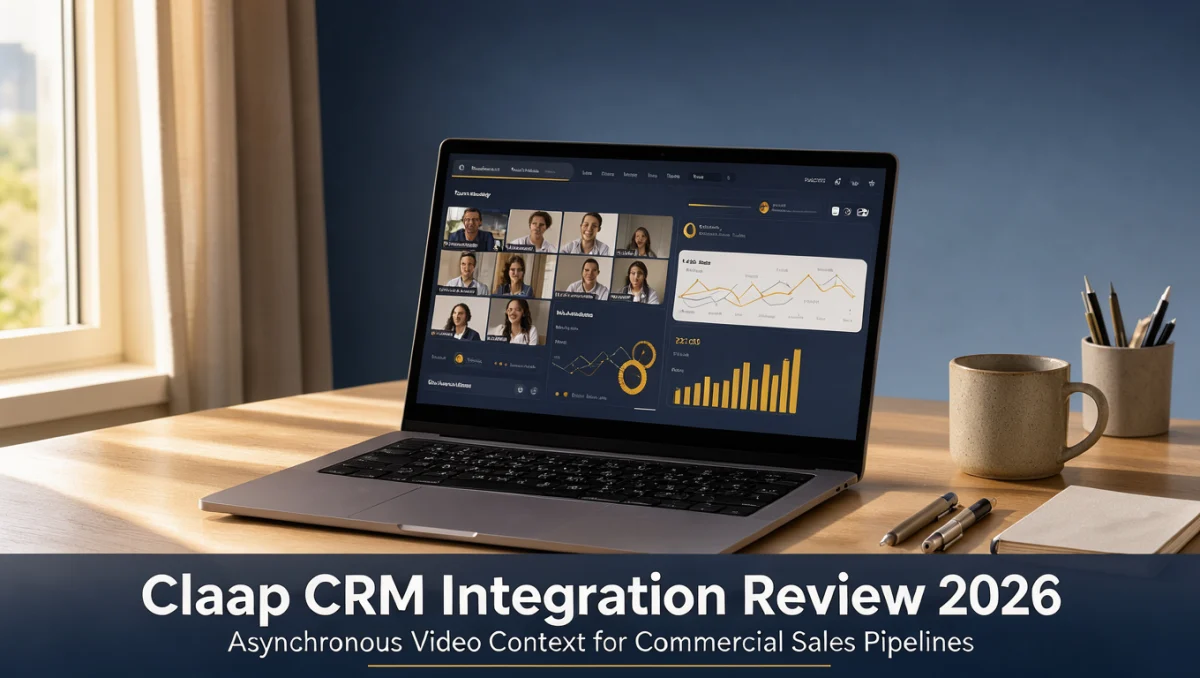
Revenue teams often lose deal context between calls, handoffs, and status updates. Recording customer conversations and attaching them to the right account can close that gap. claap crm integration is built around exactly that idea: pairing video messages, screen walkthroughs, and meeting captures with the records your sales team already uses every day.
Top App Review Sites evaluates software through a practical lens, looking at how tools fit real business operations rather than how they look in marketing copy. That same independent approach shapes this assessment, which weighs workflow fit and buying considerations alongside raw features.
1. Our Review Method at a Glance
We assessed Claap against seven criteria: features, ease of use, pricing and value, integrations, audience fit, support, and competitive position. Pricing tiers, connector lists, and usage caps change frequently, so treat our observations as a starting framework and confirm current details on the vendor's website. This draft was prepared with AI assistance and then edited by the Top App Review Sites Editorial Team.
2. Understanding Claap and Its Audience
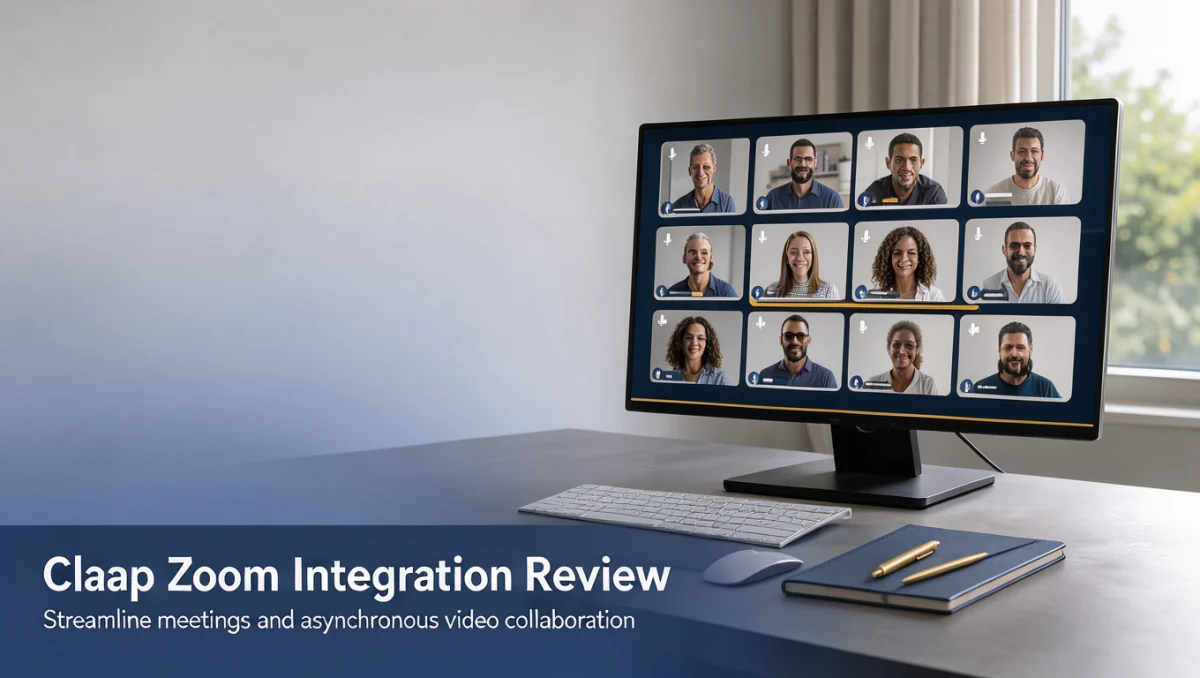
Claap is a video-first collaboration and meeting intelligence platform. Its main purpose is to cut down on recurring status calls by letting people send short recorded updates, share their screens, point out specific interface details, and gather timestamped replies from teammates or customers.
Sales development reps, account executives, onboarding managers, and product staff who work around customer conversations are the core users. When a demo recording and its follow-up answers are stored against the correct account, response times shrink and customer sentiment stays visible as deals move between departments.
3. Features and How They Connect to Your Workflow
The main value of a claap crm integration lies in keeping call recordings, meeting summaries, and customer feedback tied to each deal stage. When video assets live on the customer record itself, account context survives territory changes and staff transitions.
3.1. Recorded Meetings and Automatic Summaries
The platform captures customer calls, produces searchable transcripts, and drafts concise takeaways. For account managers, this means reviewing the key concerns raised in a call without replaying the full conversation.
3.2. Async Screen Sharing and Timestamped Feedback
Users can record short screen demonstrations to explain proposal terms, walk through configurations, or respond to objections. Viewers leave time-coded comments and reactions on the timeline, so feedback stays specific and documented.
3.3. Shared Video Library and Access Controls
Recordings can be organized by deal stage, product line, or customer segment. Administrators can restrict sensitive commercial discussions while still generating public links for outside prospects when appropriate.
3.4. Syncing Video With CRM Contacts and Deals
Linking call highlights and follow-up clips to the matching contact and open opportunity lets sales leaders review customer interactions inside their primary system of record. That consistency makes pipeline reviews and account handoffs more reliable across the department.
4. Usability and Learning Curve
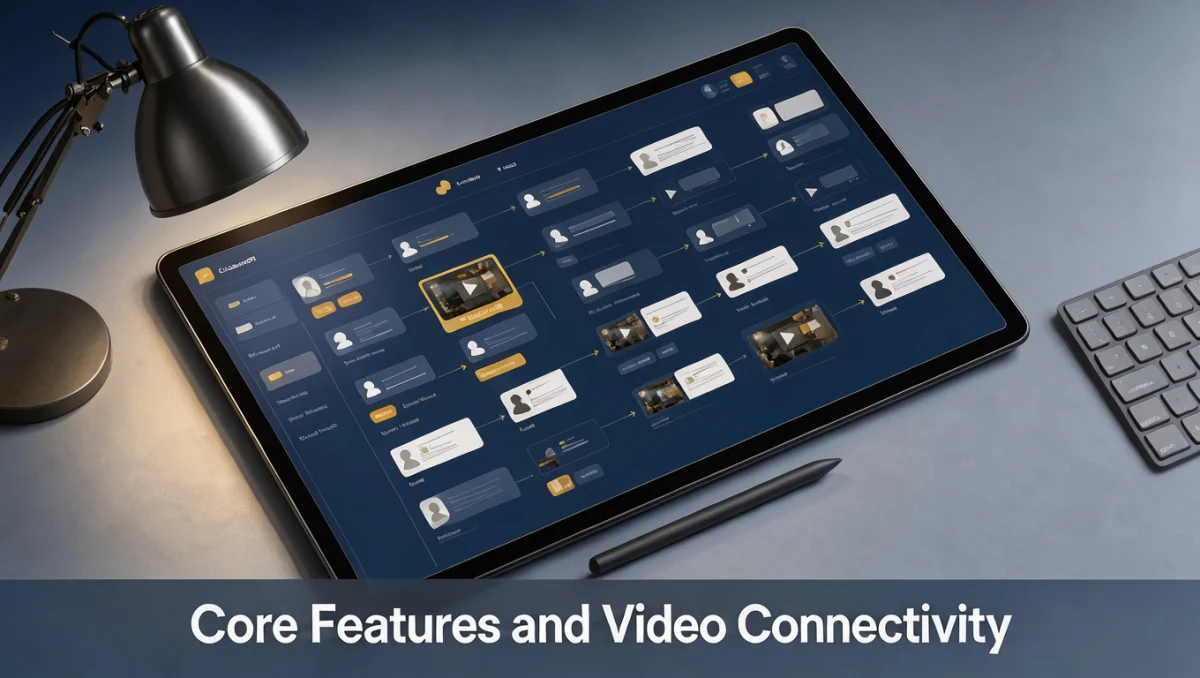
Claap's interface centers on simple recording controls, a clear video library, and straightforward commenting. Anyone comfortable with common screen recorders or cloud meeting apps can begin sharing video notes with little onboarding.
The real adjustment is behavioral. Teams used to constant live meetings need clear rules for when an async walkthrough is enough and when a live conversation is still required. On the CRM side, agreeing on naming conventions and record associations early keeps logged recordings easy to find within each contact's timeline.
5. Strengths and Trade-Offs
No platform fits every operation perfectly. The points below reflect where Claap tends to help and where buyers should be careful.
Strengths
- Brings async screen recordings, meeting transcripts, and team discussion into one workspace.
- Supports timestamped comments that cut down on long back-and-forth email threads.
- Offers searchable transcripts so specific customer statements can be found quickly.
- Makes sales-to-account-executive handoffs smoother by preserving the visual context of earlier calls.
Trade-offs
- Gets the most out of a team that commits to asynchronous video habits, which can take time in organizations built around live calls.
- Depth of CRM connection varies by platform, so confirm connector capabilities on the official Claap integration listing.
- Some automation features may depend on a higher plan tier, so verify tier requirements before purchasing.
6. How Claap Compares With Alternatives
The table below places Claap alongside tools that solve neighboring problems, which helps clarify where it fits in a commercial software stack.
| Platform | Primary Focus | Core Positioning | Consider When |
|---|---|---|---|
| Claap | Async video and meeting intelligence | Combines screen recording, meeting transcription, and collaborative video commenting | Teams want both async client messaging and recorded call intelligence in one workspace |
| Loom | Quick async video sharing | Fast screen and camera recording for instant messaging | Teams prioritize rapid video messaging without heavy meeting intelligence needs |
| Gong | Enterprise revenue intelligence | Deep conversation analytics and sales pipeline coaching | Large enterprise sales teams need pipeline forecasting and conversation analysis |
| Fathom | Automated meeting recording | Meeting transcription and note-taking for video calls | Users want straightforward call summaries without a separate async video workspace |
7. Which Teams Should Consider Claap
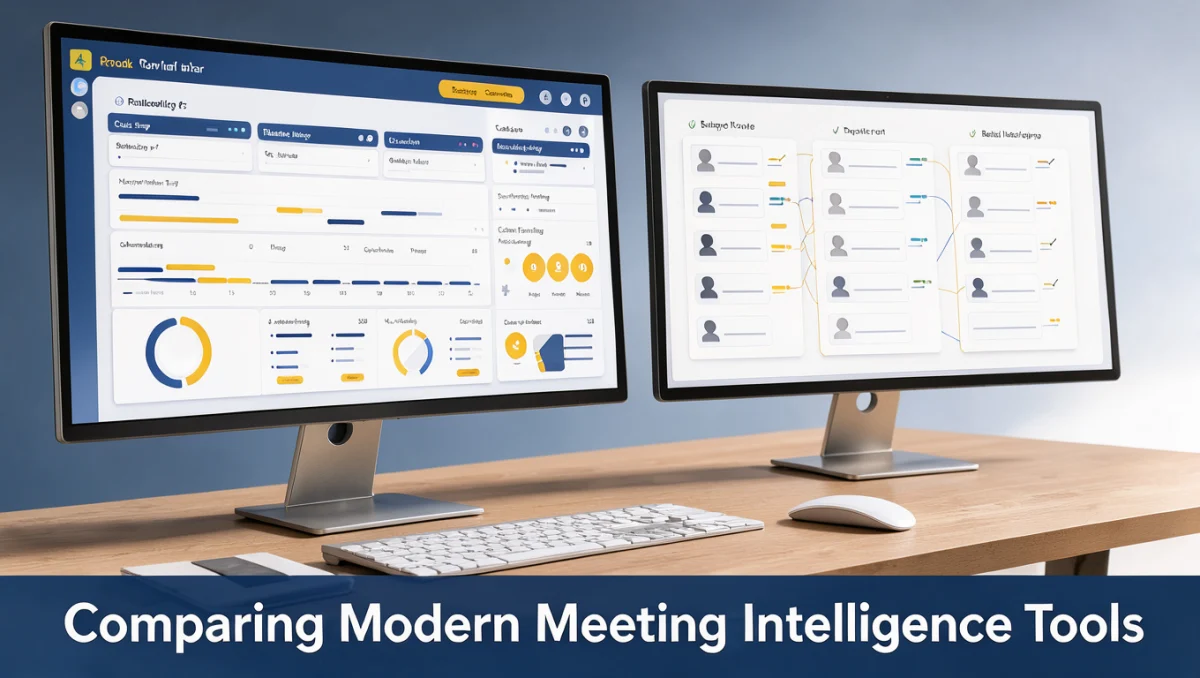
The right choice depends on team structure, how often customers are contacted, and what software is already in place.
Sales and Account Management
Account executives and business development reps can send recorded product walkthroughs between formal presentations. Storing them against CRM contacts preserves buyer questions for later review meetings.
Customer Success and Onboarding
Onboarding teams can build reusable video walkthroughs that explain account setup. Keeping these on customer records documents training sessions and technical recommendations clearly.
Distributed and Remote Organizations
Teams spread across time zones can share async updates without waiting for everyone to be online together, reducing scheduling delays for strategy and product briefings.
Teams That May Not Need It
Solo operators with light prospecting and purely email-based notes may not justify a dedicated video intelligence tool. Organizations whose policies prohibit cloud-hosted recordings should look at on-premise options instead.
8. Choosing the Right Plan
Subscription software often reserves advanced capabilities for higher tiers. Reviewing your requirements upfront helps avoid surprise costs.
| What to check on the official Claap website | Why it matters |
|---|---|
| CRM connector availability | Confirm whether your CRM connects through a direct app, pre-built connector, or webhook workflow. |
| Recording and transcription limits | Make sure monthly recording allowances cover your team's call volume without extra charges. |
| Workspace seat definitions | Check whether guest commenters and external viewers count toward paid seats. |
| Security and admin access | Verify access levels, single sign-on requirements, and data retention rules for client conversations. |
9. Frequently Asked Questions
Does my team need a CRM connector for video recordings?
If sales and customer success staff spend significant time copying meeting notes or emailing demo links manually, a connector helps. When handoffs regularly lose customer context, storing video notes directly in CRM records addresses that gap.
What costs should I plan for beyond the base subscription?
Budget for possible third-party connector fees if native integration is not included in your plan, plus the time needed to train staff on recording standards. The official pricing page will clarify seat requirements and transcription caps.
How should teams organize video notes for customer records?
Set naming conventions for account names, meeting dates, and interaction types before rollout. Pairing each recording with a short written summary lets leaders assess account health quickly during pipeline reviews.
Where can administrators confirm which CRM platforms are supported?
Check the official Claap integrations directory and product documentation. Partnerships change often, so vendor documentation is the most dependable source for current compatibility.
10. Final Verdict
| Criterion | Score /10 | Reason |
|---|---|---|
| Features | 8.0 | Offers collaborative video commenting, screen capture, transcription, and searchable libraries for team workflows. |
| Ease of Use | 8.4 | Intuitive recording controls and clean discussion views let teams create and share videos quickly. |
| Pricing and Value | 7.4 | Verify seat requirements and recording allowances against team size to confirm a good return. |
| Integrations | 7.2 | Capabilities depend on specific connectors, so check the official integration listing. |
| Audience Fit | 8.2 | Well suited to remote sales, customer success, and product teams that rely on regular visual communication. |
| Support | 7.1 | Self-guided resources and standard support should be reviewed on the official site against your service needs. |
| Competitive Position | 7.6 | Bridges the gap between simple screen recorders and complex enterprise revenue intelligence suites. |
Overall score: 7.7/10
Claap offers a practical way to streamline customer meetings and keep visual context across deal pipelines. Revenue teams that pair async recordings with CRM tracking can shorten sales cycles and improve cross-department handoffs. For more on emerging sales workflow tools, explore our broader Artificial Intelligence coverage.
For more software selection guidance, reach out to the Top App Review Sites editorial team or follow our updates on social channels.