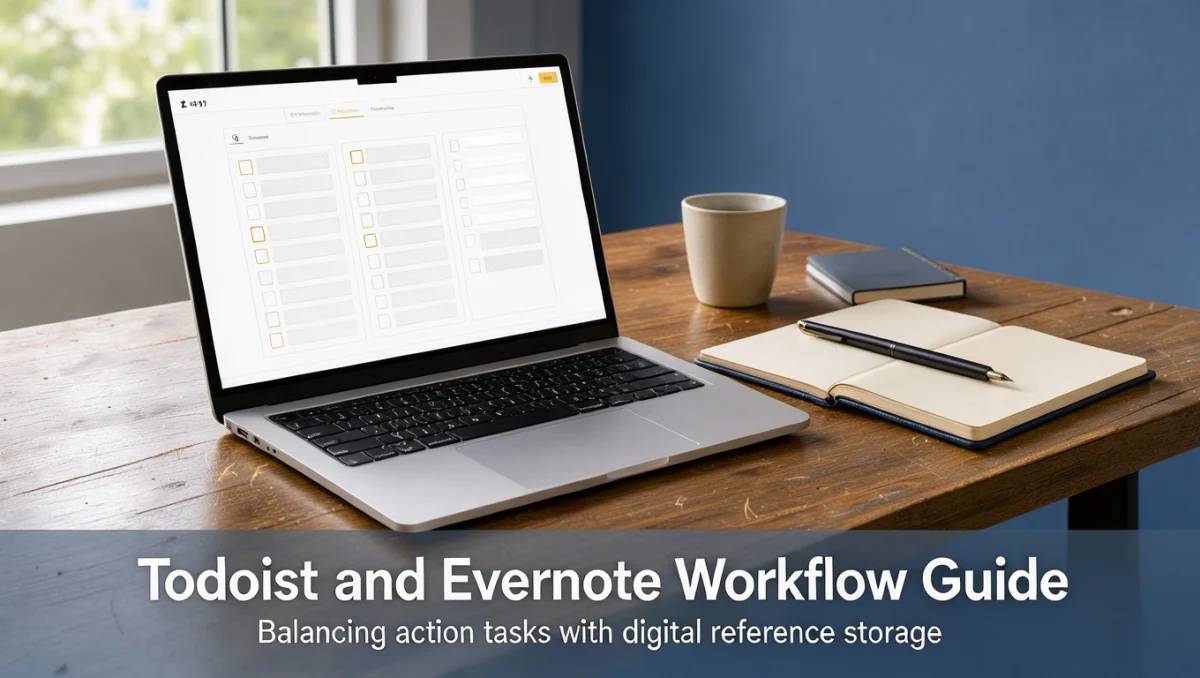
Many people searching for todoist and evernote want to know whether they need one tool or both. The short answer depends on where your daily friction actually comes from: forgotten deadlines or scattered reference material. At Top App Review Sites, we examine how focused task managers compare with document-driven notebooks so you can build a productivity setup without paying for overlapping software.
Solo operators and teams often browse the wider Collaboration & Productivity category to decide whether a simple checklist or a digital filing cabinet addresses their biggest bottleneck. Understanding how action tracking and knowledge storage divide responsibility prevents hours of wasted setup time.
Quick verdict: with an overall score of 8.1/10, todoist and evernote each win in different scenarios. Task-focused professionals who need straightforward action tracking do well with a dedicated checklist app, while researchers who manage complex source notes benefit from Evernote's richer notebook structure.
| Evaluation Dimension | Summary Assessment |
|---|---|
| Top App Review Sites score | 8.1/10 |
| Best for | Professionals balancing daily execution tasks against long-form reference archives |
| Not ideal for | Organizations seeking an all-in-one spreadsheet database or enterprise resource planning suite |
| Key strengths | Focused task scheduling, structured digital notebooks, tag classification, search retrieval |
| What to check before buying | Review official plan matrices for storage thresholds, team seat minimums, and sync allowances |
1. How Top App Review Sites Reviewed Todoist and Evernote
This review covers what each tool is built to do, who it serves, and how it stacks up against similar products. We used the seven Top App Review Sites criteria: features, ease of use, pricing and value, integrations, audience fit, support, and competitive position. Plans, prices, and limits change frequently, so we flag what to confirm on each vendor's official website before purchasing. This article was researched and drafted with the help of AI tools, then reviewed and edited by the Top App Review Sites Editorial Team.
2. Short Answer: The Core Difference
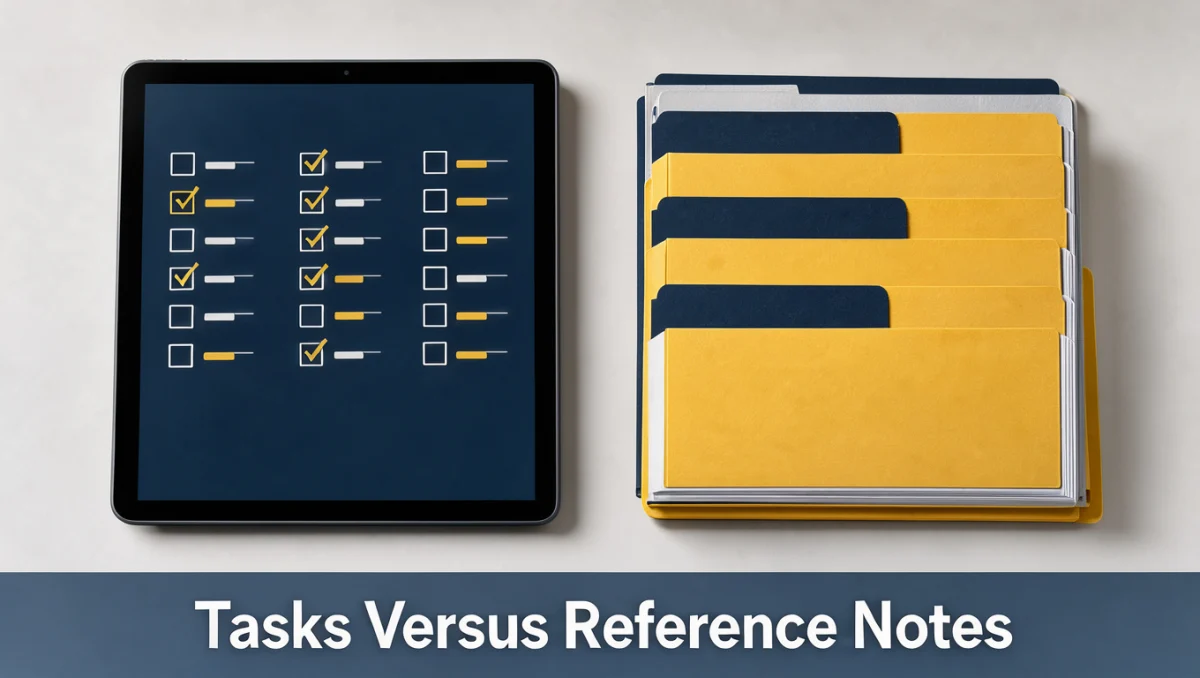
Todoist concentrates on action management, organizing short commitments with due dates, priority labels, and recurring schedules. Its main job is answering what needs completing today, tomorrow, or next week. Because entries stay lightweight, lists remain easy to scan and quick to clear.
Evernote works as a digital binder built for gathering information, preserving documents, and rich formatting. Its main job is answering where reference material lives, including meeting records, research clippings, and project briefs. Notebook software prioritizes retention, long-form reading, and contextual retrieval over rapid checklist processing.
3. Positioning Comparison
| Tool | Best for | Core strength | Consider if |
|---|---|---|---|
| Todoist | Individuals needing focused task scheduling and rapid deadline tracking | Structured action items with due dates and recurring intervals | Your daily priority is clearing operational backlogs without document bloat |
| Evernote | Researchers and note keepers needing rich archives and media storage | Long-form document capture, notebook hierarchy, and search filtering | Your daily priority is collecting reference records and background context |
4. Detailed Evaluation Across Criteria
4.1. Features
Task software organizes obligations into projects, sections, and checklist items. Todoist offers flexible scheduling, recurring date syntax, priority flags, and subtask trees, so users capture brief commitments and track completion through clear list views.
Notebook software handles multi-paragraph drafting, embedded file storage, and web clipping. Evernote provides formatted text editing, notebook sorting, tagging systems, and cross-notebook search, letting users preserve background documentation and project histories that would clutter a pure task manager.
4.2. Ease of Use
Adding an action item to a task manager takes seconds, since the input field needs only a title, a project selection, and an optional date. Todoist emphasizes quick capture, so you can empty incoming requests from your head immediately, and its clean layout keeps interface friction low.
A comprehensive digital notebook requires deliberate filing habits. Evernote asks you to decide on notebook structures, tag hierarchies, and title conventions to avoid clutter. Drafting inside a note feels natural, but keeping an orderly repository over several years takes disciplined curation.
4.3. Pricing and Value
Productivity subscriptions often vary tiers by administrative controls, file upload limits, and activity history. Buyers should check the official Todoist pricing page to see how project limits fit their workload and whether reminders or team workspace features require a higher plan.
For document archives, fees typically scale with cloud storage allowances, note size limits, and multi-user collaboration controls. Review the official Evernote pricing page to find the tier that matches your attachment volume and device needs. Calculating long-term value means weighing document hosting benefits against the cost of dedicated workspace tools.
4.4. Integrations
Task managers connect with email, calendars, and automation tools so deadlines appear where work happens. Confirm on vendor documentation how external calendars display scheduled actions and whether email forwarding can turn client messages into tasks.
Notebook apps link with web clippers, cloud file storage, and scanning tools to ingest raw information. Check the official integration directories to confirm browser clipping and office file previews are supported, and verify that export options allow clean migration if your needs change.
4.5. Audience Fit
Freelancers, software engineers, and administrative coordinators managing tight delivery timelines typically match task platforms. Todoist suits professionals whose main challenges are execution speed, delegation, and deadline visibility. When the steps are clear, lightweight lists keep momentum high.
Writers, legal researchers, students, and strategic planners typically match rich notebook environments. Evernote suits people who gather broad source material before starting a project. When work requires cross-referencing background briefs, past client notes, and meeting summaries, a notebook structure proves indispensable.
4.6. Support
Service standards differ by account type and organization size. Review each vendor's help center to see whether assistance runs through ticket forms, knowledge bases, or community forums, and confirm expected response windows before committing mission-critical workflows.
For knowledge management platforms, examine data retention policies, account recovery options, and export formats. Reliable self-service documentation matters when you need to resolve sync discrepancies or configuration issues.
4.7. Competitive Position
In the task space, alternatives such as TickTick and Microsoft To Do offer comparable checklist tracking, while project suites like Asana handle complex multi-stage workflows. Todoist deliberately focuses on personal action capture rather than full document authoring.
In the notebook and personal knowledge management space, Microsoft OneNote, Notion, and Obsidian take different approaches to document hosting and linking. Evernote keeps a classic notebook-and-tag model that emphasizes web clipping and document storage over complex database building.
5. How to Decide Between Task Management and Note Archiving
Start by auditing where daily friction occurs. If forgotten obligations and missed deadlines cause stress, adopt a dedicated task manager first, since it creates accountability around specific dates and keeps priorities visible.
If disorganized paperwork, lost reference links, and scattered meeting records cause delays, adopt a notebook tool first. Centralizing documentation keeps background material retrievable when strategic decisions come up. Many productive workflows use both: actionable steps stay in task lists, with links back to comprehensive notebooks for context.
6. Frequently Asked Questions
Should I use both tools together?
Workflows that separate daily action items from deep reference storage often combine both app types. Record upcoming deadlines in a task manager and store meeting transcripts, research links, and project files in a notebook. Check your budget and workflow handoffs to decide whether two subscriptions deliver enough value.
What should teams check about data export before choosing a tool?
Review the official support articles to confirm supported export formats, such as structured text or standard archive files. Being able to extract notes or task data cleanly protects against platform lock-in and keeps historical records accessible if your systems change.
How can I keep a notebook archive from becoming disorganized?
Set consistent tagging rules, standard naming formats, and a routine review schedule. Without periodic maintenance, repositories accumulate outdated references and duplicates. A monthly cleanup keeps search results relevant to current projects.
When does a task manager need restructuring?
Restructure when overdue items pile up or project folders hold stale entries that no longer reflect real commitments. Simplify project hierarchies, remove inactive tasks, and set realistic daily scheduling limits to restore clarity.
7. Final Verdict
| Criterion | Score /10 |
|---|---|
| Features | 8.4/10 |
| Ease of Use | 8.8/10 |
| Pricing and Value | 7.4/10 |
| Integrations | 7.8/10 |
| Audience Fit | 8.6/10 |
| Support | 7.2/10 |
| Competitive Position | 8.5/10 |
Overall score: 8.1/10
For freelancers and operational specialists, dedicated task software provides the structure to process daily obligations quickly. For researchers, consultants, and knowledge workers, digital notebooks offer the depth needed to organize reference archives across long projects. Decide whether you need fast deadline management, structured information storage, or a combination of both before choosing your productivity setup.
Readers with questions about software selection can reach us through our Top App Review Sites contact portal or follow our research updates on LinkedIn.