Some links on this page may earn Top App Review Sites a commission when you buy through them, at no extra cost to you. Our ratings are never affected.
Outbound-heavy organizations that run high-volume calling campaigns often need one place to manage agent workflows. Choosing a dialing platform means weighing raw call speed against contact compliance, so a clear view of what the software does helps contact center leaders spend wisely. Our team evaluates tools across operational dimensions to support confident decisions.
As calling schedules grow and teams expand, organization becomes the real challenge. Before committing budget to readymode call center software, review how it handles contact management, supervisor visibility, campaign setup, and the adoption effort your team will face.
Quick verdict: ReadyMode earns an overall score of 7.7/10. It suits sales organizations running continuous outbound campaigns with dedicated phone agents. It is a poor fit for small teams that need light ticketing for customer service without a focus on outbound calls.
| Metric | Summary Details |
|---|---|
| Top App Review Sites score | 7.7/10 |
| Best for | Sales teams running intensive outbound phone outreach |
| Not ideal for | Organizations needing an inbound ticket helpdesk with no phone outreach |
| Key strengths | Automated outbound dialing, lead distribution, and live supervisor tracking |
| What to check before buying | Seat minimums, carrier telecom costs, and onboarding terms |
1. How Top App Review Sites Reviewed ReadyMode
This review examines what ReadyMode is designed to do, who it serves, and how it stacks up against similar tools. We applied seven criteria: features, ease of use, pricing and value, integrations, audience fit, support, and competitive position. Plans, prices, and limits change frequently, so we flag what to confirm on the official website before purchasing. This article was researched and drafted with AI assistance, then reviewed and edited by the Top App Review Sites Editorial Team.
2. What Is ReadyMode and Who Is It Built For?
ReadyMode is call center software built for outbound sales outreach and contact center operations. The platform speeds up live agent conversations by automating dialing sequences and presenting contact records to staff the moment a call connects.
Outbound sales groups, lead generation teams, and appointment-setting agencies make up the core audience. These organizations keep dedicated sales staff on the phone during business hours, reaching prospects and qualified buyers.
Organizations centered on passive inbound support or asynchronous email resolution will find less match with predictive dialer platforms. Operations leaders should measure their contact ratios to confirm that outbound calling sits at the heart of daily work.
3. Core Features of ReadyMode
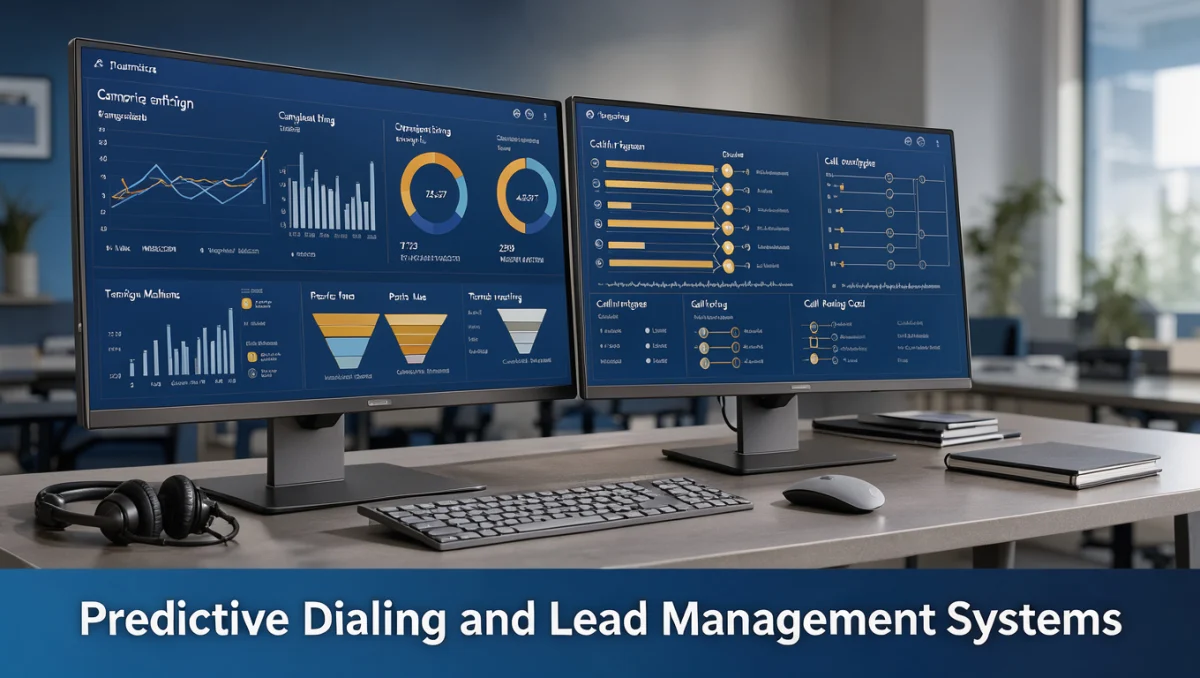
Call center platforms combine several technical capabilities to manage phone queues, handle data, and supervise distributed staff. ReadyMode organizes its environment around a few core areas essential to outbound phone work.
3.1. Predictive Outbound Dialing and Queue Handling
Automated dialing is the foundation of outbound communication technology. Predictive algorithms work through lead lists, place calls across multiple lines at once, and route answered calls to available agents immediately.
Agents skip manual number entry, busy-signal delays, and unanswered attempts. Platforms in this space aim to maximize active conversation time per shift while filtering out unproductive dialing states.
3.2. Lead Routing and Contact Pipeline Management
Contact records need structured routing based on business rules, geography, agent skills, or campaign stage. ReadyMode includes lead distribution that pushes contact details to representative screens when a live connection is made.
Sales managers can build campaign lists, schedule prospect follow-up cadences, and apply disposition tags once calls end. Good pipeline routing prevents duplicate calling and keeps shared databases current.
3.3. Supervisor Dashboards and Quality Monitoring
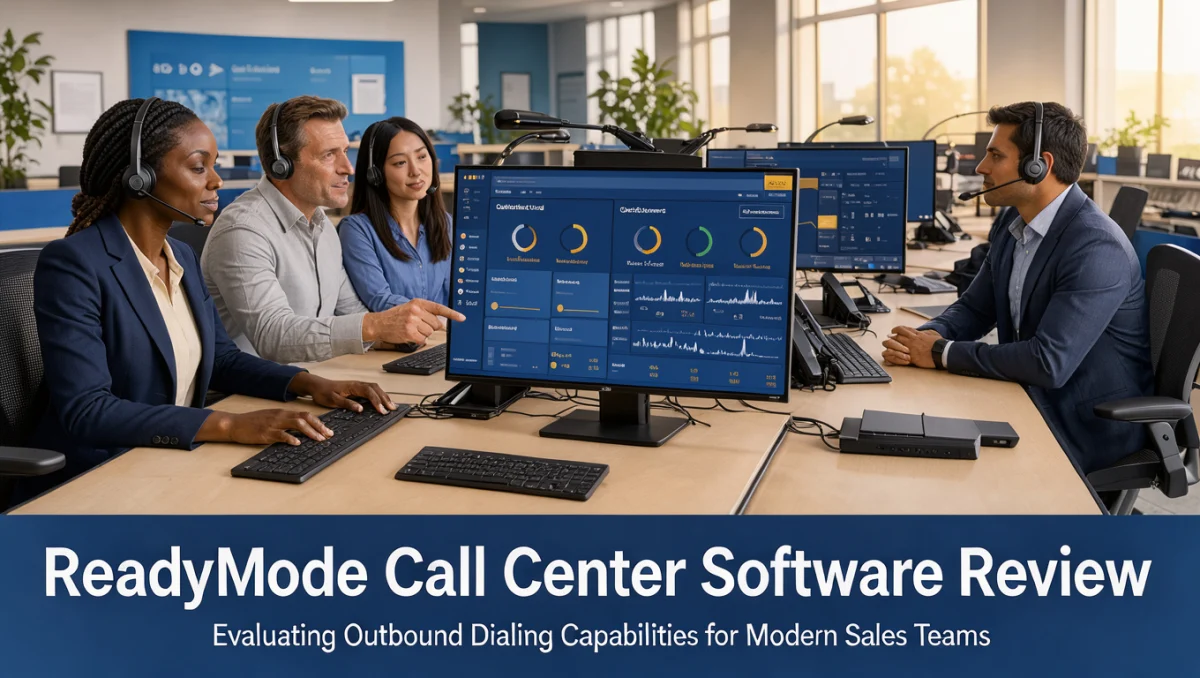
Operations management depends on ongoing oversight of calling activity, queue volume, and agent availability. Call center software gives administrators dashboards showing live agent status, connected calls, and campaign completion pace.
Supervisors can use listen-in, whisper, and barge features during live conversations to help representatives through difficult discussions. Quality review tools let managers review recorded calls for coaching.
3.4. Campaign Reporting and Conversion Analytics
Performance metrics help leaders spot profitable outreach campaigns and operational bottlenecks. Reporting dashboards track call duration, connection rates, contact outcomes, and individual representative performance.
Contact center directors use these reports to adjust list distribution, evaluate team efficiency, and refine scheduling. Business software within the broader Collaboration & Productivity category relies on transparent data to keep teams accountable.
4. Ease of Use and Learning Curve
Predictive dialers create distinct usability dynamics, since system pacing directly shapes agent activity. Agents work with call screens that display client records, disposition dropdowns, and active phone controls.
Administrators face a steeper learning curve that calls for technical skill in lead data formatting, field mapping, campaign logic, and carrier configuration. New campaign managers often need focused training to understand disposition routing and rule sets.
Sales representatives get a simpler interface built around active calls and contact notes. Still, fast call pacing requires thorough orientation so agents can handle instant conversational transitions with confidence.
5. Pros and Cons of ReadyMode
Evaluating call center technology means balancing high-speed outbound mechanics against administrative complexity. Weighing the operational benefits against structural trade-offs clarifies whether a platform suits your organization.
5.1. Advantages
- Automates outbound calling routines to create more live agent conversation time throughout each shift.
- Centralizes contact record display alongside active phone controls for smoother record handling.
- Gives supervisors real-time monitoring, call whispering, and administrative oversight.
- Provides reporting covering dialing pace, agent disposition statuses, and campaign metrics.
5.2. Considerations and Limitations
- Requires structured training for administrators who set up lead flows and campaign logic.
- High-volume dialer setups demand close attention to national calling regulations and telecom compliance rules.
- Organizations with low call volumes or simple customer service lines face unnecessary operational complexity.
6. ReadyMode vs Similar Tools
Comparing software options means evaluating market focus, target workflows, and architectural choices across established alternatives.
6.1. ReadyMode
ReadyMode targets outbound-heavy sales organizations and appointment generation centers. Its core strengths are fast predictive dialing, automated pacing, and sales campaign workflows built for dedicated phone teams.
6.2. Five9
Five9 is an enterprise contact center platform serving large organizations with complex blended inbound and outbound needs. While Five9 handles extensive multi-channel demands at enterprise scale, buyers with simpler outbound sales workflows may prefer a focused dialing platform.
6.3. Talkdesk
Talkdesk offers cloud contact center solutions that emphasize modern usability, omnichannel customer service, and flexible administrative controls. Organizations focused on inbound service and customer satisfaction ticketing often favor Talkdesk over pure outbound sales engines.
7. Who Should Use ReadyMode?
Choosing operational communication software means matching its strengths to your team roles, business scale, and priorities.
7.1. Outbound Sales Teams
Sales development teams, mortgage brokerages, and insurance agencies running persistent cold outreach benefit from automated queue management. These teams depend on rapid connection mechanics to sustain prospecting.
7.2. Lead Generation Agencies
Marketing and outsourced appointment-setting operations managing several client lists at once gain control through campaign segmentation. Supervisory tools let agency managers reallocate staff across client accounts as needed.
7.3. Organizations That Should Seek Alternatives
Freelancers, solo consultants, and low-volume customer service desks should look elsewhere. Running dedicated predictive dialing infrastructure adds needless friction for teams that place occasional calls.
8. How to Choose the Right Plan
Subscription models for contact center software vary by administrative tier, usage allowances, and telecom fees. Confirm the details directly on the vendor portal before signing any purchase agreement.
| What to Check on the Official Pricing Page | Why It Matters |
|---|---|
| Per-seat commitment requirements | Confirm minimum agent seat rules, since enterprise minimums set your initial financial baseline. |
| Telecom usage rates | Review per-minute or carrier charges, because dialing volume directly changes monthly telecom costs. |
| Onboarding and setup fees | Check whether administrative configuration services carry upfront implementation charges. |
| Data storage policies | Examine call recording archive rules to confirm they meet your organization's retention requirements. |
| Technical support tiers | Confirm what assistance level comes with your subscription to avoid surprises during deployment. |
9. Frequently Asked Questions
How should an organization assess its readiness for a dialer?
Organizations should confirm that their sales pipeline holds enough leads to keep multiple agents consistently busy. Running predictive dialing without a steady flow of contact records leaves agents idle between calls. Contact center managers should assess their lead replenishment capacity before adopting automated dialing.
What administrative overhead comes with call center platforms?
Administrative staff must manage campaign data hygiene, lead list formatting, agent skill assignments, and outbound compliance. Administrators regularly adjust dialing ratios, review disposition accuracy, and monitor caller ID reputation with major carriers to protect answer rates and avoid spam labels.
What telecom compliance issues need planning?
Outbound calling operates under strict legal frameworks covering calling hours, consent tracking, national opt-out registries, and automated dialing restrictions. Contact center directors should consult legal counsel to ensure list management and calling patterns meet the rules in every jurisdiction they target.
How can contact center teams ensure smooth software adoption?
Structured onboarding that teaches representatives how to navigate the software, document notes, and categorize dispositions prevents confusion. Running simulation sessions before launching live campaigns helps agents stay comfortable handling instant connections while updating records in real time.
10. Final Verdict
ReadyMode call center software provides dedicated outbound calling capabilities for performance-focused sales floors and appointment-setting firms. The system automates routine dialing to expand agent conversation windows while giving leadership oversight dashboards.
| Criterion | Score /10 | Reason |
|---|---|---|
| Features | 8.5/10 | Offers focused predictive dialing, lead distribution, and real-time supervisor tracking. |
| Ease of Use | 7.5/10 | Agent dialing screens are clear, but administrators need focused campaign setup training. |
| Pricing and Value | 7.0/10 | Buyers should verify seat minimums and usage fees on the official page to judge return on investment. |
| Integrations | 7.0/10 | Users should confirm CRM compatibility on the official portal before setup. |
| Audience Fit | 8.5/10 | Closely matches high-intensity outbound sales floors, lead brokers, and phone agencies. |
| Support | 7.5/10 | Verify deployment guidance on the vendor site to match your team's technical readiness. |
| Competitive Position | 8.0/10 | Holds a distinct outbound niche against broader omnichannel customer service suites. |
Overall score: 7.7/10
For sales organizations whose growth depends on daily phone conversations, ReadyMode delivers specialized outbound capability. Teams focused mainly on inbound service or infrequent calling should choose a general ticketing or helpdesk platform instead.
Have questions about choosing contact center software? Send them to our editorial team through the Top App Review Sites contact page, or follow us on LinkedIn for software evaluation updates.