topappreviewsites may earn a commission when you buy through links on this page, at no extra cost to you. Our ratings remain independent.
Writers, teachers, and content teams often want to know whether a draft reads as machine-generated. Judging that kind of automated writing detection takes more than trusting bold marketing lines, so Top App Review Sites evaluates tools through hands-on benchmarks and practical workflow tests.
Choosing a text verification product in 2026 means checking how it handles changing sentence patterns and mixed human-AI authorship. Anyone browsing software in the broader Artificial Intelligence space should weigh scan speed against how clearly the scores are explained.
Quick verdict: Rated 7.5/10 by our editorial team. The quillbot ai detector suits individual writers, students, and editors who need fast checks for automated phrasing in drafts. It is not a fit for organizations that need formal audit trails or legally binding forensic records.
| Evaluation Area | Assessment Details |
|---|---|
| topappreviewsites score | 7.5/10 |
| Best for | Writers and editors checking drafts for machine-generated phrasing |
| Not ideal for | Enterprises demanding institutional certification and complex API administration |
| Key strengths | Simple text input, highlighted probability segments, clean writing interface |
| What to check before buying | Scanning quotas, billing renewal structures, and organizational privacy terms |
1. How topappreviewsites Reviewed QuillBot AI Detector
This review examines what the tool is built to do, who it serves, and how it stacks up against similar products. We applied seven topappreviewsites criteria: features, ease of use, pricing and value, integrations, audience fit, support, and competitive position. Plans and limits change frequently, so we flag what to confirm on the official website before purchasing. This article was researched and drafted with AI assistance, then reviewed and edited by the topappreviewsites Editorial Team.
2. What Is QuillBot AI Detector and Who Is It for?

QuillBot AI Detector is automated analysis software that evaluates written passages and estimates how likely the text came from a generative language model. It examines syntax, rhythm, and vocabulary distribution against statistical models of artificial phrasing, returning probability feedback across paragraphs.
Writers run drafts through detection software before publishing, confirming that research assistants or outside contributors deliver original work. Editors use these checks during proofreading to make sure submissions match brand guidelines and editorial policy.
Educators and academic reviewers use text evaluation systems to spot student submissions that need a follow-up conversation or citation review. Because automated detectors rely on pattern prediction rather than definitive proof, this category works best as an advisory filter, not an infallible authority.
3. Core Features of QuillBot AI Detector
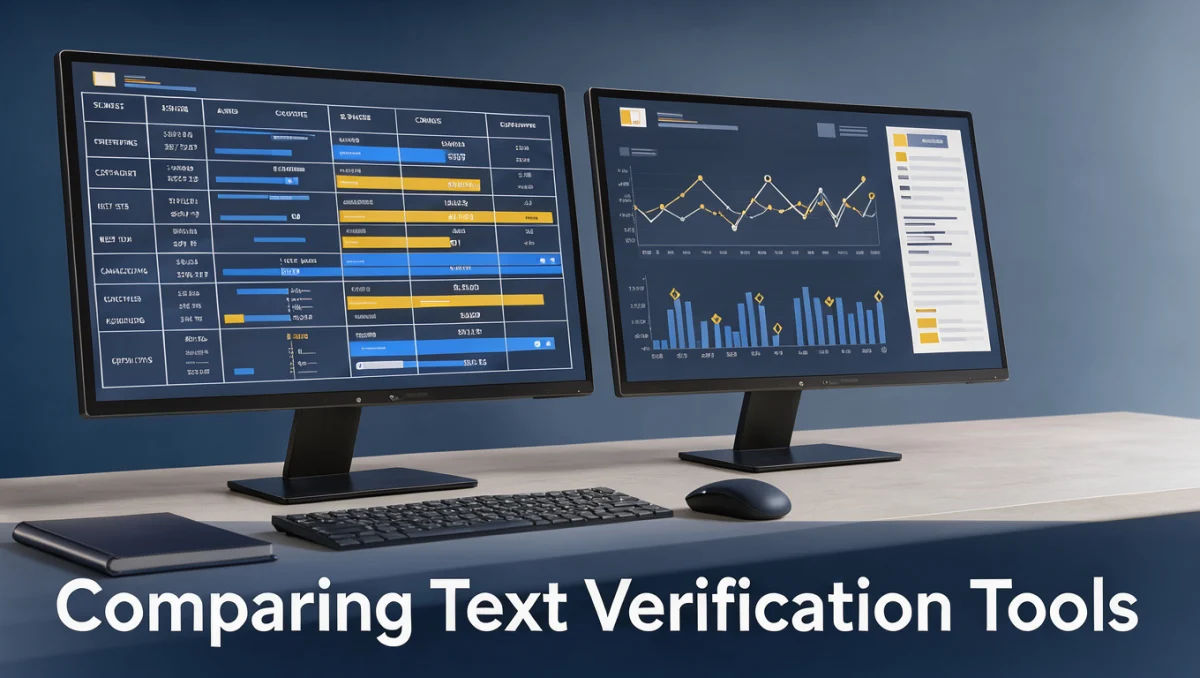
Tools in this category revolve around three capabilities: pattern extraction, probabilistic scoring, and visual passage breakdown. Understanding how these interact helps buyers pick software that fits daily editorial work.
3.1. Syntax Analysis and Pattern Recognition
The system compares input text against language models trained on large collections of synthetic and human-written material. It looks for predictable phrasing, repetitive transitions, and uniform sentence structures that often signal machine composition.
Human writers naturally vary clause length and use idiosyncratic word choices. The detector measures perplexity and burstiness across sentences and compares them with the mechanical uniformity typical of algorithmic output.
3.2. Color-Coded Probability Scoring
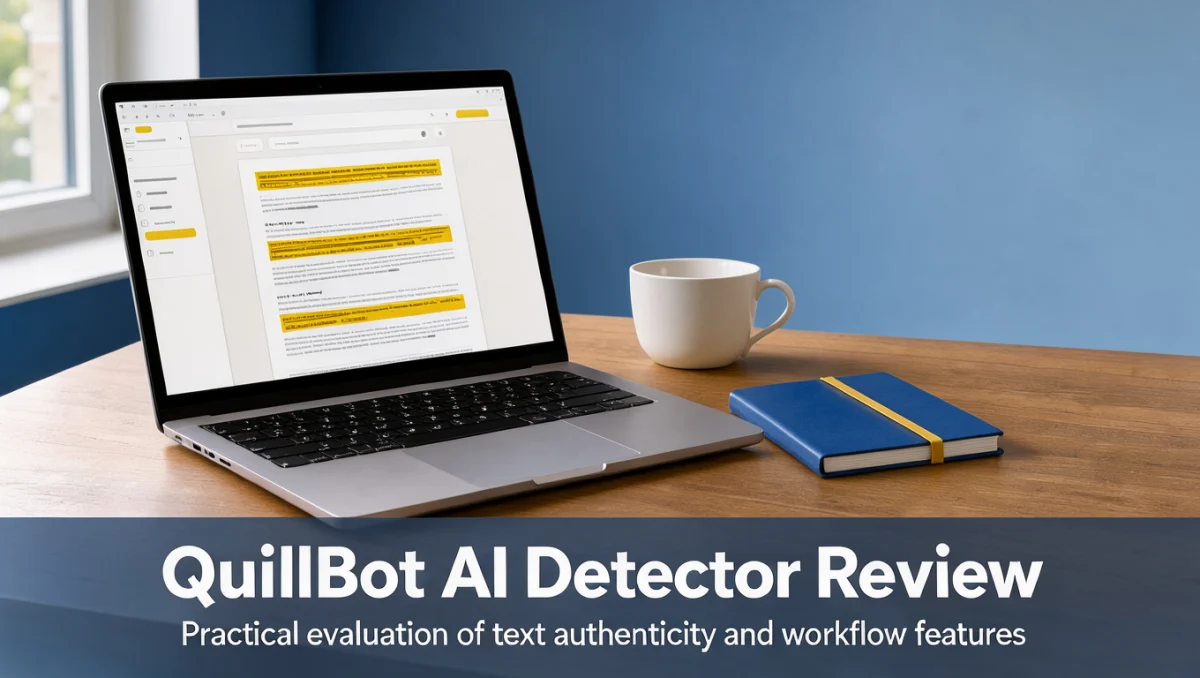
Results appear as visual indicators that highlight text blocks according to estimated probability. Sentences flagged as likely software-generated receive distinct styling, so users can isolate questionable passages quickly.
This prevents editors from discarding an entire document when only an introduction or summary resembles synthetic text. Revisions can target exactly the places where formulaic rhythm concentrates.
3.3. Document Feedback and Summary Metrics
The interface shows an overall percentage alongside section-by-section highlights, estimating the proportion of automated text in the full submission. This works as a first-pass triage gauge for busy editorial teams.
Teams can set baseline thresholds to decide which submissions go straight to layout and which need manual source verification. Reading overall scores alongside paragraph breakdowns helps reviewers catch subtler discrepancies.
4. Ease of Use and Learning Curve
Detection software should minimize friction so professionals can evaluate documents without heavy setup. Modern platforms emphasize direct paste workflows that return actionable feedback in a few steps.
Reviewers paste draft text into the analysis window and start the evaluation. Because there are no mandatory preprocessing steps, non-technical contributors such as classroom instructors and freelance proofreaders can operate the system without specialized training.
Since output relies on intuitive color gradients and summary percentages, interpreting results takes little practice. Teams can add verification steps to editorial checklists without creating production bottlenecks.
5. Pros and Cons of QuillBot AI Detector
Weighing functional advantages against operational limits helps organizations set realistic expectations about accuracy and oversight.
5.1. Pros
- Clear visual feedback highlights individual phrases alongside overall document probability estimates.
- Simple operation requires no server setup, script installation, or database connections.
- Fits smoothly into standard drafting and editing routines, speeding up document turnaround.
- Sentence-level evaluation helps writers refine repetitive passages rather than rewriting whole documents.
5.2. Cons
- Automated probability scores can mistake conventional, repetitive professional writing for machine output.
- Detection algorithms cannot verify external facts or establish genuine source attribution.
- Advanced enterprise administration, such as multi-tier team management, is less comprehensive than specialized academic compliance suites.
6. QuillBot AI Detector vs Similar Tools
The content authenticity market includes many solutions aimed at different sectors, from classroom compliance to digital publishing. Buyers should compare alternatives against their main operational goals.
| Software Alternative | Primary Target Audience | Core Strategic Focus | When to Consider This Option |
|---|---|---|---|
| Turnitin | Higher education and school districts | Institutional academic integrity and student records | Organizations requiring enterprise classroom management and formal integrity databases |
| Copyleaks | Enterprise compliance teams and educators | Multilingual text verification and API automation | Teams managing corporate compliance audits across varied file formats and languages |
| Originality.ai | Web publishers and digital agencies | Search-oriented web content audits and team tracking | Publishers managing large volumes of freelance web copy for online distribution |
| Winston AI | Educators and publishing houses | Detailed authenticity reporting and document scanning | Users requiring generated verification certificates alongside handwriting analysis |
Turnitin focuses on formal educational institutions and embeds integrity checks in student information systems. General detection tools, by contrast, prioritize accessibility for independent operators and informal reviews.
Copyleaks and Originality.ai emphasize programmatic pipelines and publisher-centric workflows. Teams should decide whether their process needs simple text checking or automated enterprise API connections.
7. Who Should Use QuillBot AI Detector?
Different professionals face different verification challenges, so align the tool with your profile before buying a subscription.
7.1. Freelance Writers and Independent Editors
Freelancers often need to show that their prose keeps a natural, human voice before delivering client work. Running final drafts through an evaluator helps spot passages that read as overly formulaic or stiff.
7.2. Small Business Owners and Marketing Specialists
Small teams that outsource copywriting need quick oversight to confirm external deliverables meet quality standards. Detection systems offer an accessible first-line filter that keeps repetitive marketing filler from weakening brand voice.
7.3. Students and Academic Learners
Students can check their own essays to see whether study notes or summaries drift into automated-sounding phrasing. This self-review encourages a stronger personal voice and better scholarly attribution.
7.4. When to Choose an Alternative Tool
Large schools managing campus-wide plagiarism policies need formal integration with learning management systems and permanent student record storage. Corporate compliance officers who require governance and legal validation should look at specialized audit platforms built for that purpose.
8. How to Choose the Right Plan
Subscription models for text analysis tools vary by usage frequency, bundled features, and processing capacity. Assessing your needs before buying prevents paying for capacity you will not use.
| What to Check on the Official Pricing Page | Why It Matters |
|---|---|
| Text processing quotas per scan | Document length caps determine whether long manuscripts must be split before evaluation. |
| Seat allocation and shared access | Adding separate logins for editorial teams changes the total monthly cost compared with single-seat use. |
| Bundled editorial utilities | Some subscriptions include rewriting or citation tools alongside detection, which affects overall value. |
| Billing frequency and cancellation terms | Annual commitments lower the monthly average but require confirming cancellation flexibility before checkout. |
Confirm exact scanning limits on the official pricing page, since vendors adjust text allowances from time to time. Auditing your internal draft volume helps you pick a plan that matches actual editorial output.
9. Frequently Asked Questions
How accurate are automated text detection scores?
Detection scores reflect statistical probability, not definitive proof of authorship. Language models identify algorithmic patterns, so technical reports or highly structured human writing can occasionally score high. Treat results as secondary signals alongside manual editorial judgment.
What should editorial teams check before using detector scores to reject content?
Reviewers should examine highlighted sections individually rather than relying only on the aggregate percentage. Verifying citations, speaking with contributors, and reviewing writing samples prevents unfair decisions based solely on an automated flag.
How do text length variations affect detection results?
Very short passages often lack enough linguistic patterns for statistical engines to produce confident scores. Checking complete drafts with full paragraph structure yields more reliable feedback than scanning isolated sentences or brief bullet points.
What data privacy factors should organizations verify before pasting confidential drafts?
Corporate teams should read the vendor's terms on whether submitted text is stored, logged, or used to retrain its models. Reviewing data retention policies protects confidential intellectual property and proprietary documentation.
10. Final Verdict on QuillBot AI Detector
The tool offers writers an accessible way to evaluate text authenticity and streamline manual proofreading. Algorithmic scoring cannot replace critical editorial judgment, but clear visual highlights give practical direction for daily revisions.
| Evaluation Criterion | Assigned Score /10 | Analytical Reason |
|---|---|---|
| Features | 7.5/10 | Offers clear visual passage highlights, probability breakdowns, and basic document metrics for draft editing. |
| Ease of Use | 8.5/10 | Minimal interface complexity lets users paste drafts and review results without administrative delays. |
| Pricing and Value | 7.0/10 | Buyers must check official plan quotas to confirm scanning limits match their monthly volume. |
| Integrations | 7.0/10 | Workflows rely mainly on direct text submission, so users should verify compatibility with existing content systems. |
| Audience Fit | 8.0/10 | Well suited to individual writers, freelancers, and students seeking self-directed draft checks. |
| Support | 7.0/10 | Standard documentation and knowledge base materials; check official help desk response options. |
| Competitive Position | 7.5/10 | Holds a balanced consumer niche alongside specialized academic tools and enterprise publishing suites. |
| Overall Score | 7.5/10 | Reliable, user-friendly text screening best suited to individual writers and small editorial teams. |
For independent contributors, students, and small business editors, the tool is a practical way to spot repetitive or artificial phrasing. Readers who want broader comparisons can consult independent evaluations from Top App Review Sites to find tools that match their organization's scale.
Readers with specific workflow questions can contact the editorial team at https://topappreviewsites.com/contact/ or connect with us on LinkedIn at https://www.linkedin.com/company/topappreviewsites/.