Ad teams today want more than fast banner output. They want to know why one visual outperforms another. Top App Review Sites takes a closer look at how adcreative ai creative insights tackles that question, separating what the platform does well from where manual judgment still matters.
What the Platform Covers
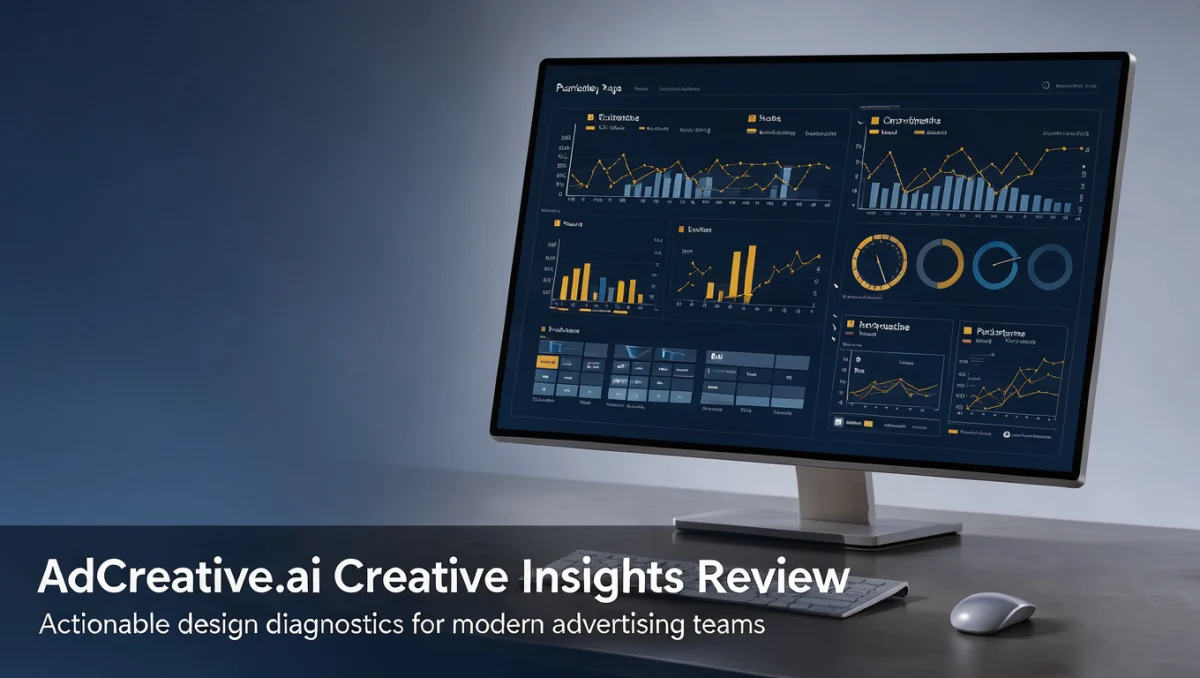
AdCreative.ai is built for advertisers, agencies, and e-commerce brands that produce large numbers of display and social creatives. Its insights layer treats composition as a measurable factor in the conversion path, scoring elements such as contrast, text density, and product framing before a campaign goes live. For readers exploring Artificial Intelligence tools in marketing, this is one of the clearer examples of automation applied to the creative review stage.
Diagnostic Scoring in Practice
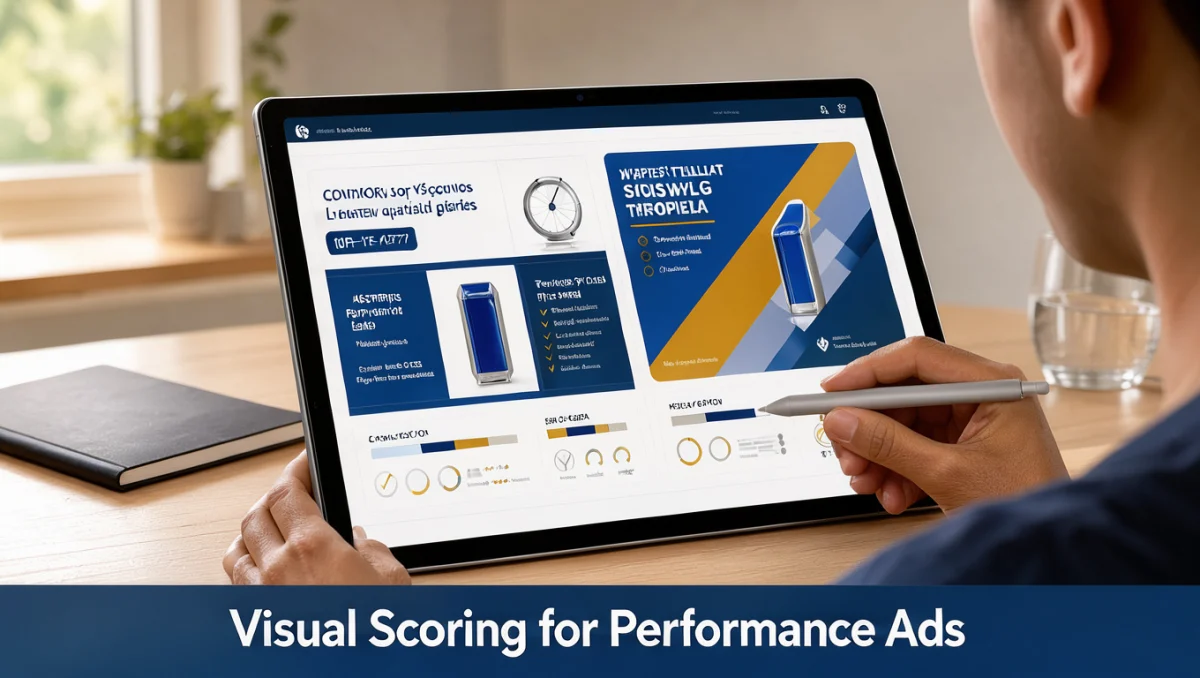
Scoring models examine each asset for hierarchy, legibility, and focal emphasis, flagging issues like cramped copy or low-contrast calls to action. Catching these problems early saves budget that would otherwise be spent learning them on live networks. Over time, the platform also surfaces recurring traits, such as palettes or human imagery, that correlate with stronger engagement, giving briefs a more objective foundation.
Messaging gets similar treatment. Headline length, tone, and call-to-action clarity are reviewed alongside the visual, so buyers can judge whether words and images reinforce each other. adcreative ai creative insights is most useful when teams apply these findings to a repeatable testing cadence rather than treating a single score as a verdict.
Usability and Learning Curve
The guided workflow suits marketers who are comfortable with standard ad managers but do not have design training. Setup involves brand colors, logos, and vertical definitions, which is straightforward. Reading results well still requires understanding of advertising metrics, because automated suggestions have to be weighed against market context and brand rules.
Strengths and Limitations
- Fast visual generation tied directly to diagnostic ratings.
- Clear indicators that expose weak creatives before publishing.
- Recommendations that make briefing easier for non-designers.
- Scores cannot replace real audience understanding or bespoke art direction.
- Suggestions can lean toward direct-response styling at the expense of brand storytelling.
- Teams with advanced data science needs should confirm reporting flexibility directly with the vendor.
How It Compares

AdCreative.ai centers on direct-response automation and visual scoring. Canva offers broader graphic design flexibility for general content creators, while Jasper focuses on copywriting across channels rather than visual diagnostics. The right choice depends on whether your main bottleneck is design production, copy generation, or ad-specific performance analysis.
Who Should Consider It
Paid social media buyers can use instant scoring to drop weak concepts before spending heavily. Online merchants running frequent promotions can keep creative volume high without commissioning a new banner for every variation. Agencies can use visual data to justify creative decisions to clients. Enterprises with strict custom brand manuals or demanding econometric requirements will likely need a dedicated enterprise analytics suite instead.
Choosing a Plan
Before subscribing, audit how many assets you produce each month, how many collaborators need access, and how many brand profiles you manage. Check the official site for generation allowances, seat counts, brand profile limits, and export options so the plan matches your real testing schedule.
Frequently Asked Questions
How should I prepare assets for automated insights?
Use clean logos, approved palettes, and uncluttered, high-resolution product photography. Good inputs give the scoring models a clearer read on hierarchy and contrast.
What should I check besides diagnostic scores?
Track real conversion rates, return on ad spend, and brand fit. Scores offer directional guidance, but results still depend on positioning, targeting, and landing page relevance.
How do plan tiers usually differ?
Tiers generally vary by monthly credits, brand profiles, and team seats. Confirm the current packaging on the official pricing page before committing.
Can it replace professional designers?
It speeds up variant testing and direct-response production, but original brand illustration and complex campaign concepts still benefit from skilled designers.
Final Verdict
| Criterion | Score /10 | Reason |
|---|---|---|
| Features | 7.8/10 | Strong mix of visual generation, asset scoring, and conversion-focused templates. |
| Ease of Use | 8.3/10 | Guided interface lets non-designers produce and evaluate ads quickly. |
| Pricing and Value | 7.2/10 | Verify download credit quotas against your expected monthly testing volume. |
| Integrations | 7.1/10 | Confirm supported ad platform connections on the official website. |
| Audience Fit | 8.2/10 | Well suited to direct-response buyers, agencies, and online retailers. |
| Support | 7.0/10 | Review available support channels and documentation on the official website. |
| Competitive Position | 7.7/10 | Clear focus on conversion optimization compared with general design software. |
| Overall score | 7.6/10 | A focused creative intelligence option for high-tempo paid acquisition teams. |
For independent marketers and growing agencies, AdCreative.ai offers practical value by making visual performance easier to understand. For help matching advertising tools to your campaign structure, contact our editorial team at Top App Review Sites or follow us on LinkedIn.