Top App Review Sites may earn a commission when you buy through links on this page, at no extra cost to you. This does not affect our ratings.
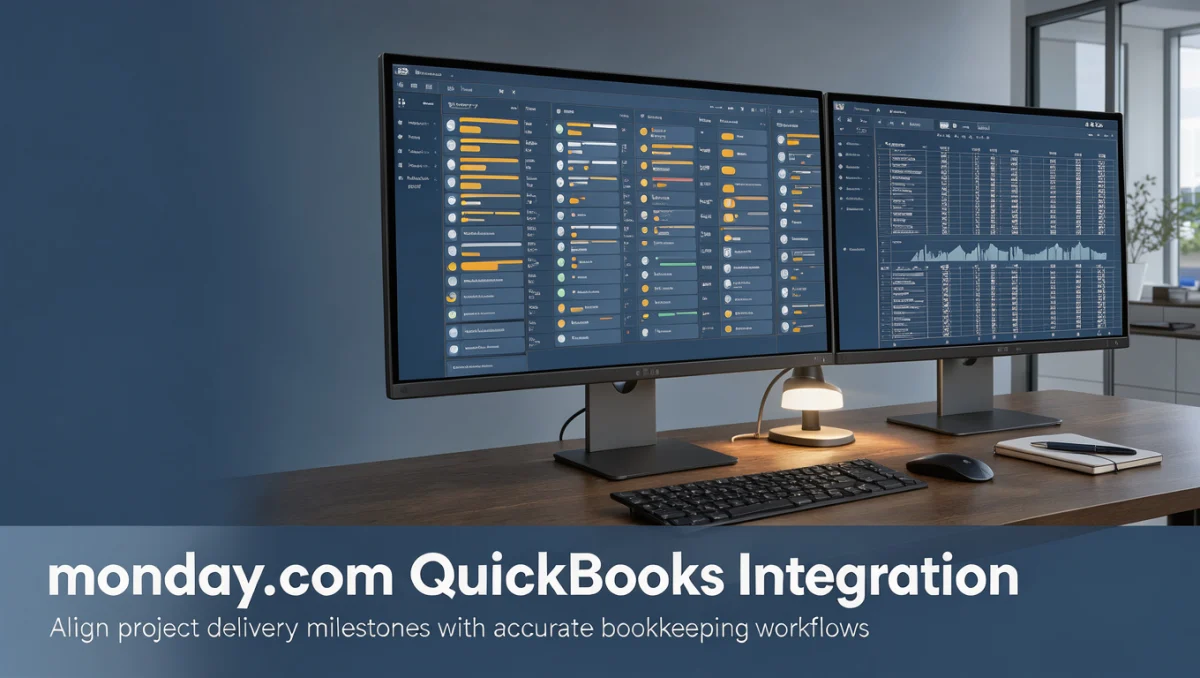
Project teams and finance staff often work in separate tools, which means the same information gets typed twice. The monday com QuickBooks integration aims to close that gap by linking task boards with accounting records, so completed deliverables and recorded costs can flow into bookkeeping without manual copying.
Before adopting any bridge between two systems, decision-makers need to understand how data travels from one platform to the other. Many organizations want fewer repetitive steps when logging client expenses, tracking billable milestones, or preparing invoices from finished work. Testing whether a direct connection covers those needs, or whether extra middleware is required for complicated field mapping, is a sensible first step.
Quick verdict: With an overall rating of 7.9/10, this integration suits businesses that deliver services and need timely financial handoffs between project boards and accounting entries. It is less suitable for teams needing deep two-way ledger reconciliation, or for anyone who has not confirmed subscription requirements on both platforms before rollout.
| Metric | Summary |
|---|---|
| Top App Review Sites score | 7.9/10 |
| Best for | Teams that manage client projects and need accounting records aligned with delivery status. |
| Not ideal for | Organizations expecting full bidirectional enterprise bookkeeping sync driven entirely from a task management interface. |
| Key strengths | Connects project milestones directly to invoice generation and financial record updates. |
| What to check before buying | Review plan-level connectivity rules and field mapping options on the official websites of both platforms. |
1. How Top App Review Sites Reviewed the monday.com QuickBooks Integration
This review examines what the monday.com QuickBooks integration is designed to do, who it serves, and how it stacks up against comparable tools. We assessed it against seven criteria: features, ease of use, pricing and value, integrations, audience fit, support, and competitive position. Plans, prices, and limits change frequently, so we highlight what you should confirm on the official website before purchasing. This article was researched and drafted with the help of AI tools, then reviewed and edited by the Top App Review Sites Editorial Team.
2. What the monday.com QuickBooks Integration Is and Who It Is For
The integration connects the project management environment of monday.com with the accounting platform QuickBooks from Intuit. monday.com works as a work operating system where teams track tasks, manage pipelines, organize creative assets, and coordinate resources. QuickBooks handles general ledgers, accounts payable and receivable, payroll records, and financial statements.
When these systems run separately, operations staff must alert bookkeepers every time billable work is finished. This monday com quickbooks integration links the two departments so that an action on a project board can trigger an action in the ledger, such as drafting an invoice or recording an expense. It is aimed mainly at service agencies, consulting firms, construction coordinators, and growing businesses that manage client accounts requiring timely financial tracking.
3. Core Features of the Workflow Connection
Automated Invoicing and Milestone Triggers
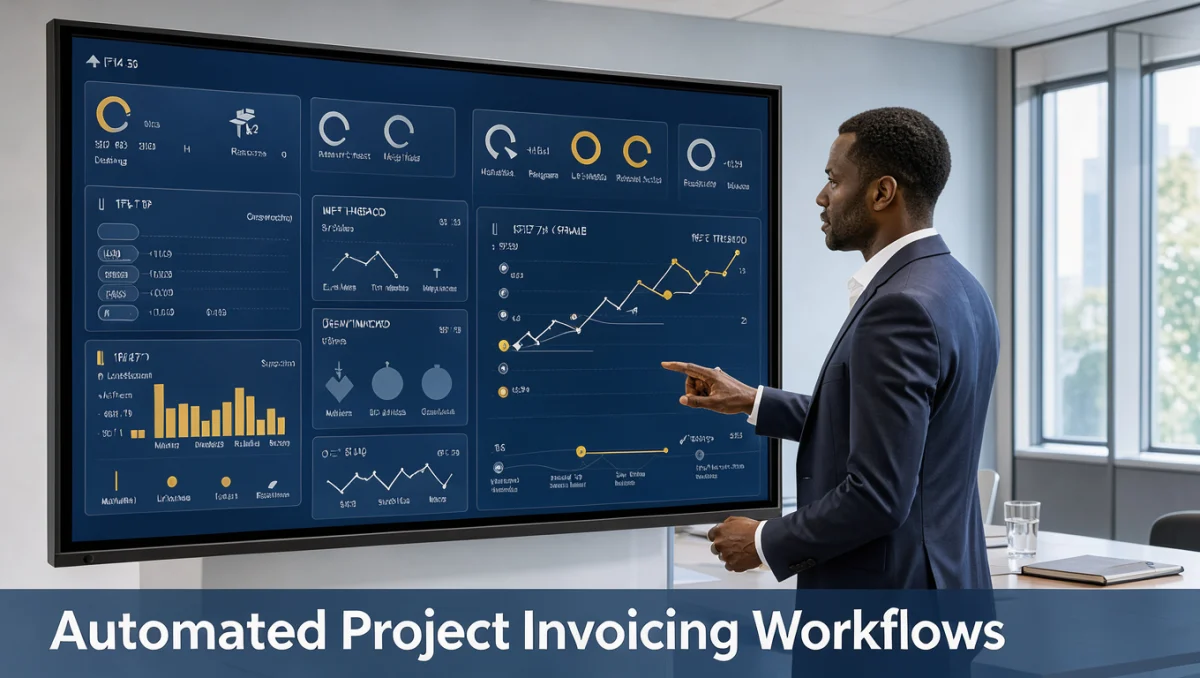
Linking board events to billing lets project leads start invoice drafts once deliverables reach a set status. For example, when a task moves to a finished column, the workflow can prompt creation of a customer invoice in the accounting software. This shortens the delay between project managers and billing staff.
Expense and Cost Tracking Alignment
Organizations log project costs on task boards to monitor budget use. Through integration recipes, costs recorded on board items can appear under matching financial categories in the accounting software. Finance reviewers stay informed about ongoing project commitments without entering the same data twice.
Customer and Contact Synchronization
Client records kept in separate systems often end up with mismatched details. Syncing contact profiles between project databases and accounting customer lists keeps addresses, business names, and project references consistent across both operational and bookkeeping files.
4. Ease of Use and Learning Curve
Setting up data connections between project boards and accounting software requires accurate field mapping. Pre-built recipes are simple to configure when matching basic fields such as customer names, dollar amounts, and task titles. Non-technical project coordinators can set up baseline triggers without writing custom code.
Workflows that need multi-level conditional routing demand more careful preparation. Department leads should confirm how board items correspond to accounting line items to avoid disorganized general ledger entries. When running work inside a broader Collaboration & Productivity workspace, investing time in planning naming structures keeps financial records tidy.
5. Pros and Cons
Key Strengths
- Cuts redundant administrative entry between project coordinators and bookkeeping staff.
- Speeds up billing by tying invoice generation to confirmed project milestones.
- Gives operations managers clear visibility into invoicing stages directly from project boards.
- Keeps customer records consistent between client-facing teams and back-office accounting staff.
Operational Considerations and Limits
- Complex transactions involving split tax codes or detailed inventory adjustments may need external middleware.
- Setup mistakes can clutter bookkeeping ledgers, requiring accounting oversight to correct.
- Both systems carry subscription prerequisites, which buyers should verify on official plan pages before implementation.
6. How monday.com Integrations Compare with Similar Platforms
Project management tools take different approaches to accounting connections. Asana focuses mainly on project progress tracking and portfolio coordination, relying heavily on third-party marketplace connectors or Zapier for deeper ledger links. Teams evaluating Asana should confirm which connector apps meet their accounting requirements.
Basecamp emphasizes central communication and simple to-do tracking, deliberately keeping direct connections to formal accounting ledgers minimal. Smartsheet offers spreadsheet-centric operations management that appeals to enterprise data specialists, though linking it into corporate resource planning software often requires dedicated enterprise connectors. The monday.com approach uses customizable recipe-based logic, offering accessible setup for visual project boards.
7. Who Should Use This Integration and Who Should Avoid It
Professional Service Agencies
Marketing agencies, consulting practices, and creative studios that bill clients on deliverable completion gain a lot from this connection. Project directors can signal billing readiness the moment a client approves a deliverable, shortening the collection cycle.
Trade Contractors and Field Operations
Construction coordinators and field service businesses that track material purchases and subcontractor milestones benefit from aligning project milestones with accounting records. This keeps budget variances visible before projects close.
Teams That Should Consider Alternative Setups
Solo entrepreneurs with infrequent billing may find the setup effort unnecessary compared with invoicing directly in bookkeeping software. Enterprises needing resource planning synchronization with complex multi-currency compliance rules should consult technical architects before relying on standard board recipes.
8. How to Choose the Right Plan and Implementation Approach
| What to Check | Why It Matters |
|---|---|
| Automation actions and recipe permissions | Confirm on official subscription pages which plan levels provide enough workflow automations for your monthly activity. |
| QuickBooks product line compatibility | Verify whether your accounting setup allows third-party app connections without extra add-on fees. |
| Field mapping requirements | Review whether your boards need standard data fields or custom tax and ledger mapping. |
| User access boundaries | Decide which team members need to see billing status without exposing sensitive balance sheet details. |
9. Frequently Asked Questions
How should teams prepare their chart of accounts before connecting these platforms?
Review existing ledger structures with a qualified bookkeeper or accountant before setting up automated triggers. Matching income categories, expense accounts, and customer naming conventions across both systems prevents data clutter in official financial statements.
What should project teams review regarding user permissions?
Administrators should check permission controls on both platforms so operations staff can only trigger financial actions they are authorized for. Limiting general ledger adjustments to qualified personnel protects data integrity.
How can an organization test integration recipes before going live?
Build a dedicated sandbox board linked to test records to confirm automation rules fire correctly. Observing test runs ensures status changes produce the right invoices without touching active client accounts.
When are direct recipes enough, and when is custom middleware needed?
Simple workflows that pass invoice requests and contact records work well with direct recipes. When operations require complex multi-tier tax splitting, cross-border currency conversion, or detailed inventory ledger deductions, consulting technical integration specialists is advisable.
10. Final Verdict
| Criterion | Score /10 | Reason |
|---|---|---|
| Features | 8.2 | Automated recipes connect project milestone completions directly to invoicing actions and record creation. |
| Ease of Use | 8.0 | Visual automation setup lets non-technical team leads map straightforward fields quickly. |
| Pricing and Value | 7.5 | Buyers must budget for compatible subscription tiers on both platforms, which should be verified on vendor websites. |
| Integrations | 7.9 | Offers pre-built connectivity while allowing external middleware when specialized data routing is needed. |
| Audience Fit | 8.3 | Suits client-focused service businesses and trade teams coordinating billable milestone schedules. |
| Support | 7.4 | Vendor documentation covers basic recipe creation, though complex multi-system mapping requires independent planning. |
| Competitive Position | 8.0 | Provides more visual, recipe-driven workflow flexibility than traditional task-tracking competitors. |
| Overall score | 7.9 | A practical cross-departmental bridge linking team deliverables to accounting routines. |
The Top App Review Sites evaluation indicates that aligning operational schedules with accounting ledgers removes unnecessary administrative friction for growing service organizations. Check the specific tier requirements on each official platform website to confirm that automation limits and connectivity rules fit your scale. For tax or legal questions about automated bookkeeping, always consult a certified accounting professional.
Have questions about optimizing your software stack? Send them to https://topappreviewsites.com/contact/ or follow Top App Review Sites on LinkedIn at https://www.linkedin.com/company/topappreviewsites/.