Livestorm can turn a webinar into a clear attendance record, but only when the setup begins before anyone clicks “Go Live.” Our team at Top App Review Sites approaches this topic from a neutral standpoint, so event organizers can build reporting habits that hold up without deep technical skills. Understanding how how to track webinar attendance with livestorm works starts with knowing what check-in timestamps and session duration data actually measure.
Livestorm is a video engagement platform built for live meetings, product demos, and structured online seminars. Good participation records let marketing and training staff judge engagement without matching spreadsheets by hand.
Quick verdict: We rate Livestorm 7.7/10. It fits teams that need organized session logs and clear participation summaries. Solo hosts running casual, unstructured video chats with no reporting needs will find it less useful.
| Metric | Summary |
|---|---|
| Top App Review Sites score | 7.7/10 |
| Best for | Teams that want structured post-session attendance records and engagement analytics |
| Not ideal for | Solo operators who only host casual unstructured video calls without reporting requirements |
| Key strengths | Unified event workflows, automated attendance logging, and clear exportable session reporting |
| What to check before buying | Confirm on the official Livestorm website which plan tier supports your team's reporting export preferences |
1. How Top App Review Sites Reviewed Livestorm
We assessed what Livestorm is designed to do, who it serves, and how it stacks up against similar tools. The review follows seven criteria: features, ease of use, pricing and value, integrations, audience fit, support, and competitive position. Plans, prices, and limits change frequently, so check the official website before purchasing. This article was researched and drafted with AI assistance, then reviewed and edited by the Top App Review Sites Editorial Team.
2. What to Prepare Before Tracking Attendance
Before you look at attendance numbers, confirm that your registration workflow collects clean participant data at signup. Webinar platforms depend on consistent identifiers, such as email addresses, to record when someone enters and leaves the room.
Check your organization's privacy guidelines before logging who attended. Data privacy rules govern how personal activity is recorded, so review the disclosures on the official Livestorm website that apply to attendee records.
Set internal benchmarks early. Your team should know the difference between total registrants, active viewers, and on-demand replay viewers. Tools listed in our Collaboration & Productivity section can also help line up your marketing and communication workflows.
3. Step-by-Step Workflow for Tracking Attendance
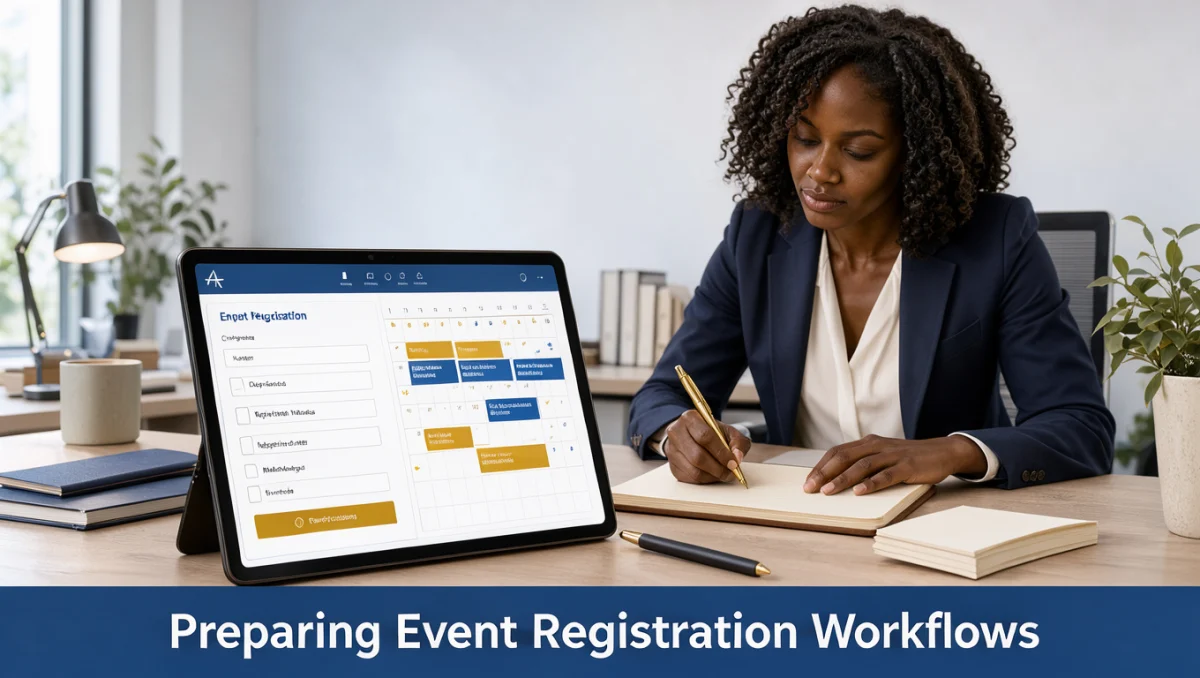
3.1. Configuring Registration Fields
Accurate tracking begins with a well-structured registration form. Collect core identifiers such as work email, company name, and job role so your final attendance records can be segmented effectively.
Keep mandatory fields consistent across recurring webinars. Uniform naming makes it possible to compare results across quarters without cleaning data by hand.
3.2. Watching Live Session Turnout
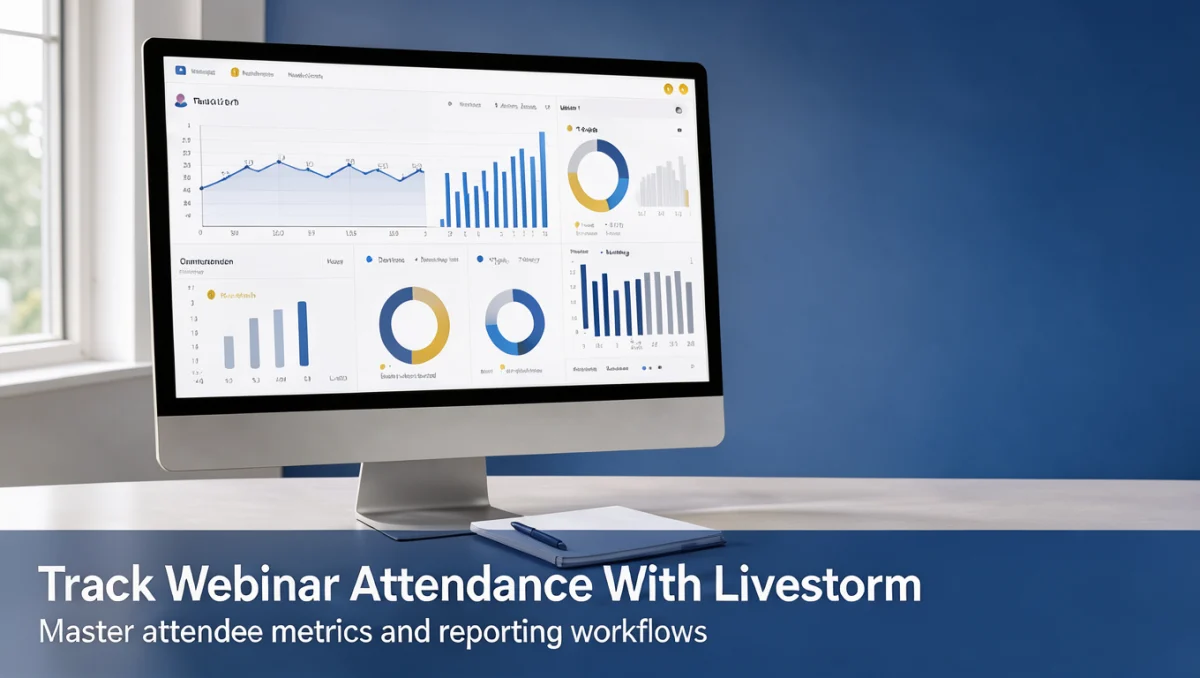
While the broadcast runs, track attendee volume alongside your presentation pacing. Live dashboards show active participant counts, revealing arrival patterns and early exit points.
Pay attention to drops during transitions, such as the move from slides to audience questions. Linking participation dips to specific agenda items helps hosts adjust session length and content for future events.
3.3. Reviewing Post-Webinar Analytics and Exports
After the broadcast ends, open the event report to see full attendance figures. Compare total registrations with actual attendees to calculate your baseline attendance rate.
Export the attendee activity report to examine individual connection lengths and overall engagement. Confirm on the official Livestorm account portal which spreadsheet formats and filters fit your reporting needs.
4. Best Practices for Accurate Event Reporting
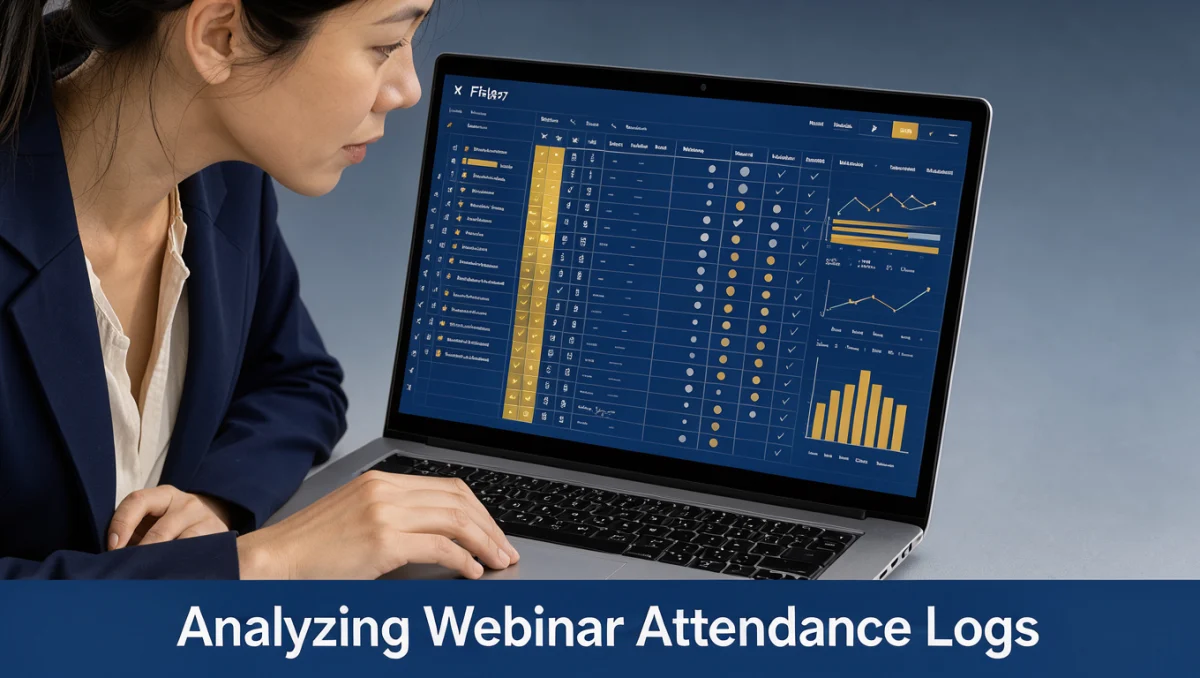
Set consistent tagging rules for each event type so internal training sessions do not distort public marketing averages. Clear category labels keep departmental analytics clean and useful.
Compare live attendance with replay viewership to measure long-term content engagement. Many registrants who miss the live session watch the recording in the following days, creating secondary engagement data.
Sync attendance records with your existing systems soon after the event closes. Prompt updates let sales representatives follow up while prospect interest is still high.
5. Common Mistakes in Attendance Tracking
A frequent error is ignoring multi-device logins. When someone switches from a phone to a desktop mid-session, unrefined logs can create duplicate entries unless email matching is enabled.
Overlooking connection duration also distorts results. A participant who leaves after three minutes should not be scored the same as someone who stays for forty-five.
Another mistake is skipping an audit of export settings before a major event. Verify the export columns on your account dashboard in advance so key fields, such as attendance duration, are captured correctly.
6. Who Should Track Webinar Attendance With Livestorm
6.1. Corporate Training Coordinators
Internal training teams gain from structured attendance logs that document compliance and course completion. Automatic session timestamps replace manual sign-in sheets during employee development seminars.
6.2. Demand Generation Marketers
Marketing teams use attendance duration to rate lead quality. Attendees who sit through a full product overview are usually warmer prospects than those who leave during the introduction.
6.3. Organizations Not Suited to Complex Attendance Systems
Small groups holding casual peer discussions rarely need detailed attendance analytics. For informal catch-ups, a simple video calling app without event analytics is more practical.
7. Frequently Asked Questions
How should teams prepare for post-webinar attendance audits?
Define your reporting metrics before the session starts, including the minimum duration that counts as qualified attendance. Confirm on the official Livestorm reporting guide which analytical columns to export for internal records.
What causes gaps between registrants and actual attendees?
Scheduling conflicts, missed calendar reminders, and timezone confusion often reduce the number of registrants who actually join. Tracking attendance rates across sessions reveals seasonal patterns and helps marketing coordinators improve scheduling.
How does attendance duration affect lead qualification after an event?
Connection length reflects audience interest more accurately than registration status alone. Sales teams can prioritize prospects who watched the full presentation over those who left before key demonstrations.
What should administrators check about reporting permissions?
Administrators should confirm that only authorized team members can view participant contact details and attendance records. Check the official Livestorm management settings page to see how reporting permissions are assigned to account members.
8. Final Verdict
| Criterion | Score /10 | Reason |
|---|---|---|
| Features | 8.0 | Provides unified session management, structured registration workflows, and detailed participant analytics. |
| Ease of Use | 8.2 | Presents clear event overviews and streamlined analytics dashboards suitable for business teams. |
| Pricing and Value | 7.2 | Buyers must verify plan structures and participant allowances on the official site to match their budget. |
| Integrations | 7.4 | Data synchronization depends on platform settings that should be checked on the vendor portal. |
| Audience Fit | 8.1 | Fits marketing professionals and corporate educators who need reliable post-session attendance verification. |
| Support | 7.3 | Service options and assistance workflows should be reviewed on the vendor portal before purchase. |
| Competitive Position | 7.7 | Holds a distinct place among modern webinar tools focused on automated analytics and audience interaction. |
Overall score: 7.7/10
For marketing teams, corporate trainers, and enterprise communicators who need verifiable attendance records, Livestorm offers organized event management and detailed participation reporting. Review the plan options on the official website before rolling it out.
Questions about setting up event tracking? Reach out through the Top App Review Sites Contact Page or connect with our team on LinkedIn.