Our editors may earn a commission when you buy through links on this page, at no extra cost to you. This does not affect our ratings.
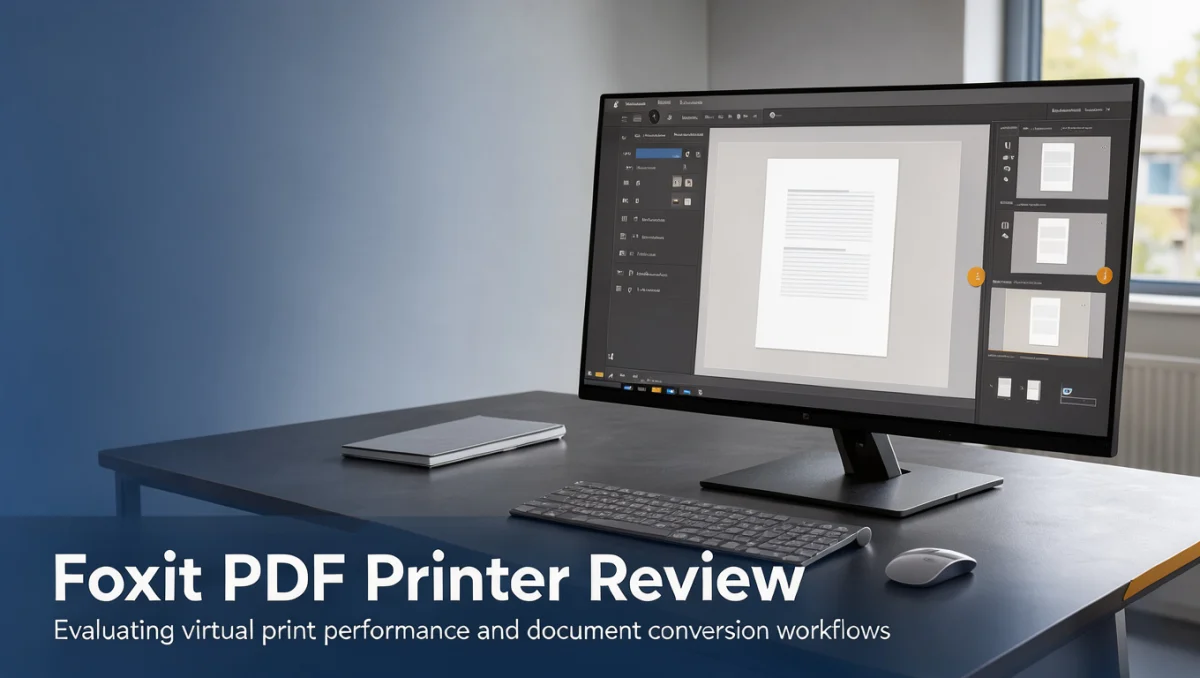
Many offices need a dependable way to turn spreadsheets, web pages, and word processor files into fixed-layout documents. A foxit pdf printer download installs a virtual print driver that captures what an application would send to paper and saves it as a PDF. At Top App Review Sites, we test how tools like this fit routine administrative work and realistic budgets.
Choosing a virtual printer means weighing layout accuracy, system load, and how easily IT can control settings across many machines. Operating systems already include basic export features, but dedicated drivers from independent vendors often add print presets, archiving options, and more granular administration.
Quick verdict: With an overall Top App Review Sites score of 8.0, Foxit's virtual printing tools suit office staff, small teams, and departments that regularly need reliable conversion from desktop applications. They are less necessary for users who only export a few files a month and are already satisfied with the built-in tools on their computer.
| Metric | Evaluation |
|---|---|
| Top App Review Sites score | 8.0 |
| Best for | Teams producing standardized office files that need consistent conversion across desktop software |
| Not ideal for | Occasional users whose exports are easily handled by native operating system tools |
| Key strengths | Stable conversion engine, adjustable output settings, and an established business software reputation |
| What to check before buying | Confirm licensing and deployment packaging rules on the official vendor website |
1. How Top App Review Sites Evaluated Foxit PDF Printer
This review examines what Foxit is designed to do, who it serves, and how it compares with similar options. We score it against seven criteria: features, ease of use, pricing and value, integrations, audience fit, support, and competitive position. Plans, prices, and limits change frequently, so we highlight what to verify on the official site before purchasing. This article was researched and drafted with AI assistance, then reviewed and edited by the Top App Review Sites Editorial Team.
2. What Foxit PDF Printer Is and Who It Serves
Foxit's virtual printing tools install as a virtual printer driver within modern operating systems. Rather than sending data to physical hardware, the driver receives the layout from any application and compiles text, vector graphics, and images into a clean PDF. This lets staff create uniform archives from legacy billing systems, spreadsheets, or web portals without recreating layouts by hand.
Professionals in accounting, legal, and operations often rely on virtual printing to preserve exact visual layouts before sending files to clients. Teams focused on Collaboration & Productivity depend on consistent formatting to avoid rendering differences across platforms. Because the virtual print command works the same way across standard desktop applications, staff can adopt it with little retraining.
3. Core Features of Foxit Virtual Printing
Several technical layers determine how useful virtual printing software is day to day, from layout fidelity to centrally managed print presets.
3.1. Document Conversion and Print Output
The main job of the virtual driver is to capture drawing instructions from the host application and render them accurately into a standard digital document. The process keeps page geometry, typography, and embedded graphics intact without noticeable distortion. Users can set resolution profiles to balance clarity against file size, so documents look sharp in client presentations and remain small enough for email.
3.2. Output Management and Destination Handling
Configurable destination rules support workflow automation. Users can set naming patterns based on timestamps, document titles, or project tags, which reduces filing errors during bulk conversions. The software can also open the finished file immediately or send it straight to a designated storage folder.
3.3. Document Assembly and Page Controls
Beyond simple conversion, virtual printing tools let users adjust page orientation, margins, and paper size before generating the output. Administrative teams can combine multi-page print runs or set page ranges from the system print dialog. This removes the need for a separate editing tool when only basic collation is required.
4. Ease of Use and Learning Curve
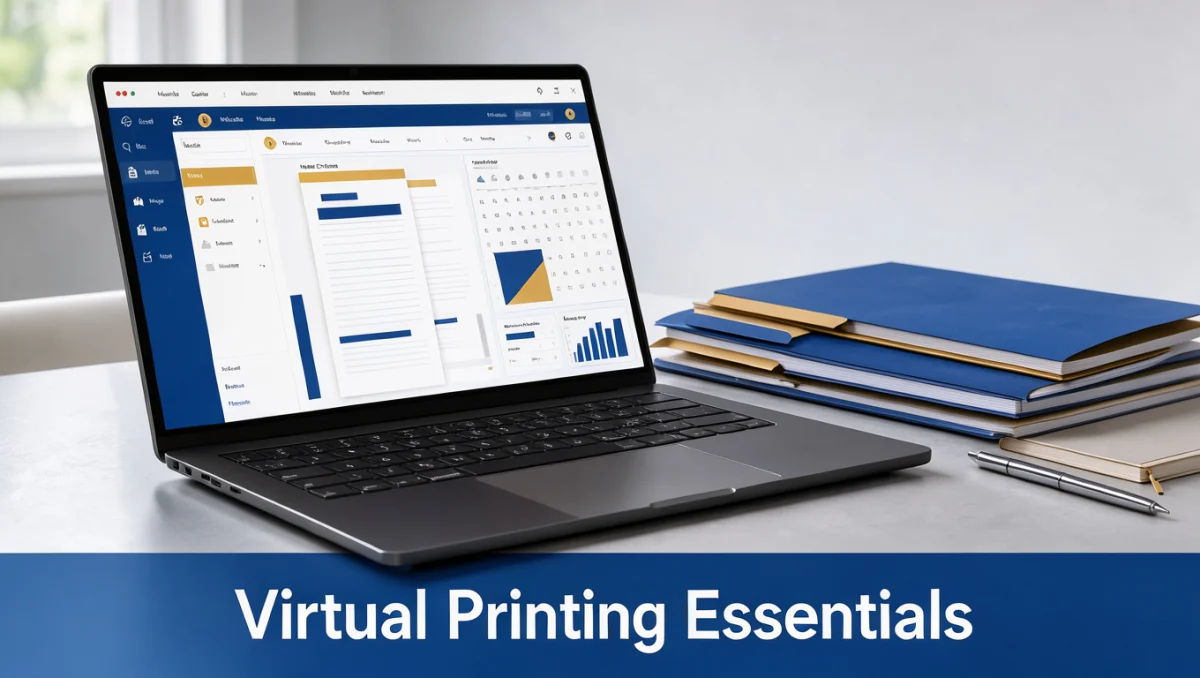
Virtual printer software benefits from a familiar interface that needs little orientation for office workers. Because the driver registers within the operating system's print subsystem, users invoke it with the standard print shortcut in their usual applications. Once the print dialog opens, selecting the virtual driver starts the usual output process.
Administrative setup is somewhat deeper. Configuring corporate deployment profiles, default storage paths, and standard document properties requires familiarity with managing office workstations. For everyday users, however, the learning curve stays low because the action mirrors sending a job to an office printer.
5. Pros and Cons
Every administrative software component offers practical benefits alongside trade-offs. Weighing these helps buyers decide whether an independent virtual print driver is worth adopting.
5.1. Pros
- Consistent page layout reproduction across a wide range of desktop productivity programs.
- A familiar workflow that uses standard system print dialogs.
- Adjustable output resolution and automated file destination handling.
- Standardized document creation that supports enterprise archiving.
5.2. Cons
- Standalone drivers must be distributed separately across company computers.
- Basic export needs can often be met by native tools already included in modern operating systems.
- Advanced document changes require a dedicated editor rather than the print interface alone.
6. Foxit vs Similar Tools
Understanding how Foxit compares with other document vendors helps inform purchasing decisions. Established alternatives include Adobe Acrobat and Nitro PDF, each taking a different approach to digital document processing.
Adobe Acrobat is the traditional benchmark for enterprise document publishing, offering deep prepress controls, specialized typography management, and extensive creative workflow integration. Organizations that prioritize design standardization and complex publishing often lean toward Adobe, though its licensing costs require careful budgeting.
Nitro PDF focuses on streamlined business workflows, digital signing, and team review processes. It targets mid-sized corporate teams that want simple desktop deployment and collaborative review tools. Foxit competes by offering responsive performance, stable virtual print generation, and modular packaging suited to cost-conscious IT departments.
7. Who Should Use Foxit PDF Printer
Virtual print solutions fit specific scenarios across different professions. Whether a tool suits you depends on daily document volume and formatting requirements.
- Office administrative staff: Professionals who regularly produce client summaries, billing statements, and weekly status reports benefit from dependable layout retention across different software platforms.
- Small business owners: Owners managing customer quotes and receipts appreciate a simple print workflow that standardizes transaction records without graphic design software.
- Corporate accounting teams: Finance staff exporting tabular reports from enterprise resource planning systems use virtual printing to create fixed, tamper-resistant snapshots for compliance filing.
- Casual computer users: Individuals who only export documents occasionally are usually better served by the free export tools built into their web browsers and operating systems.
8. How to Choose the Right Plan
Software vendors structure licensing in different ways, from perpetual workstation rights to recurring subscriptions. Organizations should assess how many seats they need before committing to a commercial contract.
| What to check | Why it matters |
|---|---|
| Perpetual vs subscription model | Vendor licensing pages show whether the cost is ongoing or a single upfront purchase. |
| Enterprise deployment rights | Centralized installation tools and silent packaging options affect how much IT labor a rollout requires. |
| Bundled editor functionality | Standalone virtual drivers differ from full editing packages that include page revision tools. |
| Maintenance and upgrade policies | Access to later versions often depends on an active support contract or current subscription. |
9. Frequently Asked Questions
What should buyers evaluate when comparing virtual print software?
Buyers should look at conversion fidelity, how easily the tool can be rolled out, and total licensing cost. Reviewing how well the driver handles complex graphics, embedded fonts, and table borders helps prevent rendering problems after purchase. Always confirm software distribution terms on the official vendor website before deploying to multiple company machines.
How does virtual printing differ from direct file exporting?
Virtual printing uses the operating system's print subsystem to capture output as if it were sending to paper hardware. Direct exporting relies on application-specific code to build the file. Virtual printing offers a uniform conversion method across older applications that lack modern export options.
What affects virtual printer performance on enterprise workstations?
Performance depends on output resolution settings, the complexity of embedded images, and the workstation's hardware. Converting dense, graphic-heavy reports takes more processing power than converting simple text records. Administrators can standardize print profiles to avoid unnecessarily large files on shared network drives.
Should an organization buy standalone drivers or full document suites?
Start by deciding whether staff only need to generate static documents or also need to edit text, rearrange pages, and redact sensitive information. If the need is file creation alone, a dedicated virtual driver keeps overhead low. If interactive editing is required, a full suite is the better fit.
10. Final Verdict
Top App Review Sites research emphasizes choosing productivity tools that remove administrative friction without inflating operating budgets. Foxit's virtual printing tools deliver dependable, high-fidelity document generation for teams handling a variety of business file formats.
| Criterion | Score /10 | Reason |
|---|---|---|
| Features | 8.4 | Reliable conversion engine with adjustable output resolution and automated destination routing. |
| Ease of Use | 8.6 | Familiar print interface needs little onboarding for general office staff. |
| Pricing and Value | 7.8 | Competitive packaging, but current seat requirements should be checked on the official vendor site. |
| Integrations | 7.2 | Works across standard desktop productivity applications through native operating system print frameworks. |
| Audience Fit | 8.5 | Well matched to administrative staff, finance operators, and operations teams handling routine records. |
| Support | 7.5 | The vendor maintains a comprehensive online knowledge base; direct corporate support options should be verified online. |
| Competitive Position | 8.0 | A strong alternative to traditional enterprise publishers such as Adobe and Nitro. |
Overall Top App Review Sites score: 8.0 / 10
For teams that need reliable desktop document creation, Foxit's virtual printing tools offer a dependable bridge between legacy business applications and standardized modern archives. If your department needs customized corporate deployment packages, review the current configuration options on the official Foxit website before buying. Have questions about choosing software? Contact us at https://topappreviewsites.com/contact/ or follow our industry updates on LinkedIn at https://www.linkedin.com/company/topappreviewsites/.