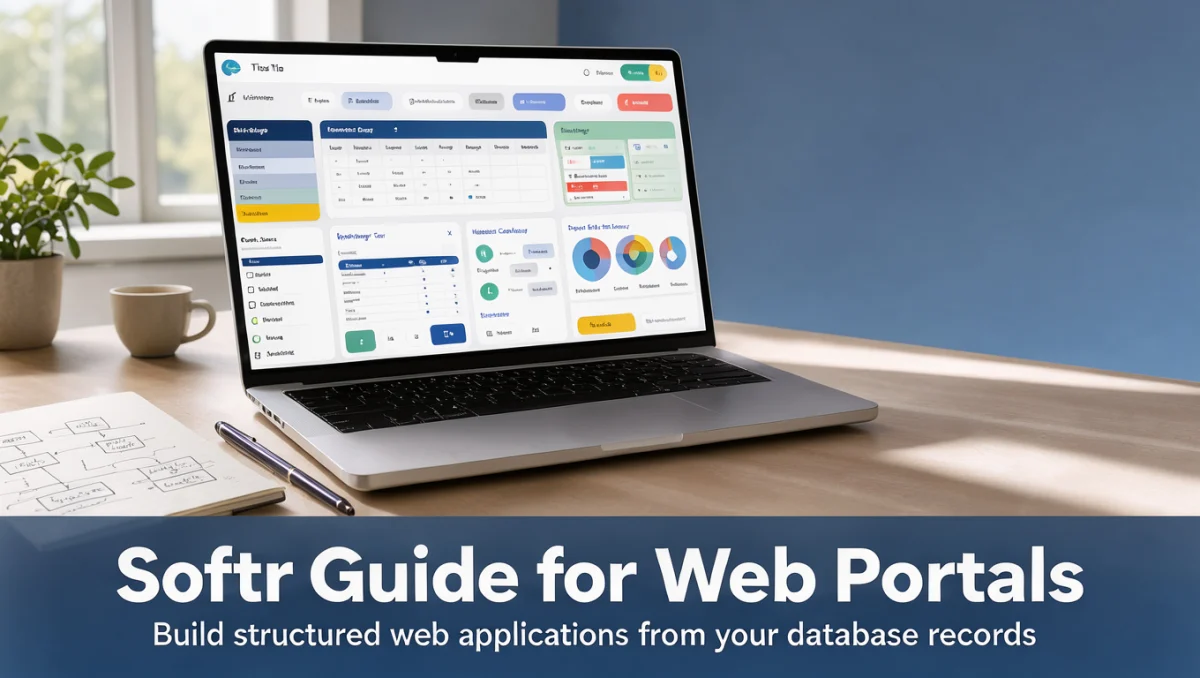
Softr guide workflows help teams turn structured spreadsheets and relational tables into web portals, internal dashboards, and client directories without writing code. Our step-by-step walkthrough covers planning your database schema, arranging page layouts, and controlling record visibility for each user group.
Software in the Collaboration & Productivity space is judged by how well it links team data to customer-facing interfaces. In this review, we break down deployment phases and buying considerations for evaluating no-code web application builders in 2026.
Quick verdict: Softr receives a topappreviewsites score of 7.9/10 as an approachable builder for turning spreadsheet data into client portals and staff directories. It is a strong fit for teams that want quick interfaces on top of structured tables, but less suited to companies that need heavy custom backend logic.
| Evaluation Factor | topappreviewsites Assessment |
|---|---|
| topappreviewsites score | 7.9/10 |
| Best for | Teams building member portals, client dashboards, and internal directories from structured records |
| Not ideal for | Developers seeking unconstrained server scripts, deep custom backend hosting, or complex offline computing |
| Key strengths | Rapid interface assembly, visual block design, role-based visibility control |
| What to check before buying | Confirm data sync frequency, record thresholds, and custom domain options on official plan listings |
1. How topappreviewsites Reviewed Softr
We assessed what Softr is designed to do, which audiences it serves, and how it stacks up against comparable products, scoring it across seven criteria: features, ease of use, pricing and value, integrations, audience fit, support, and competitive position. Plans, prices, and limits shift frequently, so confirm current details on the vendor's official website before purchasing. This article was researched and drafted with AI assistance, then reviewed and edited by the topappreviewsites Editorial Team.
2. Before You Start Your Softr Project
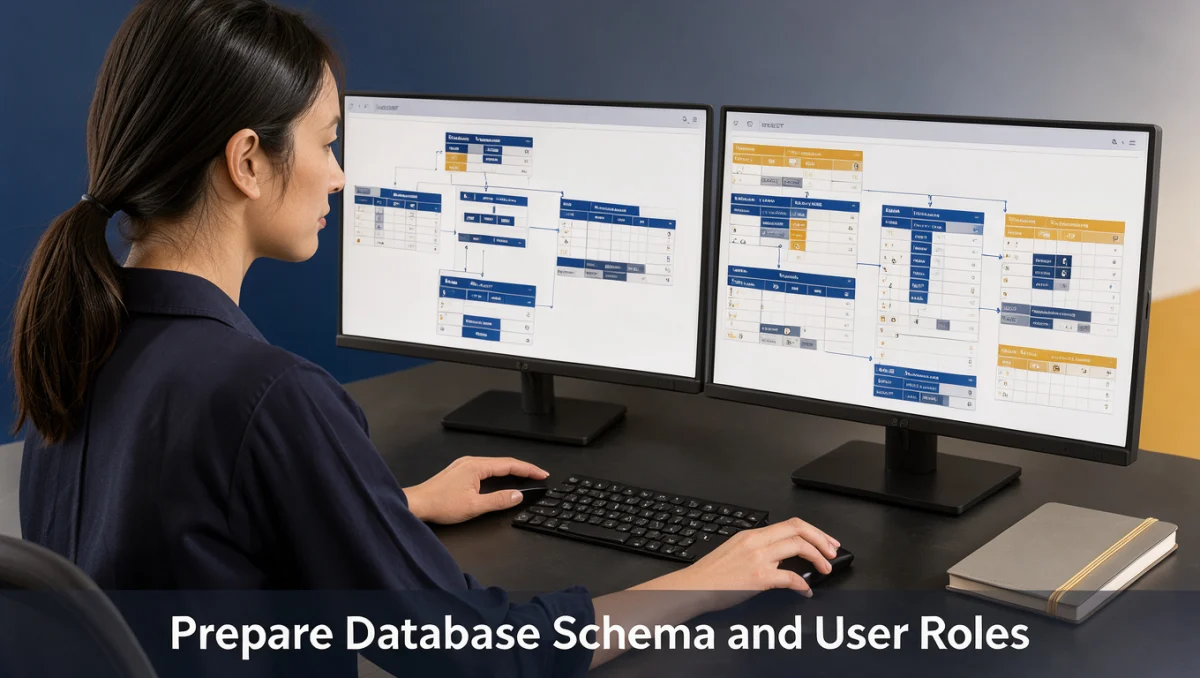
Careful preparation prevents days of rework once pages and permissions are in place. No-code interface builders connect straight to existing databases, so the quality of your front end depends heavily on the health of your underlying data.
Define Data Sources and Field Formats
Before creating any page, tidy your database tables. Make sure each table has a clear primary identifier, consistent naming, and correct field types such as single-select options, attachment links, and linked relationship records. Ambiguous columns or inconsistent formats cause display problems when mapping fields to cards or lists.
Map User Roles and Permissions
Decide who will view, edit, or submit information in your application. Sort your audience into distinct groups, such as internal staff, external clients, and administrative managers. Setting these boundaries early means you build data views that keep sensitive operational fields away from external portal users.
3. Getting Started Workflow for Softr
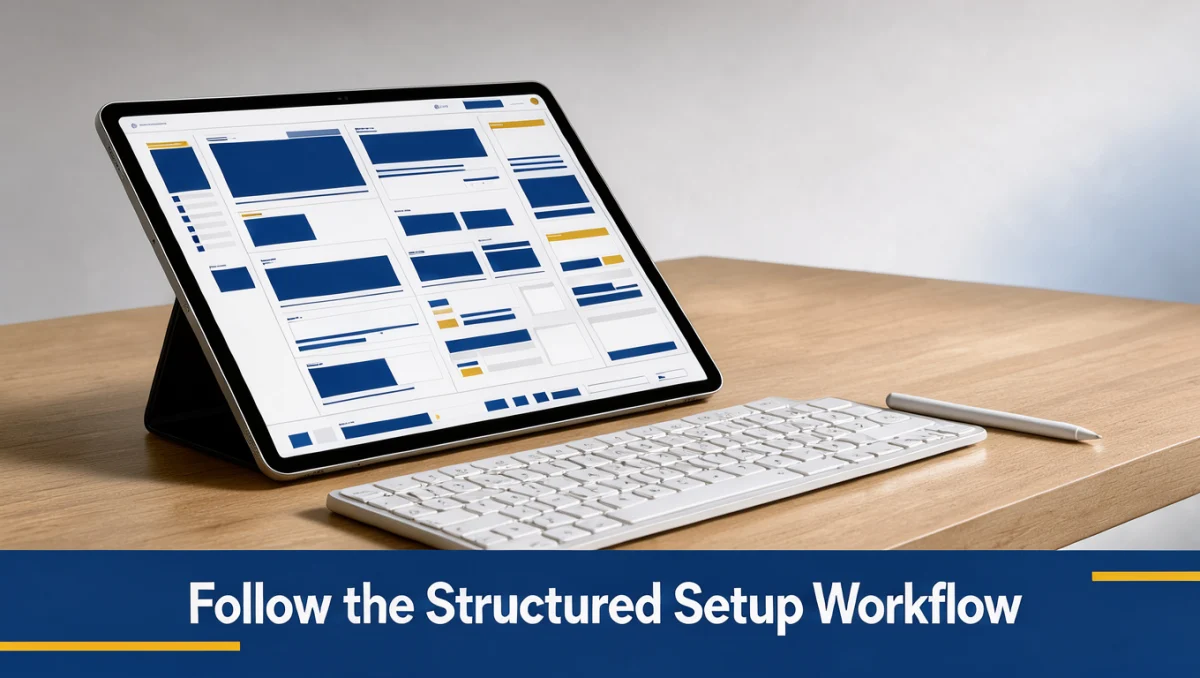
Building an application follows a predictable path from data connection to production launch. A structured sequence helps you avoid common misconfigurations.
Step 1: Connect Your Data Source
Start by authenticating your data source through the settings panel. Grant read and write access only to the tables your application needs. Keeping internal tables separate from publicly referenced ones protects business assets and simplifies block setup.
Step 2: Choose Layout Templates or Start Fresh
Decide whether to begin with prebuilt directory, portal, or dashboard templates, or build from a blank layout. Prebuilt layouts offer ready block combinations for standard user experiences, while blank canvases give full control over spacing, header placement, and section hierarchy.
Step 3: Assemble Pages Using Visual Blocks
Add visual blocks for listing items, detailing individual records, embedding forms, and showing administrative summaries. Each block maps directly to your connected database fields, pulling live content into cards, tables, calendars, or text areas without manual updates.
Step 4: Set Up Authentication and Page Rules
Configure signup and login methods to control access. Apply visibility rules to individual pages and blocks so external clients see only their own projects, while internal team members reach management features and financial overviews.
Step 5: Test Interactions and Publish
Audit user flows by viewing the site with simulated user credentials. Confirm that forms write clean records back to your database, detail views show the right attributes, and restricted pages stay out of reach for unauthorized accounts before you publish to your domain.
4. Best Practices for Softr Application Building
Proven conventions keep applications responsive, tidy, and easy to maintain as your business grows.
- Keep page layouts clean: Avoid stacking too many lists on one page, since dense data blocks add visual clutter and slow interaction.
- Filter data at the block level: Apply conditional display filters to each block so users load only the records relevant to their profile or project.
- Standardize form submissions: Offer explicit dropdown options in intake forms instead of open text fields to keep incoming data uniform.
- Maintain clean database permissions: Restrict write access on sensitive fields directly within the source database wherever possible.
- Review mobile previews regularly: Check that multi-column layouts stack properly on small screens during editing.
5. Common Mistakes to Avoid in Softr
Many first-time builders run into avoidable bottlenecks by rushing into interface design before setting sound operational rules.
Skipping User Journey Planning
Jumping into layout assembly without sketching navigation paths leads to confusing experiences. Outline where users land after logging in, how they find project details, and how they return to home dashboards before linking pages together.
Exposing Sensitive Internal Fields
Failing to verify visibility rules across listing and detail blocks can accidentally reveal internal margins, notes, or customer contact details to outside collaborators. Always audit hidden fields on every block that connects to shared tables.
Overcomplicating Initial Releases
Trying to launch a large portal with dozens of subpages often delays deployment. Start by solving one distinct communication or data-sharing problem, gather user feedback, and expand incrementally.
6. Who Should Use Softr
Judging whether this platform matches your organization prevents wasted implementation cycles.
Small Business Owners and Agencies
Agencies and client service firms benefit from branded client portals where customers view deliverables, submit design requests, and check milestone updates without exchanging repeated status emails.
Internal Operations Teams
Operations staff replacing internal tracking spreadsheets with cleaner dashboards can deploy team directories, inventory trackers, and asset assignment portals without waiting for dedicated IT engineering resources.
Freelancers and Solopreneurs
Independent professionals who need simple resource libraries, gated member directories, or automated client intake portals can launch functional sites quickly while keeping workflows consolidated in familiar spreadsheet tools.
Teams Needing Unconstrained Backend Engineering
Organizations requiring complex server-side routines, offline access, or custom microservice hosting should evaluate dedicated full-stack development frameworks rather than no-code interface generators.
7. Frequently Asked Questions
How should teams prepare database structures before building portals?
Teams should ensure every table has an explicit unique identifier, clear record relationships, and consistent field data types. Cleaning up inconsistent records and removing unnecessary test entries before connecting your interface tool eliminates field-mapping confusion during layout assembly.
What factors influence the total budget when deploying no-code portals?
Total spend on no-code portal projects generally depends on custom domain needs, required member account capacity, underlying database subscription fees, and third-party automation tools. Buyers should review current pricing pages to compare how user seats and external record counts affect monthly costs.
How can builders verify that external clients only view their own records?
Builders achieve secure data separation by applying logged-in user filters to dynamic blocks. Filters based on email matching or client account tags ensure records display only when the logged-in user matches the ownership field in your central database tables.
When is a dedicated custom codebase preferable to a visual portal builder?
Custom development becomes advisable when applications require proprietary calculation algorithms, offline mobile functionality, specialized database structures, or compliance controls beyond standard modular web builder capabilities. For standard business directories and member portals, visual builders offer faster deployment.
Should companies test permissions with dummy accounts prior to launch?
Testing with dummy profiles representing each permission tier is an essential verification step. This confirms that restricted pages, confidential records, and management forms stay inaccessible to standard portal users before live client records are introduced.
8. Final Verdict
Softr is a dependable, user-friendly tool for turning spreadsheet data and relational tables into clear web portals, internal dashboards, and community directories. Its visual block system lets non-technical professionals deploy operational interfaces quickly without deep web programming knowledge.
| Criterion | Score /10 | Reason |
|---|---|---|
| Features | 7.5 | Offers structured blocks for listings, user profiles, and data entry forms. |
| Ease of Use | 9.0 | Visual layout editor and straightforward field mapping minimize technical onboarding. |
| Pricing and Value | 7.5 | Tier structures vary by custom domains and seat access, requiring confirmation on official pages. |
| Integrations | 8.0 | Connects cleanly to core spreadsheet and relational database systems for live data sync. |
| Audience Fit | 8.5 | Well matched for non-technical managers, agencies, and small service businesses. |
| Support | 7.0 | Documentation and standard assistance channels provide general guidance for self-serve setup. |
| Competitive Position | 8.0 | Provides an approachable balance between quick block assembly and structured data presentation. |
topappreviewsites score: 7.9/10. Organizations seeking fast turnaround on client dashboards and internal tools will benefit from this streamlined approach. Compare current tiers and feature inclusions on the official Softr website before finalizing your deployment plans. Learn more about our software evaluation standards at Top App Review Sites.
Have questions about choosing the right web application builder for your team? Send your operational questions to our team via https://topappreviewsites.com/contact/ or join our professional network on LinkedIn at https://www.linkedin.com/company/topappreviewsites/.